
ModsJava
BeetrootStudyRoom
I don't know my version or loader
Open the Minecraft launcher and look at the profile you play on — it names both, like fabric-loader-1.21.4. The version also shows in the bottom-right corner of the game's main menu.
No loader in the profile name? Then it's plain Minecraft, and these mods won't run — you need Fabric or NeoForge installed first.
Tomato Study Room Plugin
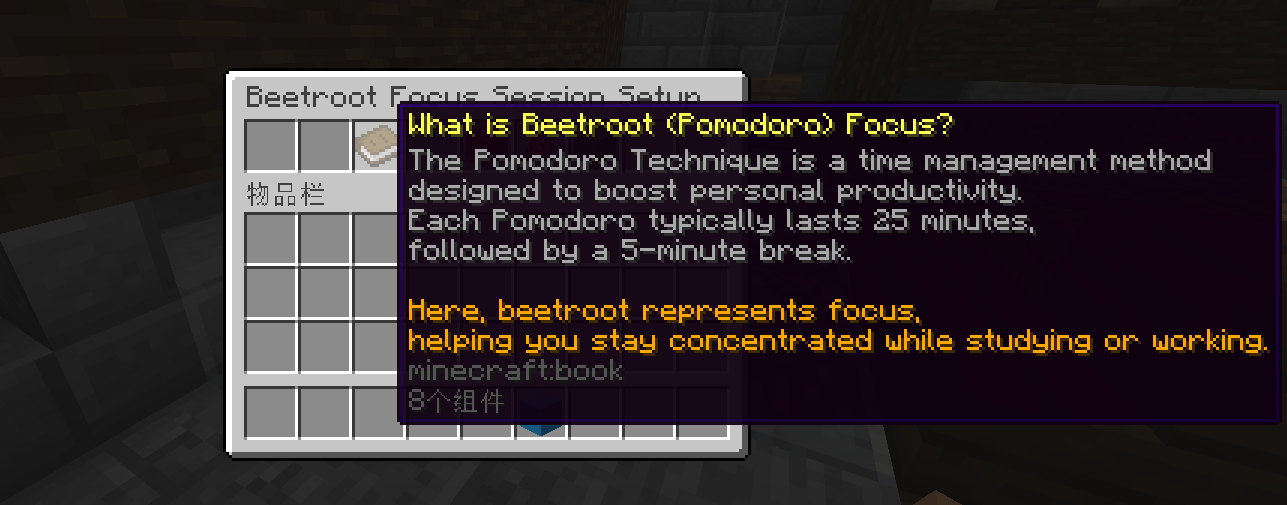
The Tomato Study Room plugin brings the widely popular Pomodoro Technique to your Minecraft server, helping players stay focused and productive during their study sessions. This plugin integrates time management tools directly into the game, allowing users to track study intervals and breaks with ease.
Features
Customizable Focus Timers:
- Players can set their study timers (Pomodoros) using a simple and interactive menu.
- By default, each study session lasts 25 minutes, followed by a 5-minute break.
- You can customize the number of Pomodoros (study intervals) you wish to complete in a session.
Intuitive Menu System:
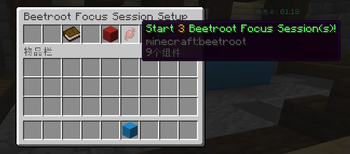
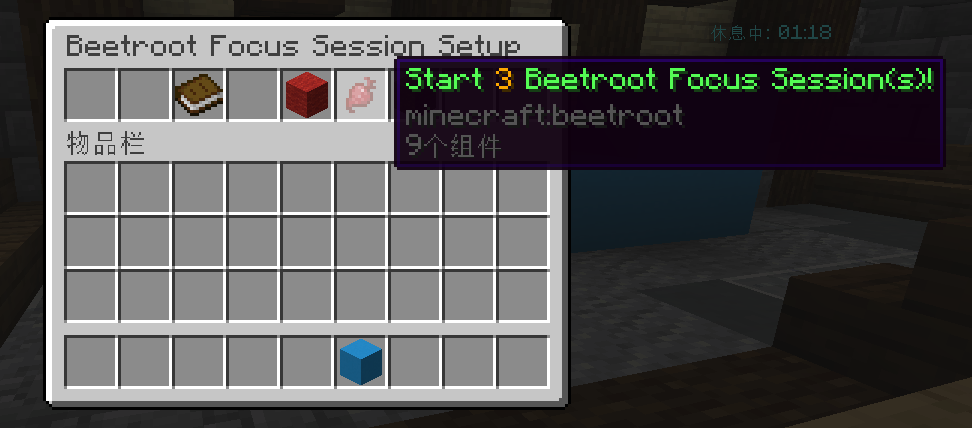
- Access an easy-to-use menu to adjust the number of study intervals.
- The menu allows players to:
- Increase or decrease the number of Pomodoros.
- Start the session with the customized number of Pomodoros.
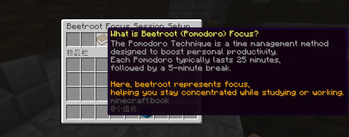
- Learn about the Pomodoro Technique with an informative menu item.
Real-Time Notifications:
- Get live updates on your session through:
- ActionBar messages displaying remaining time for study and break intervals.
- Titles at the end of each interval to remind you to start a break or a new study cycle.
- Get live updates on your session through:
Focus Session Alerts:
- Alerts will notify you if you accidentally move during a study session, ending the current focus interval.
Session Completion:
- At the end of all the Pomodoros, the plugin congratulates you with a clear message that your study session is complete.
Visual Feedback with Holograms:
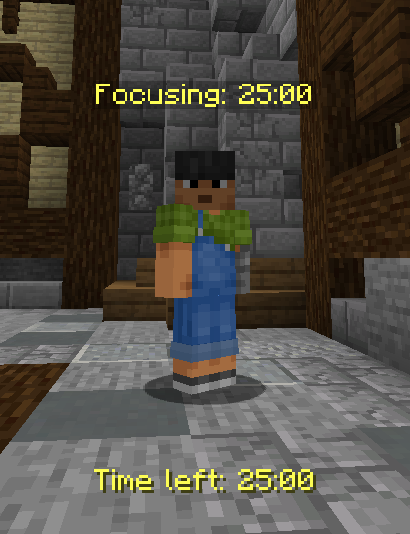
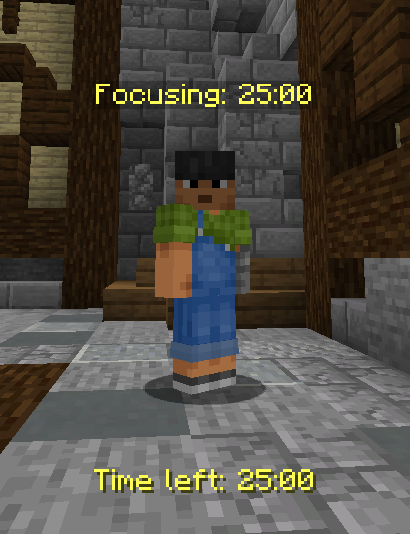
- While studying, holograms above the player's head display the remaining time for the current study or break interval.
Commands
/selfstudy: Opens the Tomato Study Room menu where players can customize and start their focus sessions.
How It Works
- Players enter
/selfstudyto open the Tomato Study Room menu. - From the menu, they can increase or decrease the number of study intervals (Pomodoros) they wish to complete.
- Once the settings are chosen, the player starts the session and begins the first 25-minute focus period.
- After each study period, a 5-minute break is automatically triggered.
- The plugin tracks progress, informs players of their remaining time, and announces when it's time to start the next study period or take a break.
- At the end of all intervals, players receive a message that their session is complete.
Give your players the tools to stay productive and focused with Tomato Study Room!
Quick facts
- Edition: Minecraft Java
- File type: .jar
- Minecraft versions listed: 1.16.4, 1.16.5, 1.17
- How to install: Install the matching mod loader (Forge, Fabric or NeoForge) for your Minecraft version. → Download the .jar. → Put it in the .minecraft/mods folder and launch that loader profile.
- Where to get it: Opens on Modrinth — not every file is mirrored on our own servers.
Install steps are the general flow for this file type — How to install Minecraft Java mods & modpacks walks through it step by step.
Verified by MCModsHub
- Ships as StudyRoom-1.3.jar — drop this file into the mods folder
- Download size: 46 KB
- Download link checked 7 Sept 2026 — working
These come from our own check of the pack file, not from the source page.