
Edit items with non-vanilla behavior:
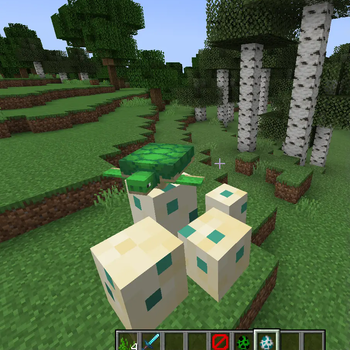
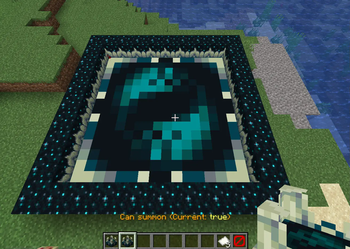
- /displayeditor (/de) which allows to interact with display entities. Display entities are lightweight entities which may have the appearence of a Block, an Item or an Hologram, display entities can be manipulated to your needs in a way you didn't even dream before!
Features:
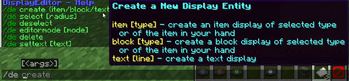
- Create Display Block/Item/Text
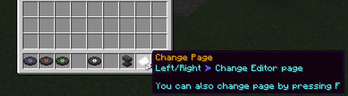
- Editor mode to manipulate Display entities
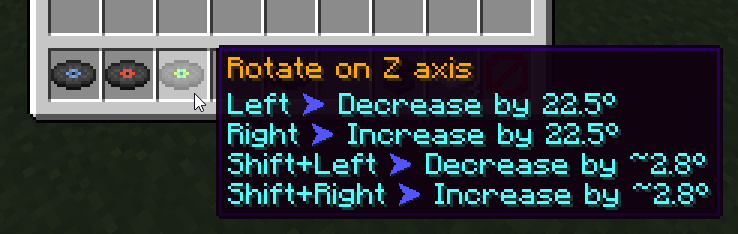
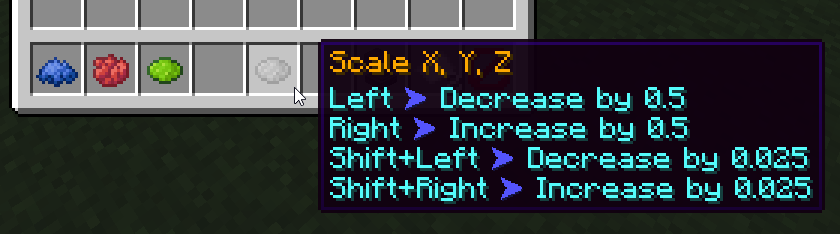
- Ability to rotate, scale and move Display entities
- Ability to copy and paste entities
- Doesn't use/require texture packs
- Much more....
Each command provide an user friendly experience:
- tabcomplete for fast and intuitive use
- display details while hovering on help messages
- suggest the command when clicking on help messages
This plugin Require:
- Spigot 1.19.4 or Newer (Any fork of spigot should work fine)
Quick facts
- Edition: Minecraft Java
- File type: .jar
- Minecraft versions listed: 1.19.4, 1.20, 1.20.1
- How to install: Install the matching mod loader (Forge, Fabric or NeoForge) for your Minecraft version. → Download the .jar. → Put it in the .minecraft/mods folder and launch that loader profile.
- Where to get it: Opens on Modrinth — not every file is mirrored on our own servers.
Install steps are the general flow for this file type — How to install Minecraft Java mods & modpacks walks through it step by step.
Verified by MCModsHub
- Ships as DisplayEditor-2.3.2.jar — drop this file into the mods folder
- Download size: 154 KB
- Download link checked 7 Sept 2026 — working
These come from our own check of the pack file, not from the source page.