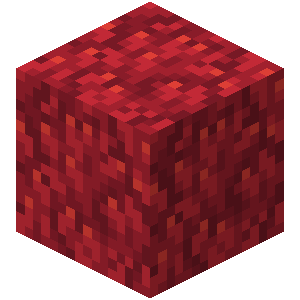
Keep your coral blocks and fans alive with this simple Minecraft plugin! Compatible with versions 1.17 to 1.19.X, it utilizes the randomTickSpeed gamerule to prevent coral from fading or dying. Never worry about losing your beautiful underwater decor again!
No, but for real: This plugin checks if the randomTickSpeed gamerule is set to 0 in the world. If it is, the plugin will prevent coral blocks and fans from fading.
Quick facts
- Edition: Minecraft Java
- File type: .jar
- Minecraft versions listed: 1.17, 1.17.1, 1.18
- How to install: Install the matching mod loader (Forge, Fabric or NeoForge) for your Minecraft version. → Download the .jar. → Put it in the .minecraft/mods folder and launch that loader profile.
- Where to get it: Opens on Modrinth — not every file is mirrored on our own servers.
Install steps are the general flow for this file type — How to install Minecraft Java mods & modpacks walks through it step by step.
Verified by MCModsHub
- Ships as NoCoralDeath-1.0.0.jar — drop this file into the mods folder
- Download size: 2 KB
- Download link checked 7 Sept 2026 — working
These come from our own check of the pack file, not from the source page.