
Backend-Redirect
Java mod listed for Minecraft 1.20–26.x. Downloads from the MC Java Mods app on Android.
Why should backend servers be limited to a network? This plugin enables you to transfer your player to another seperate server depending what backend…
⬇ Download on ModrinthBackend-Redirect
This plugin allows you to redirect a player to another seperate server depending on backend server. This allows you to redirect players to a partner network as an example (Meaning that you can link multiple Velocity networks together). You can also just send your players to your best friend's server😁. Not associated with PurpurMC

The config is in
plugins/backendredirect/config.yml
# Config for velocity backend redirect
#
# The target server must be reachable from outside the proxy and should optionally be on online-mode
# "server_name": "host:port"
# /server <server_name> -> Redirects the player to the target server
# Compatible with BungeeCord Plugin Messaging Channel

servers:
  - "yourfriendsserver": "example.com:25566"
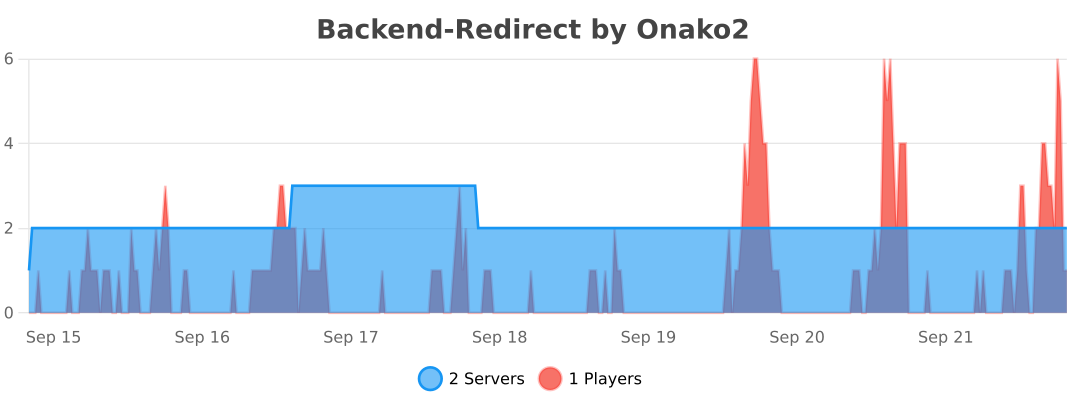 This plugin uses bStats for metrics, it can be disabled by editing the config in the bStats folder
- Edition: Minecraft Java
- File type: .jar
- Minecraft versions listed: 1.20.5, 1.20.6, 1.21
- How to install: Install the matching mod loader (Forge, Fabric or NeoForge) for your Minecraft version. → Download the .jar. → Put it in the .minecraft/mods folder and launch that loader profile.
- Where to get it: Opens on Modrinth — not every file is mirrored on our own servers.
Install steps are the general flow for this file type — How to install Minecraft Java mods & modpacks walks through it step by step.
- Ships as backendredirect-1.0.jar — drop this file into the mods folder
- Download size: 34 KB
- Download link checked 19 Oct 2026 — working
These come from our own check of the pack file, not from the source page.