
MySQL Whitelist Velocity
This is a Velocity plugin for managing a Minecraft whitelist using MySQL as the backend storage.
Installation
- Download the latest release from the modrinth or github releases page.
- Place the JAR file in the
pluginsdirectory of your Velocity proxy. - Start the proxy.
Configuration
The plugin uses a configuration file (config.properties) located in the plugins/mysqlwhitelistvelocity directory.
Default Configuration
# Whitelist Status
enabled: false

# MySQL settings
host: localhost
user: root
password: example
database: minecraft
port: 3306
table: mysql_whitelist

# Kick message
message: Sorry, you are not in the whitelist.
Configuration Options
enabled: Set totrueto enable the whitelist.host,user,password,database,port,table: MySQL database connection details.message: Kick message displayed to players not in the whitelist.
Commands
/mywl add <player>: Add a player to the whitelist./mywl del <player>: Remove a player from the whitelist.
Permissions
mysqlwhitelist: Required to use whitelist management commands.
Usage
- Configure the MySQL connection details in the
config.propertiesfile. - Start the proxy.
- Use the
/mywlcommand to manage the whitelist.
Issues and Contributions
If you encounter any issues or have suggestions for improvement, please open an issue or submit a pull request on the GitHub repository.
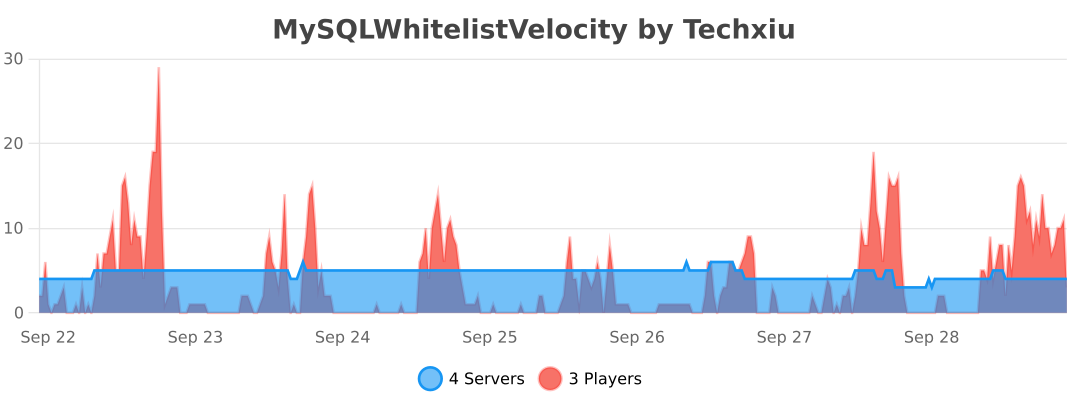
bStats
Quick facts
- Edition: Minecraft Java
- File type: .jar
- Minecraft versions listed: 1.7.2, 1.7.3, 1.7.4
- How to install: Install the matching mod loader (Forge, Fabric or NeoForge) for your Minecraft version. → Download the .jar. → Put it in the .minecraft/mods folder and launch that loader profile.
- Where to get it: Opens on Modrinth — not every file is mirrored on our own servers.
Install steps are the general flow for this file type — How to install Minecraft Java mods & modpacks walks through it step by step.
Verified by MCModsHub
- Ships as MySQLWhitelistVelocity-1.2.0-all.jar — drop this file into the mods folder
- Download size: 651 KB
- Download link checked 8 Sept 2026 — working
These come from our own check of the pack file, not from the source page.