

Easily build moving, functional structures such as elevators and sliding doors in Minecraft!
Requires PaperMC.
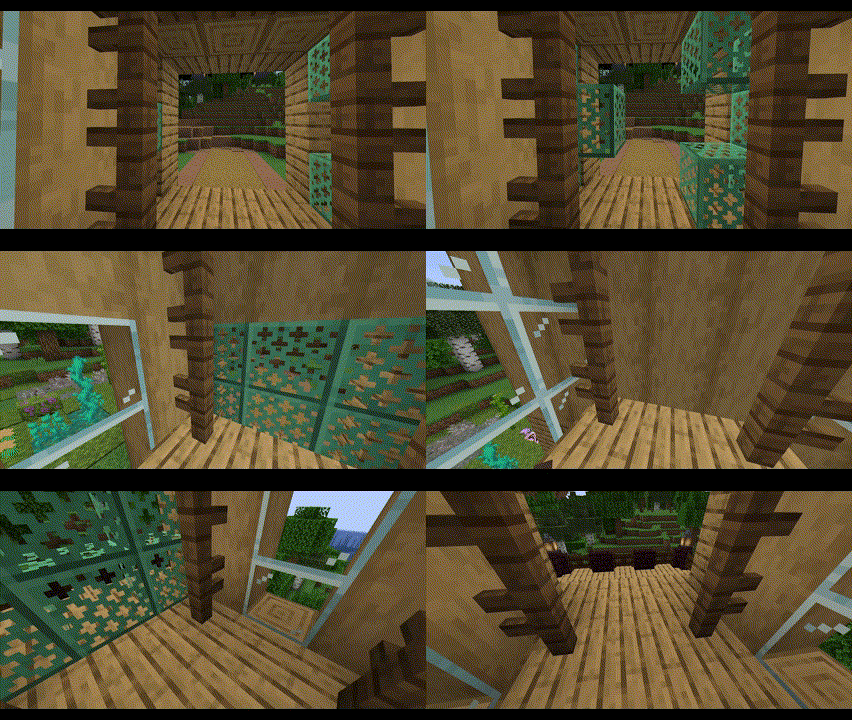
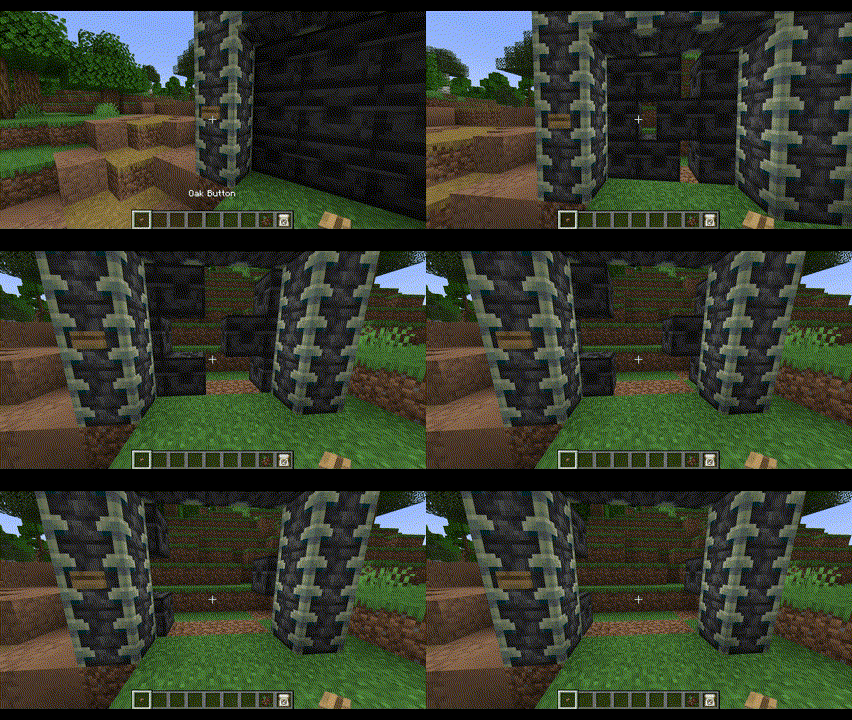
Features
- Smoothly animated elevators and sliding doors
- No resource packs or mods necessary!
- Elevators can lift several players and mobs
- Elevators support up to 2 auto-detected floors
- Elevators can be started by simply walking inside them
- Elevators can be called by any nearby buttons, levers, etc
- Doors can be opened/closed by any nearby buttons, levers, etc
- Two adjacent doors become double doors that move simultaneously
- Doors and elevators near each other can be auto-connected
- Easily setup doors and elevators using a familiar selection tool system
Get Started
- Download the plugin into your
pluginsfolder - Start your server
- Use the
/estructurescommand to create and manage your structures
Commands and Permissions
All commands can also use the alias /estruct.
/estructures door- Setup a moving door.
- Permission:
elvenidestructures.commands.door
/estructures door delete- Delete an existing door.
- Permission:
elvenidestructures.commands.door.delete
/estructures elevator create- Setup a moving elevator.
- Permission:
elvenidestructures.commands.elevator.create
/estructures elevator run- Run an existing elevator, ignoring cooldowns.
- Permission:
elvenidestructures.commands.elevator.run
/estructures elevator delete- Delete an existing elevator.
- Permission:
elvenidestructures.commands.elevator.delete
/estructures reload- Reload the configs for the world you are currently in.
- Permission:
elvenidestructures.commands.reload
Configuration
Once you setup a structure (elevators/doors), an elvenide_structures folder will appear within the world you created the structure in. Inside that folder, there is a thoroughly documented config.yml file that will allow you to configure a couple of useful properties.
Quick facts
- Edition: Minecraft Java
- File type: .jar
- Minecraft versions listed: 1.21.4, 1.21.5, 1.21.6
- How to install: Install the matching mod loader (Forge, Fabric or NeoForge) for your Minecraft version. → Download the .jar. → Put it in the .minecraft/mods folder and launch that loader profile.
- Where to get it: Opens on Modrinth — not every file is mirrored on our own servers.
Install steps are the general flow for this file type — How to install Minecraft Java mods & modpacks walks through it step by step.
Verified by MCModsHub
- Ships as ElvenideStructures-0.0.1.jar — drop this file into the mods folder
- Download size: 168 KB
- Download link checked 8 Sept 2026 — working
These come from our own check of the pack file, not from the source page.