
KeepChoice
Java mod listed for Minecraft 1.18–1.21. Downloads from the MC Java Mods app on Android.
I don't know my version or loader
KeepChoice
KeepChoice is a modern plugin that allows the players to choose whether they keep their inventory or not. This plugin works on all Minecraft versions 1.16 and newer (including 1.21+).
To set up, just paste it into your plugins folder.
NOTE: This plugin operates independently from Minecraft's KeepInventory setting! Features
- Allows per-world configuration
- Let players choose keep-inventory status
- Allows default status configuration
- Toggle your status with just one command
For Players:
Toggle your keepinventory status with one command: /keepinventory
Setting Up This Plugin
This next section will cover some common setup scenarios:
What happens by default?
If you make no changes to the default configuration, this will happen:
- All players will lose their inventory on all worlds, regardless of the KeepInventory Gamerule.
- However, the player can choose to keep their inventory with the /ki command.
- You should probably read this documentation to see how you can configure this plugin to suit your needs, unless you want this to happen.
Keep Inventory on All Worlds
To set keep inventory on all worlds (giving the player a choice), run:
- /ki setdefaultkion #default yes
To not give the player a choice whether they keep their inventory, run:
- /ki setrunson #all no
- /gamerule keepInventory true
Note that this method effectively disables the plugin.
Run on a few worlds only
For example, let's say I have two worlds: pvp and survival. I want the player to always keep inventory on pvp, but have a choice on survival (but default to no). We would run the following:
- /ki setrunson #all no (shut off plugin)
- /gamerule keepInventory true (run this on pvp)
- /ki setrunson survival yes (allow to run on survival)
- /ki setdefaultkion survival no (set default to no on survival.)
For additional documentation, visit https://github.com/Enderbyte-Programs/KeepChoice/blob/main/README.md
Gallery
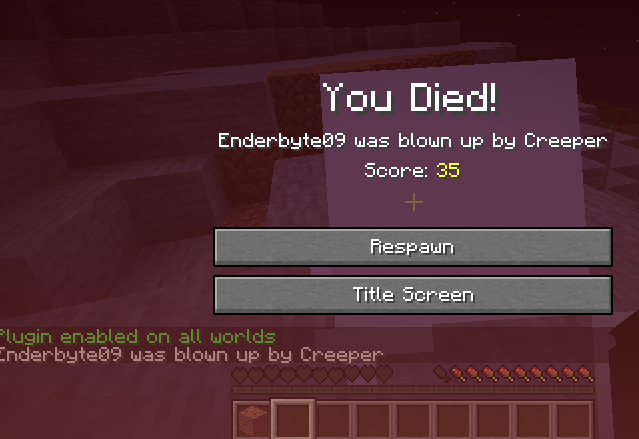
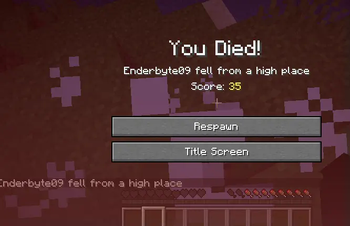
I kept my items!
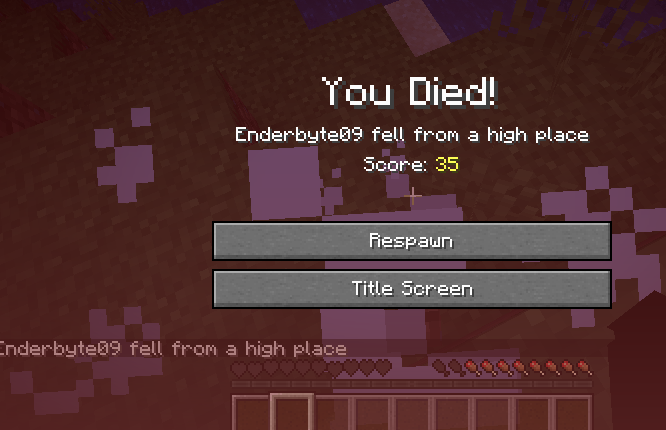
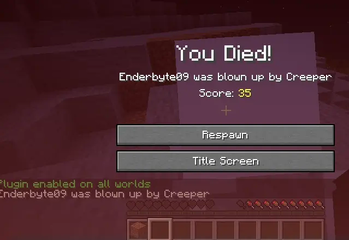
Now I didn't because I ran /keepinventory to toggle it
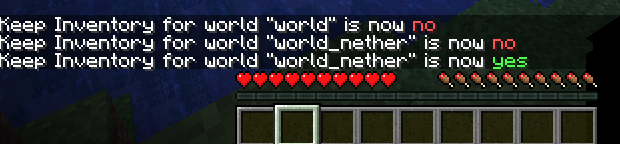
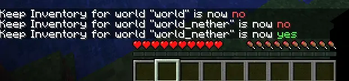
I can change my status on any world where the plugin is enabled, whether or not I actually go there!
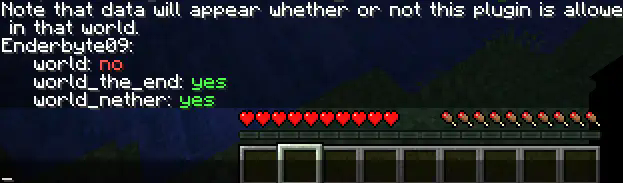
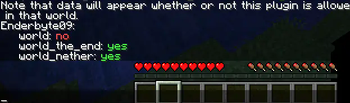
For Admins: Spy on the userbase's status.
- Edition: Minecraft Java
- File type: .jar
- Minecraft versions listed: 1.18, 1.18.1, 1.18.2
- How to install: Install the matching mod loader (Forge, Fabric or NeoForge) for your Minecraft version. → Download the .jar. → Put it in the .minecraft/mods folder and launch that loader profile.
- Where to get it: Opens on Modrinth — not every file is mirrored on our own servers.
Install steps are the general flow for this file type — How to install Minecraft Java mods & modpacks walks through it step by step.
- Ships as KeepChoice-1.1.jar — drop this file into the mods folder
- Download size: 50 KB
- Download link checked 19 Oct 2026 — working
These come from our own check of the pack file, not from the source page.