

DuraBlock - Custom Block Durability Plugin
DuraBlock is a Minecraft plugin, inspired by the Metin Stones from Metin2, that allows server owners to create custom blocks with configurable durabilities. Players can race to break these blocks and earn rewards!
🌟 Features
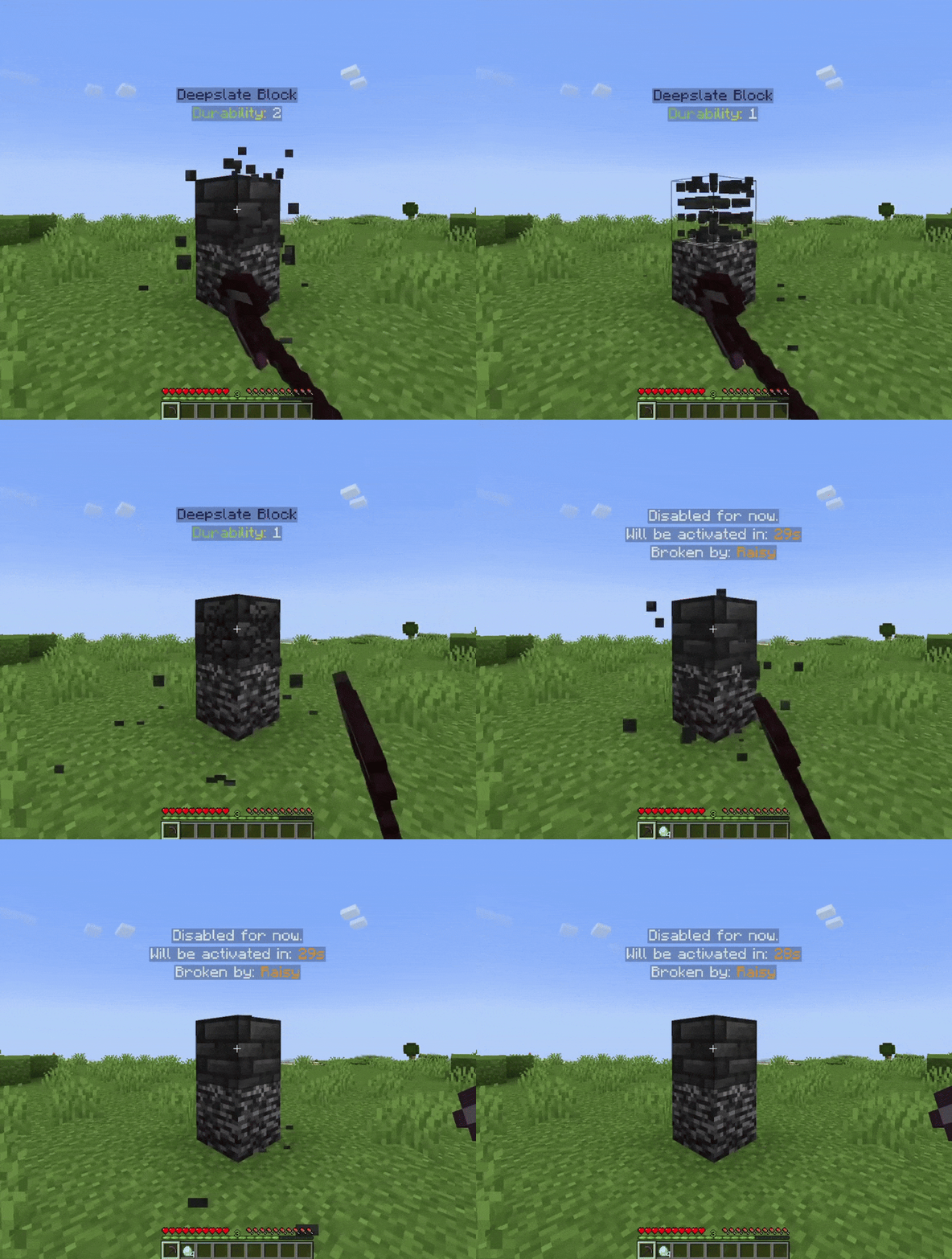
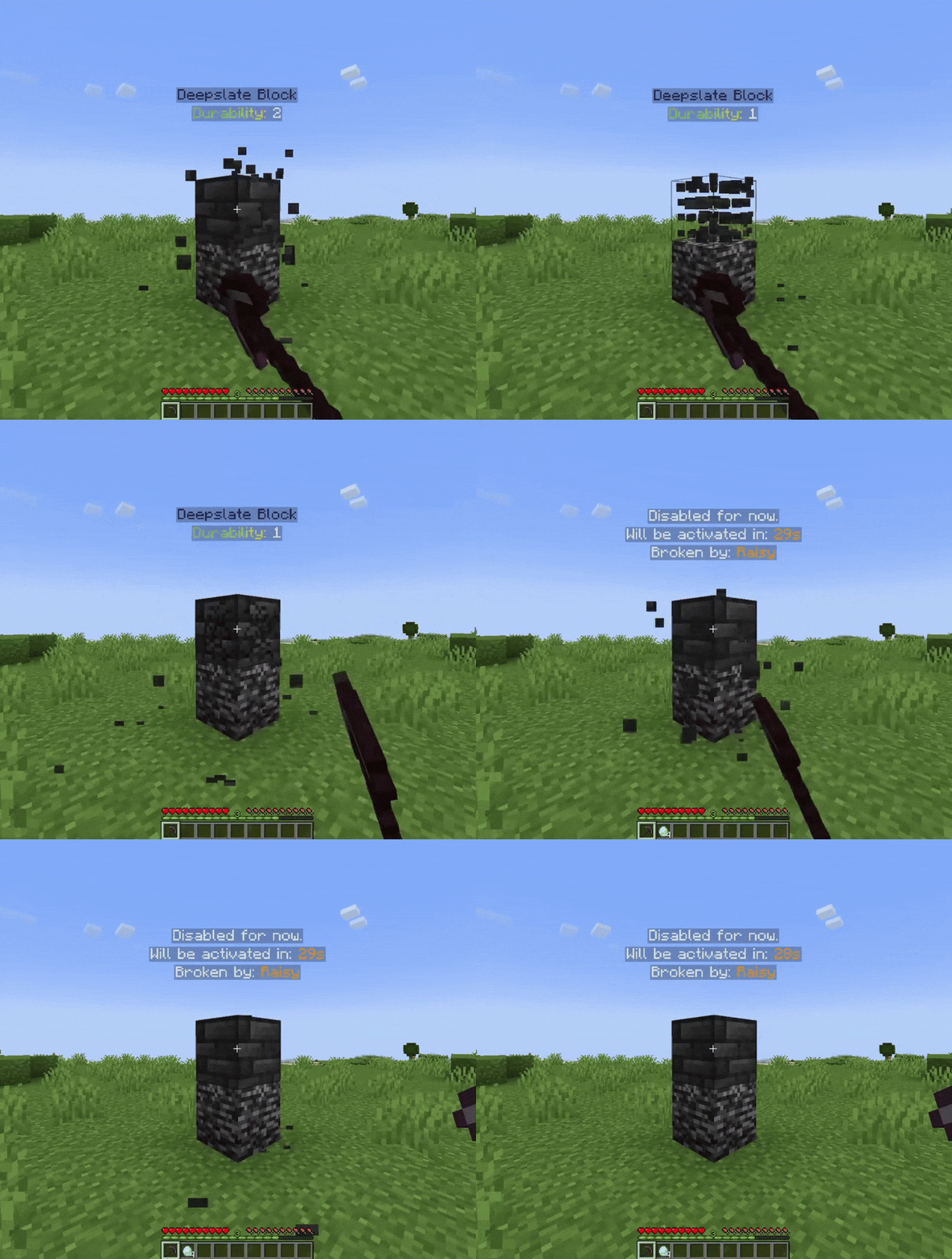
- Custom Blocks with Durability: Set how many times a block needs to be hit before breaking.
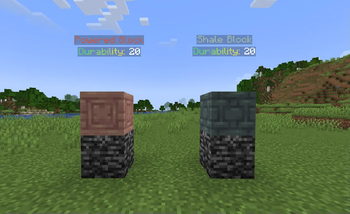
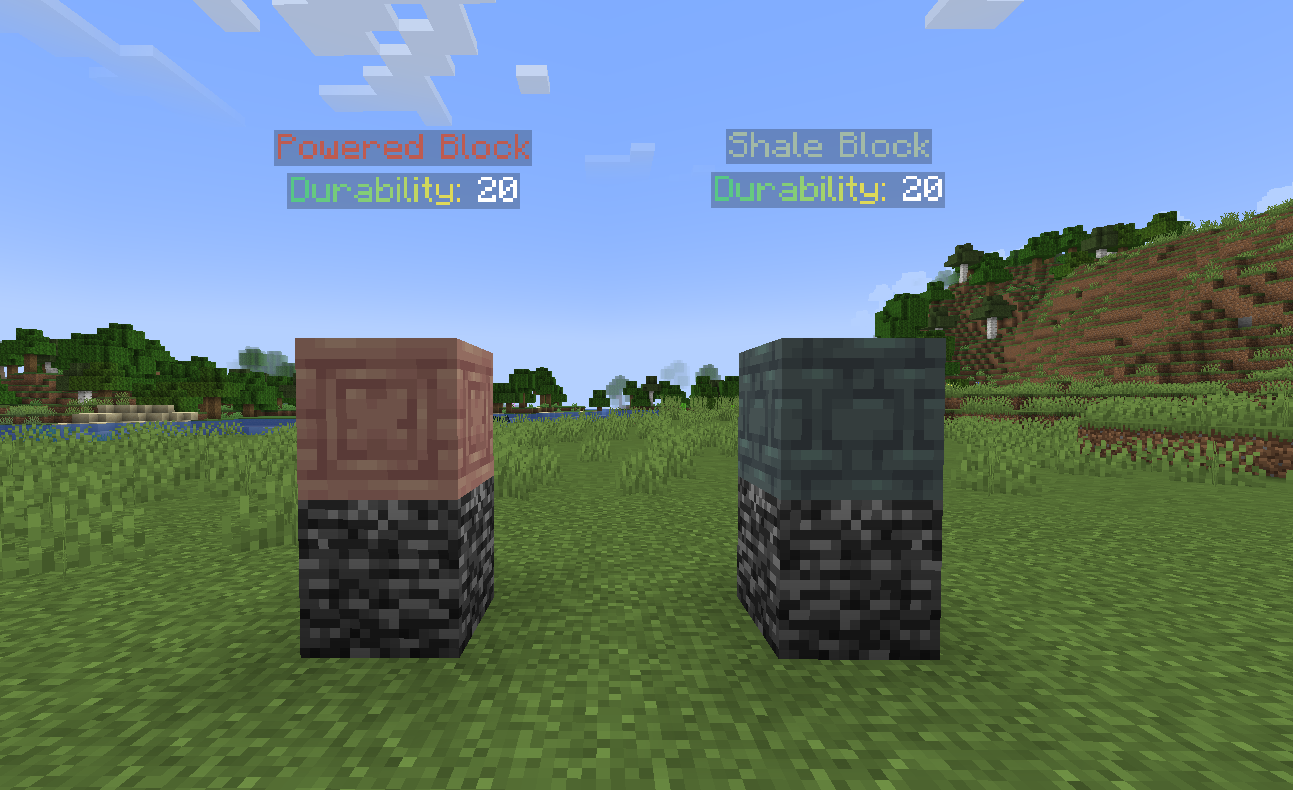
- Holograms: Display custom holograms above blocks, both when active and inactive.
- Permission Support: Specify permissions required to break each block.
- Sound and Broadcast Events: Play a sound and broadcast a message when a block is broken.
- Reward System: Give rewards with customizable chances when a block is broken.
- Automatic Block Restoration: Blocks automatically reappear after a configurable interval.
- Custom Textures Support: You can add custom blocks from plugins like ItemsAdder, Nexo and Oraxen.
- MiniMessage Support: DuraBlock supports MiniMessage for rich text formatting in config and language files.
📦 Requirements
- Java 17 or higher
- Minecraft 1.19 or higher
- PaperMC or a fork (e.g., Purpur)
- DecentHolograms Plugin
🛠️ Installation
- Download the latest release of DuraBlock.
- Place the
.jarfile in your server'spluginsfolder. - Restart the server to generate the default configuration.
- Edit the
config.ymlto customize your blocks. - Reload the plugin
/durablock reloadto apply changes.
🌍 Language Support
The plugin supports two languages by default:
- en_us (English)
- tr_tr (Turkish)
You can create your own language file by creating a
lang.ymlfile in thelanguagesdirectory.
📝 Default Configuration
Click to view config.ymllanguage: en_us
prefix: "<#874CCC><bold>DuraBlock</bold> <gray>» "
blocks:
test-block:
durability: 20
# Time in seconds before the block gets restored after being broken
restore-interval: 30
# Vertical offset for the hologram above the block (in blocks)#
y-level: 2
# Permission required to break this block
permission: durablock.break.test-block
# Text lines displayed in the hologram when the block is active/enabled
# Refer to the DecentHolograms wiki for formatting and color options:
# https://wiki.decentholograms.eu/general/format-and-colors/
enabled-hologram-lines:
- "<#6DE1D2>Test Block"
- "<#FF0000>Durability: {durability}</#00FF00>"
# Text lines displayed in the hologram when the block is disabled
disabled-hologram-lines:
- "Disabled for now."
- "Will be activated in: <#FFA725>{restore}"
- "Broken by: <#FFA725>{last_player}"
# List of commands executed with a certain probability when the block's durability is above 0
rewards:
- command: "give {player} diamond 1"
chance: 0.1 # %10 chance
- command: "give {player} emerald 2"
chance: 0.3 # %30 chance
# Actions to perform when the block is broken
on-break:
sound:
enabled: true
# https://minecraft.wiki/w/Sounds.json/Java_Edition_values for sound list
sound-type: "minecraft:entity.player.levelup"
# Whether the sound should play for everyone or only the player who broke it
play-to-everyone: true
broadcast:
enabled: true
# Message broadcast to all players when the block is broken
message: "<red>{player} broke the test-block"
# Commands executed when the block is broken
commands:
- "give {player} diamond 16"
# Warning: Adjusting these values may impact server performance or cause unexpected behavior.
# Only change them if you understand the potential consequences.
# Interval for updating hologram (in seconds)
hologram-update-interval: 1
# Interval for checking if blocks needs to be enabled (in seconds)
block-restore-interval: 1
🚀 Usage
- Create custom blocks by adding them to the
config.ymlfile. - Customize block durability, holograms, sounds, and rewards.
- Use permissions to control who can break specific blocks.
📜 Commands and Permissions
| Command | Description |
|---|---|
/durablock reload |
Reloads the configuration |
/durablock add <block-type> |
Adds a new custom block of the specified type |
/durablock list |
Lists all configured custom blocks |
/durablock remove <block-id> |
Removes a specific custom block by ID |
/durablock restore <block-id> |
Manually restores a block by ID |
/durablock info |
Displays information about the plugin |
| Permission | Description |
|---|---|
durablock.commands.main |
Allows using /durablock command |
durablock.notify.update |
Allows receiving update notifications |
💡 Placeholders
Hologram Placeholders
{last_player}- Displays the name of the player who last broke the block.{restore}- Displays the remaining time (in seconds) until the block is restored.{durability}- Shows the current durability of the block.
Command Placeholders
{player}- Represents the name of the player who broke the block.
💡 Examples
To create a new block named "diamond-block" with 50 durability and a 20-second restore time, add this to your config.yml:
blocks:
  diamond-block:
    durability: 50
    restore-interval: 20
    permission: durablock.break.diamond-block
    enabled-hologram-lines:
      - "Diamond Block - {durability} hits left"
    disabled-hologram-lines:
      - "Regenerating in: {restore} seconds"
    rewards:
      - command: "give {player} diamond 1"
        chance: 0.1 # %10 chance
    on-break:
      sound:
        enabled: true
        sound-type: "minecraft:entity.player.levelup"
        play-to-everyone: true
      broadcast:
        enabled: true
        message: "<red>{player} broke the diamond block and earned 16 diamonds!"
      commands:
        - "give {player} diamond 16"
💬 Support
If you encounter any issues or have feature suggestions, feel free to open an issue on GitHub or join my Discord Server.
📝 License
This project is licensed under the MIT License - see the LICENSE.md file for details.
Enjoy making your server more dynamic with DuraBlock!
- Edition: Minecraft Java
- File type: .jar
- Minecraft versions listed: 1.18, 1.18.1, 1.18.2
- How to install: Install the matching mod loader (Forge, Fabric or NeoForge) for your Minecraft version. → Download the .jar. → Put it in the .minecraft/mods folder and launch that loader profile.
- Where to get it: Opens on Modrinth — not every file is mirrored on our own servers.
Install steps are the general flow for this file type — How to install Minecraft Java mods & modpacks walks through it step by step.
- Ships as DuraBlock-1.1.1.jar — drop this file into the mods folder
- Download size: 1.8 MB
- Download link checked 9 Sept 2026 — working
These come from our own check of the pack file, not from the source page.