
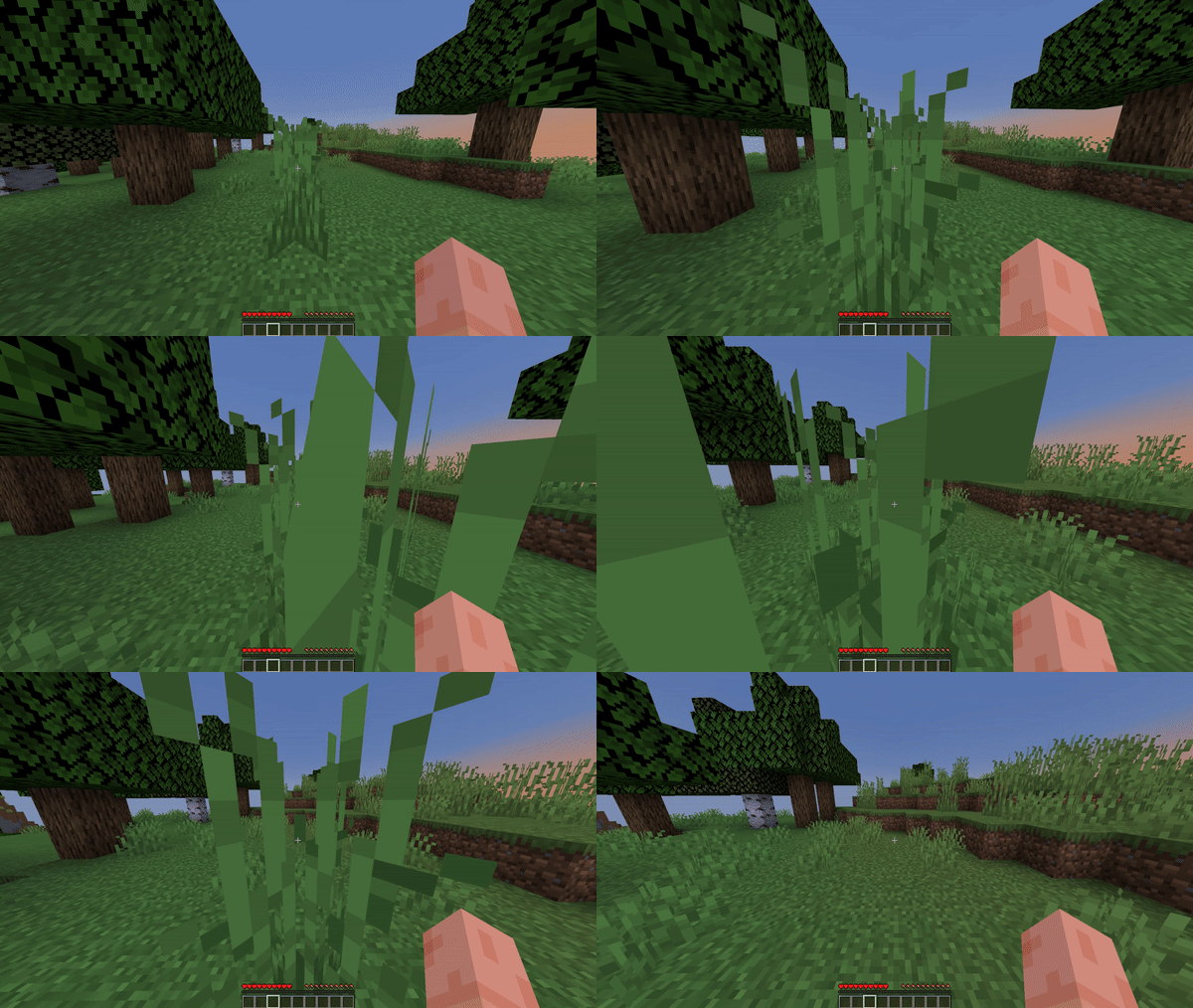
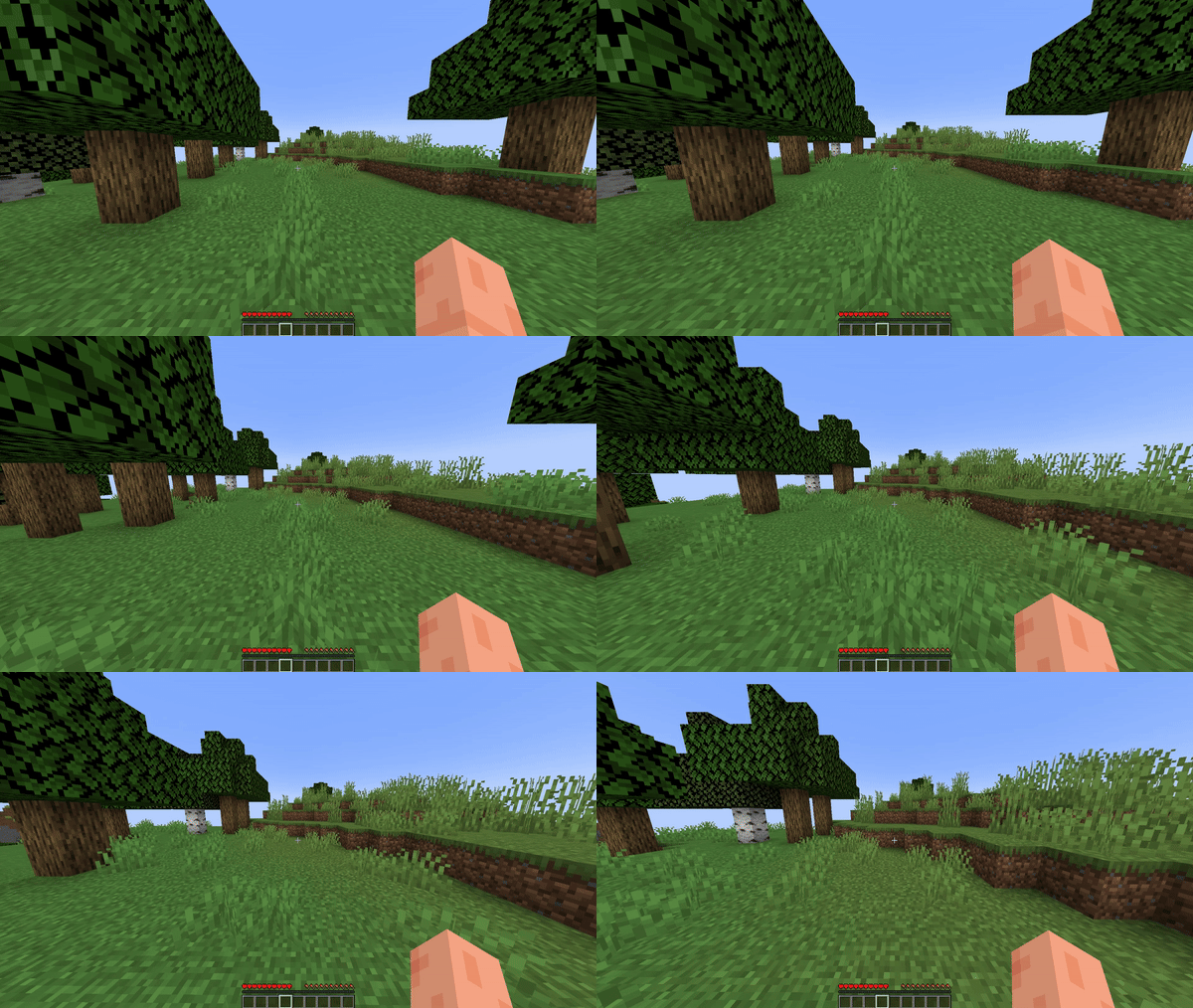
About
The player will be given a slowness effect when he walks into the grass.
Permissions
| Permission | Description |
|---|---|
slowinggrass.bypass |
Allows you to bypass the slowdown function. |
slowinggrass.reload |
Allows you to use the /sg reload command |
Plugin configuration
config.yml# Leave the quotes empty to remove the prefix.
prefix: "&b[Slowing Grass] "
levels:
slowness-in-grass: 0
slowness-in-tall-grass: 1
actionbar:
enabled: true
grass-slowed-down-message: "&fThe grass slowed you down."
grass-no-longer-slows-down-message: "&fGrass no longer slows you down."
messages:
no-permission: "&cYou do not have permission to execute this command."
configuration-reloaded: "&fThe plugin configuration has been successfully reloaded."
Other projects

Quick facts
- Edition: Minecraft Java
- File type: .jar
- Minecraft versions listed: 1.16, 1.16.1, 1.16.2
- How to install: Install the matching mod loader (Forge, Fabric or NeoForge) for your Minecraft version. → Download the .jar. → Put it in the .minecraft/mods folder and launch that loader profile.
- Where to get it: Opens on Modrinth — not every file is mirrored on our own servers.
Install steps are the general flow for this file type — How to install Minecraft Java mods & modpacks walks through it step by step.
Verified by MCModsHub
- Ships as SlowingGrass-2.0.0.jar — drop this file into the mods folder
- Download size: 6 KB
- Download link checked 9 Sept 2026 — working
These come from our own check of the pack file, not from the source page.