
EpicTrade
Java mod listed for Minecraft 1.17–1.21. Downloads from the MC Java Mods app on Android.
EpicTrade — A simple yet powerful Minecraft trading system that lets players securely exchange items with clickable requests and an intuitive interface…
⬇ Download on Modrinth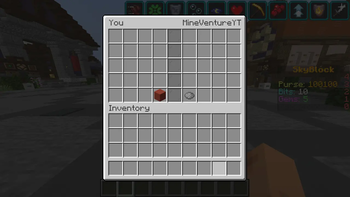


🌟 EpicTrade – Safe & Smart Player Trading System
🔁 The Most Stylish and Secure Way to Trade in Minecraft!
EpicTrade brings a modern trading experience to your server — with smooth animations, clickable messages, and a beautiful GUI-based trading menu. No more drop scams or confusion — just fair, fun, and flawless trading!
✨ Features That Make It Epic
💬 Clickable Chat Messages
Instantly accept a trade with one click — no typing needed!
🔒 Fully Safe Trading System
Both players confirm before any items are swapped.
🕒 Automatic Request Expiration
Trade requests expire after a few seconds to prevent spam.
🛡 Anti-Spam Protection
Players can’t send multiple requests to the same person.
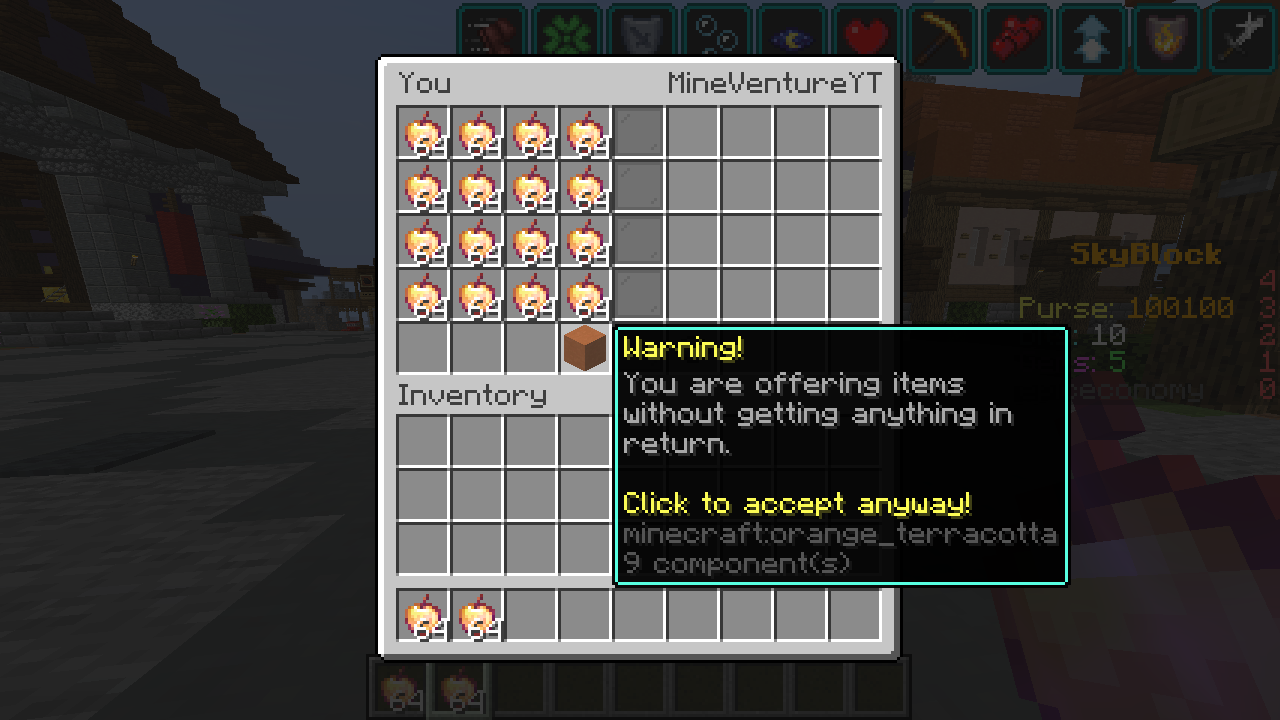
👥 Live Trade GUI
Both players can see their items and confirm when ready.
💔 Smart Trade Cancellation
Personalized messages when either player cancels.
🎁 Item Summary on Completion
Shows exactly what you received after a successful trade.
🧩 Lightweight & Lag-Free
Runs smoothly even on large servers — built for performance.
⚙️ How It Works
Send a Request: Type /trade to invite someone to trade.
Accept the Trade: The other player will get a clickable message like
💬 “Click here to accept the trade!”
Trade Safely: Place your items in the GUI. Both players must confirm before items swap.
Cancel Anytime: Close the window to cancel.
You’ll see “§cYou cancelled the trade!”
The other player sees “§c cancelled the trade!”
Automatic Timeout: If not accepted in 20 seconds, the request expires automatically.
💬 Commands
Command Description
/trade <player> Sends or accepts a trade request
🧾 Permissions
Permission Default Description epictrade.use ✅ True Allows a player to use the /trade command
🌈 Why Choose EpicTrade?
Beautiful GUI with clear, color-coded messages
Zero lag, zero confusion, zero scams
Perfect for Survival, Economy, or SMP servers
Polished experience your players will love
🧠 Upcoming Features
💰 Coin & Balance Trading System (Vault Support)
📜 Trade Logs / History System
🧱 Configurable GUI & Message Customization
ScreenShots
- Edition: Minecraft Java
- File type: .jar
- Minecraft versions listed: 1.17, 1.17.1, 1.18
- How to install: Install the matching mod loader (Forge, Fabric or NeoForge) for your Minecraft version. → Download the .jar. → Put it in the .minecraft/mods folder and launch that loader profile.
- Where to get it: Opens on Modrinth — not every file is mirrored on our own servers.
Install steps are the general flow for this file type — How to install Minecraft Java mods & modpacks walks through it step by step.
- Ships as epictrade-1.0.0.3-GV-333-ET1.jar — drop this file into the mods folder
- Download size: 367 KB
- Download link checked 19 Oct 2026 — working
These come from our own check of the pack file, not from the source page.