
PvPToggleX
Java mod listed for Minecraft 1.20–1.21. Downloads from the MC Java Mods app on Android.
PvPToggleX is a lightweight Minecraft plugin that lets server admins control PvP globally or per dimension, with support for timed toggles, automatic…
⬇ Download on Modrinth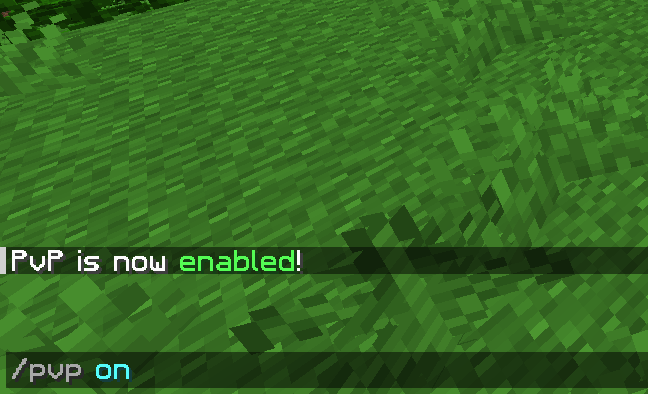
PvPToggleX
PvPToggleX is a versatile and lightweight Minecraft plugin that allows server administrators to manage PvP (Player vs Player) combat globally or per dimension. It includes features for timed toggles, automatic interval toggling, and blocking lava placement when PvP is disabled to prevent griefing.
Features
- Global PvP Management: Toggle PvP on or off for the entire server.
- Dimension-Specific Control: Manage PvP settings independently for the Overworld, Nether, and End.
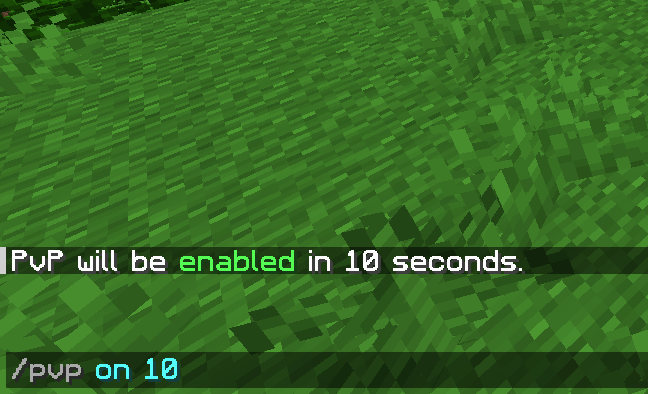
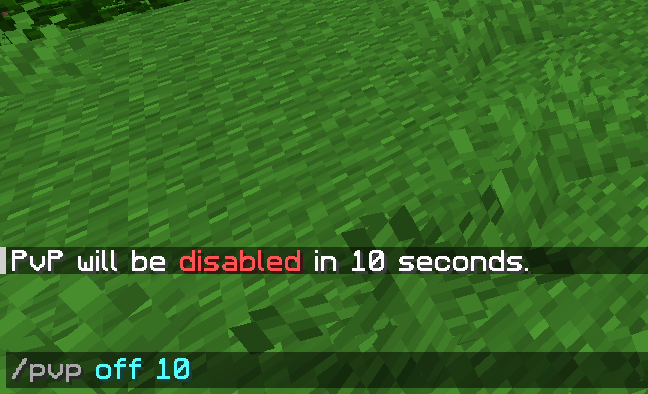
- Timed Toggles: Schedule PvP to turn on or off after a specific duration (e.g., enable PvP for 60 seconds).
- Automatic Intervals: Set PvP to automatically toggle on and off at a defined interval (e.g., every 5 minutes).
- Anti-Grief: Option to block lava bucket placement near other players when PvP is disabled.
- Fully Configurable: Customize all messages, settings, and lava protection rules via.
Commands
All commands require the pvptoggle.use permission (default: OP).
General Control
| Command | Usage | Description |
|---|---|---|
/pvp |
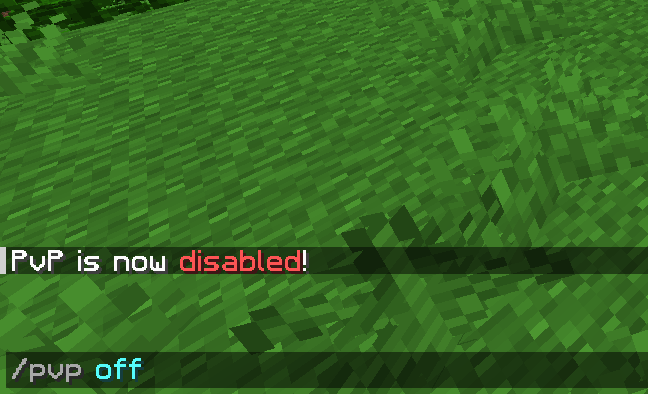
/pvp <on|off> [time] |
Toggles PvP for all dimensions. |
/pvpoverworld |
/pvpoverworld <on|off> [time] |
Toggles PvP for the Overworld only. |
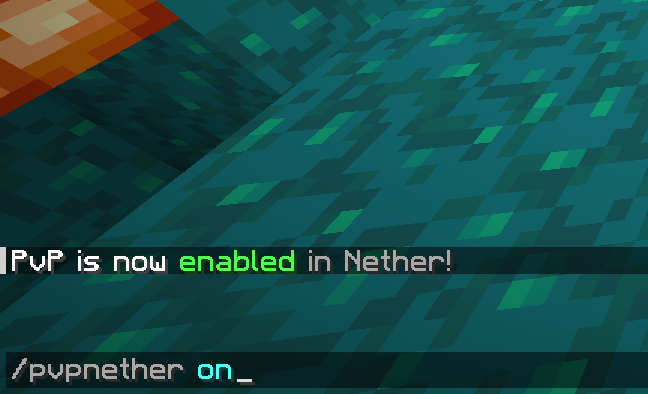
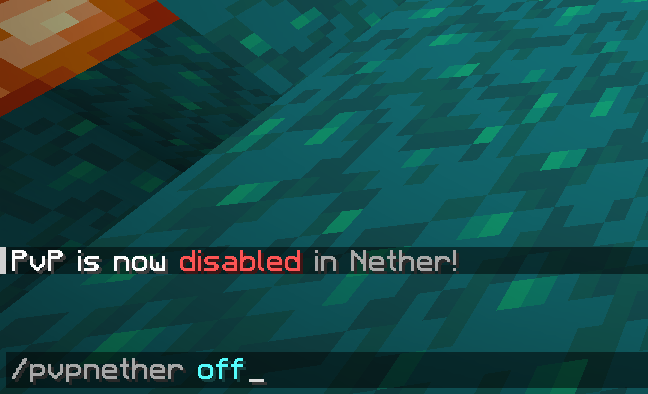
/pvpnether |
/pvpnether <on|off> [time] |
Toggles PvP for the Nether only. |
/pvpend |
/pvpend <on|off> [time] |
Toggles PvP for the End only. |
Automatic Intervals
| Command | Usage | Description |
|---|---|---|
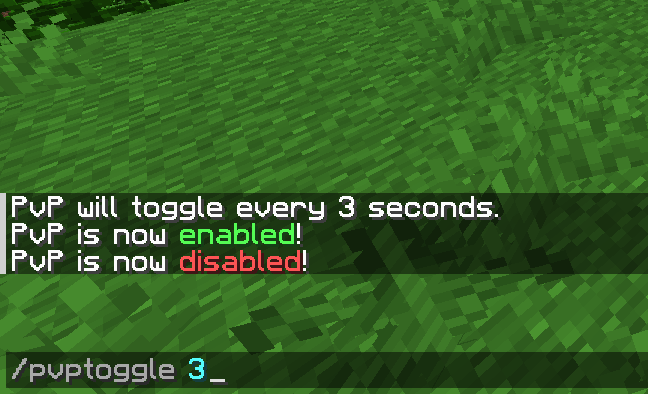
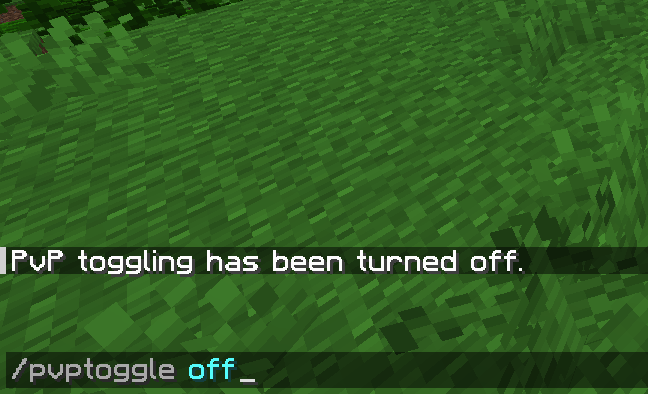
/pvptoggle |
/pvptoggle <time> | off |
Toggles PvP on/off globally every X seconds. |
/pvptoggleoverworld |
/pvptoggleoverworld <time> | off |
Interval toggling for Overworld. |
/pvptogglenether |
/pvptogglenether <time> | off |
Interval toggling for Nether. |
/pvptoggleend |
/pvptoggleend <time> | off |
Interval toggling for End. |
Configuration
| Command | Usage | Description |
|---|---|---|
/pvptogglex |
/pvptogglex reload |
Reloads the configuration file. |
Configuration
You can customize all chat messages and plugin settings in the configuration file.
Key Settings:
disable-lava: Set totrueto block lava placement near players when PvP is off.lava-radius: Distance in blocks to check for nearby players (default: 2).toggleInterval: Default interval for automatic toggling.
- Edition: Minecraft Java
- File type: .jar
- Minecraft versions listed: 1.20.5, 1.20.6, 1.21
- How to install: Install the matching mod loader (Forge, Fabric or NeoForge) for your Minecraft version. → Download the .jar. → Put it in the .minecraft/mods folder and launch that loader profile.
- Where to get it: Opens on Modrinth — not every file is mirrored on our own servers.
Install steps are the general flow for this file type — How to install Minecraft Java mods & modpacks walks through it step by step.
- Ships as PvPToggleX.jar — drop this file into the mods folder
- Download size: 12 KB
- Download link checked 19 Oct 2026 — working
These come from our own check of the pack file, not from the source page.