
ModGui
Java mod listed for Minecraft 1.21. Downloads from the MC Java Mods app on Android.
GUI-based moderation tools for Paper servers. Punishment, investigation, and reporting with Discord webhook integration.
⬇ Download on Modrinth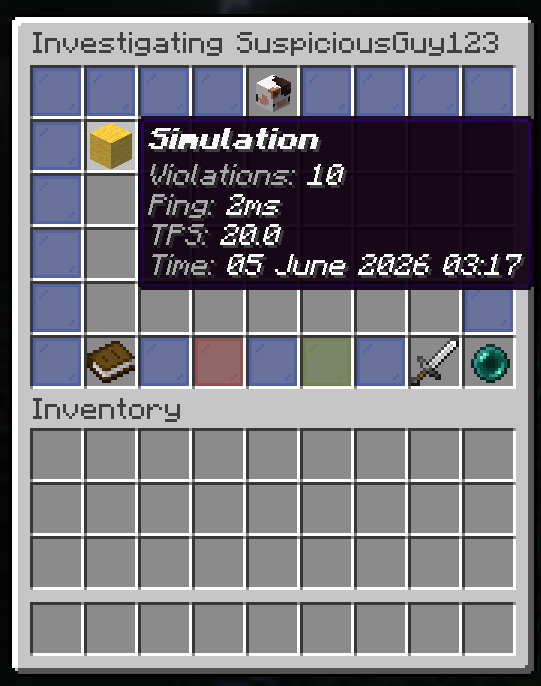
ModGUI
ModGUI is a staff moderation plugin for Paper servers that replaces chat commands with clean, click-through GUIs. Punish, investigate, and manage players, all without ever typing a command!
Features
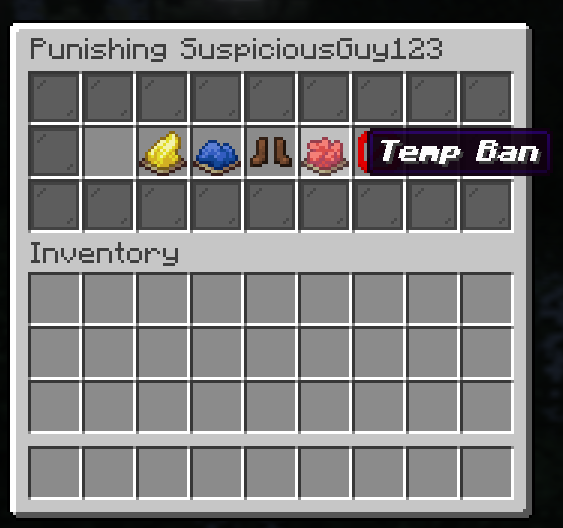
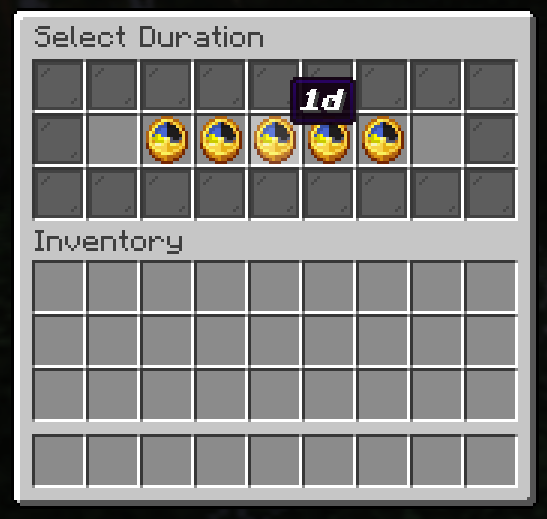
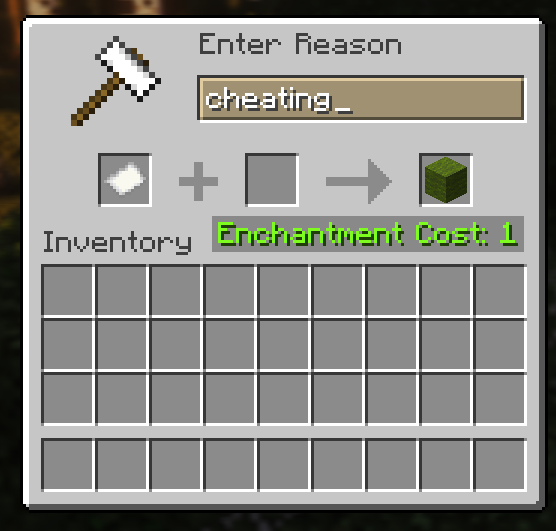
Punishment GUI: Open a fully configurable punishment menu on any player. Each punishment type, icon, command, and available durations are defined in
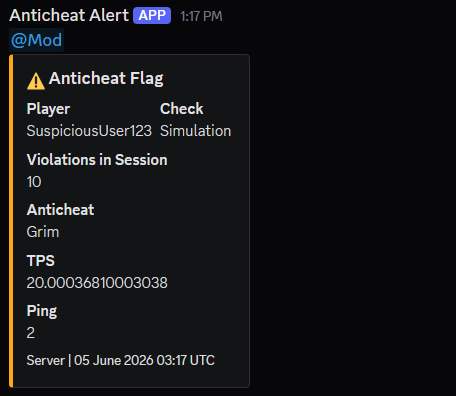
config.yml, so ModGUI works alongside any punishment plugin (LiteBans, AdvancedBan, EssentialsX, and more)!Investigate GUI: Right-click any player with the staff compass to instantly open their investigation panel. View anticheat flags for the current session with violation counts, ping, TPS, and timestamps. Includes GrimAC integration out of the box.
Player Reports: Players can submit reports via
/reportwith optional severity levels. A configurable cooldown prevents spam.Staff Notes: Add notes against a player directly from the investigate GUI, logged to Discord.
Discord Webhooks: Punishments, anticheat alerts, reports, and staff notes all log to Discord with rich embeds. Role pings supported per event type.
Staff Compass: A special compass item that opens the investigate GUI on right-click. Can't be dropped or lost on death.
Commands
| Command | Description | Permission |
|---|---|---|
/punish <player> |
Opens the punishment GUI | Any modgui.punish.* node |
/investigate <player> |
Opens the investigate GUI | modgui.investigate |
/report <player> [severity] <reason> |
Submit a report against a player | modgui.report |
/modgui spyglass |
Gives you the staff compass | modgui.spyglass |
/modgui reload |
Reloads config and messages | modgui.admin |
Permissions
| Permission | Description | Default |
|---|---|---|
modgui.admin |
Full access, includes all punish, investigate, notes, and spyglass permissions | OP |
modgui.punish.* |
All punishment types | false |
modgui.punish.warn |
Can warn players | false |
modgui.punish.kick |
Can kick players | false |
modgui.punish.mute |
Can mute players | false |
modgui.punish.tempban |
Can temporarily ban players | false |
modgui.punish.ban |
Can permanently ban players | false |
modgui.investigate |
Can open the investigate GUI | false |
modgui.notes.add |
Can add staff notes | false |
modgui.spyglass |
Can receive and use the staff compass | false |
modgui.report |
Can submit reports via /report |
true |
modgui.exempt |
Cannot be punished, investigated, or reported through ModGUI | false |
Configuration
All punishment types, durations, borders, messages, and webhook URLs are defined in config.yml. Full LuckPerms support with granular permission nodes per punishment type.
- Edition: Minecraft Java
- File type: .jar
- Minecraft version listed: 1.21.11
- How to install: Install the matching mod loader (Forge, Fabric or NeoForge) for your Minecraft version. → Download the .jar. → Put it in the .minecraft/mods folder and launch that loader profile.
- Where to get it: Opens on Modrinth — not every file is mirrored on our own servers.
Install steps are the general flow for this file type — How to install Minecraft Java mods & modpacks walks through it step by step.
- Ships as modgui-1.0.0.jar — drop this file into the mods folder
- Download size: 1.3 MB
- Download link checked 4 Oct 2026 — working
These come from our own check of the pack file, not from the source page.