
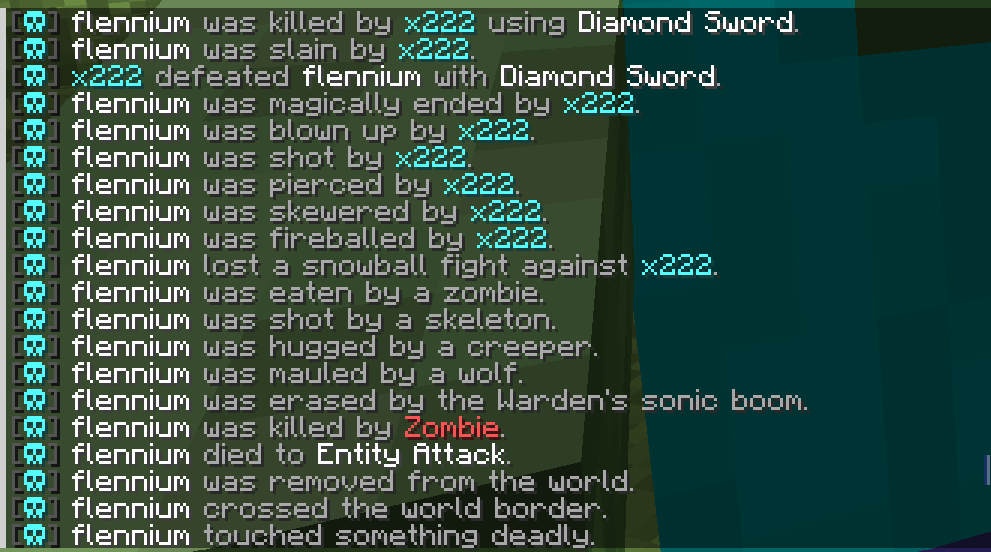
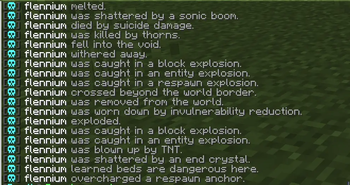
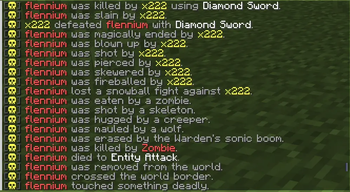
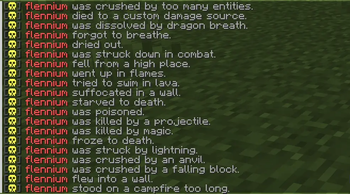
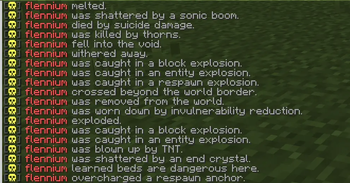
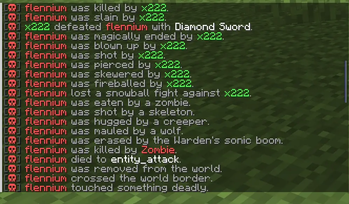
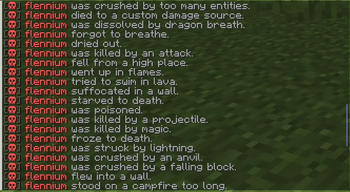
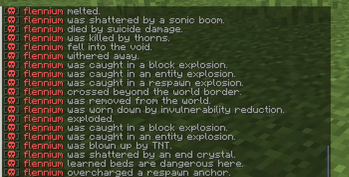
LightDeathMessages is a lightweight, configurable Minecraft death messages plugin for modern Paper/Spigot servers. It replaces vanilla death messages with clean custom messages, supports themes, PlaceholderAPI, broadcast controls, and safe fallbacks for current and future damage types.
Why It Is Different
Most death message plugins either feel heavy, mix settings with messages, or depend too much on version-specific behavior. LightDeathMessages is built to stay simple: configs are cached, death events stay lightweight, themes are file-based, vanilla messages are hidden safely, and unknown/custom damage types fall back without crashing your server.
Features
- Custom death messages for PvP, mobs, projectiles, explosions, environment deaths, and unknown/custom damage.
- Global, world-only, radius-based, or disabled broadcasts.
- PlaceholderAPI support when installed.
- Legacy color support and safe formatting fallback.
- Command-only prefix messages.
- Death messages with literal skull icons in the message strings.
- Built-in themes plus unlimited custom themes.
View Gallery →
Themes
Themes live in:
plugins/LightDeathMessages/themes/
To add your own theme, create a new file such as:
plugins/LightDeathMessages/themes/random.yml
Then select it in config.yml:
themes:
  selected-theme: random
No Java code changes are needed for custom themes. The plugin scans the themes folder and can load any valid .yml theme by file name.
Commands
/deathmessages help
/deathmessages reload
/deathmessages version
/deathmessages test <type|all> [self|global|world|radius|disabled]
/deathmessages theme list
/deathmessages theme preview <theme>
/deathmessages theme apply <theme>
Aliases:
/dm
/deathmsg
- Edition: Minecraft Java
- File type: .jar
- Minecraft versions listed: 1.21, 1.21.1, 1.21.2
- How to install: Install the matching mod loader (Forge, Fabric or NeoForge) for your Minecraft version. → Download the .jar. → Put it in the .minecraft/mods folder and launch that loader profile.
- Where to get it: Opens on Modrinth — not every file is mirrored on our own servers.
Install steps are the general flow for this file type — How to install Minecraft Java mods & modpacks walks through it step by step.
- Ships as LightDeathMessages-1.0.0.jar — drop this file into the mods folder
- Download size: 79 KB
- Download link checked 14 Sept 2026 — working
These come from our own check of the pack file, not from the source page.