
Arvinis Admin Panel
Java mod listed for Minecraft 26.x. Downloads from the MC Java Mods app on Android.
⬇ Download on Modrinth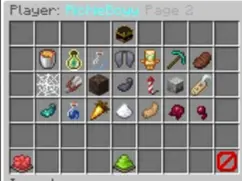
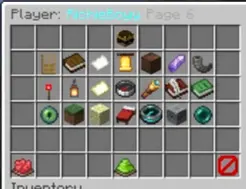
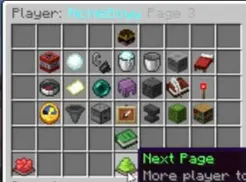
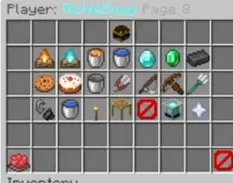
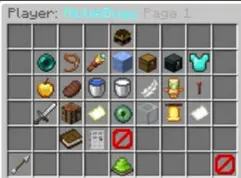
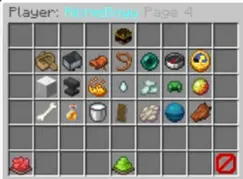
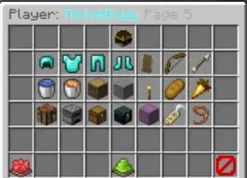
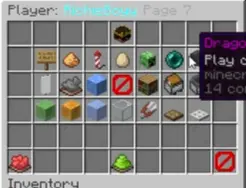
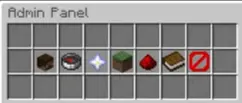
Arvini’s Admin Panel is the ultimate control hub for server administrators. It opens a sleek, interactive menu packed with powerful and entertaining commands that make managing your world effortless and fun. From moderation tools to creative utilities, every command is designed for quick access and smooth execution.
Admins can teleport players, toggle game modes, spawn items, or trigger special effects—all from one intuitive interface. The panel’s layout is clean and responsive, with colorful icons and dynamic feedback that make every action feel satisfying. Whether you’re keeping order or adding flair to gameplay, Arvini’s Admin Panel turns server management into an experience of its own.
- Edition: Minecraft Java
- File type: .jar
- Minecraft versions listed: 26.1, 26.1.1, 26.1.2
- How to install: Install the matching mod loader (Forge, Fabric or NeoForge) for your Minecraft version. → Download the .jar. → Put it in the .minecraft/mods folder and launch that loader profile.
- Where to get it: Opens on Modrinth — not every file is mirrored on our own servers.
Install steps are the general flow for this file type — How to install Minecraft Java mods & modpacks walks through it step by step.
- Ships as Arvini AP.jar — drop this file into the mods folder
- Download size: 47 KB
- Download link checked 24 Oct 2026 — working
These come from our own check of the pack file, not from the source page.