
starwars-galaxy
Java mod listed for Minecraft 1.20–1.21. File opened and checked on 30 Sep 2026; downloads from the MC Java Mods app on Android.
StarWarsGalaxy is a Minecraft Spigot/Paper plugin currently in development that aims to deliver a Star Wars RPG experience with factions, Force abilities…
⬇ Download on Modrinth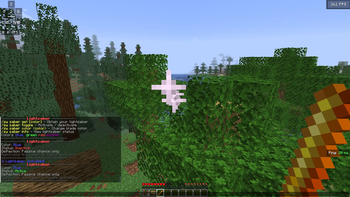
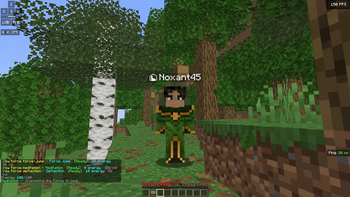
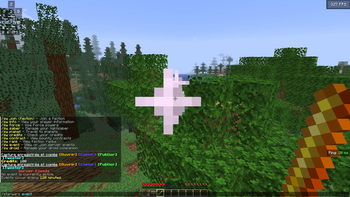
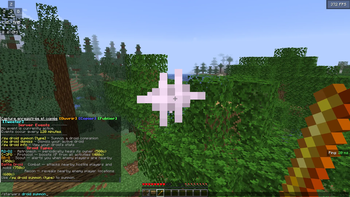
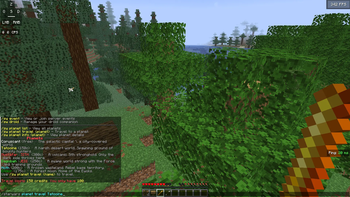
Star Wars Galaxy is a highly customizable Minecraft plugin developed by Noxant Games that recreates the Star Wars universe with immersive gameplay mechanics and roleplay features.
Players can choose their path as a Jedi, Sith, or other Star Wars-inspired characters, each offering a unique progression experience. The plugin includes a complete Force system that allows players to meditate, develop their connection to the Force, unlock new abilities, and master powerful techniques. Depending on their alignment and progression, players gain access to different skills, factions, and opportunities throughout the galaxy.
Travel plays a major role in the experience. Players can explore iconic planets such as Coruscant, Jedha, and Tatooine using an economy-based transportation system that requires credits to move between worlds. Certain planets are restricted based on the player's faction and alignment, meaning that Jedi and Sith may have access to different locations, creating a deeper sense of progression and immersion.
The plugin also features lightsabers, Force powers, custom progression systems, and famous droids such as C-3PO, BB-8, and R2-D2. Every aspect of the gameplay can be tailored to fit a server's needs, making Star Wars Galaxy an exceptional choice for both roleplay and adventure-focused communities.
With its detailed Force mechanics, faction-based exploration, economic systems, and extensive customization options, Star Wars Galaxy delivers an authentic and engaging Star Wars experience within Minecraft.
- Edition: Minecraft Java
- File type: .jar
- Minecraft versions listed: 1.20, 1.20.1, 1.20.2
- How to install: Install the matching mod loader (Forge, Fabric or NeoForge) for your Minecraft version. → Download the .jar. → Put it in the .minecraft/mods folder and launch that loader profile.
- Where to get it: Opens on Modrinth — not every file is mirrored on our own servers.
Install steps are the general flow for this file type — How to install Minecraft Java mods & modpacks walks through it step by step.
- Ships as StarWarsGalaxy-1.0.0 (1).jar — drop this file into the mods folder
- Download size: 948 KB
- Download link checked 3 Oct 2026 — working
These come from our own check of the pack file, not from the source page.