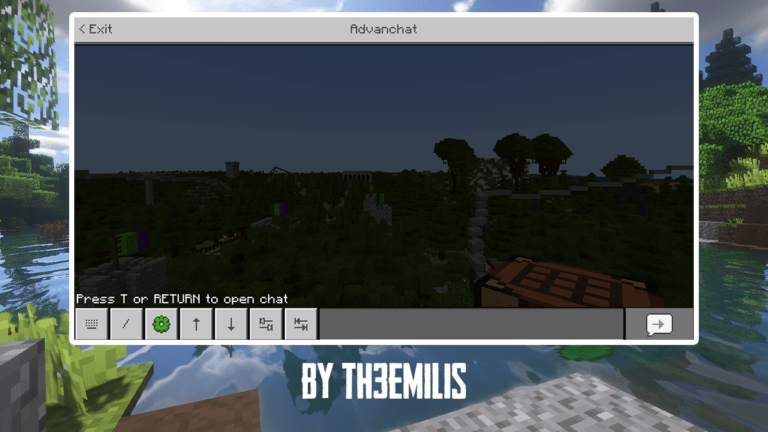


Do you wanna improve the experience when playing Minecraft on mobile? Come to Advanchat addon which helps your chat screen. It will implement useful features such as autocompletion abilities only available to keyboard players up until now.
Cre: Th3Emilis, Twitter, Youtube
Advanchat Feature
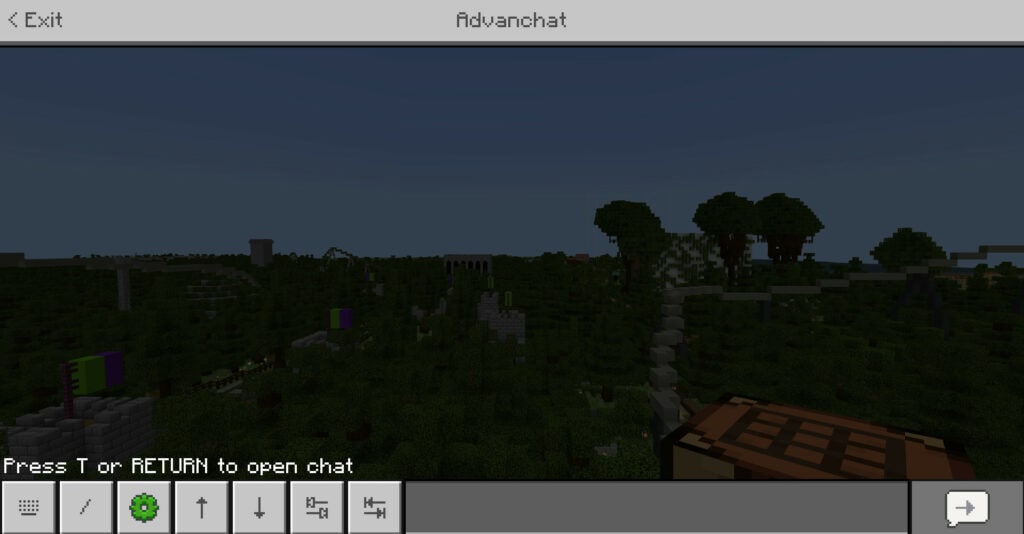
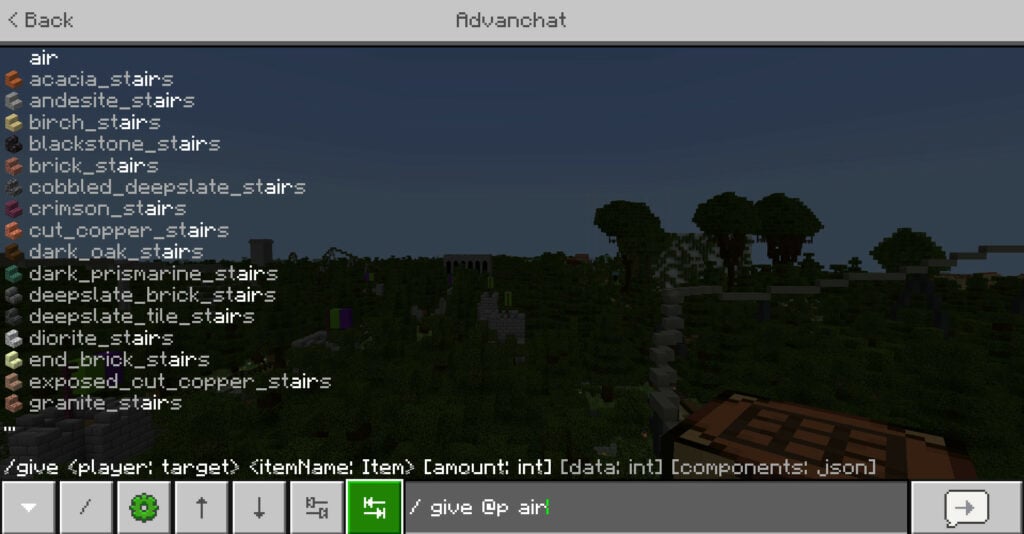
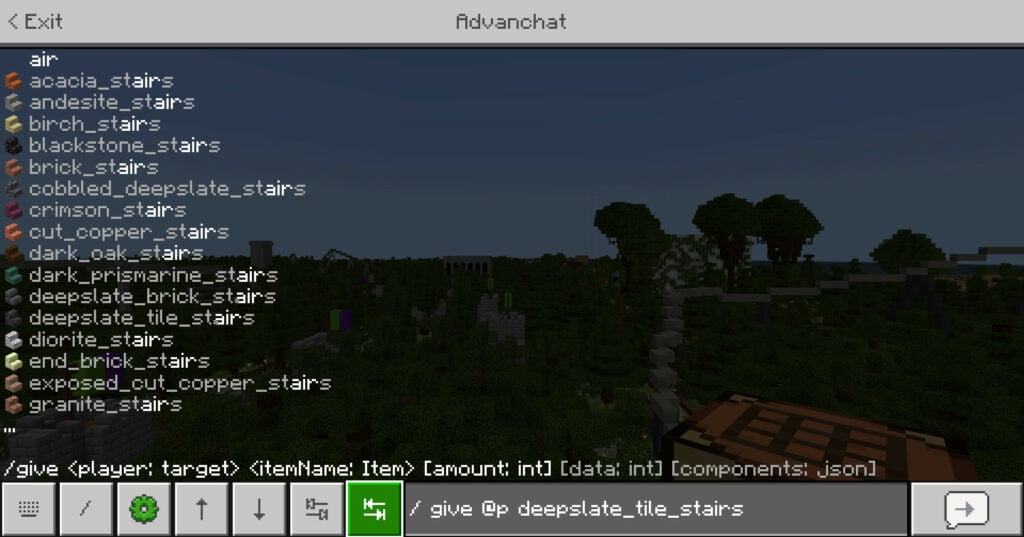
This add-on will simplify the chat screen experience of the mobile players. The tab buttons help auto-complete your commands or arrow buttons which let you navigate between your previous messages and send them again.
You also can see the other feature in the picture above such as UI fixes, the proper focus state effect for buttons, and the ability to prevent the chat screen from closing when taking damage.
There are some features that are only available by enabling the extension packs bundled with the base add-on. So don’t need to use any of the additional features of the Advanchat addon if you don’t have a plan to use it.
Note from creator
Read terms of use below
- No Derivates: you can remix, adapt or build upon the add-on as long as it is for private use (this means that you may not publish or distribute it anywhere).
- Non-Commercial: you may not monetize, sell, or profit off the add-on in any way.
- Redistribution: You may not redistribute or republish the add-on.
- Sharing: don’t share the direct download link or any user-made link of the add-on
- Attribution: give proper credit if any of the add-on contents (UI, files, etc.) like your video, or any content
- No bundling: You may not include the add-on files or snippets from them in other add-ons.
Changelog
| Advanchat addon 1.1.0 – Improved UI and accessibility: Autocomplete and message navigation buttons are now properly announced when using a screen reader. – Added: translations (11 languages); subpacks – Command block autocomplete buttons – Choose to keep the chat open when taking damage. |
Downloads
or here (gg drive)
you can get ZIP file here: Advanchat addon
👉 If you like playing Advanchat addon, you can also check our FoodCraft Add-on V3, Slendytubbies Addon, Biome Chooser Addon
- Edition: Minecraft Bedrock
- File type: .mcpack or .mcaddon
- How to install: Download the .mcpack or .mcaddon file. → Open it — Minecraft imports it. → In your world: Behavior Packs → Available → Activate, then the same under Resource Packs.
- Where to get it: In MCModsHub, or directly above on this page.
Install steps are the general flow for this file type — How to install Minecraft Bedrock addons & mods walks through it step by step.
- Pack type: .mcaddon — behaviour and resource pack in one file
- Manifest requires Minecraft 1.17.10 or newer
- Complete pack — everything it depends on is inside the file
- Download link checked 17 Jun 2026 — working
- Mirrored on our own servers — the download does not depend on the original host
These come from our own check of the pack file, not from the source page.