
AI Friendly
Java mod listed for Minecraft 1.20–26.x. File opened and checked on 10 Oct 2026; downloads from the MC Java Mods app on Android.
⬇ Download on Modrinth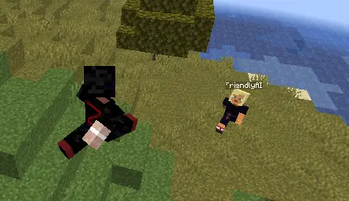


With this Plugin, you can summon a bot/player on your server which follows you around and can talk with you with the help of Gemini (free to use)
First-Time Setup
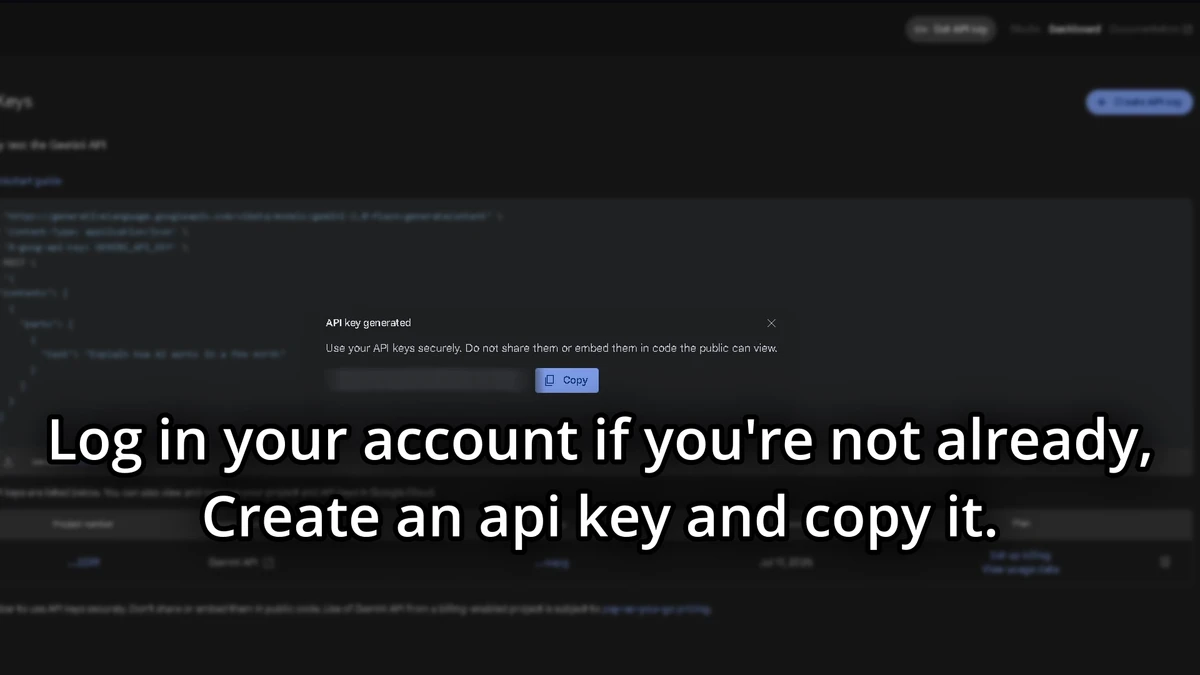
To use the plugin, after downloading and putting into server and getting in the game, you have to use your own token for the AI. The token needs to be from Google AI Studio. Please go to Google AI Studio API Keys
(https://cdn.modrinth.com/data/cached_images/2fef145b3fa348ac7123e8ee35961ac9c1e2a844.webp)
Copy the API Key you get after creating a project and adding whatever names you want.
In the game, use the command
/token (your token)]

You will need to do this every time you start the server so I recommend Saving The API Key.
After it validates the API Key, do
/summonai (Bot name)
(10 second cooldown on every message so the AI doesn't get overloaded)
If you want to delete the bot to maybe make a new one, use the command
/killai (Max one bot at a time)
This plugin is only server-side and doesn't need any mods.
It could be a cool party trick for your friends.
If you want anything added, join the discord server and I will definetly respond.
The plugin isn't finished and will get more features.
Works best on 1.21.x
- Edition: Minecraft Java
- File type: .jar
- Minecraft versions listed: 1.20.5, 1.20.6, 1.21
- How to install: Install the matching mod loader (Forge, Fabric or NeoForge) for your Minecraft version. → Download the .jar. → Put it in the .minecraft/mods folder and launch that loader profile.
- Where to get it: Opens on Modrinth — not every file is mirrored on our own servers.
Install steps are the general flow for this file type — How to install Minecraft Java mods & modpacks walks through it step by step.
- Ships as AIPlayers-1.0.0.jar — drop this file into the mods folder
- Download size: 16 KB
- Download link checked 22 Oct 2026 — working
These come from our own check of the pack file, not from the source page.