
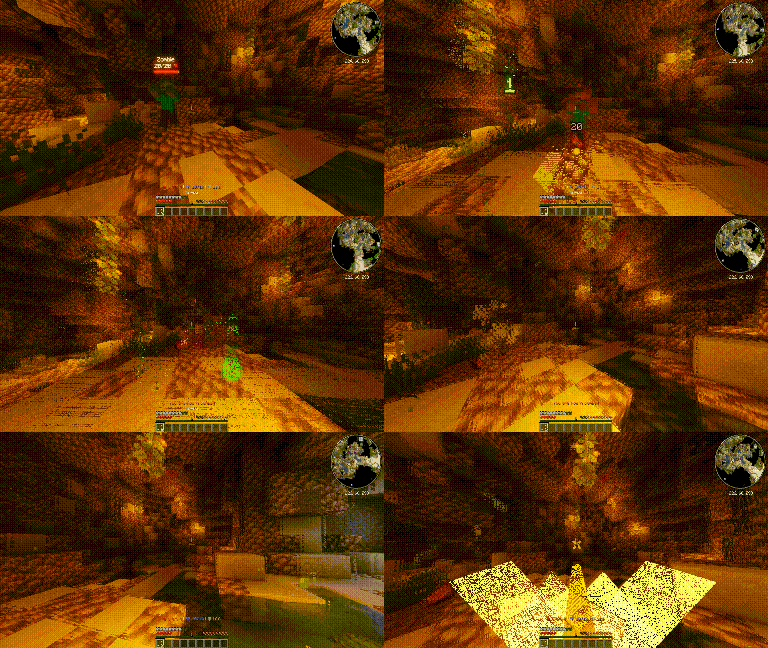
ThrowableArrow
ThrowableArrow is a lightweight Paper plugin that adds simple throwable arrow-like items to Minecraft.
It was designed for servers that want custom consumable projectiles, such as throwing sticks, spikes, darts, or other RPG-style items. Players can right-click with a configured arrow item to launch it as a projectile. The item is consumed, the projectile deals fixed configurable damage, and it cannot be picked up afterward.
Features
- Create custom throwable arrow items using item models
- Configure fixed damage for each throwable item
- Optional support for vanilla
minecraft:arrow - Consume one item on throw
- Prevent thrown arrows from being picked up
- Automatic despawn after a configurable delay
- Cooldown system to avoid spam
- Reload command to apply config changes without restarting the server
- Startup cleanup for old plugin arrows left in the world after a restart or crash
Configuration example
arrow-speed: 2.8
despawn-seconds: 30
cooldown-ticks: 4

# If true, vanilla minecraft:arrow can also be thrown by right-clicking it in hand.
# You must also define minecraft:arrow in the throwables section.
vanilla-arrow: false

throwables:
  minecraft:arrow:
    damage: 4.0

  namespace:name:
    damage: 6.0

  namespace:name2:
    damage: 12.0

  namespace:name3:
    damage: 20.0

  namespace:name4:
    damage: 40.0
Commands
/throwablearrow reload
Permissions
throwablearrow.reload:
  description: Allows reloading the ThrowableArrow config.
  default: op
Requirements
- Paper server
- Minecraft 1.21.4+
- Custom item models if you want custom throwable items
How do I use item models?
You need a texture pack compatible with 1.21.4+ and item_model.
ThrowableArrow identifies custom throwable items using their Minecraft item_model.
The model key in your item plugin must match the key in config.yml.
Example config:
throwables:
  oom:arrows/coolarrow:
    damage: 6.0
In your texture pack, you can have something like this:
{
  "model": {
    "type": "minecraft:model",
    "model": "oom:item/arrows/coolarrow"
  }
}
Then you can give yourself the item in game with
/minecraft:give @p minecraft:arrow[minecraft:item_model="oom:arrows/coolarrow"] 1
- Edition: Minecraft Java
- File type: .jar
- Minecraft versions listed: 1.21.4, 1.21.5, 1.21.6
- How to install: Install the matching mod loader (Forge, Fabric or NeoForge) for your Minecraft version. → Download the .jar. → Put it in the .minecraft/mods folder and launch that loader profile.
- Where to get it: Opens on Modrinth — not every file is mirrored on our own servers.
Install steps are the general flow for this file type — How to install Minecraft Java mods & modpacks walks through it step by step.
- Ships as throwable-arrows-1.0.0.jar — drop this file into the mods folder
- Download size: 9 KB
- Download link checked 24 Aug 2026 — working
These come from our own check of the pack file, not from the source page.