
Pet Pickup
Java mod listed for Minecraft 1.21–26.x. Downloads from the MC Java Mods app on Android.
⬇ Download on Modrinth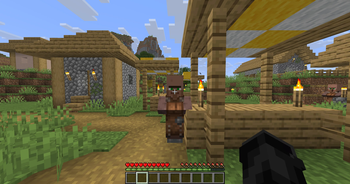
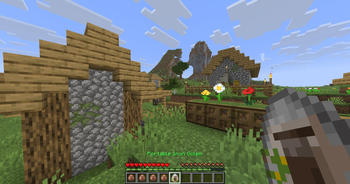
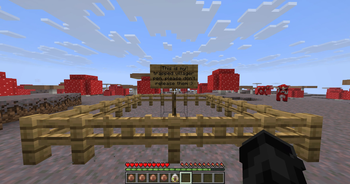
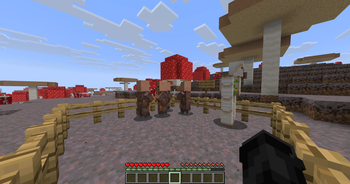
This plugin that I made over the weekend that allows users to pickup their pets in a portable spawn egg, which allows them to transfer their pets over potentially long distances, or even different dimensions, instead of transporting them manually; let's all be honest here, it's much easier to use a command and to right click your pet, and to place it somewhere else, than building a giant ice highway and hoping your pet doesn't die along the way.
Important detail: Make sure you use /pp to toggle on pet pickup mode, otherwise it won't work! OPs have the permission by default, but normal users will need a specific permission node, check below, I do recommend using a plugin such as LuckPerms to get the permission nodes working.
Notice: If you're having config issues between updates, for now we recommend deleting the settings.yml, so the plugin can re-generate it on start up
Permission nodes:
pp.toggle - Toggle Pet Pickup mode on or off.
pp.bypass.worldguard - Bypass WorldGuard restrictions
pp.bypass.whitelist - Bypass the entity type whitelist
pp.bypass.pickup - Bypass pet ownership protections.
Config options:
databaseType: The database type should be used to store the picked up entities.
databaseIP: The IP address to the configured database.
databasePort: The port to the configured database.
databaseName: The name of the configured database.
databasePassword: The password to the configured database.
whitelistedTypes: The entity types that are allowed to be picked up, under settings.yml
mythicMobsPatch: Patches for compatibility related to the spawn eggs of the MythicMobs plugin
Messages can also be customised under PetPickup/lang.yml
The plugin respects ownership of pets, as well as WorldGuard regions, provided that it is installed.
Demonstrated on my YouTube channel:
- Edition: Minecraft Java
- File type: .jar
- Minecraft versions listed: 1.21, 1.21.1, 1.21.2
- How to install: Install the matching mod loader (Forge, Fabric or NeoForge) for your Minecraft version. → Download the .jar. → Put it in the .minecraft/mods folder and launch that loader profile.
- Where to get it: Opens on Modrinth — not every file is mirrored on our own servers.
Install steps are the general flow for this file type — How to install Minecraft Java mods & modpacks walks through it step by step.
- Ships as PetPickup-1.3-SNAPSHOT.jar — drop this file into the mods folder
- Download size: 1.5 MB
- Download link checked 23 Oct 2026 — working
These come from our own check of the pack file, not from the source page.