
PVPBlock-Clear
Java mod listed for Minecraft 1.21. File opened and checked on 7 Oct 2026; downloads from the MC Java Mods app on Android.
This plugin automatically removes blocks placed during PvP combat after a set time, helping to reduce server lag and keep your arena clean!
⬇ Download on Modrinth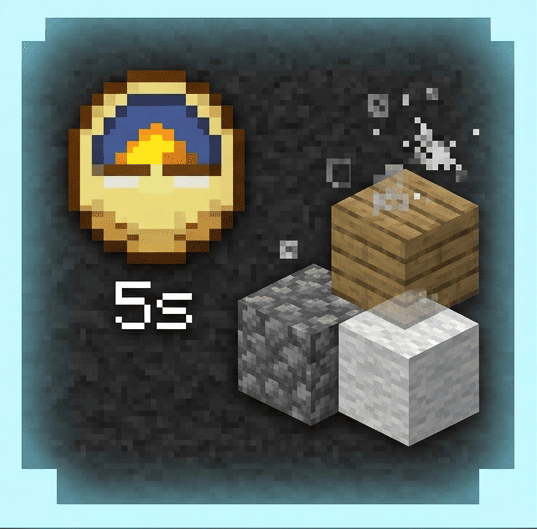
Changelog Features Cannot be used without OP.
🧱 Auto Block Clear Automatically removes blocks placed by players after a few seconds. Prevents the map from being filled with blocks and reduces server load.
⏱ Customize Clearing Time You can change the time until blocks disappear in real time using the /pvpblock s command.
It is possible to individually turn off the auto-clear function for specific players. Useful during building work or maintenance.
The command /pvpblock (number)s allows you to set the time it takes for blocks to disappear.
You can turn it off when working or building using /pvpblockclear
- Edition: Minecraft Java
- File type: .jar
- Minecraft version listed: 1.21.11
- How to install: Install the matching mod loader (Forge, Fabric or NeoForge) for your Minecraft version. → Download the .jar. → Put it in the .minecraft/mods folder and launch that loader profile.
- Where to get it: Opens on Modrinth — not every file is mirrored on our own servers.
Install steps are the general flow for this file type — How to install Minecraft Java mods & modpacks walks through it step by step.
- Ships as PVPBlock-Clear.jar — drop this file into the mods folder
- Download size: 7 KB
- Download link checked 23 Oct 2026 — working
These come from our own check of the pack file, not from the source page.