
Ender Be Gone
Problem
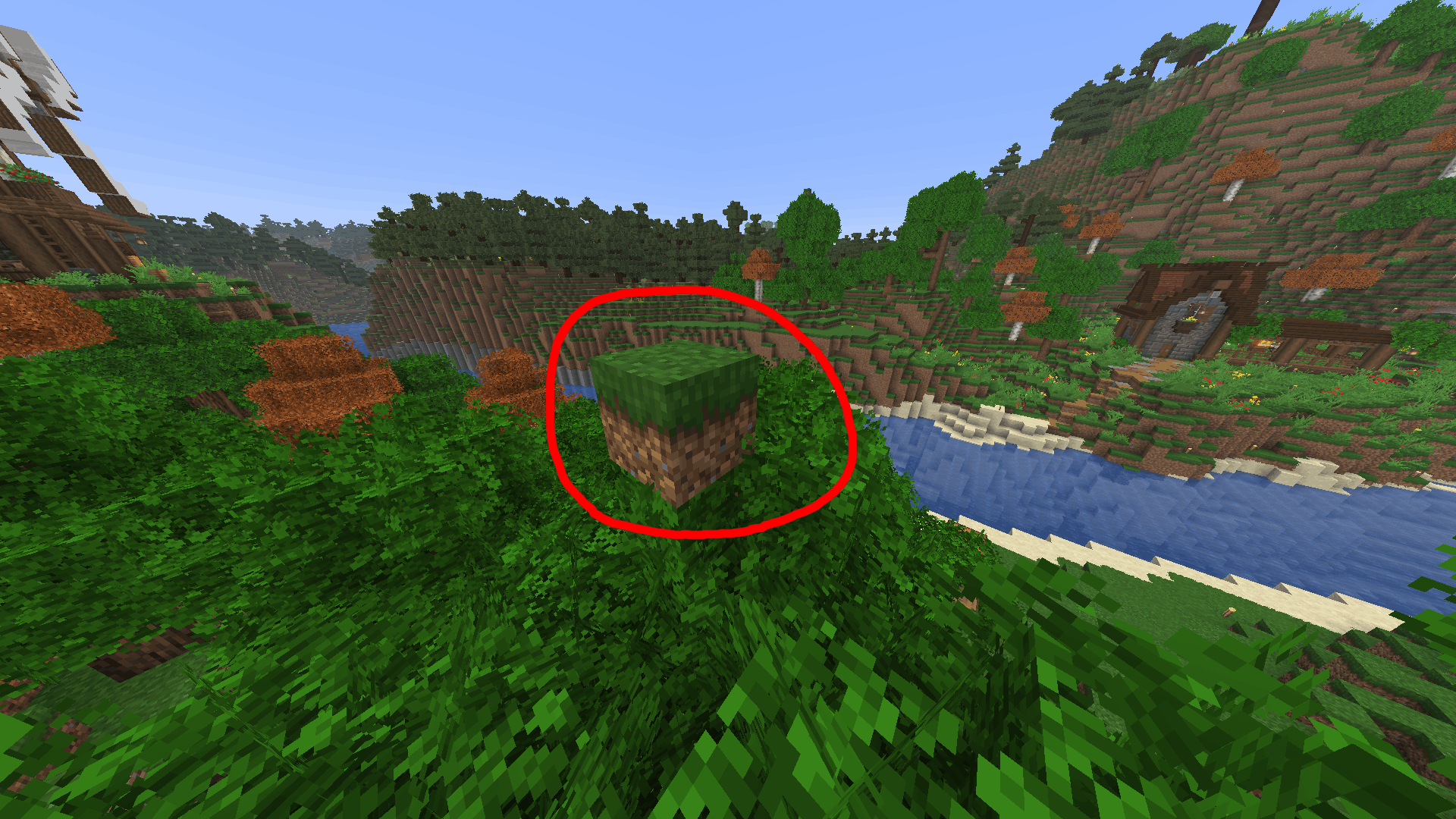
Endermen can move blocks. This is usually only a minor inconvenience because of their relatively low spawn rate. However, once you fully light up your world with torches, lanterns, or other light sources, Endermen become much more noticeable. Since most hostile mobs can no longer spawn in lit areas, Endermen make up a larger percentage of the remaining mob spawns.
Even though Endermen cannot spawn directly in torch light, they can still spawn:
- In nearby caves beneath your base
- Just outside the lit area
- In dark patches you may have missed
After spawning, they can teleport into your play space and start rearranging your blocks.
Why Not Just Disable Mob Griefing?
You could disable mob griefing with:
/gamerule mobGriefing false
But this also disables behavior for many other mobs, including villagers, animals, and other non-hostile mechanics that players may still want enabled.
Solution
This plugin specifically targets Endermen and prevents them from mutating your world. This way you don't have to worry about disabling other mob functions that might be useful in farms and such.
Features
Prevents Endermen from picking up blocks
Prevents Endermen from placing blocks
Gives Endermen a configurable chance to spawn already holding a block
- Default:
33%
- Default:
Configurable scan radius for selecting held blocks
- Default:
4 blocks
- Default:
How It Works
When an Enderman spawns, the plugin scans nearby blocks within the configured radius around the spawn location. Any block contained in Minecraft's enderman_holdable tag can be selected, and the enderman will be spawned carrying that block. This way we can preserve the appearance and atmosphere of vanilla Endermen while preventing the terrain from being disfigured.
- Edition: Minecraft Java
- File type: .jar
- Minecraft versions listed: 1.21, 1.21.1, 1.21.2
- How to install: Install the matching mod loader (Forge, Fabric or NeoForge) for your Minecraft version. → Download the .jar. → Put it in the .minecraft/mods folder and launch that loader profile.
- Where to get it: Opens on Modrinth — not every file is mirrored on our own servers.
Install steps are the general flow for this file type — How to install Minecraft Java mods & modpacks walks through it step by step.
- Ships as ender-be-gone-1.0.1-RC.1.jar — drop this file into the mods folder
- Download size: 6 KB
- Download link checked 24 Aug 2026 — working
These come from our own check of the pack file, not from the source page.