
MAutoBroadcast
Java mod listed for Minecraft 1.21–26.x. Downloads from the MC Java Mods app on Android.
A high-performance, GUI-driven automated announcement system. Fully customizable intervals and messages with zero performance impact.
⬇ Download on Modrinth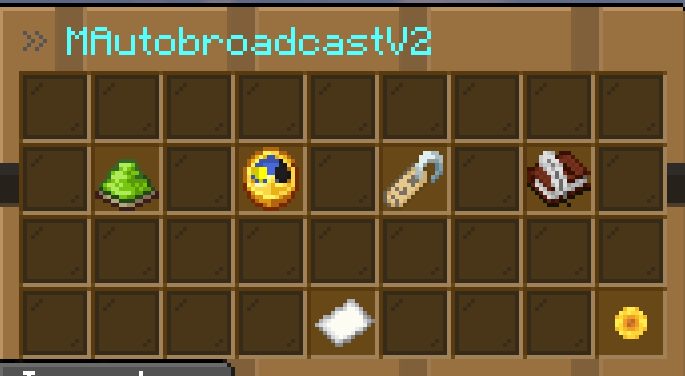
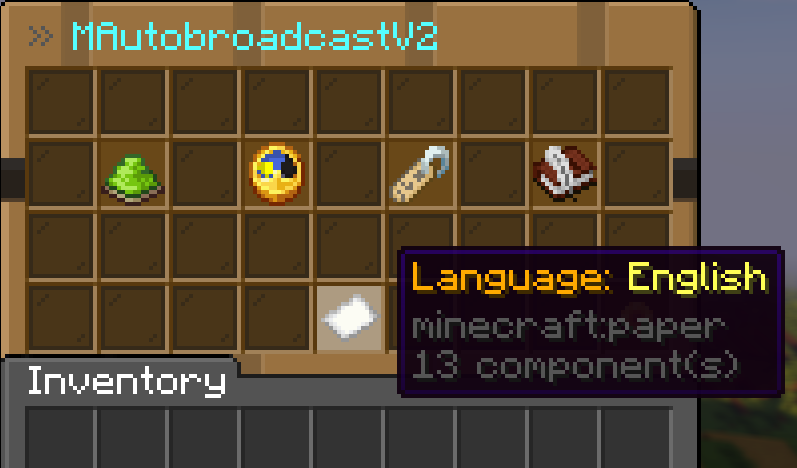
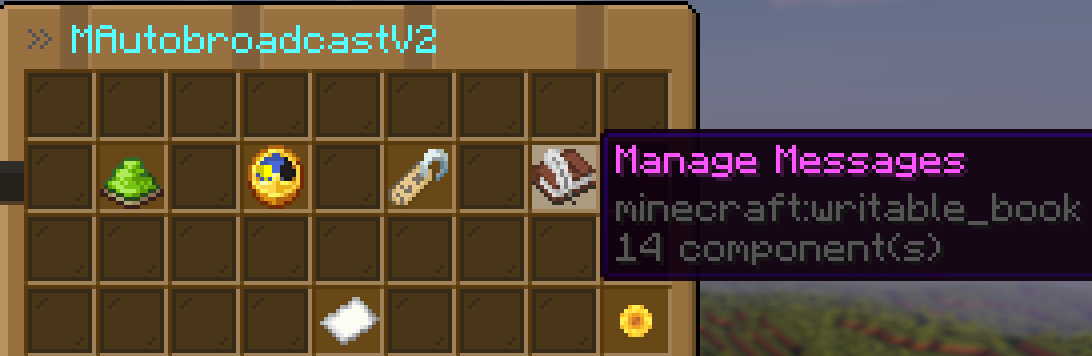
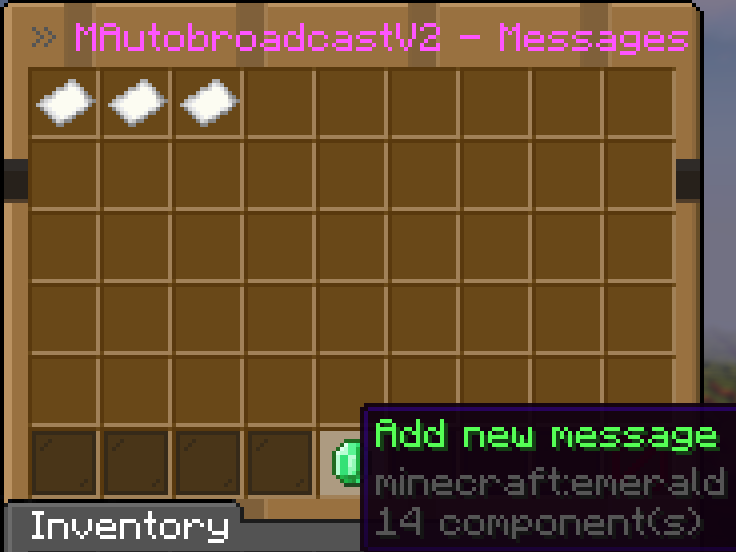
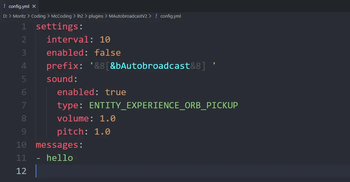
⚡ Performance & Quality Zero-Lag Architecture: Built with high-frequency servers in mind. The broadcasting engine runs with minimal resource usage.
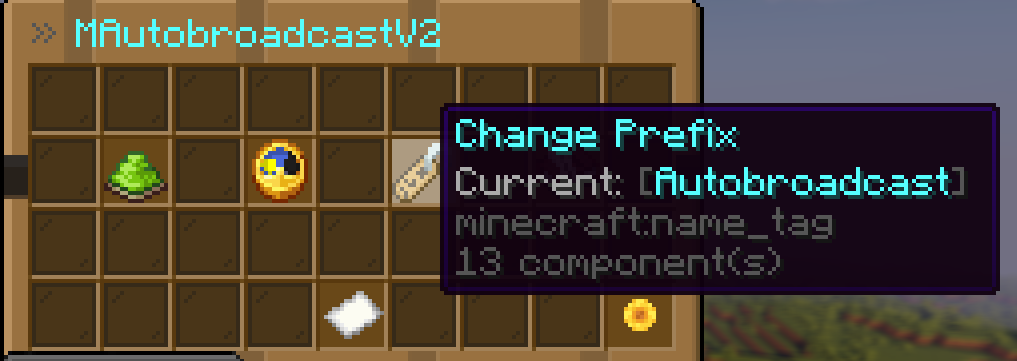
In-Game Management: Add, edit, or remove broadcast messages directly via a Graphical User Interface (GUI).
Full Customization: Supports Hex Colors, MiniMessage, and multi-line announcements.
No Watermarks: Clean, professional output. Your server, your branding.
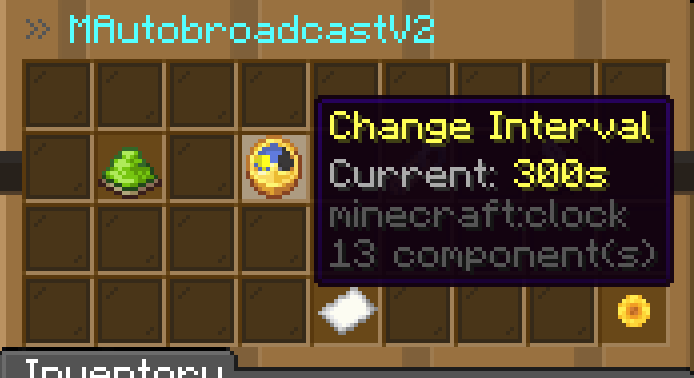
Configurable Intervals: Set exactly how often your messages should appear.
🛠 How it works MAutoBroadcastV2 allows you to toggle specific messages on or off and change global intervals without ever leaving the game. All changes are saved instantly and synced with your config.yml.
📜 Commands
/autobroadcast (or /ab) – Opens the main management GUI.
🌐 Connect with Us Professional tools for professional servers. Join our community for updates and premium support.
Official Website: https://mplugins.net/
Support Discord: dc.mplugins.net
- Edition: Minecraft Java
- File type: .jar
- Minecraft versions listed: 1.21, 1.21.1, 1.21.2
- How to install: Install the matching mod loader (Forge, Fabric or NeoForge) for your Minecraft version. → Download the .jar. → Put it in the .minecraft/mods folder and launch that loader profile.
- Where to get it: Opens on Modrinth — not every file is mirrored on our own servers.
Install steps are the general flow for this file type — How to install Minecraft Java mods & modpacks walks through it step by step.
- Ships as MAutobroadcastV2.jar — drop this file into the mods folder
- Download size: 20 KB
- Download link checked 22 Oct 2026 — working
These come from our own check of the pack file, not from the source page.