
vJourney
Java mod listed for Minecraft 1.21–26.x. Downloads from the MC Java Mods app on Android.
A powerful custom advancement engine designed to guide players, track completed missions, and create immersive quest-trees.
⬇ Download on Modrinth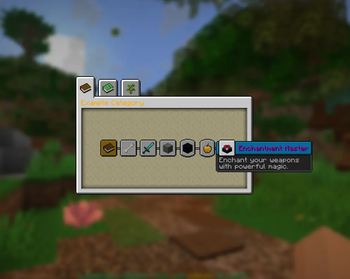
vJourney
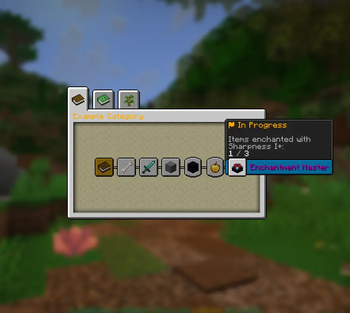
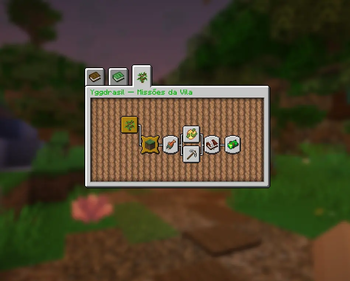
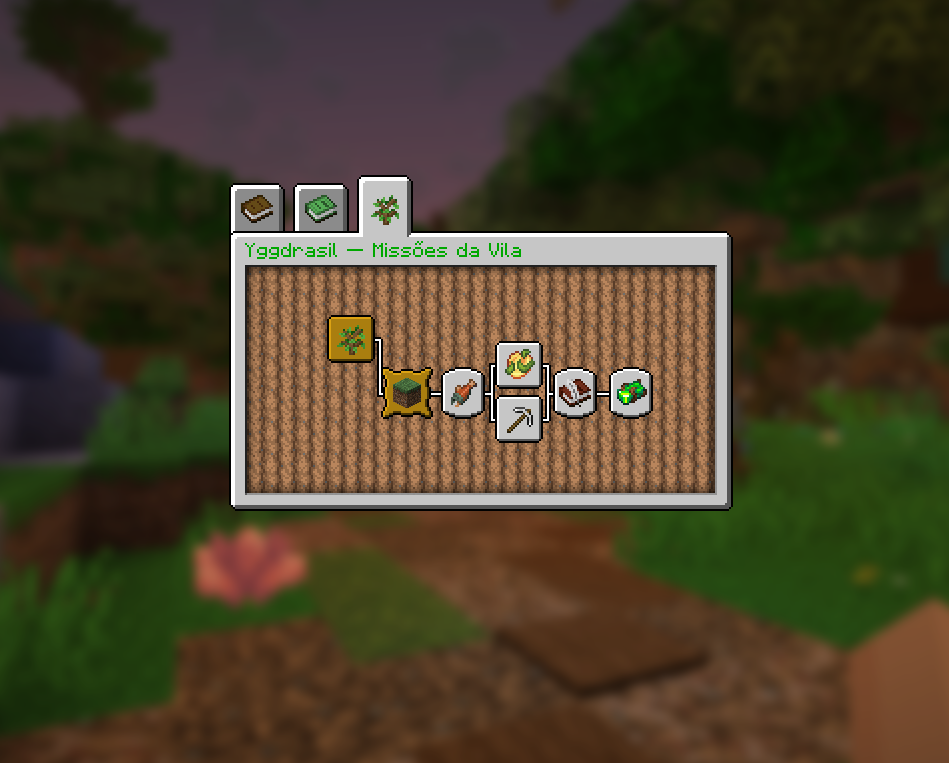
vJourney transforms Minecraft's native advancement screen into a configurable achievement and quest-tree system for minecraft servers.
Instead of opening a custom GUI, players use the familiar advancements menu, but with your own categories, icons, descriptions, progression, sounds and unlock conditions.
Support the Project
vJourney is developed and maintained with a lot of care as part of the vPlugins project. If the plugin helps your server, consider making a donation to support future updates, bug fixes, documentation and new vPlugins projects.

Community & Support
Need help configuring quests, want to report a bug, or suggest a feature? Join our community or check the documentation:


Preview
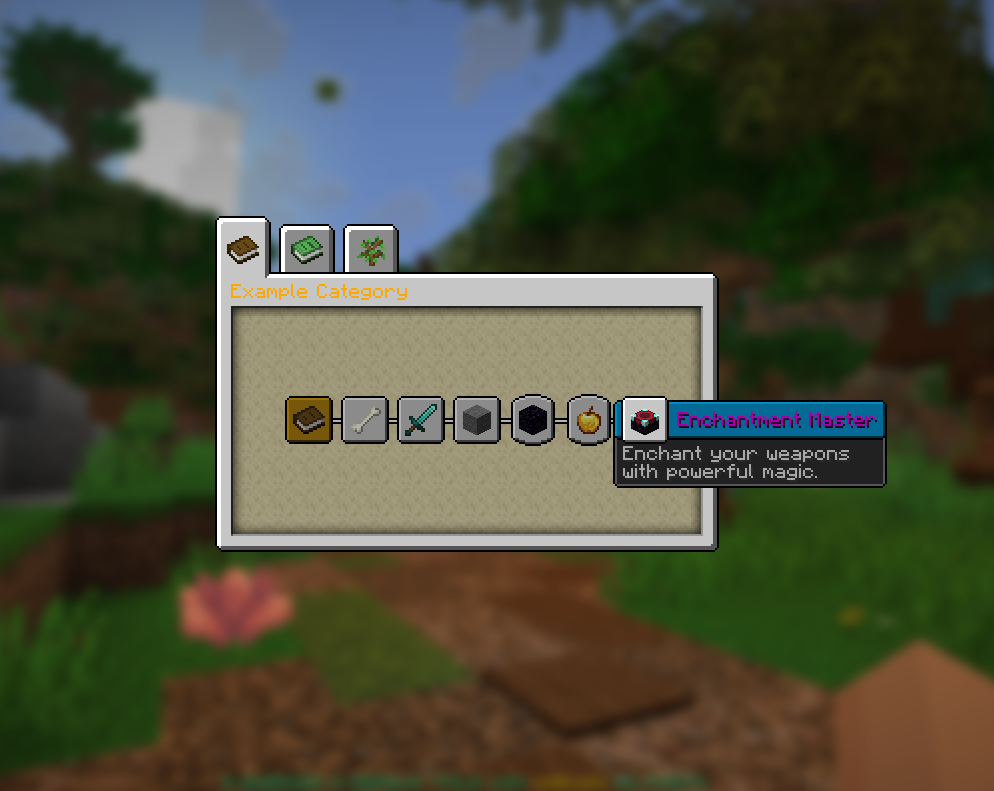
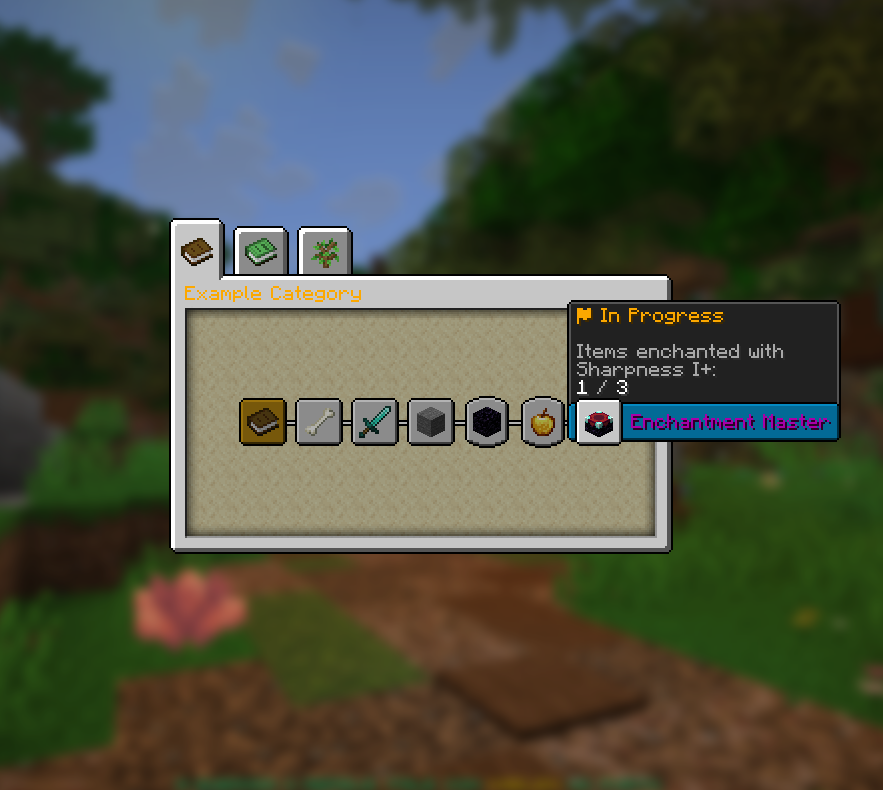
Main Features
- Create independent advancement tabs using simple
.ymlcategory files. - Build achievement trees with parents, branches, hidden nodes and multi-parent progression.
- Use custom icons with
materialandmodel_data. - Configure lore for blocked, progress and completed states.
- Show live progress in item hover text with
%current%. - Emit local chat, global chat and native Minecraft toast notifications.
- Store persistent progress in SQLite by default or MySQL when configured.
- Reload categories with
/vjourney reloador/vjr reload.
Triggers
vJourney supports several trigger types, including:
- Vanilla mob kills
- MythicMobs kills
- Armor equipped
- Item held
- Blocks broken
- World visits
- WorldGuard region entry
- Permissions
- PlaceholderAPI values
- BetonQuest tags and points
- Enchanting progress
- vBestiary discovery progress
Numeric triggers support flexible values:
value: 10   # exactly 10
value: <10  # 10 or less
value: 10>  # 10 or more
- Edition: Minecraft Java
- File type: .jar
- Minecraft versions listed: 1.21, 1.21.1, 1.21.2
- How to install: Install the matching mod loader (Forge, Fabric or NeoForge) for your Minecraft version. → Download the .jar. → Put it in the .minecraft/mods folder and launch that loader profile.
- Where to get it: Opens on Modrinth — not every file is mirrored on our own servers.
Install steps are the general flow for this file type — How to install Minecraft Java mods & modpacks walks through it step by step.
- Ships as vJourney-1.3.1.jar — drop this file into the mods folder
- Download size: 186 KB
- Download link checked 21 Oct 2026 — working
These come from our own check of the pack file, not from the source page.