
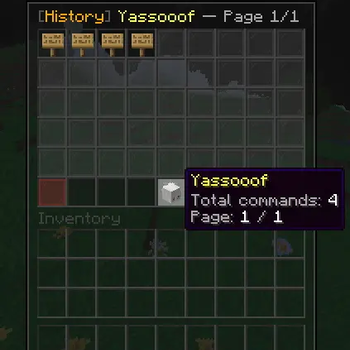
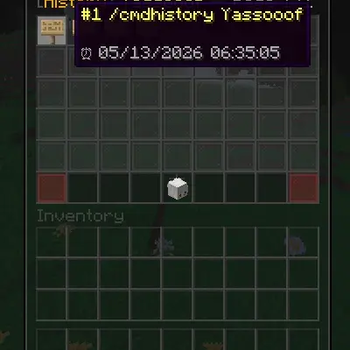
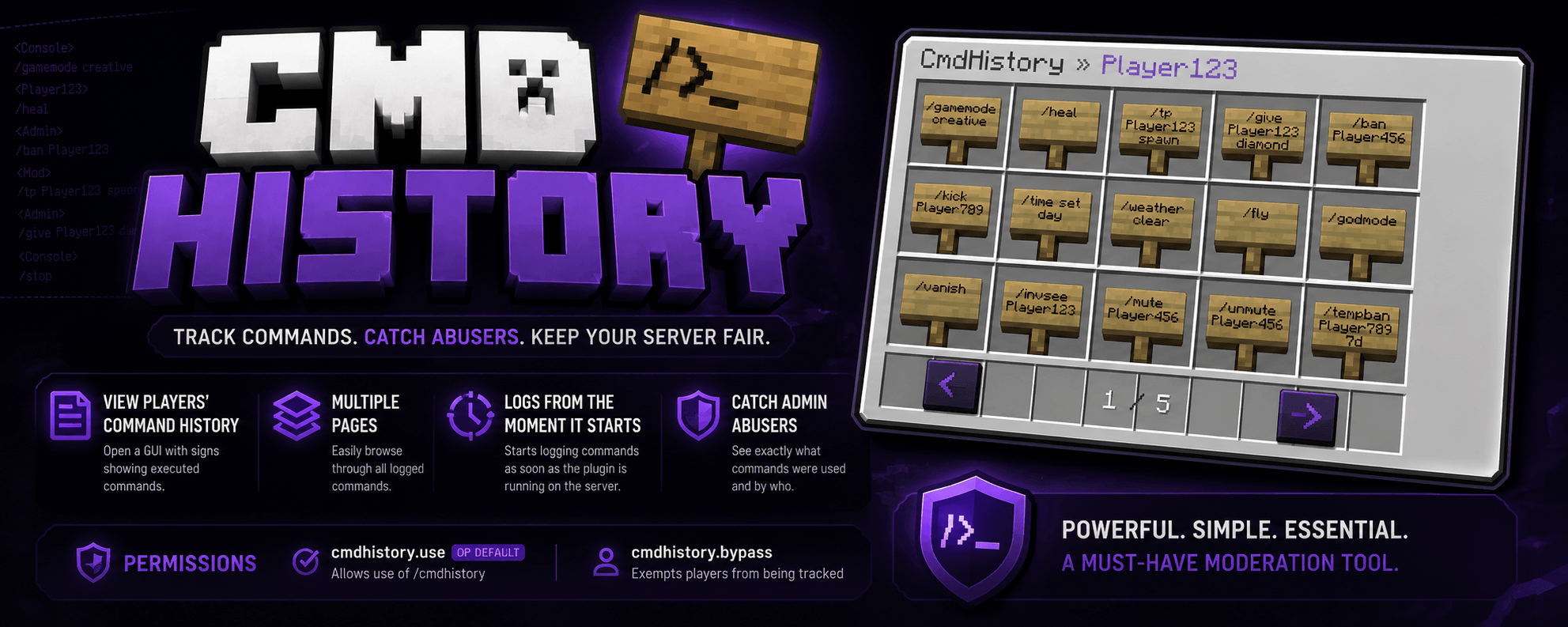
CmdHistory is a simple moderation plugin that lets staff view a player’s recent commands. Use /cmdhistory <player> to open a GUI with signs showing the commands they executed, which can also help catch admin abusers. It supports multiple pages and starts logging commands as soon as the plugin is installed and the server is started.
Permissions:
cmdhistory.use(OP default) — Allows use of/cmdhistorycmdhistory.bypass— Exempts players from being tracked
Quick facts
- Edition: Minecraft Java
- File type: .jar
- Minecraft versions listed: 1.21, 1.21.1, 1.21.2
- How to install: Install the matching mod loader (Forge, Fabric or NeoForge) for your Minecraft version. → Download the .jar. → Put it in the .minecraft/mods folder and launch that loader profile.
- Where to get it: Opens on Modrinth — not every file is mirrored on our own servers.
Install steps are the general flow for this file type — How to install Minecraft Java mods & modpacks walks through it step by step.
Verified by MCModsHub
- Ships as CommandHistory.jar — drop this file into the mods folder
- Download size: 17 KB
- Download link checked 22 Aug 2026 — working
These come from our own check of the pack file, not from the source page.