

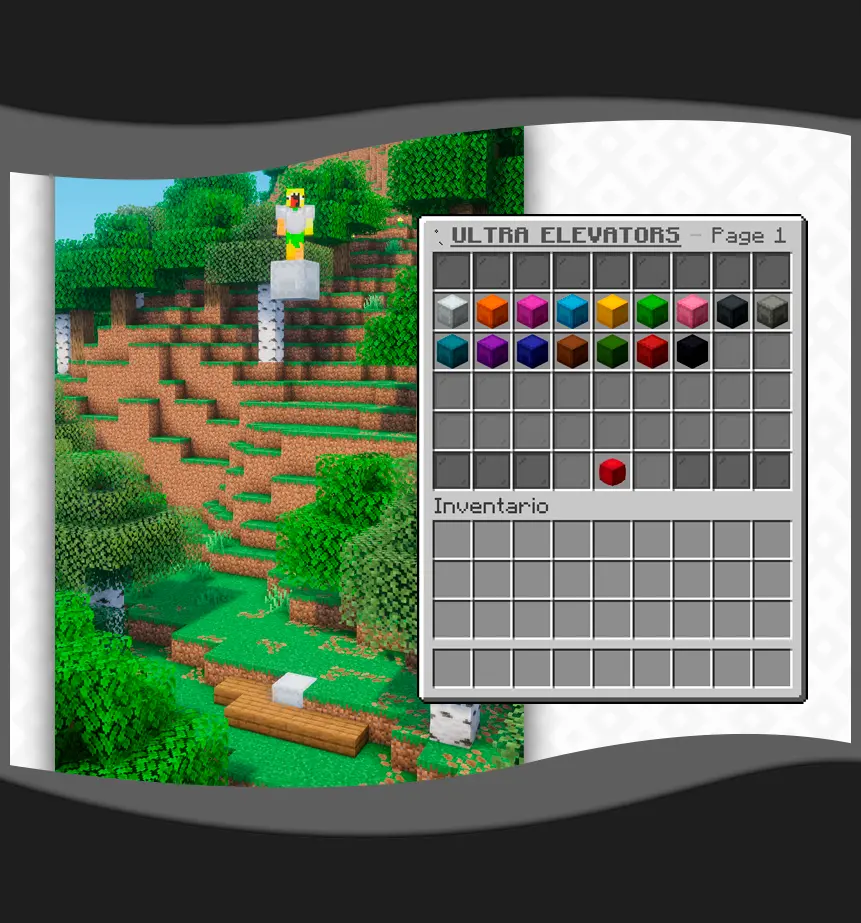

With UltraElevators, you can create elevators out of any block type to let players teleport between different levels, allowing you to configure sounds, messages, particles, and much more. Compatible with WorldGuard and other protection plugins through its custom use flag.
COMMANDS:
- /ue give - Give a specific elevator item to a player.
- /ue reload - Reload the plugin configuration and guide.
PERMISSIONS:
- ultraelevators.admin - Access to all commands and administrative features.
- ultraelevators.limit. - Set a maximum number of elevators for a player.
- ultraelevators.limit.* - Allow a player to place an infinite number of elevators.
WORLDGUARD FLAG:
- ultra-elevators - Set to 'deny' in a region to prevent elevator usage.
INTERNAL PLACEHOLDERS:
- %limit% - Shows the maximum number of elevators allowed.
- %placed% - Shows the current number of elevators the player has placed.
- %cooldown% - Shows the remaining cooldown time for teleportation.
- %type_name% - Shows the display name of the elevator type.
- %type% - Shows the technical ID of the elevator type.
- %page% - Current page number in the customization GUI.
- %material% - Name of the material being displayed in the GUI.
Quick facts
- Edition: Minecraft Java
- File type: .jar
- Minecraft versions listed: 1.21, 1.21.1, 1.21.2
- How to install: Install the matching mod loader (Forge, Fabric or NeoForge) for your Minecraft version. → Download the .jar. → Put it in the .minecraft/mods folder and launch that loader profile.
- Where to get it: Opens on Modrinth — not every file is mirrored on our own servers.
Install steps are the general flow for this file type — How to install Minecraft Java mods & modpacks walks through it step by step.
Verified by MCModsHub
- Ships as UltraElevators-1.0.4.jar — drop this file into the mods folder
- Download size: 58 KB
- Download link checked 10 Sept 2026 — working
These come from our own check of the pack file, not from the source page.