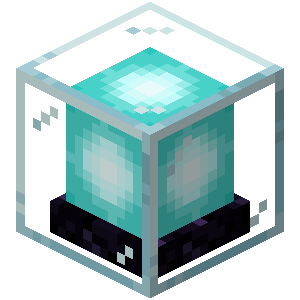
LimsArea
LimsArea is a plugin that allows users to create and manage specific private areas. Basically, it includes commands for operators, and by placing an Area…
⬇ Download on Modrinth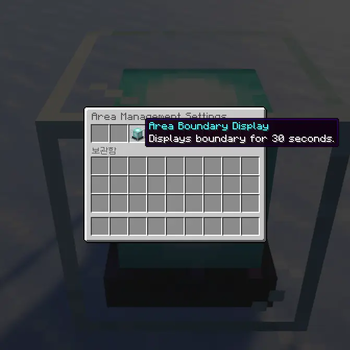
LimsArea Guide
This plugin allows players to designate and protect their own private spaces from others. Within a protected area, unauthorized players are strictly prohibited from breaking or placing blocks and attacking entities.
Key Features
Total Protection: Keep your blocks and valuable entities safe within your designated boundaries.
Customizable Dimensions: You can freely adjust the radius and height to set the area size as you wish. (Maximum size limits may apply based on server configurations.)
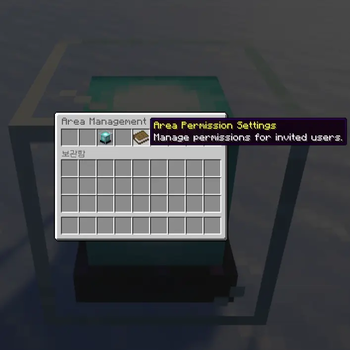
Convenient Management: Manage your areas intuitively through dedicated items or a GUI menu rather than complex manual commands.
How to Create an Area
- Admin Creation: Administrators can use commands to immediately establish an area at a specific location.
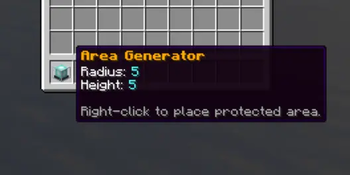
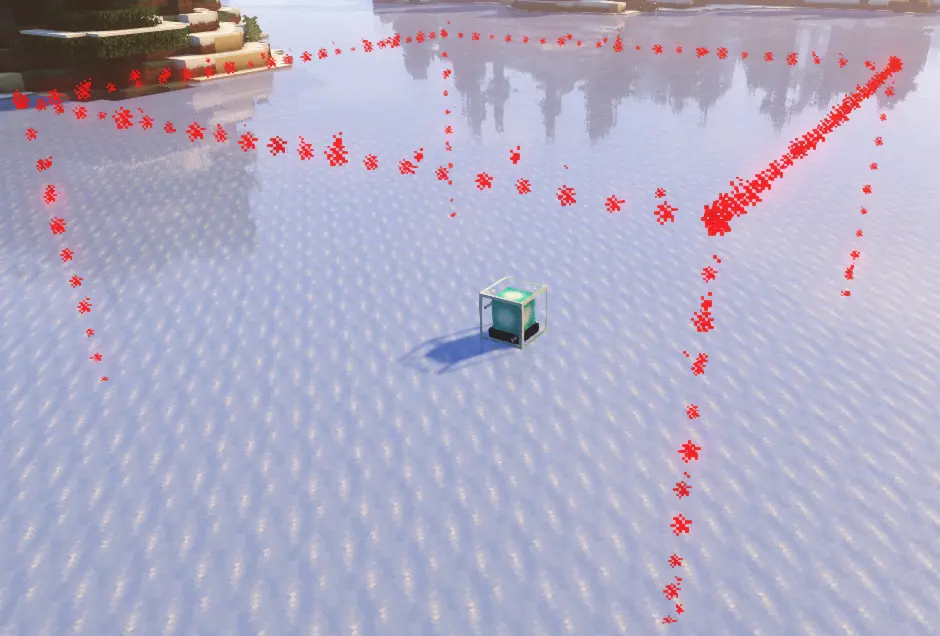
- Area Generator Item: By placing an 'Area Generator' item obtained from an admin, a protected zone is instantly created centered on the placement location.
Command Guide (Admin Only)
- /area check | Checks the owner of your current location and visually displays the area boundaries.
- /area manage | Opens the Management GUI to modify settings for the current area.
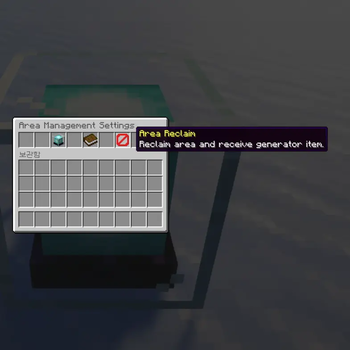
- /area reclaim | Removes your owned area and converts it back into an Area Generator item.
- /area delete | Immediately removes the area at your current location.
- /area give | Grants yourself an Area Generator item with specific dimensions.
- /area create | Instantly creates a protected area at your current location.
- Edition: Minecraft Java
- File type: .jar
- Minecraft versions listed: 1.21, 1.21.1, 1.21.2
- How to install: Install the matching mod loader (Forge, Fabric or NeoForge) for your Minecraft version. → Download the .jar. → Put it in the .minecraft/mods folder and launch that loader profile.
- Where to get it: Opens on Modrinth — not every file is mirrored on our own servers.
Install steps are the general flow for this file type — How to install Minecraft Java mods & modpacks walks through it step by step.
- Ships as LimsArea-1.0.1.jar — drop this file into the mods folder
- Download size: 1.2 MB
- Download link checked 14 Sept 2026 — working
These come from our own check of the pack file, not from the source page.