ModsJava
DeathChestReborn
A chest that keeps your items safe after you meet your demise. A project born from the ashes of a slightly different approach to the same idea (Death On…
⬇ Download on Modrinth


DeathChest Reborn
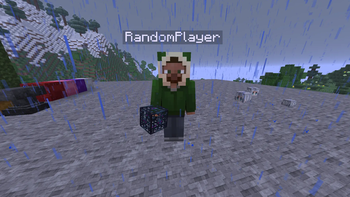
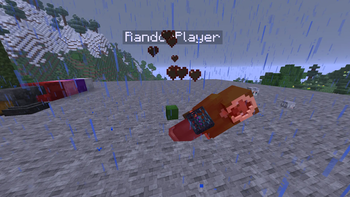
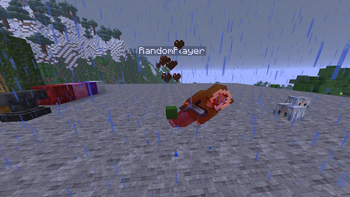
Minecraft Paper/Spigot plugin that automatically saves a player's entire inventory on death, then lets them retrieve items through admin-registered "DeathChest" chests.
Features
- Auto-save — Inventory, armor, and offhand are saved on death (vanilla drops are suppressed)
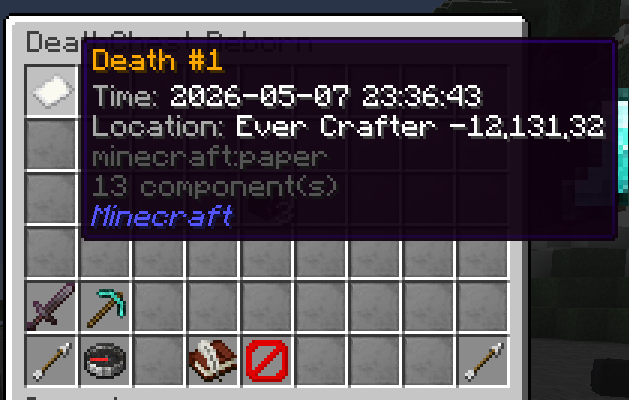
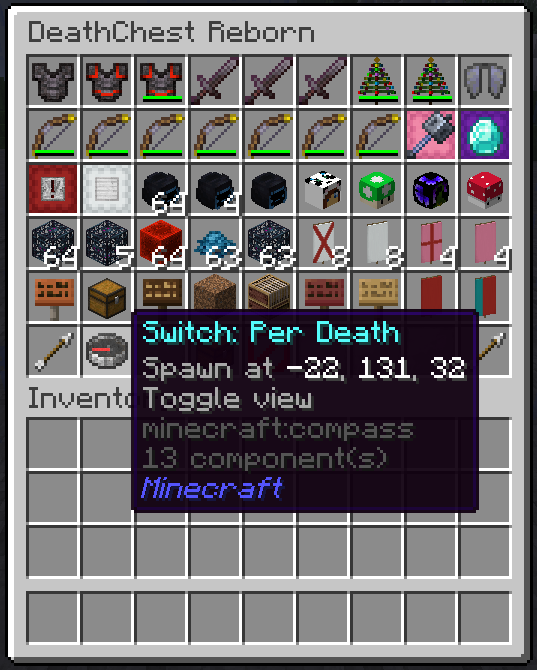
- GUI retrieval — Players access deaths via /dcr open with two views:
- Per-death browsing
- Aggregated "All Items" view
- Admin DeathChests — Admins register chest locations with /dcr set for players to use
- Curse of Vanishing — Items with this curse vanish on death (not saved, not claimable)
- Configurable limits — Cap stored deaths by count or total item stacks
- Legacy data migration — Supports importing data from older DeathChest plugins
Commands (for players)
- /dcr open [player] — Open your (or another's) death data, configurable
- /dcr help — Show command help
Admin Commands
- /dcr set [name] — Register the chest you're looking at as a DeathChest
- /dcr remove — Remove the targeted DeathChest location
- /dcr list [all|active|inactive] — List registered DeathChests
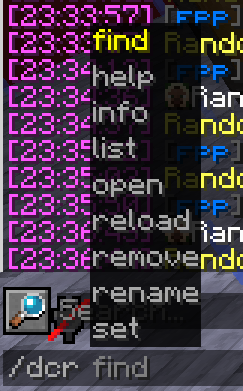
- /dcr find — Search DeathChests by name/ID
- /dcr rename — Rename a DeathChest
- /dcr info [id|name] — Show DeathChest details
- /dcr reload — Reload plugin settings
Permissions
- dcr.admin.set — Register/remove DeathChest locations
- dcr.admin.remove — Remove DeathChest locations
- dcr.admin.reload — Reload config
- dcr.admin.viewothers — View other players' death data
- dcr.admin.modifyothers — Claim items from other players' deaths Requirements
- Server: Paper 1.21.4+ (or Spigot API 1.21+)
- Java: 21+
Quick facts
- Edition: Minecraft Java
- File type: .jar
- Minecraft versions listed: 1.21, 1.21.1, 1.21.2
- How to install: Install the matching mod loader (Forge, Fabric or NeoForge) for your Minecraft version. → Download the .jar. → Put it in the .minecraft/mods folder and launch that loader profile.
- Where to get it: Opens on Modrinth — not every file is mirrored on our own servers.
Install steps are the general flow for this file type — How to install Minecraft Java mods & modpacks walks through it step by step.
Verified by MCModsHub
- Ships as DeathChestReborn_1.2.1.jar — drop this file into the mods folder
- Download size: 66 KB
- Download link checked 23 Aug 2026 — working
These come from our own check of the pack file, not from the source page.