
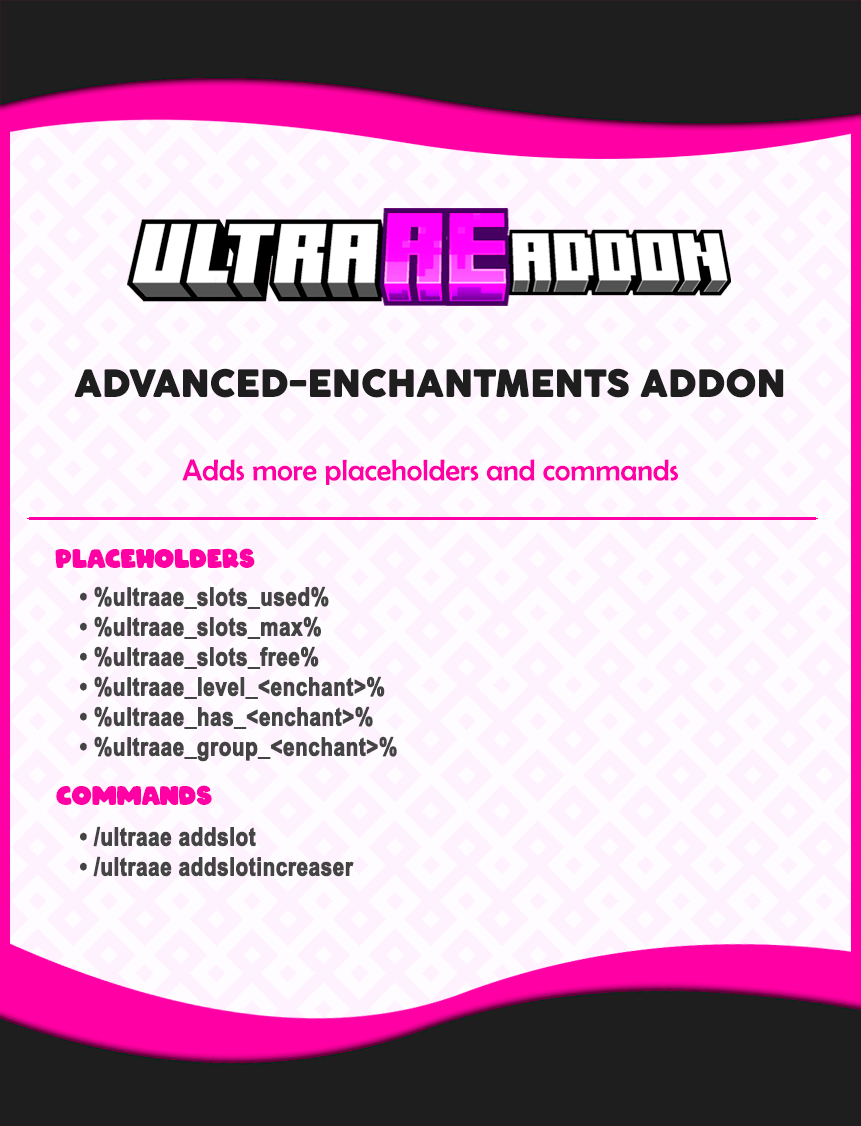

UltraAEAddon - Information
==========================

Placeholders:
- %ultraae_slots_used%: Current used slots on item
- %ultraae_slots_max%: Total slots available on item
- %ultraae_slots_free%: Remaining free slots on item
- %ultraae_level_<enchant>%: Level of a specific enchantment
- %ultraae_has_<enchant>%: Check if item has an enchantment (Yes/No)
- %ultraae_group_<enchant>%: Get the group name of an enchantment

Commands:
- /ultraae addslot: Adds 1 slot increaser directly to the item in hand (no limits).
- /ultraae addslotincreaser: Adds 1 slot respecting AE's max-increase-of-slots limit.
Quick facts
- Edition: Minecraft Java
- File type: .jar
- Minecraft versions listed: 1.20, 1.20.1, 1.20.2
- How to install: Install the matching mod loader (Forge, Fabric or NeoForge) for your Minecraft version. → Download the .jar. → Put it in the .minecraft/mods folder and launch that loader profile.
- Where to get it: Opens on Modrinth — not every file is mirrored on our own servers.
Install steps are the general flow for this file type — How to install Minecraft Java mods & modpacks walks through it step by step.
Verified by MCModsHub
- Ships as UltraAEAddon-1.0.0.jar — drop this file into the mods folder
- Download size: 7 KB
- Download link checked 11 Sept 2026 — working
These come from our own check of the pack file, not from the source page.