
ModsJava
CrUnicoder
🛡️ Unicoder - Advanced Server Security & Chat Guard Unicoder is an all-in-one security shield designed against players who disrupt chat order, exploit…
⬇ Download on Modrinth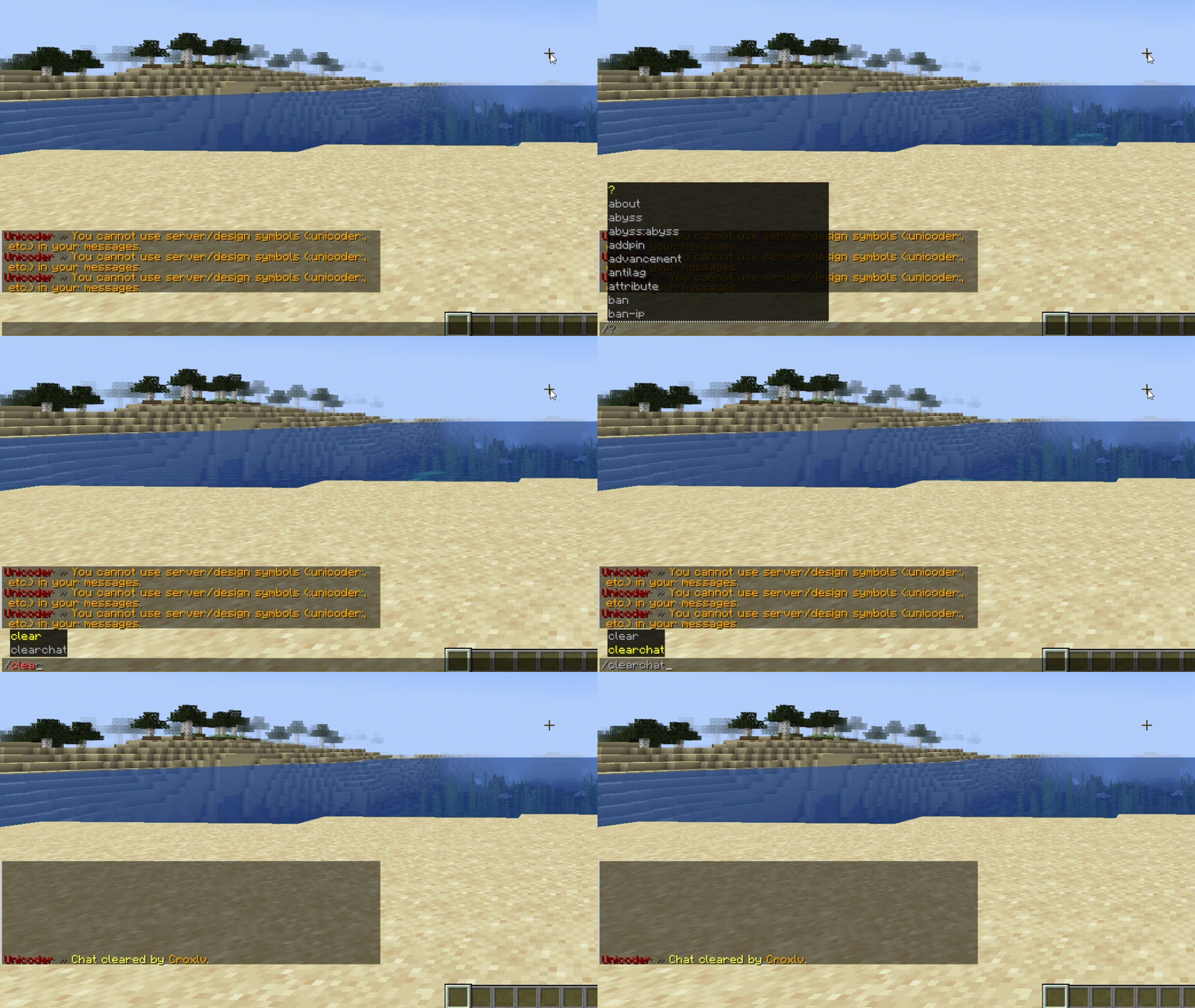
🛡️ Unicoder - Advanced Server Security & Chat Guard
Unicoder is an all-in-one security shield designed against players who disrupt chat order, exploit vulnerabilities, and exhibit toxic behavior on Minecraft servers. It is not just a swear filter; it is a comprehensive system that monitors every corner of your server, from auction houses and item names to command hiding and spam protection.
Key Features:
- 🤬 Advanced 3-Tier Swear & Slang Filter:
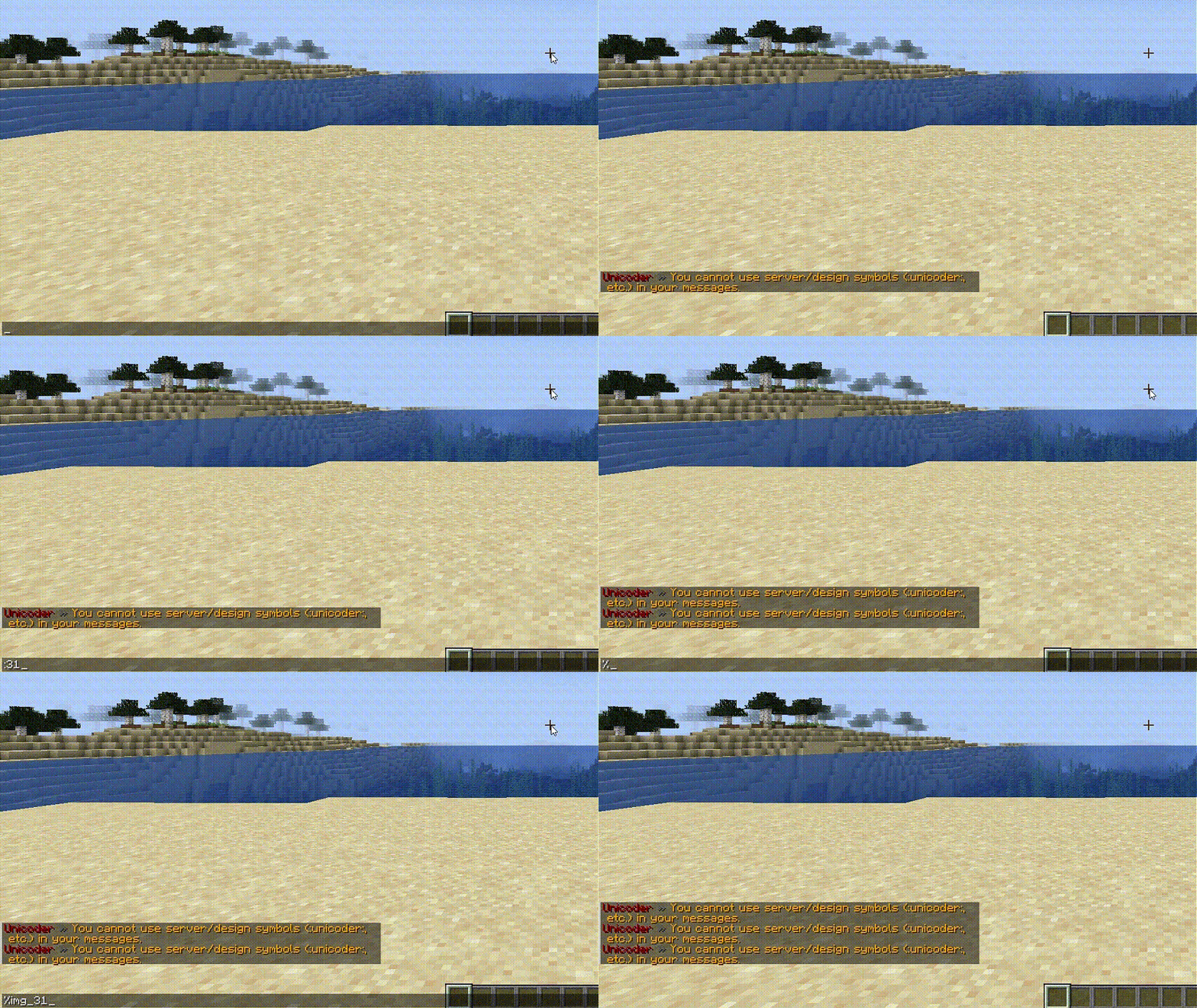
Unlike traditional filters, it catches bypassed words even if players put spaces, dots, or symbols between letters (e.g.,
s.w.e.a.r) by analyzing them at the Unicode level. Heavy swears, advertisements, and toxic words are instantly blocked. - 🛑 Anti-Spam & Caps Lock Protection: Prevents players from polluting the chat. It automatically detects and blocks message repetition (flood), sending messages too fast, and excessive use of capital letters (CAPS), warning the player and cancelling the message.
- 🕵️ Tab-Complete (Command) Blocker:
To protect your server's backend, it completely hides specific commands like
/pl,/ver, or hidden staff commands from showing up when regular players press the "Tab" key. - 🚫 Dynamic Blocked Items System:
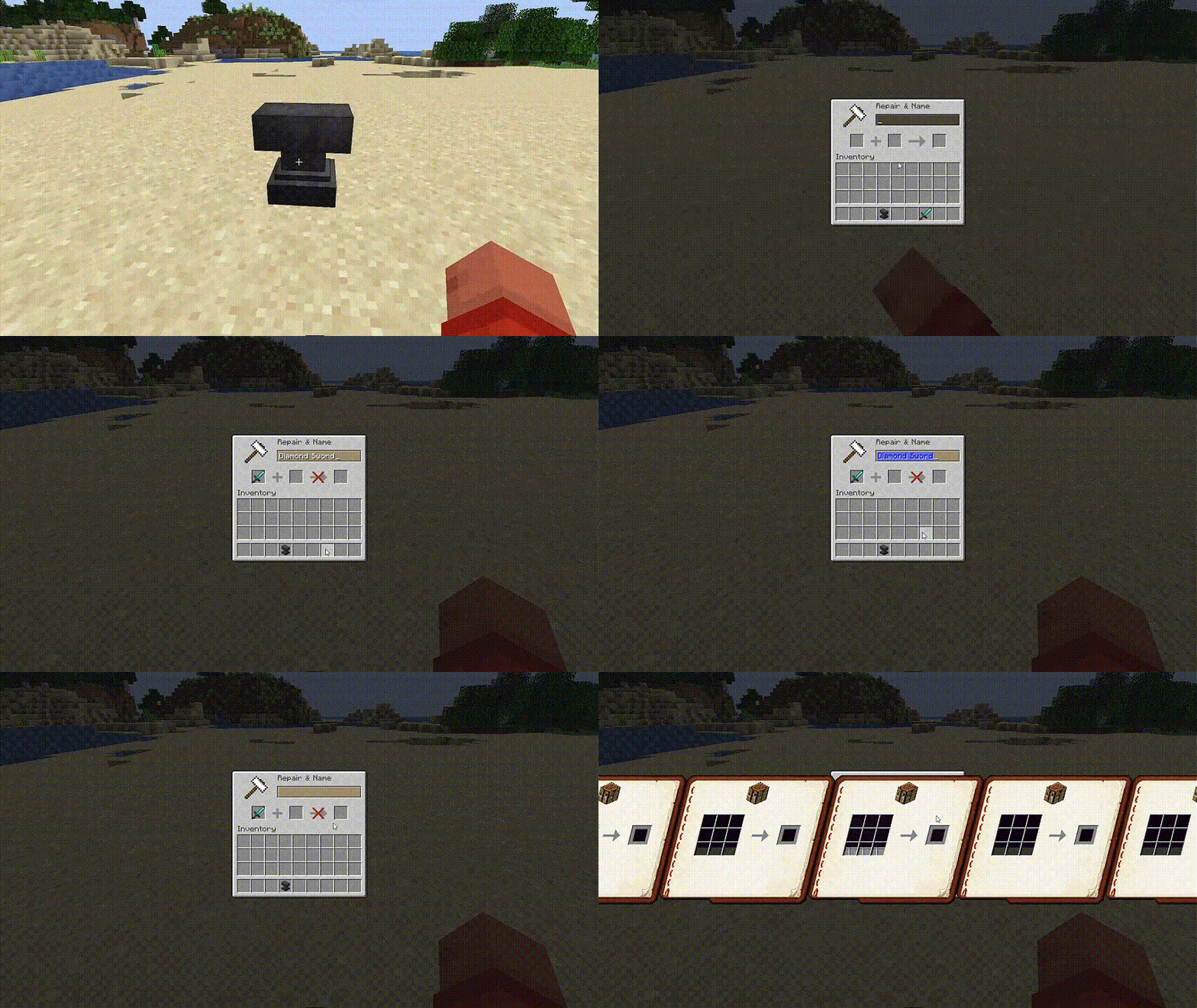
Ban any item you want (e.g., BUNDLE) with a single click via
blocked-items.yml. Blocked items cannot be crafted, picked up from the ground, moved in the inventory, or renamed in an anvil. - 🏪 Auction Guard: Prevents players from bypassing the filter by selling items with offensive or weird Unicode names in GUI plugins like AuctionHouse, Bazaar, or Market.
- 📦 Item-in-Chat Inspection:
It also inspects the names of items that players display in chat via chat plugins (e.g., using
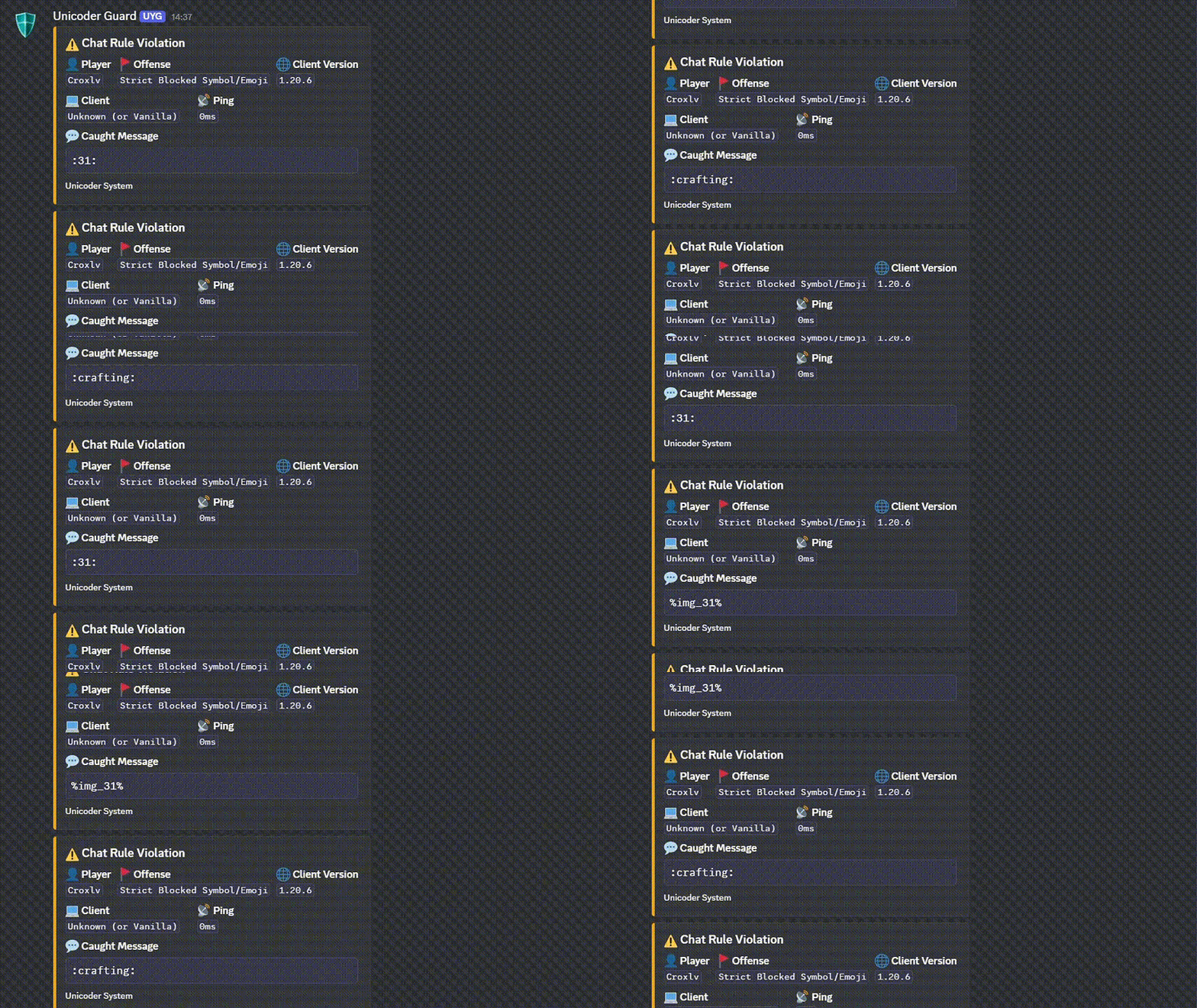
[item]). If the item name is inappropriate, the display is cancelled. - 📡 Discord Webhook Integration: Instantly reports all violations on the server to a specified Discord channel. The reports display detailed information, including the violation type, the blocked message, and even the player's Minecraft client version.
- 🧹 Practical Management:
You can completely clear the chat with a single command (
/clearchat) or instantly update all configurations without restarting the server (/unicoder reload).
Quick facts
- Edition: Minecraft Java
- File type: .jar
- Minecraft versions listed: 1.13, 1.13.1, 1.13.2
- How to install: Install the matching mod loader (Forge, Fabric or NeoForge) for your Minecraft version. → Download the .jar. → Put it in the .minecraft/mods folder and launch that loader profile.
- Where to get it: Opens on Modrinth — not every file is mirrored on our own servers.
Install steps are the general flow for this file type — How to install Minecraft Java mods & modpacks walks through it step by step.
Verified by MCModsHub
- Ships as CrUnicoder-2.2.jar — drop this file into the mods folder
- Download size: 78 KB
- Download link checked 22 Aug 2026 — working
These come from our own check of the pack file, not from the source page.