
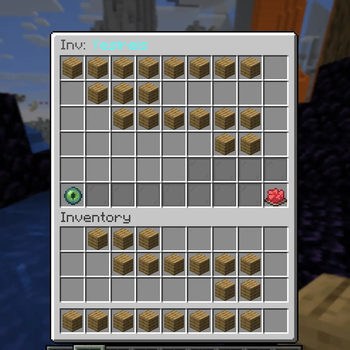
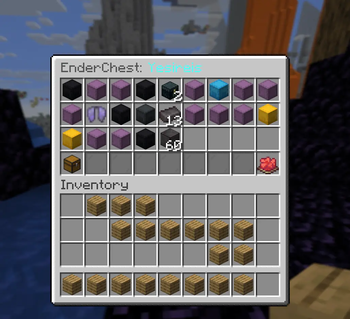
SuperInventorySee is a lightweight, high-performance tool designed for server administrators who need to monitor player inventories in real-time. Whether you're tracking down stolen items on an SMP or checking for "illegal" gear, SuperInvSee provides a seamless, vanilla-friendly way to peek inside.
Features
Live Inspection: View any online player's inventory exactly as they see it.
Real-Time Sync: As the player moves items, your view updates instantly.
1.21x Support: Fully optimized for the latest Minecraft versions and Java 21.
Admin Focused: Lightweight code that won't lag your server, even during high-traffic events.
Permissions:
/invsee — Opens the specified player's inventory.
Permission: invsee.admin (Default: For OPs)
Installation
Download the .jar file.
Drop it into your server's plugins folder (for Paper/Spigot).
Restart your server.
You're ready to go! No complex configuration required.
- Edition: Minecraft Java
- File type: .jar
- Minecraft versions listed: 1.21, 1.21.1, 1.21.2
- How to install: Install the matching mod loader (Forge, Fabric or NeoForge) for your Minecraft version. → Download the .jar. → Put it in the .minecraft/mods folder and launch that loader profile.
- Where to get it: Opens on Modrinth — not every file is mirrored on our own servers.
Install steps are the general flow for this file type — How to install Minecraft Java mods & modpacks walks through it step by step.
- Ships as superinvsee - 1.1.jar — drop this file into the mods folder
- Download size: 7 KB
- Download link checked 11 Sept 2026 — working
These come from our own check of the pack file, not from the source page.