
Plug-Get
Plug-Get is a simple Linux like package manager for minecraft plugins. It allows you to easily search, install and update plugins from Modrinth without ever leaving the game or your server console. It supports both apt and pacman syntax
Features
- One-command plugin installation with automatic dependency resolution
- Search for plugins directly from Modrinth API
- Update all plugins with a single command
- Remove plugins with optional dependency cleanup
- Version control (latest, rolling, beta, alpha, specific versions)
- Simple config
- Compatible with folia, paper, spigot
Examples
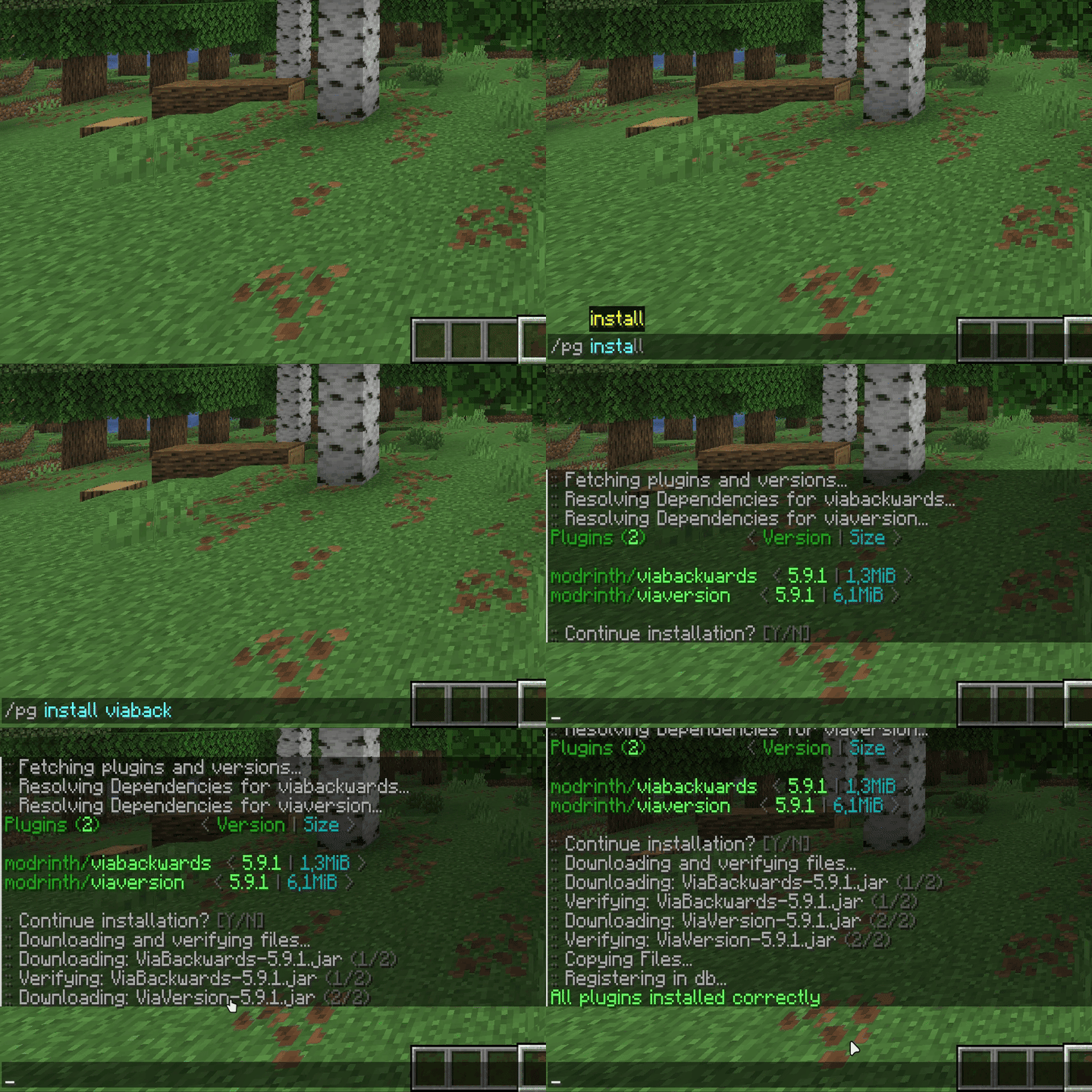
Installing plugins:
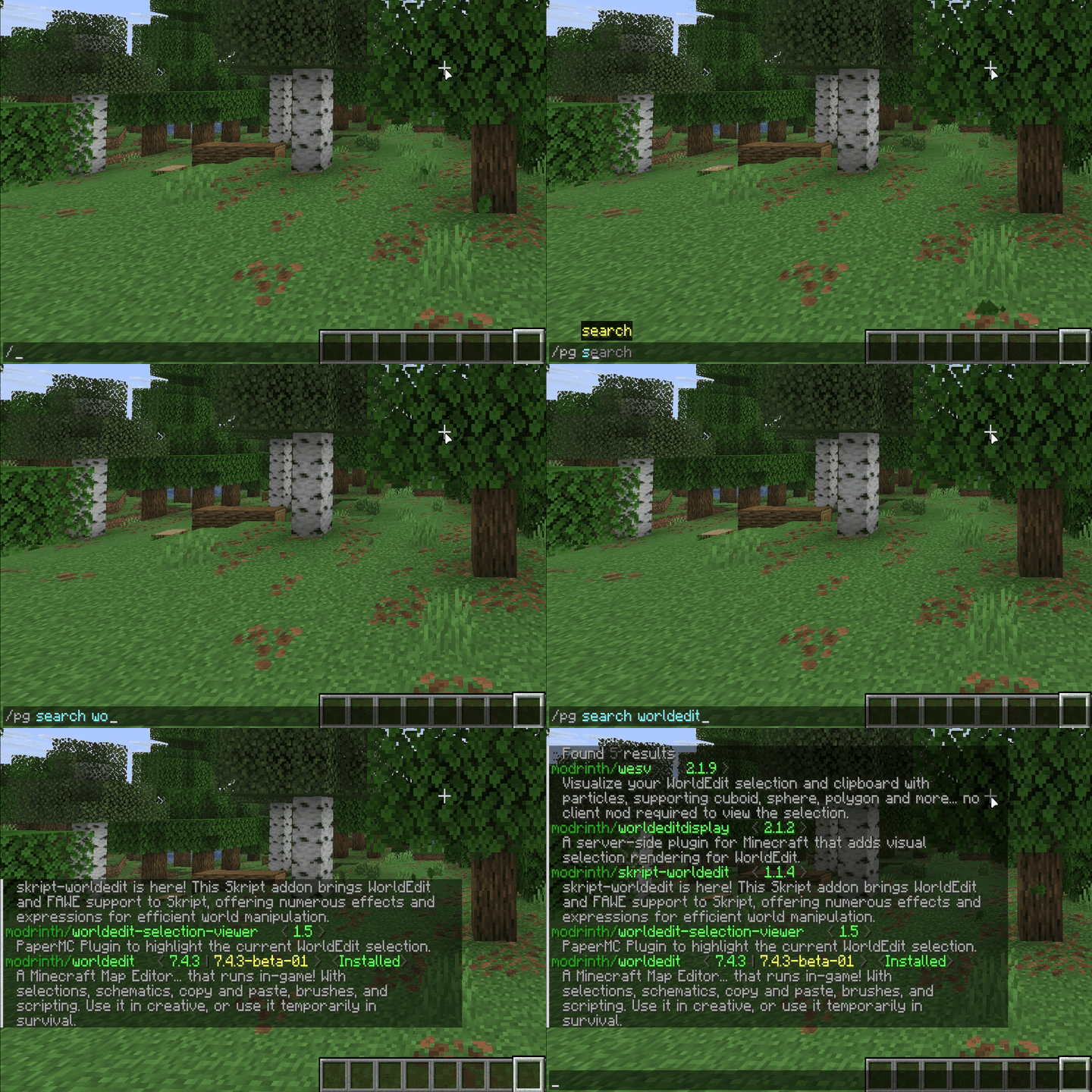
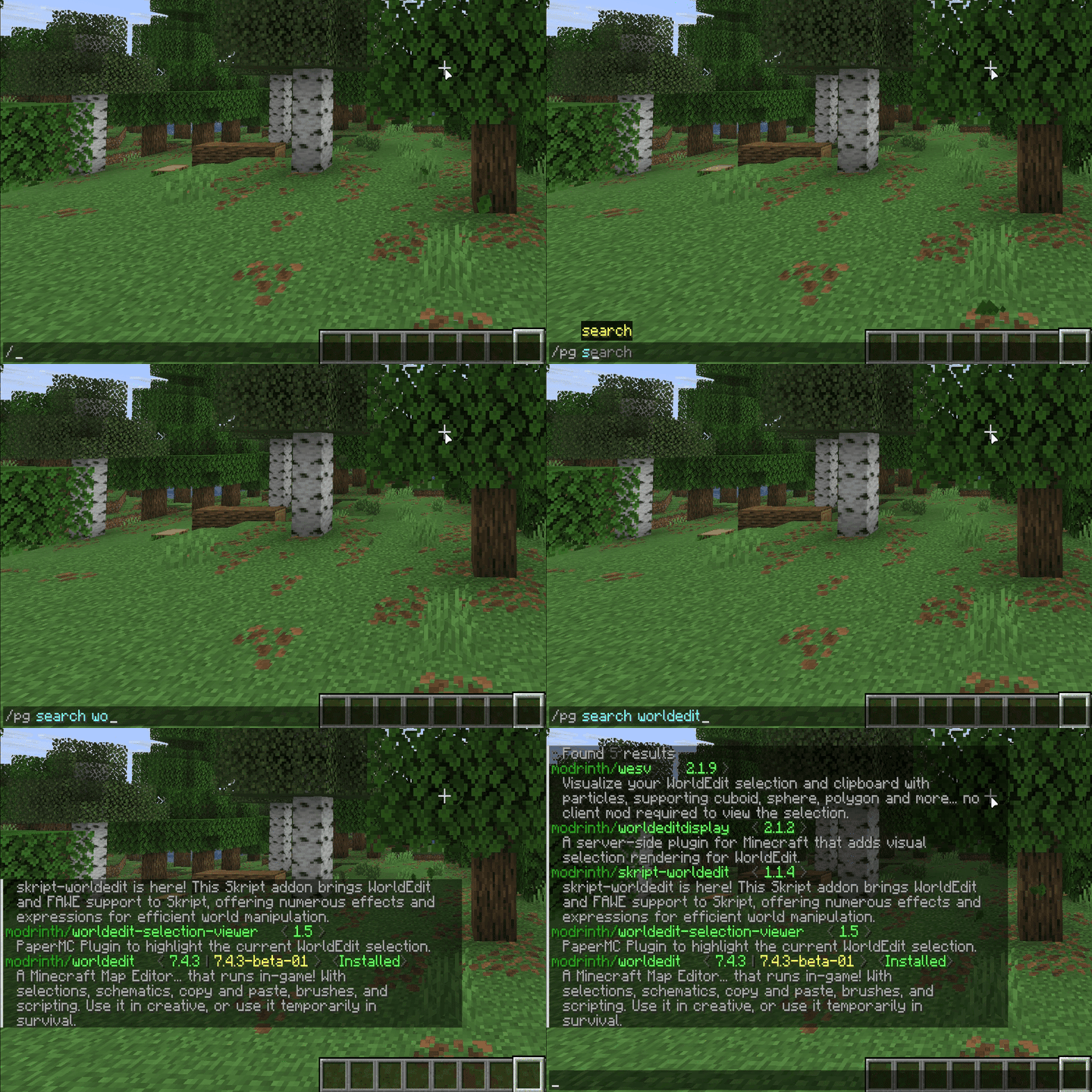
Searching for plugins:
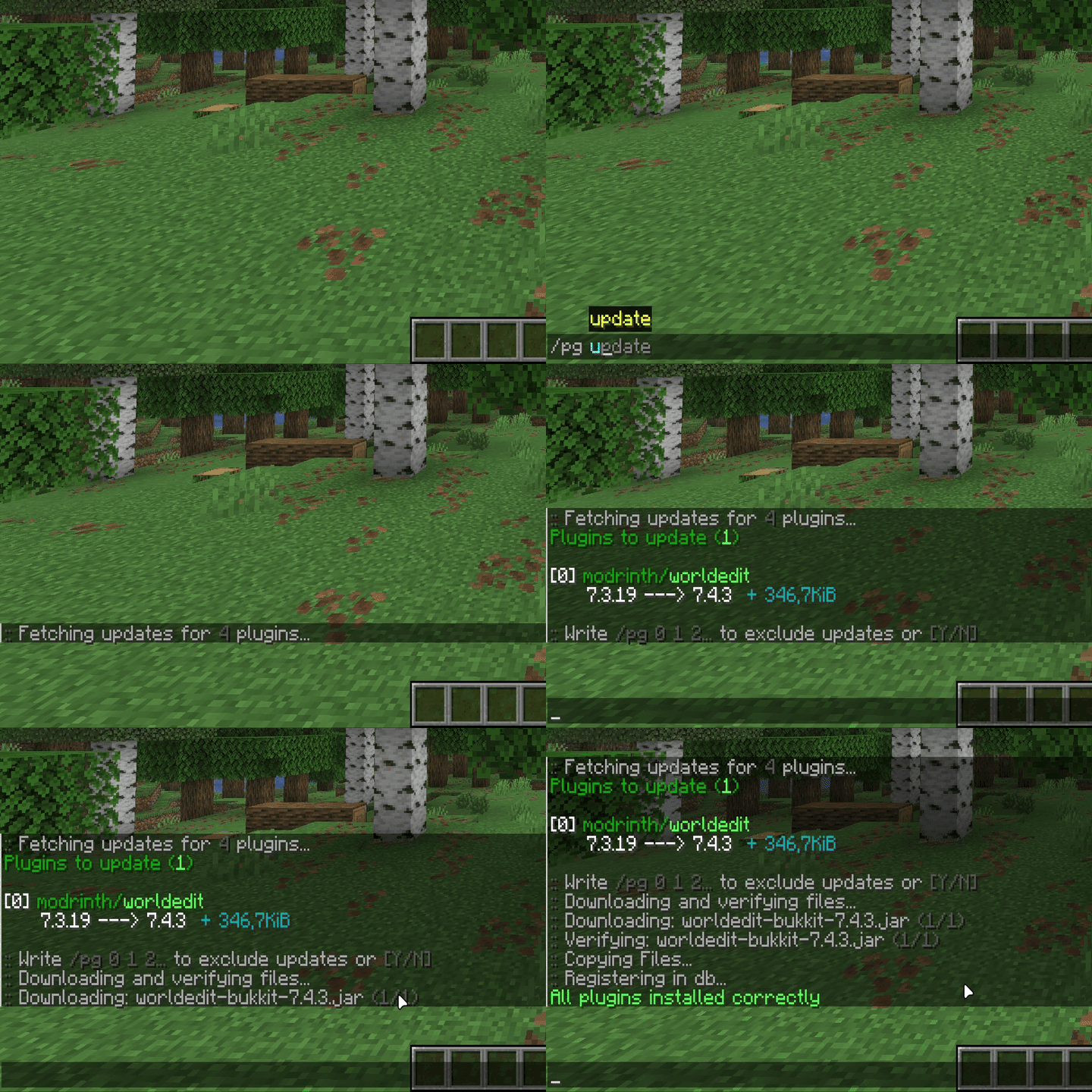
Updating installed plugins:
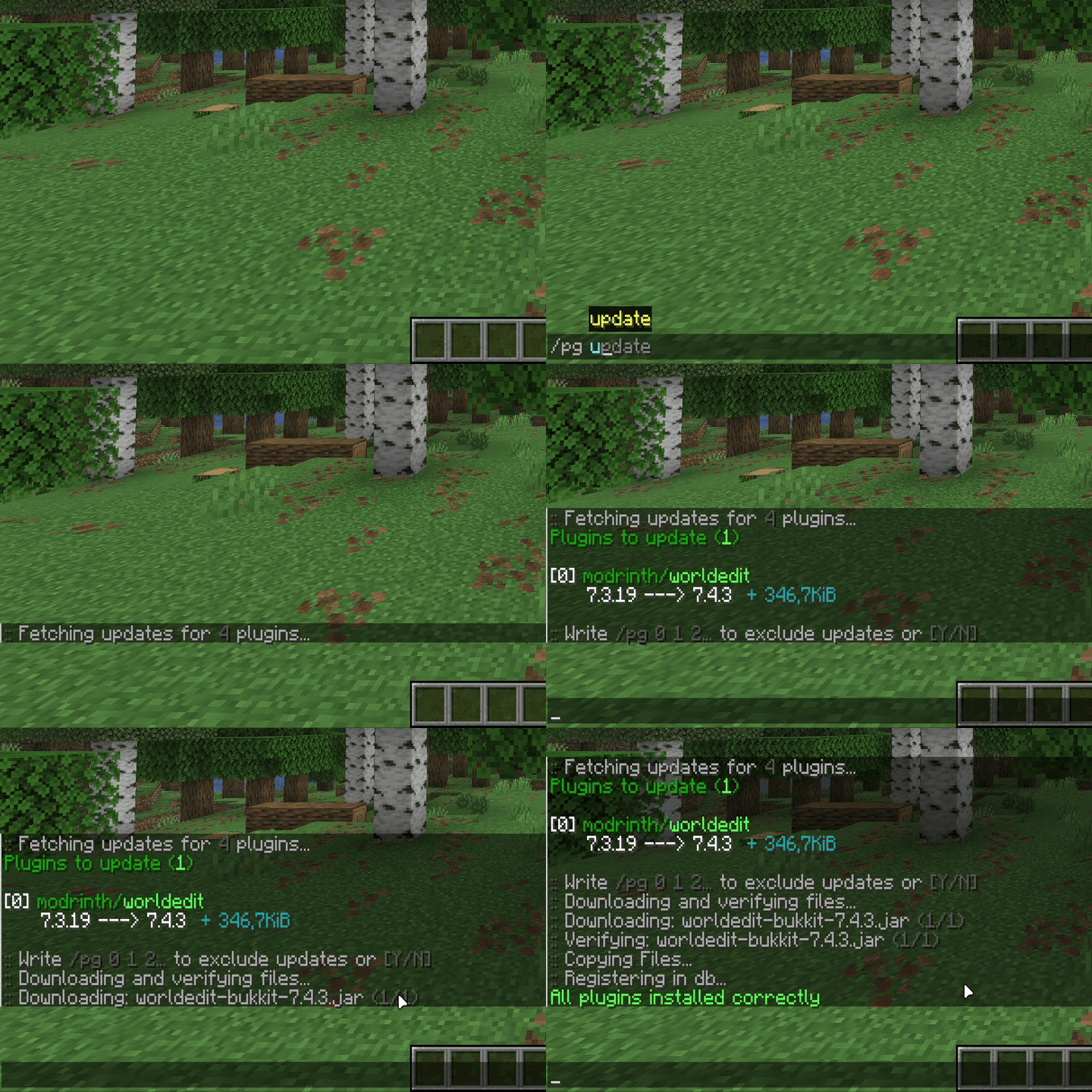
Commands & Flags
All Commands
List of commands curently avalible
| Command | Short | Description |
|---|---|---|
/pg help |
/pg -h |
Show help menu |
/pg search <slug> |
/pg -Ss <slug> |
Search for plugins |
/pg install <slug> |
/pg -S <slug> |
Install a plugin |
/pg update |
/pg -Syu |
Update all installed plugins |
/pg list |
/pg -Qs |
List all installed plugins |
/pg versions <slug> |
/pg -Vs <slug> |
Show versions of chosen plugin |
/pg remove <slug> |
/pg -R <slug> |
Remove a plugin |
/pg autoremove <slug> |
/pg -Rs <slug> |
Remove a plugin with its dependencies |
/pg reload |
/pg -rl |
`Reload configuration file |
Confirmation Commands
| Command | Short | Description |
|---|---|---|
/pg y |
/pg -y |
Confirm pending action |
/pg n |
/pg -n |
Cancel pending action |
/pg release |
/pg -Alr |
Release action lock if stuck |
Installation Flags
Use these flags with /pg install <slug> [FLAG]:
| Flag | Description |
|---|---|
--latest |
Install latest and most stable version |
--rolling |
Install always newest version |
--beta |
Install from beta channel |
--alpha |
Install from alpha channel |
--v <version> |
Install specific version (e.g., --v 7.2.15) |
--vl <version> |
Install specific version as latest type |
--vr <version> |
Install specific version as rolling type |
Permissions
Plugin Permissions
| Permission | Description | Default |
|---|---|---|
plugget.use |
Allows the player to use the /plugget command and all its subcommands |
OP |
To use Plug-Get commands, players must have the plugget.use permission. By default, this permission is only available to server operators (OPs). You can modify this in your permission management plugin (such as LuckPerms, PermissionsEx, etc.) to grant access to specific players or groups.
- Edition: Minecraft Java
- File type: .jar
- Minecraft versions listed: 1.8.8, 1.8.9, 1.9
- How to install: Install the matching mod loader (Forge, Fabric or NeoForge) for your Minecraft version. → Download the .jar. → Put it in the .minecraft/mods folder and launch that loader profile.
- Where to get it: Opens on Modrinth — not every file is mirrored on our own servers.
Install steps are the general flow for this file type — How to install Minecraft Java mods & modpacks walks through it step by step.
- Ships as plug-get-0.1.1.jar — drop this file into the mods folder
- Download size: 212 KB
- Download link checked 21 Aug 2026 — working
These come from our own check of the pack file, not from the source page.