




A Paper world-reset plugin that respects player claims.


Overview
GP Reset resets worlds while preserving all active protected land. Before every reset, the current world is automatically backed up.
Supports
- GriefPrevention — optional
- WorldGuard — optional
Permissions
To run a reset, a player must either be OP or have the permission node:
gpreset.admin
Backups
Each reset saves the current world to a backups/ folder in the server root. Once the backup count reaches the configured limit, older backups are automatically pruned.
Commands
/gpreset reset <world>
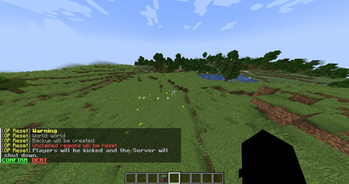
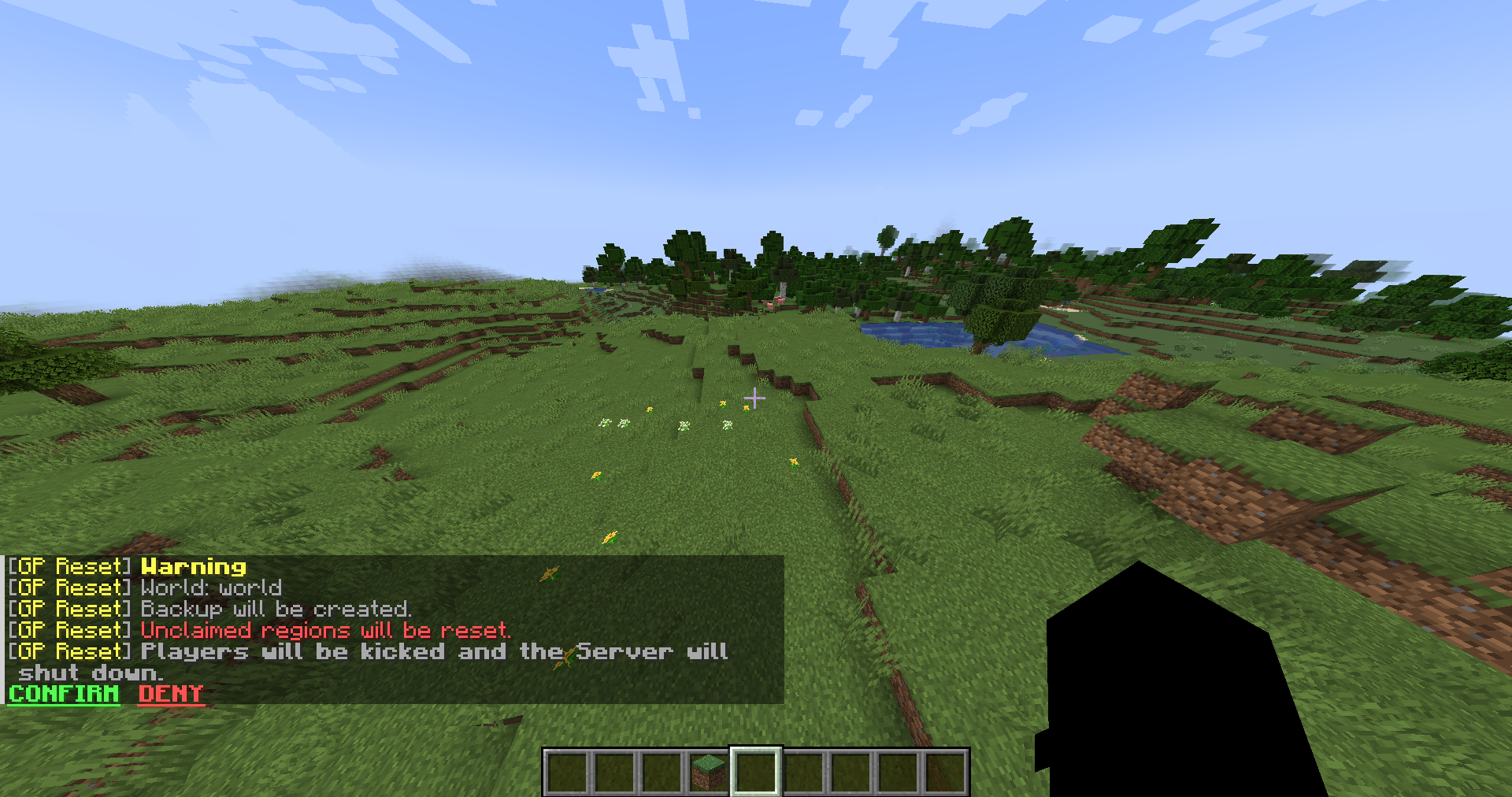
Resets the specified world, preserving all GriefPrevention claims / WorldGuard regions and creating a backup beforehand.
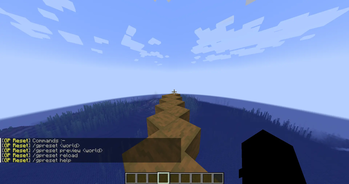
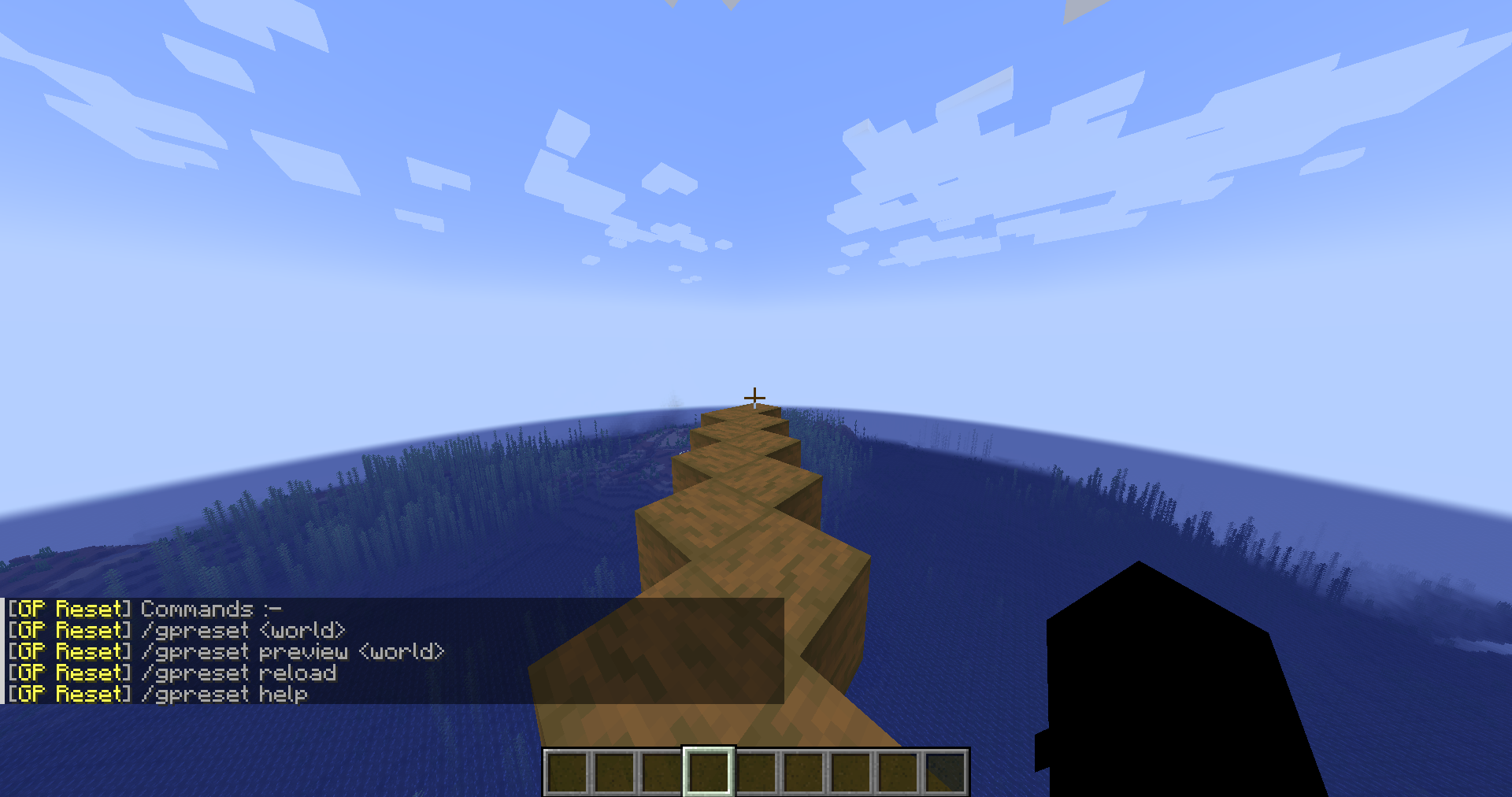
/gpreset help
Lists all available commands and usage info.
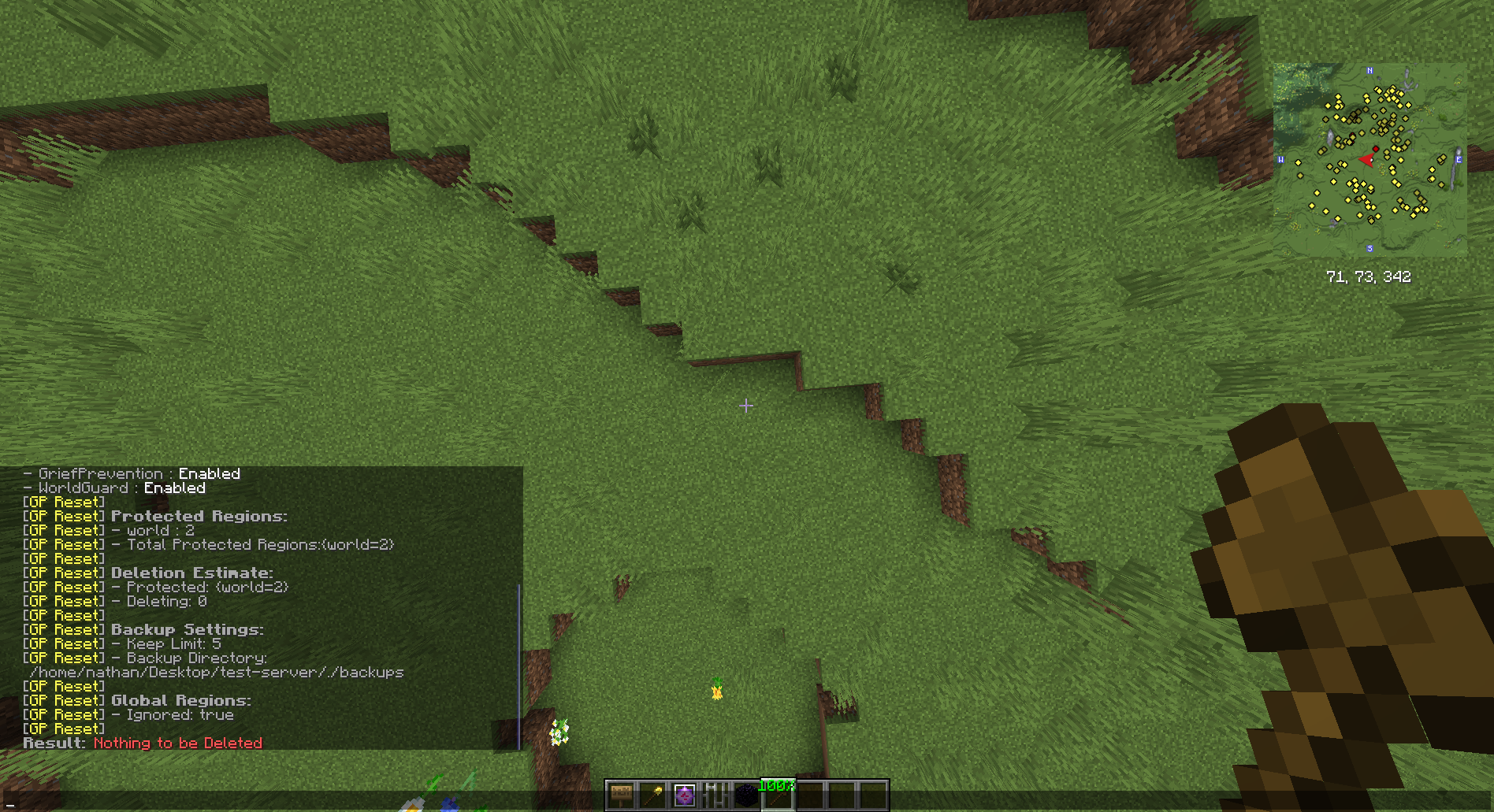
/gpreset audit <world>
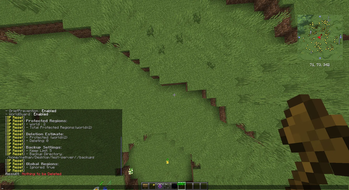
Detailed Audit on Plugin and World state.
Configuration (config.yml)
| Option | Description |
|---|---|
backup-limit |
Max number of backups to keep before pruning old ones |
timeout |
Seconds a player has to confirm a reset (safety timer) |
world.blacklist |
List of worlds where the reset command is disabled |
world.ignore-global-region |
Whether to ignore WorldGuard's global flag during resets |
- Edition: Minecraft Java
- File type: .jar
- Minecraft versions listed: 1.21, 1.21.1, 1.21.2
- How to install: Install the matching mod loader (Forge, Fabric or NeoForge) for your Minecraft version. → Download the .jar. → Put it in the .minecraft/mods folder and launch that loader profile.
- Where to get it: Opens on Modrinth — not every file is mirrored on our own servers.
Install steps are the general flow for this file type — How to install Minecraft Java mods & modpacks walks through it step by step.
- Ships as gpreset-0.1.6.jar — drop this file into the mods folder
- Download size: 32 KB
- Download link checked 23 Aug 2026 — working
These come from our own check of the pack file, not from the source page.