
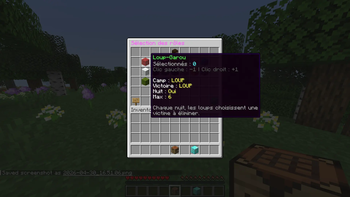
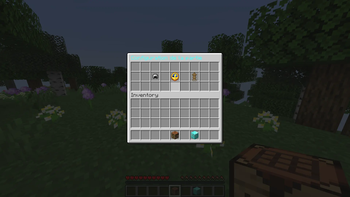
Rediscover the joy of playing the cult classic board game "Werewolf of Thiercelieux," but this time in Minecraft!
Installation:
Install a version of Papergame 1.21.X Download the plugin's .jar file and place it in your server's plugin folder Start your server Configure player spawn locations using the following commands: addpos: Adds a spawn location for the game. Usage: /addpos [number]
delpos: Deletes a spawn location. Usage: /delpos [number]
Then, choose your game configuration with your friends!
To end a game in progress, use this command: /partyend
Roadmap :
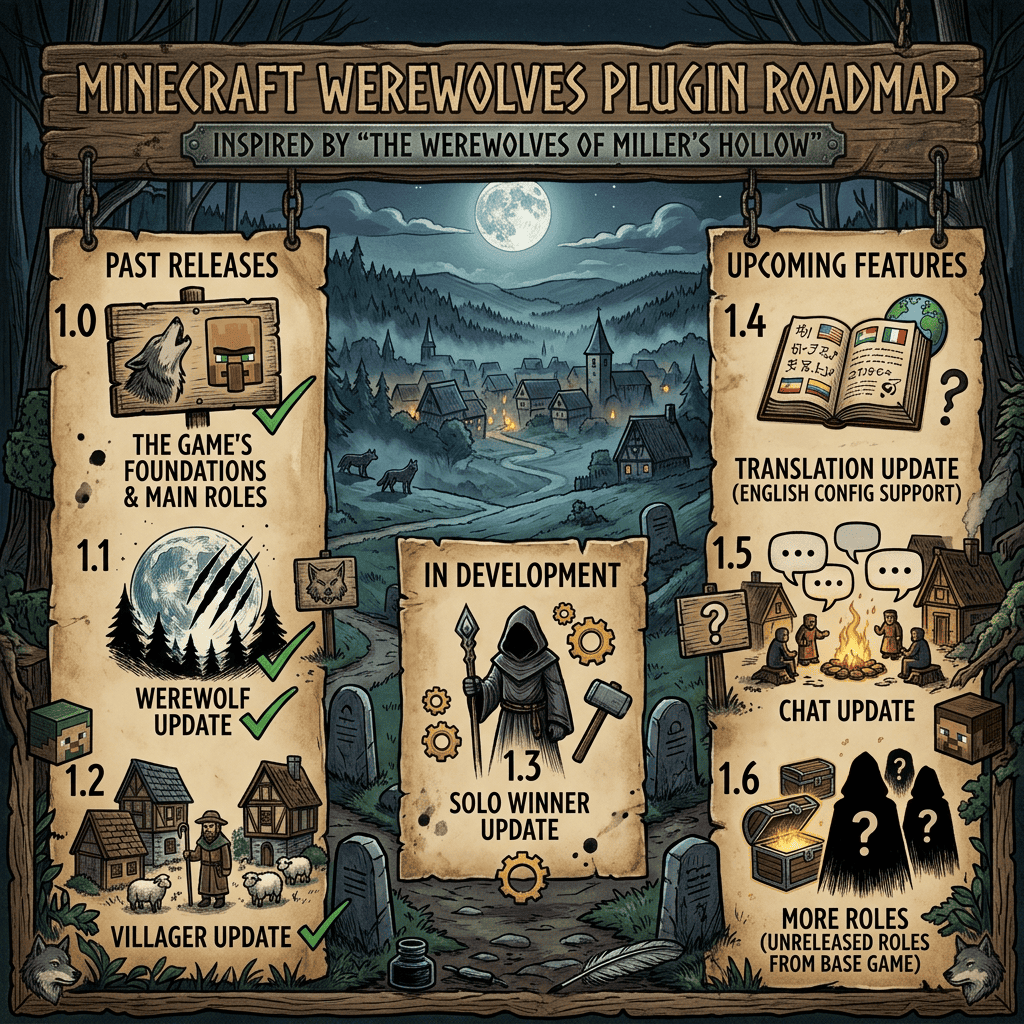
I'm a developer, not a graphic designer; I used Nano Banana 2 to generate a visual that is both understandable and visually appealing.
For any issues, feel free to write to us at the following address: legendarygame.entertainement@gmail.com Or contact me on Discord : mathrixte
- Edition: Minecraft Java
- File type: .jar
- Minecraft versions listed: 1.21, 1.21.1, 1.21.2
- How to install: Install the matching mod loader (Forge, Fabric or NeoForge) for your Minecraft version. → Download the .jar. → Put it in the .minecraft/mods folder and launch that loader profile.
- Where to get it: Opens on Modrinth — not every file is mirrored on our own servers.
Install steps are the general flow for this file type — How to install Minecraft Java mods & modpacks walks through it step by step.
- Ships as BetterWereWolf-1.5.jar — drop this file into the mods folder
- Download size: 249 KB
- Download link checked 13 Sept 2026 — working
These come from our own check of the pack file, not from the source page.