
dHolograms
Plain Text Description & Features dHolograms ────────────────────────────────────────────── dHolograms is a lightweight, feature-rich hologram plugin for…
⬇ Download on Modrinth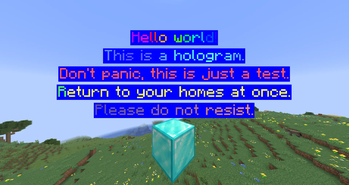
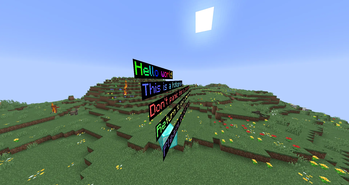
dHolograms
──────────────────────────────────────────────
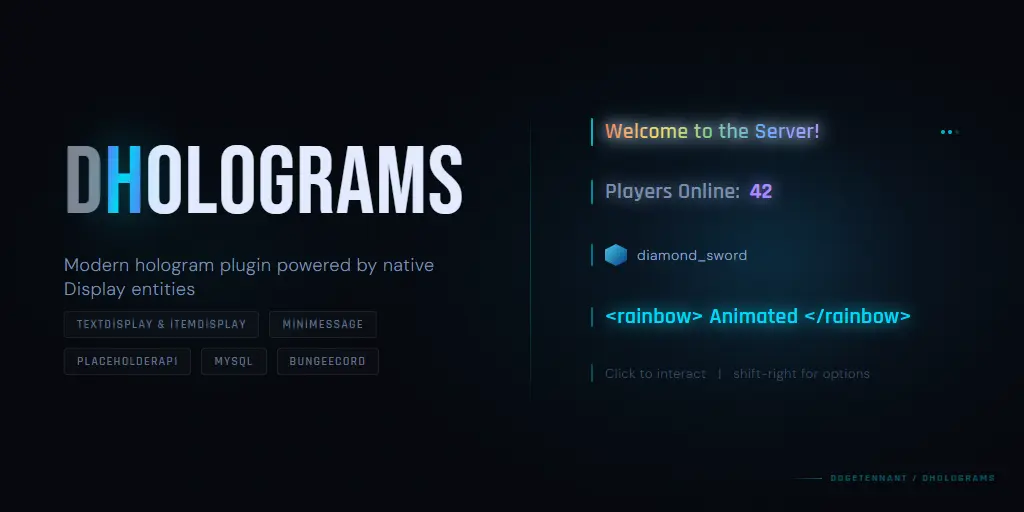
dHolograms is a lightweight, feature-rich hologram plugin for Paper 1.21+
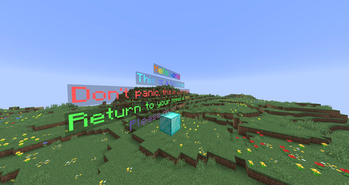
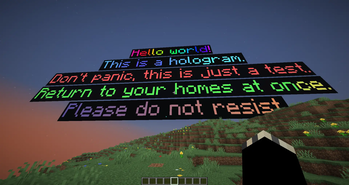
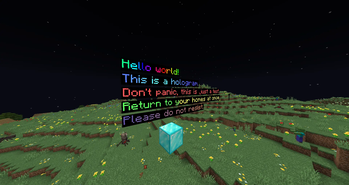
built entirely on native TextDisplay and ItemDisplay entities. No armor stands, no packet tricks - just clean modern display entities that look great at any render distance. Supports MiniMessage formatting, 5 text animations, multi-page navigation, interactive click actions, per-player
placeholders, and both YML and MySQL storage.
FEATURES
──────────────────────────────────────────────
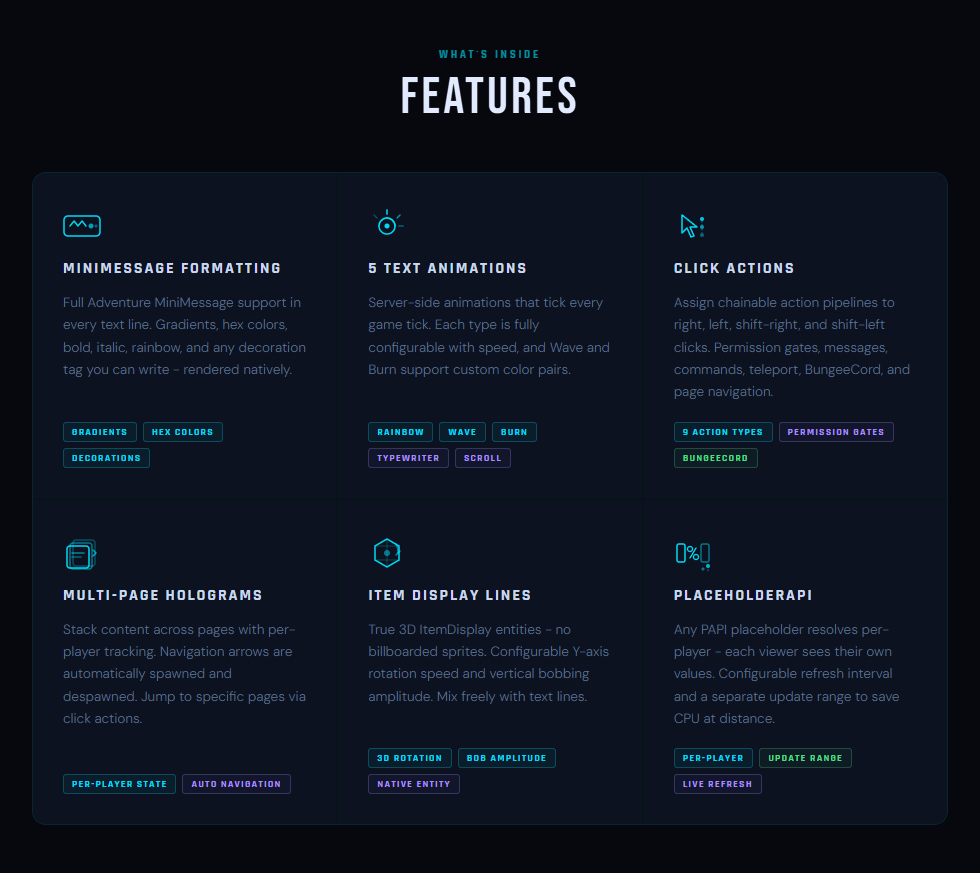
MiniMessage Formatting
Full Adventure MiniMessage support in every text line. Gradients, hex colors, bold, italic, rainbow, and any decoration tag you can write - rendered natively.
5 Text Animations
Server-side animations that tick every game tick. Each type is fully configurable with speed, and Wave and Burn support custom color pairs. Types: Rainbow, Wave, Burn, Typewriter, Scroll.
Click Actions
Assign chainable action pipelines to right, left, shift-right, and shift-left clicks. Permission gates, messages, commands, teleport, BungeeCord, and page navigation. 9 action types total.
Multi-Page Holograms Stack content across pages with per-player tracking. Navigation arrows are automatically spawned and despawned. Jump to specific pages via click actions.
Item Display Lines
True 3D ItemDisplay entities - no billboarded sprites. Configurable Y-axis rotation speed and vertical bobbing amplitude. Mix freely with text lines.
PlaceholderAPI
Any PAPI placeholder resolves per-player - each viewer sees their own values. Configurable refresh interval and a separate update range to save CPU at distance.
- Edition: Minecraft Java
- File type: .jar
- Minecraft versions listed: 1.21, 1.21.1, 1.21.2
- How to install: Install the matching mod loader (Forge, Fabric or NeoForge) for your Minecraft version. → Download the .jar. → Put it in the .minecraft/mods folder and launch that loader profile.
- Where to get it: Opens on Modrinth — not every file is mirrored on our own servers.
Install steps are the general flow for this file type — How to install Minecraft Java mods & modpacks walks through it step by step.
- Ships as dHolograms-1.0.3.jar — drop this file into the mods folder
- Download size: 339 KB
- Download link checked 11 Sept 2026 — working
These come from our own check of the pack file, not from the source page.