
mcsets
Java mod listed for Minecraft 1.8–1.21. Downloads from the MC Java Mods app on Android.
Commerce and payment infrastructure for digital creators. Build branded stores, accept payments, & manage revenue all in one place.
⬇ Download on Modrinth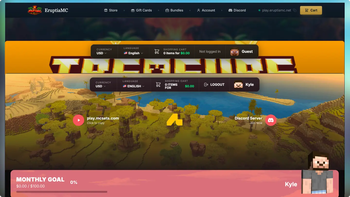
Overview
McSets is a webstore integration plugin that connects your server to a McSets store.
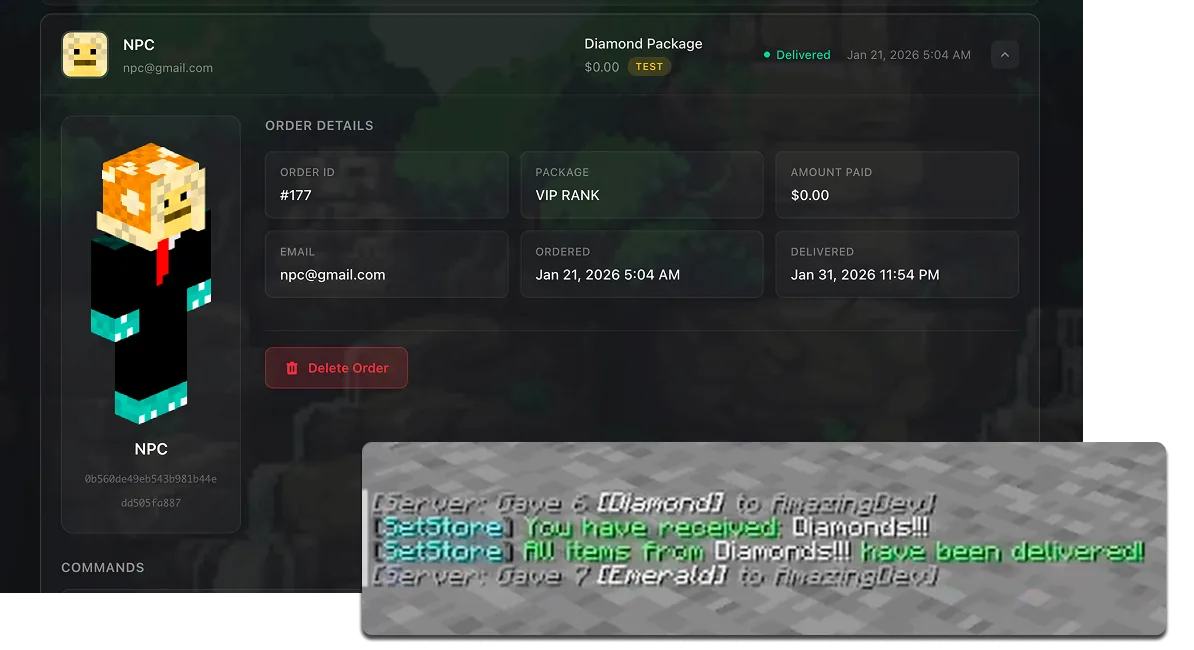
It allows you to sell packages, subscriptions, and other content through a web-based storefront, with actions automatically executed in-game after a purchase is completed.
Functionality
- Syncs your server with your McSets webstore
- Automatically processes purchases and delivers rewards in-game
- Supports commands, ranks, permissions, and other server actions
- Handles purchases while players are offline (executed when they next join)
How it works
- Create and configure your store on McSets
- Install the plugin on your server
- Link your server using your store key
- Define what commands/actions should run for each package
- Orders are processed automatically and applied to players
Features
Automated delivery Purchases made on your store are automatically fulfilled in-game without manual input.
Command-based system Run server commands on purchase (e.g. giving items, assigning ranks, permissions).
Offline support Orders are queued and delivered when the player next joins if they are not online.
Centralised store management All packages, pricing, and configuration are managed through your McSets dashboard.
Setup
- Download and place the plugin in your
/pluginsfolder - Restart your server
- Set your API key in the plugins config.yml
- Restart your server
- Verify connection via the dashboard
Notes
- Requires a McSets account and active store
- Payment processing and storefront are handled externally via McSets
- Plugin is responsible for syncing and executing in-game actions only
Support
- Website: https://mcsets.com
- Documentation: https://mcsets.com/docs
- Support: https://mcsets.com/contact
- Edition: Minecraft Java
- File type: .jar
- Minecraft versions listed: 1.8.8, 1.8.9, 1.9
- How to install: Install the matching mod loader (Forge, Fabric or NeoForge) for your Minecraft version. → Download the .jar. → Put it in the .minecraft/mods folder and launch that loader profile.
- Where to get it: Opens on Modrinth — not every file is mirrored on our own servers.
Install steps are the general flow for this file type — How to install Minecraft Java mods & modpacks walks through it step by step.
- Ships as mcsets-setstore-plugin-1.0.0 (7).jar — drop this file into the mods folder
- Download size: 2.8 MB
- Download link checked 3 Oct 2026 — working
These come from our own check of the pack file, not from the source page.