Luke's Death Chest
Java mod listed for Minecraft 1.21. Downloads from the MC Java Mods app on Android.
⬇ Download on ModrinthSends items and experience to a chest when a player dies. Place a sign on a chest and type [deathchest] to register your death chest. Break sign to remove
Respects the keepInventory gamerule - Set keepInventory to false for the plugin to function.
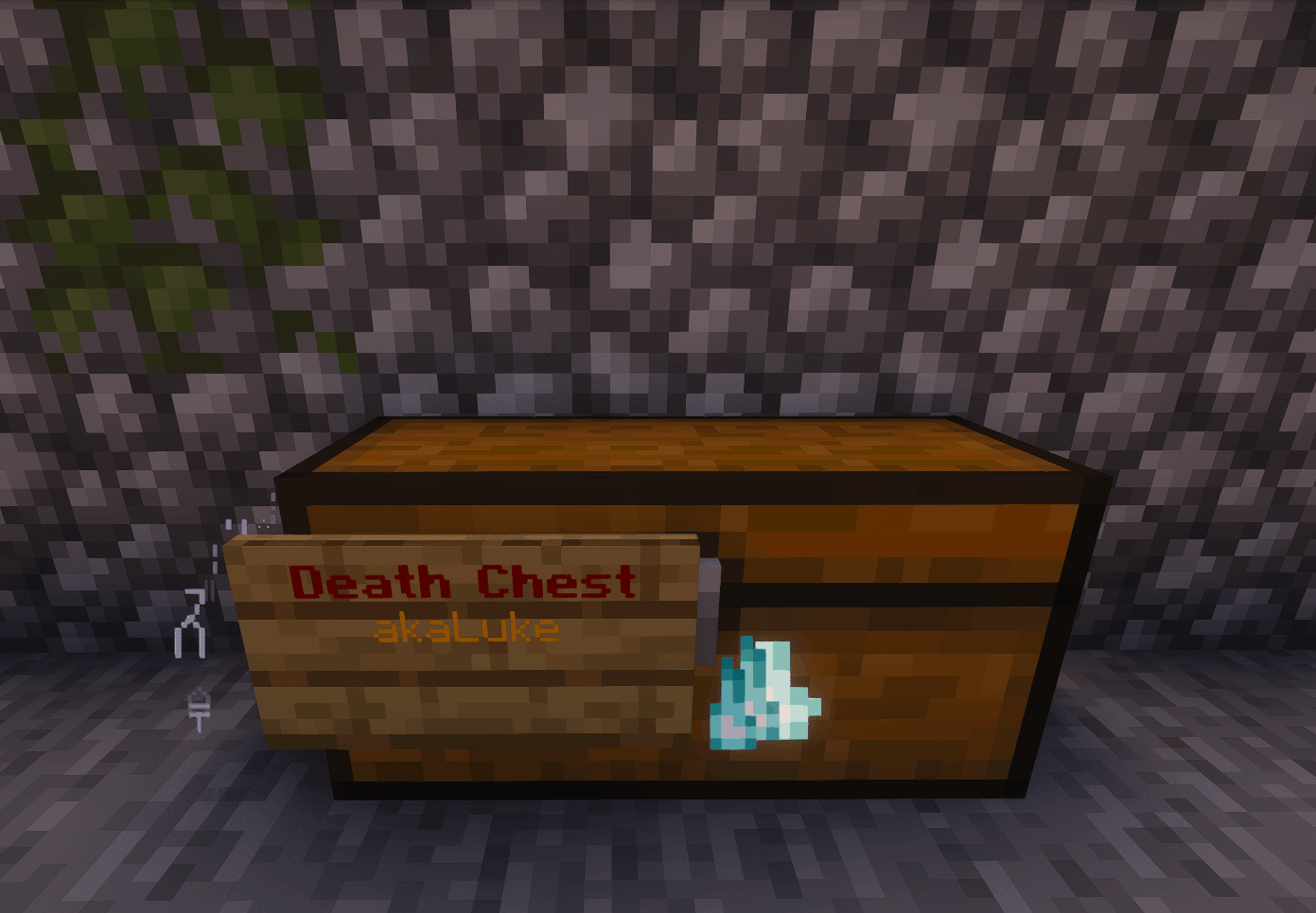
Commands: /ldc remove - Remove your death chest with a command /ldc admin list - List all registered death chests. /ldc admin - List location of and the last time a players chest was used. /ldc admin remove - Remove a player's death chest.
Permissions: lukesdeathchest.use - Ability to create and use a death chest. lukesdeathchest.admin - Ability to use admin commands.
Idea from ResurrectionChest by MagmaGuy which has not been updated to 1.21.11 yet. ResurrectionChest source code was not used as a reference or inspiration for this plugin's code. https://modrinth.com/plugin/resurrectionchest
I cannot guarantee this plugin is perfectly made as there are most certainly ways I could've done it better. DM me on discord (akaLuke) or make a github issue if you find problems.
I will only consider updating this plugin if ResurrectionChest is not updated for newer versions, this plugin stops functioning in newer versions, and there is a demand for an update.
- Edition: Minecraft Java
- File type: .jar
- Minecraft version listed: 1.21.11
- How to install: Install the matching mod loader (Forge, Fabric or NeoForge) for your Minecraft version. → Download the .jar. → Put it in the .minecraft/mods folder and launch that loader profile.
- Where to get it: Opens on Modrinth — not every file is mirrored on our own servers.
Install steps are the general flow for this file type — How to install Minecraft Java mods & modpacks walks through it step by step.
- Ships as LukesDeathChest-1.0.0.jar — drop this file into the mods folder
- Download size: 24 KB
- Download link checked 24 Oct 2026 — working
These come from our own check of the pack file, not from the source page.