
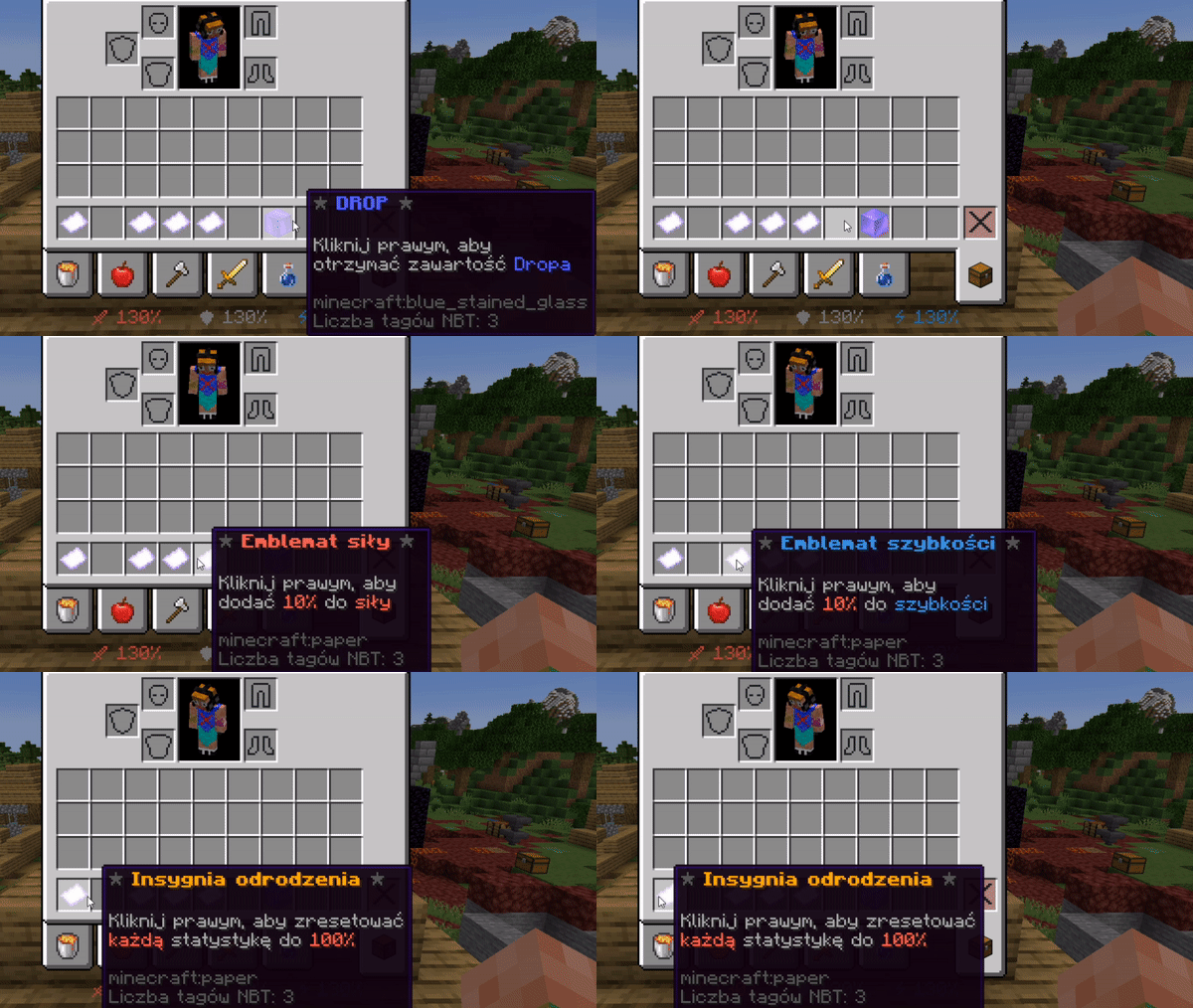
💎 DropSMP System


DropSMP System is a perfect plugin for smp servers, after entering the server you will see 4 statistics. Strength, agility, resistance and speed. as your stats decline, your strength, resilience, or speed decline. If the stats increase, your character will be stronger, more resilient and will run faster.
🔥 Premium Always Better!

🎥 Preview:
⚙ Functions
🆓 Lite Version
- Statistics bar
- Working stat decrease based on percentage
- 50% chance to drop item after killing a player
- Drop chance configurable
- Killed player loses 10% of each stat (configurable)
- Full plugin configuration
- Customizable drop rewards
- Protection against drop farming
- Stat limits
- Configurable ban system
- Change stats after respawn
- Change stats after ban
- Full drop configuration
- Optional glowing effect for drop items
- Drop to ground or directly to inventory
- Full emblem editing
- Craftable insignias
- Configurable insignia reset values
- Editable emblem values
- Fully customizable messages
- Set player stats via file & command
- Customizable stat bar display
- Tombstone system
- Configurable tombstone block
- Editable particles in config
- Unban command support
💎 Premium Version
(Everything from Lite +)
- Enable/disable texture pack
- Automatic texture pack download
- Custom icons in stats bar
- Custom item textures
- Change head material
- Set custom Head-Texture directly
- Use texture pack icons anywhere
- Advanced custom item creator (separate editable file)
- Editable benefits in custom items
- Configurable benefit duration
🛒 Purchase Premium
- Discord: https://discord.gg/vvnRgJMXvV
- Spigot: https://www.spigotmc.org/resources/%E2%AD%95-dropsmp-premium%E2%AD%90-drop-your-stats-when-you-die-%E2%AD%90-perfect-for-smp-%E2%9C%85.108439/
🧩 Commands & Permissions
/dropsmp
- Permission:
dropsmp.use - Main plugin command
/showdrop
- Permission:
dropsmp.showdrop - Shows current drop rewards
dropsmp.newversioninfo
- Notifies player about new plugin versions
🛠 Config
🔢 Placeholders
%dropsmp_speed%
%dropsmp_protection%
%dropsmp_strength%
%dropsmp_agility%
❤️ Supporting
- @oskarq_yt#7155 – 50 PLN
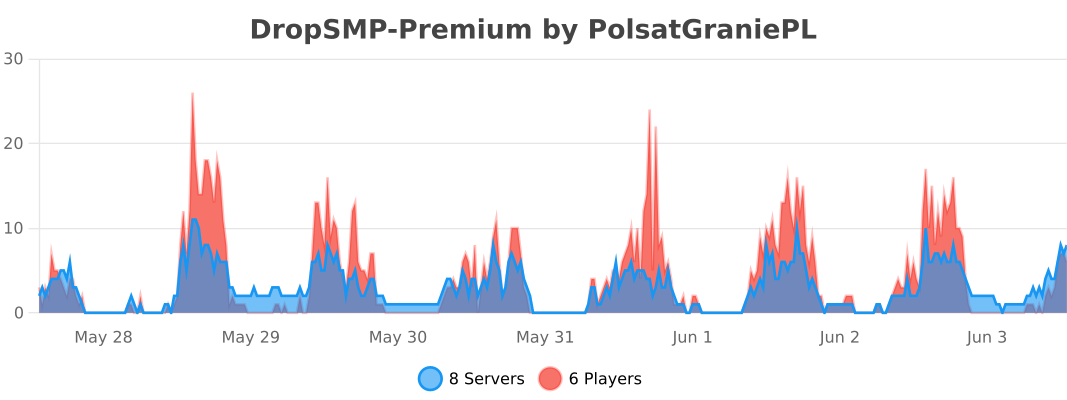
📊 bStats
🔌 Other Plugins


I used a translator to write this text, so some things may be unclear.
Quick facts
- Edition: Minecraft Java
- File type: .jar
- Minecraft versions listed: 1.16, 1.16.1, 1.16.2
- How to install: Install the matching mod loader (Forge, Fabric or NeoForge) for your Minecraft version. → Download the .jar. → Put it in the .minecraft/mods folder and launch that loader profile.
- Where to get it: Opens on Modrinth — not every file is mirrored on our own servers.
Install steps are the general flow for this file type — How to install Minecraft Java mods & modpacks walks through it step by step.
Verified by MCModsHub
- Ships as DropSMP-2.0.5-Premium.jar — drop this file into the mods folder
- Download size: 111 KB
- Download link checked 12 Sept 2026 — working
These come from our own check of the pack file, not from the source page.