
SignEdit for Bukkit
SignEdit for Bukkit [ ]( ) [ ]( ) [ ]( ) [ ]( ) SignEdit for Bukkit is a Bukkit plugin that allows players to edit sign objects by looking at them or…
⬇ Download on Modrinth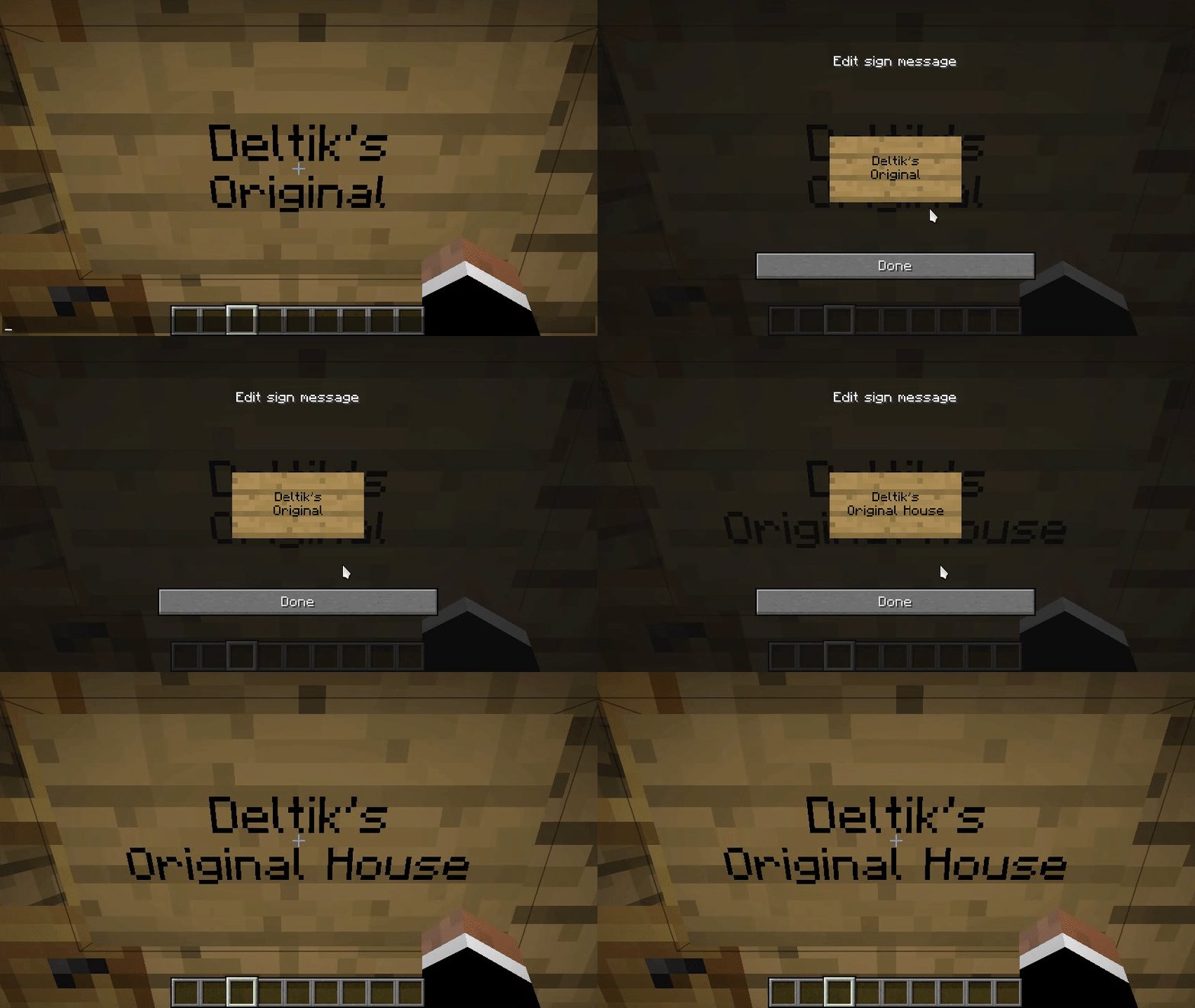
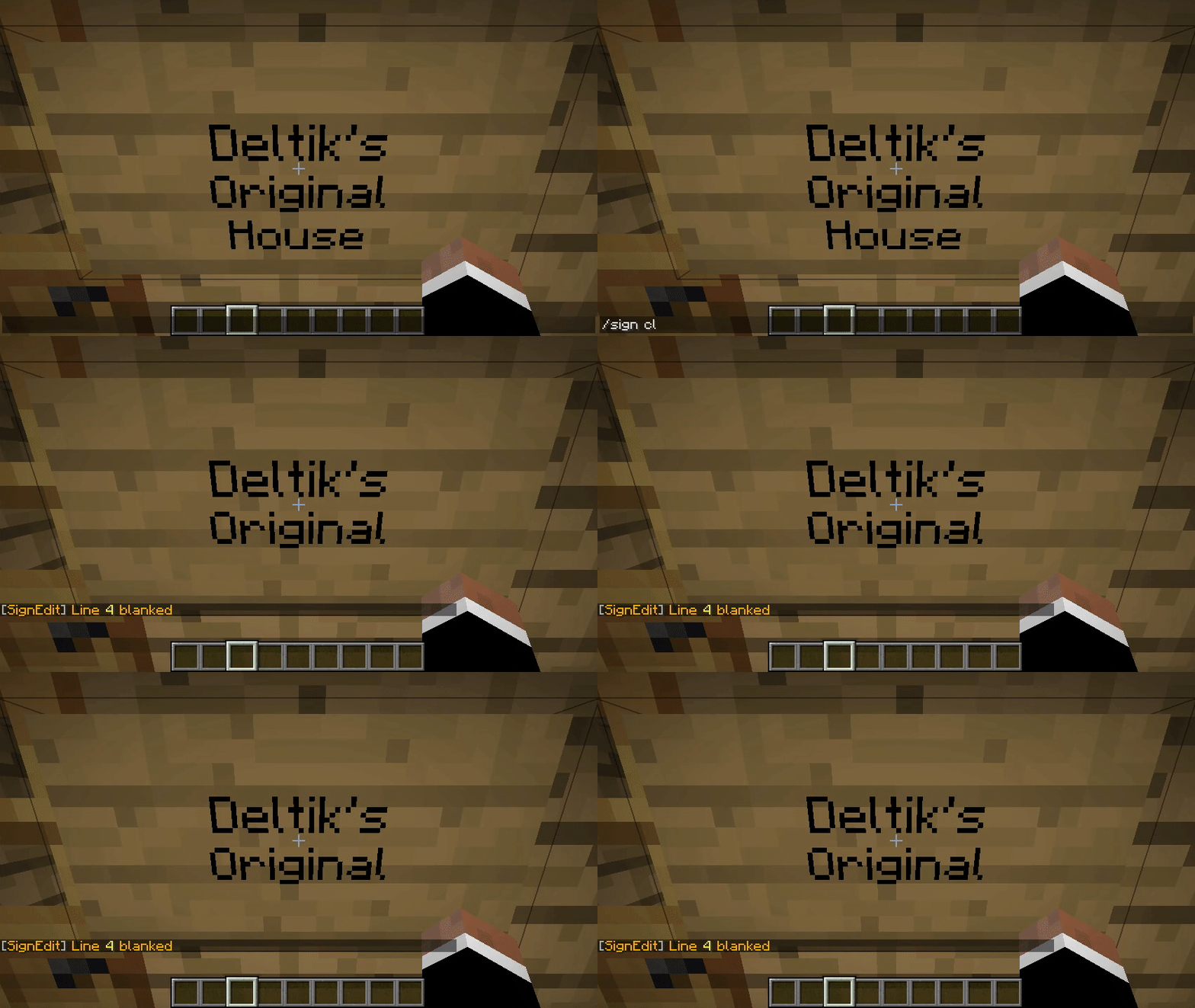
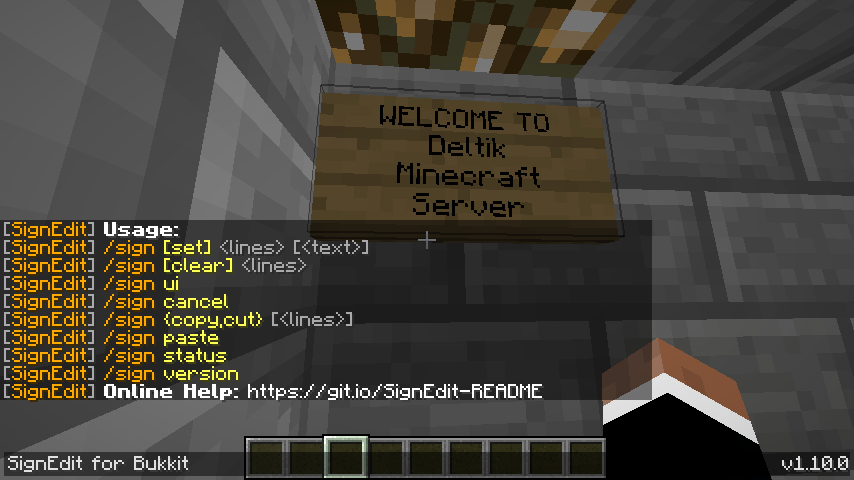
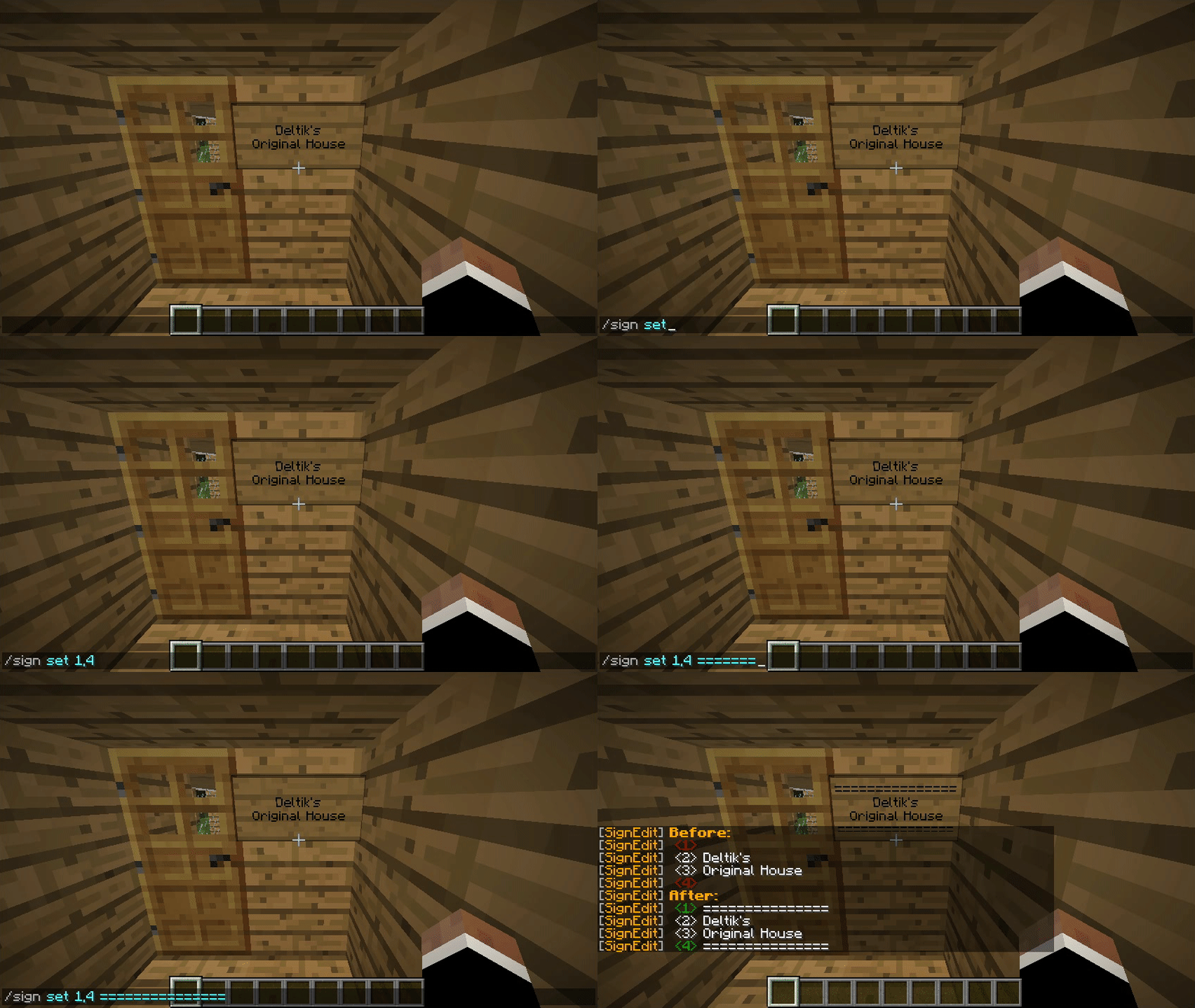
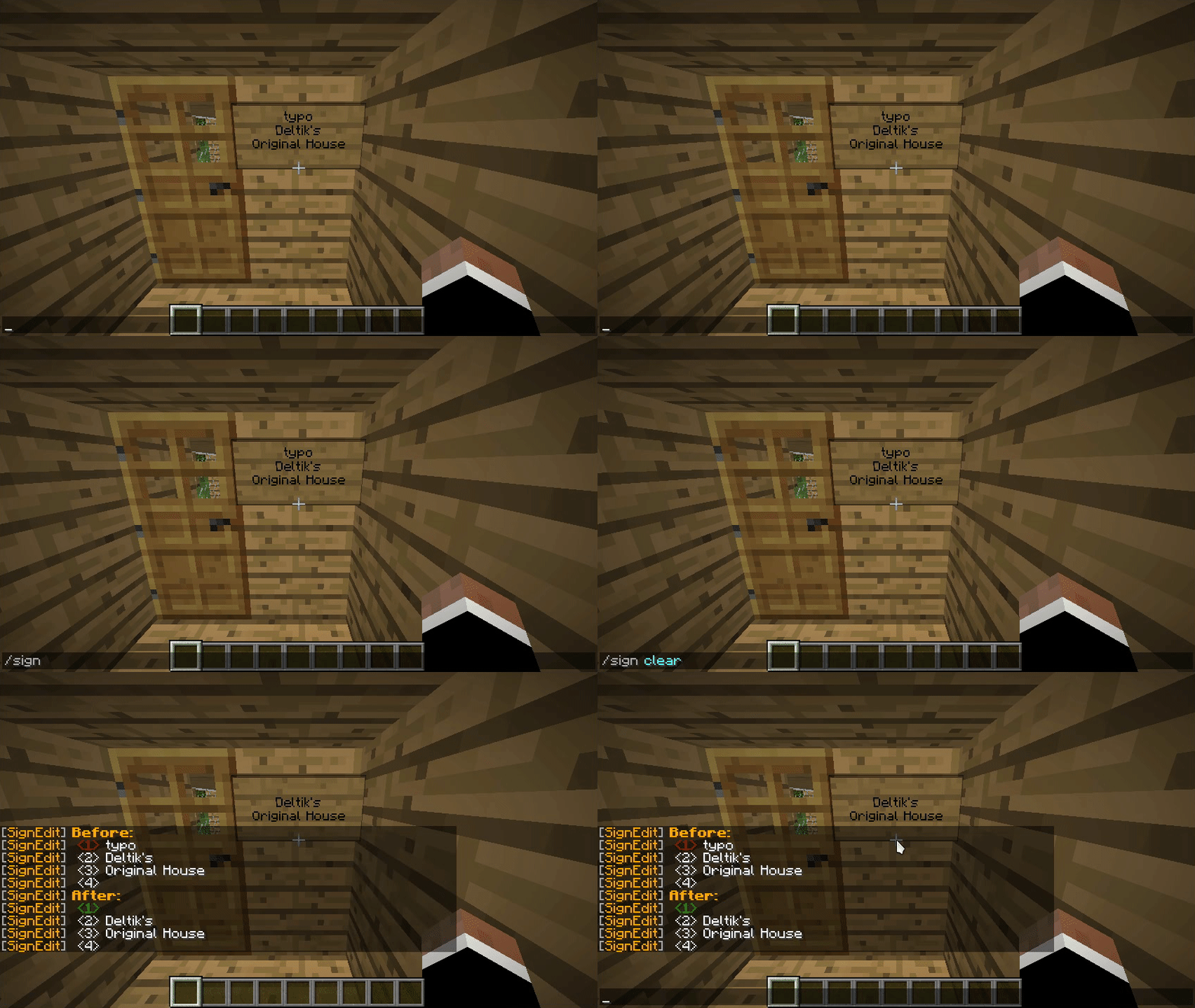
SignEdit for Bukkit
[![[Release@GitHub]](https://img.shields.io/github/v/release/Deltik/SignEdit?style=for-the-badge)
![[Downloads@Total]](https://img.shields.io/github/downloads/Deltik/SignEdit/total?style=for-the-badge)
![[Downloads@Latest]](https://img.shields.io/github/downloads/Deltik/SignEdit/latest/total?style=for-the-badge)
![[Ratings@Spigot]](https://img.shields.io/spiget/rating/47604?style=for-the-badge)
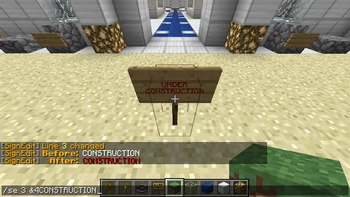
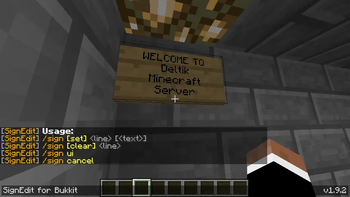
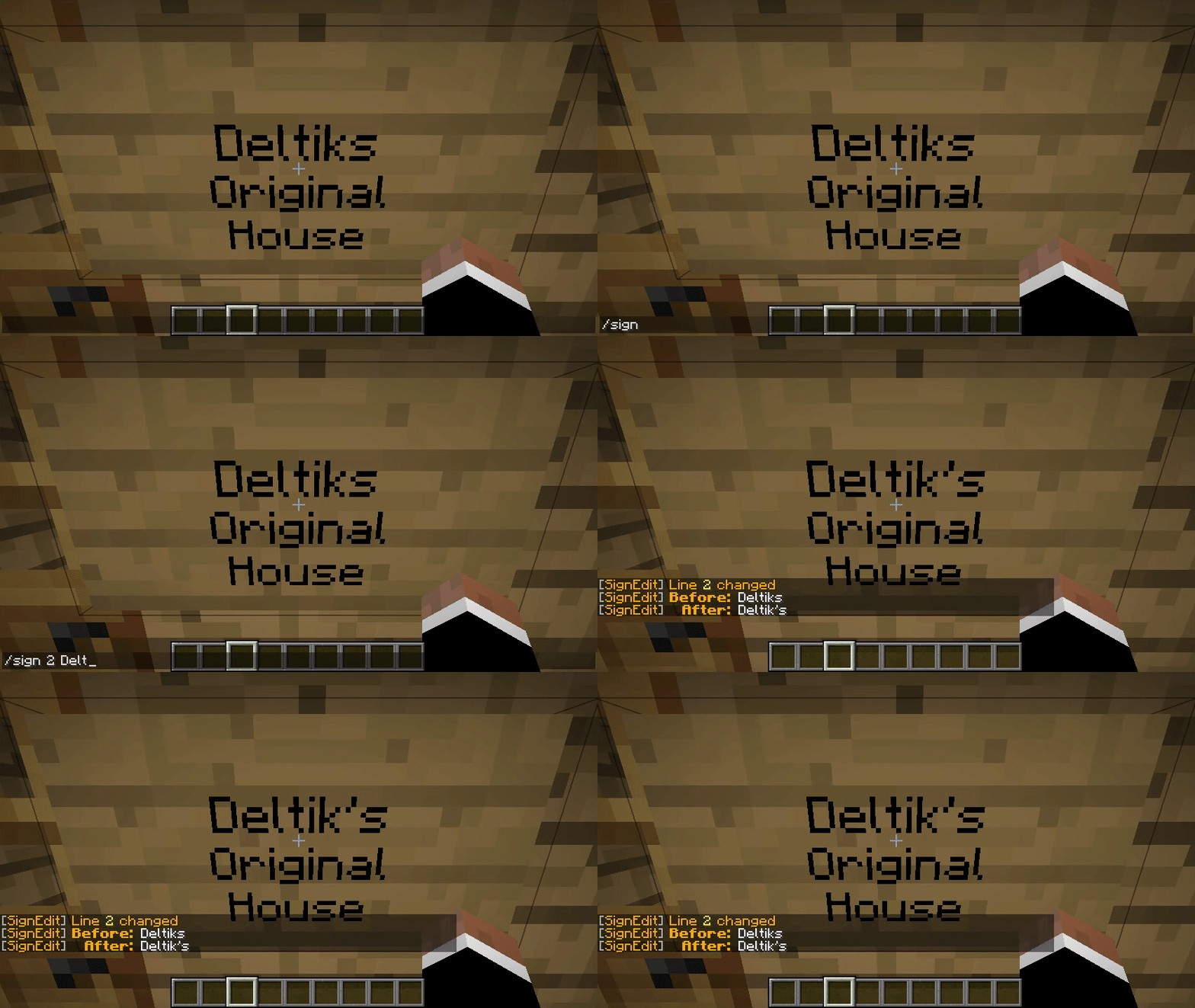
SignEdit for Bukkit is a Bukkit plugin that allows players to edit sign objects by looking at them or clicking on them and typing in a SignEdit command.
![[SignEdit for Bukkit v1.14.0 – /sign help]](https://i.imgur.com/VBCjDIr.png)
Installation
- Download the latest .jar file from the Releases page and upload it to your Bukkit server (Spigot, PaperMC, etc.) plugins/ folder.
- Restart your Bukkit server. Usage, Permissions, Configuration, and Features Full documentation of this plugin can be found in the GitHub project README.md.
Compatibility
This plugin is a fork of Omel's SignEdit v1.3. Omel's SignEdit v1.3 and older are not compatible with Bukkit 1.12 and newer because a deprecated API method was removed (see related issue in MyPet).
More compatibility information can be found in the GitHub project README.md.
- Edition: Minecraft Java
- File type: .jar
- Minecraft versions listed: 1.8.3, 1.8.4, 1.8.5
- How to install: Install the matching mod loader (Forge, Fabric or NeoForge) for your Minecraft version. → Download the .jar. → Put it in the .minecraft/mods folder and launch that loader profile.
- Where to get it: Opens on Modrinth — not every file is mirrored on our own servers.
Install steps are the general flow for this file type — How to install Minecraft Java mods & modpacks walks through it step by step.
- Ships as SignEdit-1.14.7.jar — drop this file into the mods folder
- Download size: 157 KB
- Download link checked 10 Sept 2026 — working
These come from our own check of the pack file, not from the source page.