
ModsJava
VS-Bonus
Java mod listed for Minecraft 1.21–26.x. Downloads from the MC Java Mods app on Android.
I don't know my version or loader
Open the Minecraft launcher and look at the profile you play on — it names both, like fabric-loader-1.21.4. The version also shows in the bottom-right corner of the game's main menu.
No loader in the profile name? Then it's plain Minecraft, and these mods won't run — you need Fabric or NeoForge installed first.
🔵 DESCRIPTION
Plugin for applying bonuses to items with full configuration.
🔵 FEATURES
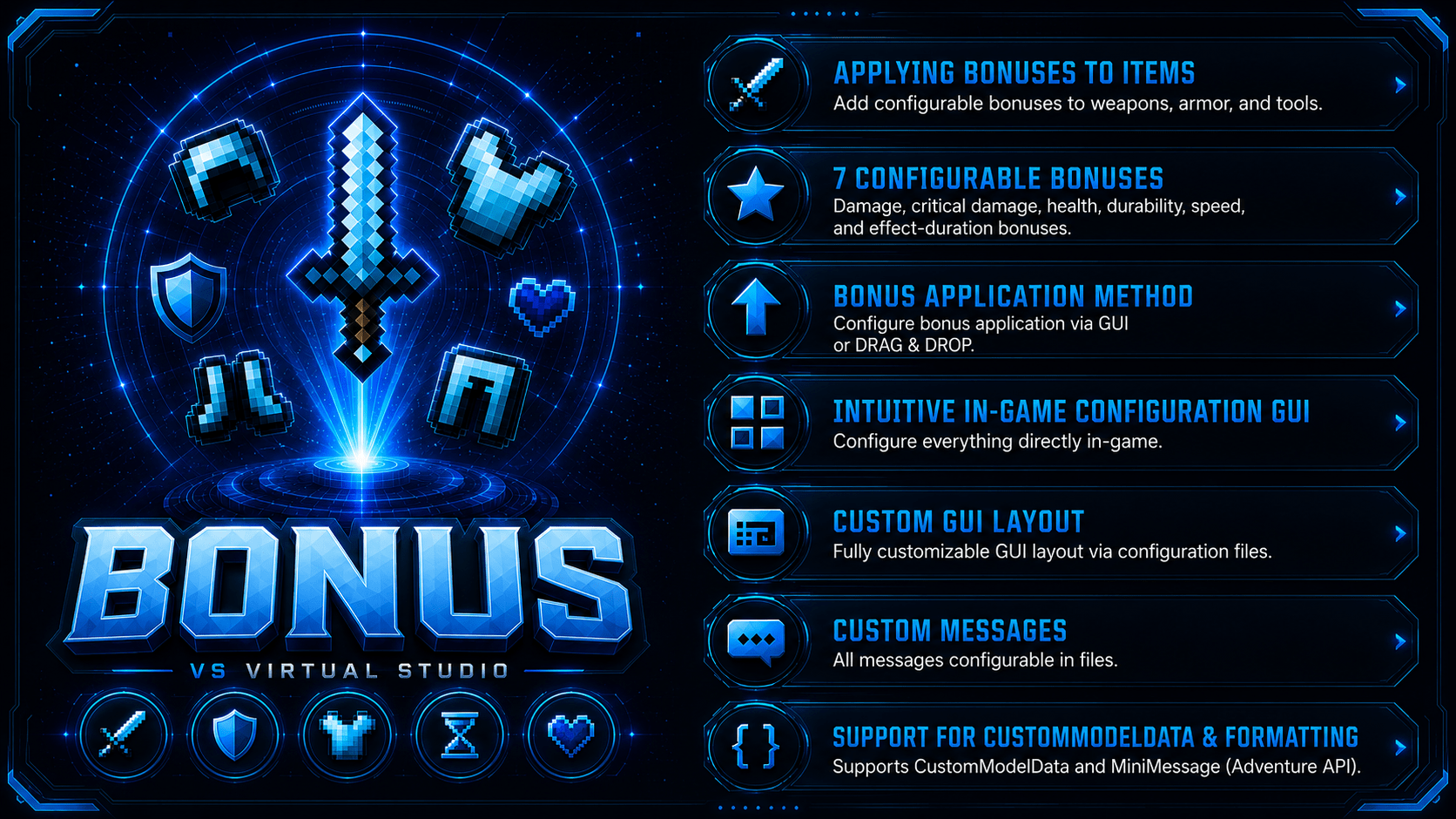
- Applying bonuses to items
- Damage bonus (Sword only)
- Critical damage bonus (Sword only)
- Health bonus (For each armor piece)
- Durability bonus (For each armor piece and every tool)
- Speed bonus (Boots only)
- Bonus to the duration of positive and negative effects (Helmet only)
- Ability to configure the bonus application method via GUI or DRAG & DROP
- Intuitive in-game configuration GUI
- Custom GUI layout configurable in files
- Custom messages configurable in files
- Support for CustomModelData
- Formatting support: MiniMessage (Adventure API)
🔵 PERMISSIONS
- vs_bonus.admin » Access to all plugin commands and features
- vs_bonus.command.reload » Access to the /bonus reload command
- vs_bonus.command.settings » Access to the /bonus settings command
- vs_bonus.command.give » Access to the /bonus give command
- vs_bonus.command.apply » Access to the /bonus apply command
🔵 COMMANDS
- /bonus reload » Reloads the configuration without restarting the server
- /bonus settings » Opens a clear and user-friendly plugin settings GUI
- /bonus give » Gives the item required to apply a bonus to an item
- /bonus apply » Opens a GUI where a bonus can be applied
🔵 BUG REPORTS
If you found a bug or need help with the configuration, join our Discord server.
Quick facts
- Edition: Minecraft Java
- File type: .jar
- Minecraft versions listed: 1.21, 1.21.1, 1.21.2
- How to install: Install the matching mod loader (Forge, Fabric or NeoForge) for your Minecraft version. → Download the .jar. → Put it in the .minecraft/mods folder and launch that loader profile.
- Where to get it: Opens on Modrinth — not every file is mirrored on our own servers.
Install steps are the general flow for this file type — How to install Minecraft Java mods & modpacks walks through it step by step.
File checked by MCModsHub
- Ships as VS-Bonus-1.1.2.jar — drop this file into the mods folder
- Download size: 1.6 MB
- Download link checked 23 Oct 2026 — working
These come from our own check of the pack file, not from the source page.