
ModsJava
Refined Items
Java mod listed for Minecraft 1.21. Downloads from the MC Java Mods app on Android.
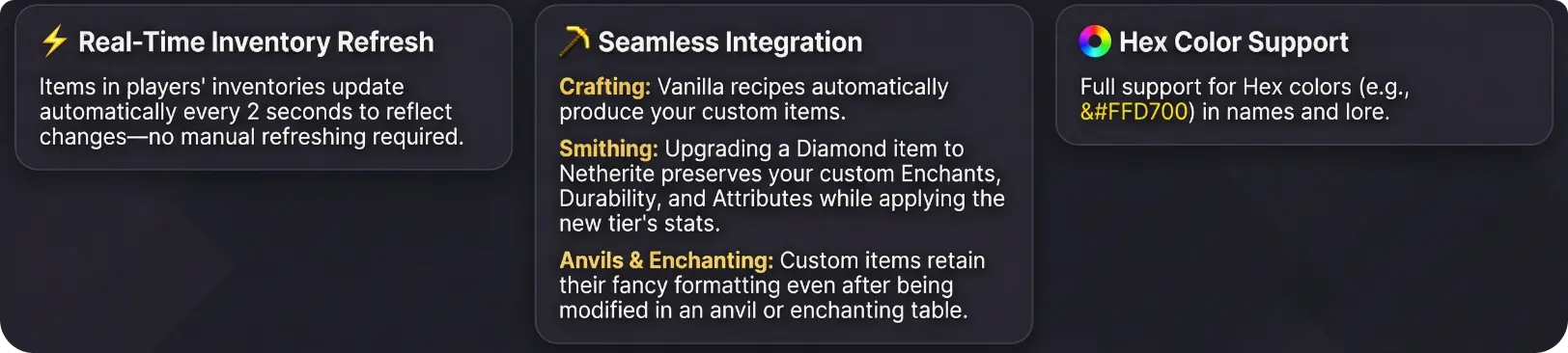
⬇ Download on Modrinth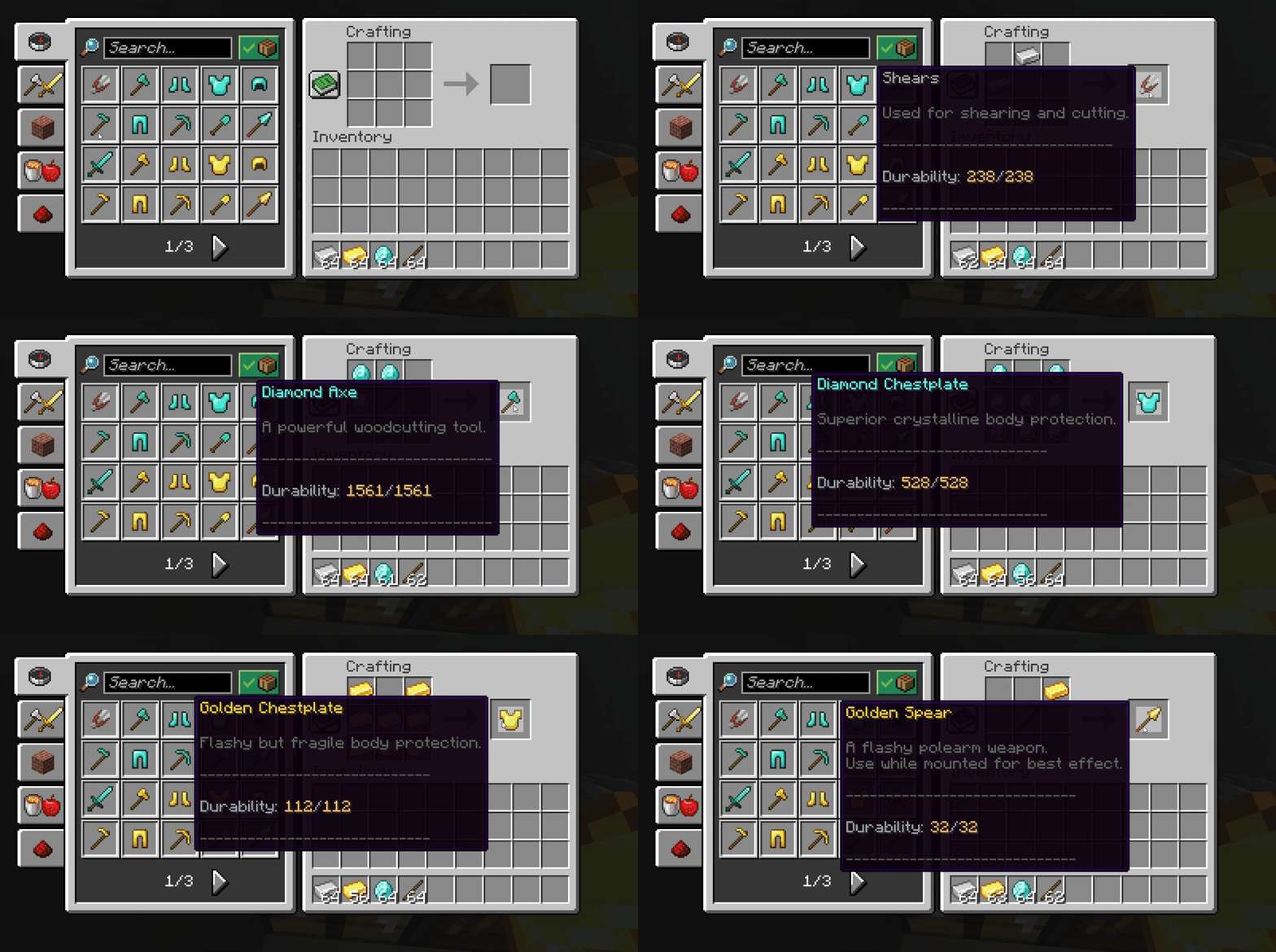



⚒️ Crafting
◆ Vanilla recipes automatically produce your custom RefinedItems.
Spoiler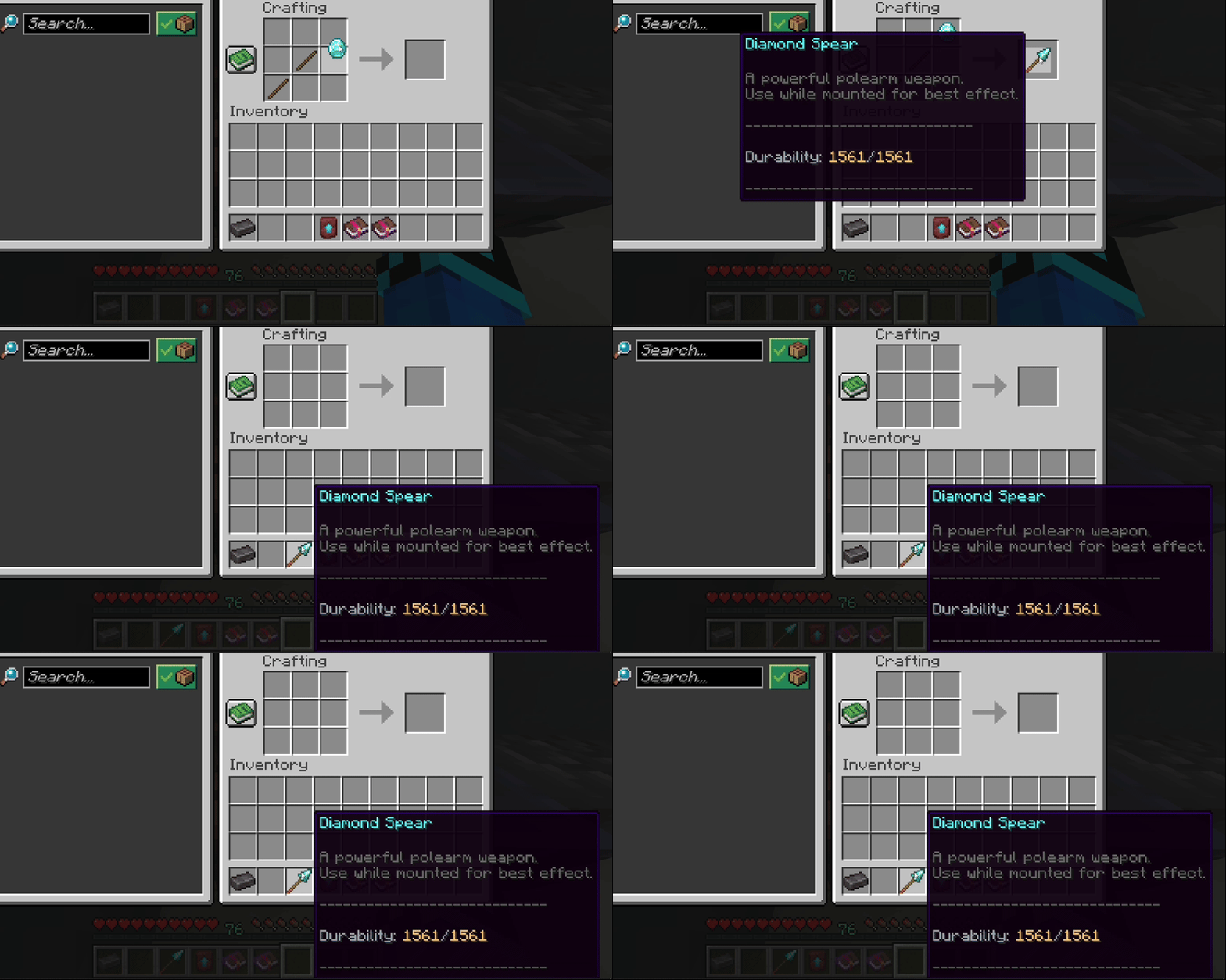
✨ Enchanting Support
◆ Custom items retain their fancy formatting, lore, and attributes even after enchanting!
Spoiler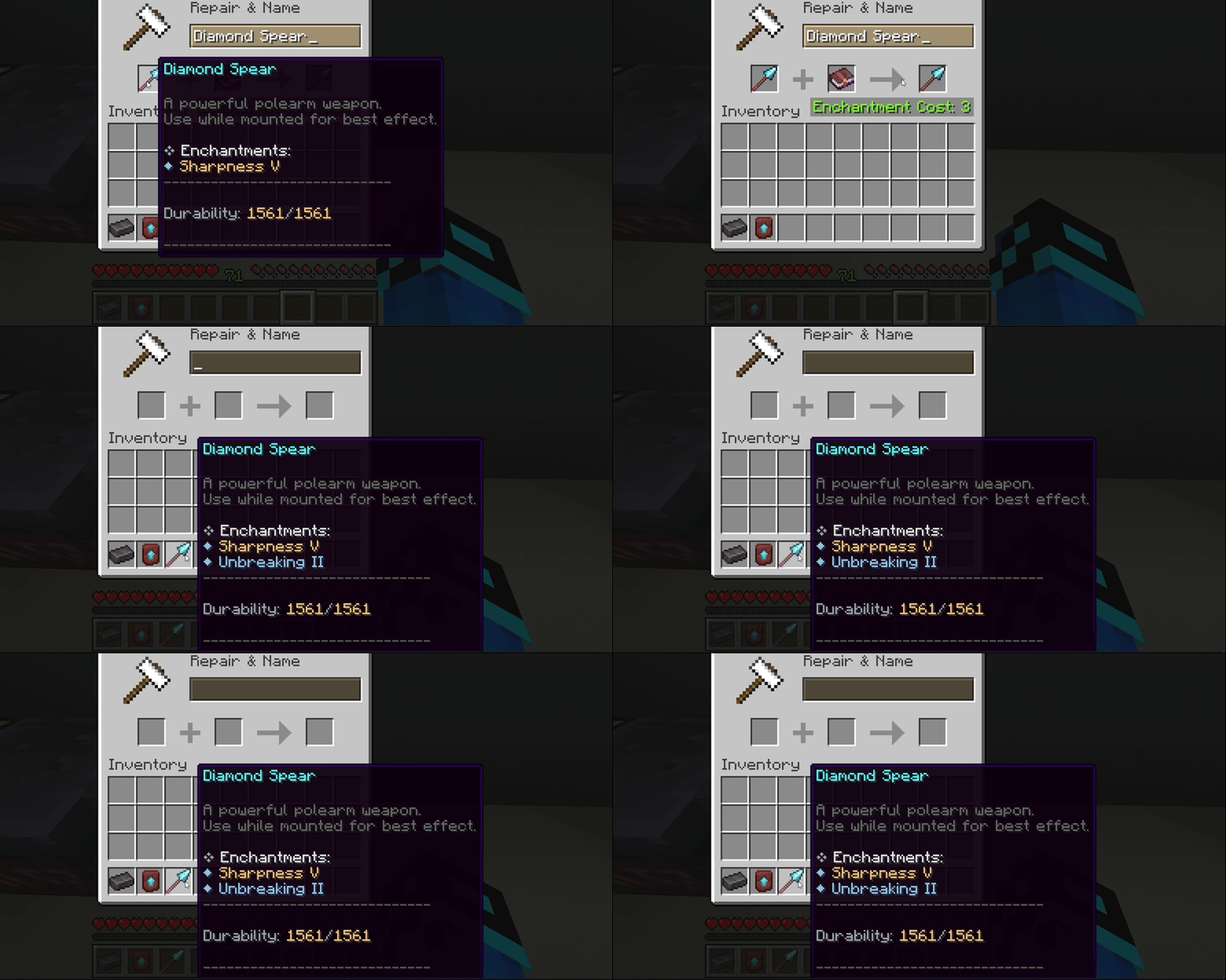
🔥 Smithing Integration
◆ Upgrade Diamond to Netherite while preserving all custom enchants, durability, and attributes!
Spoiler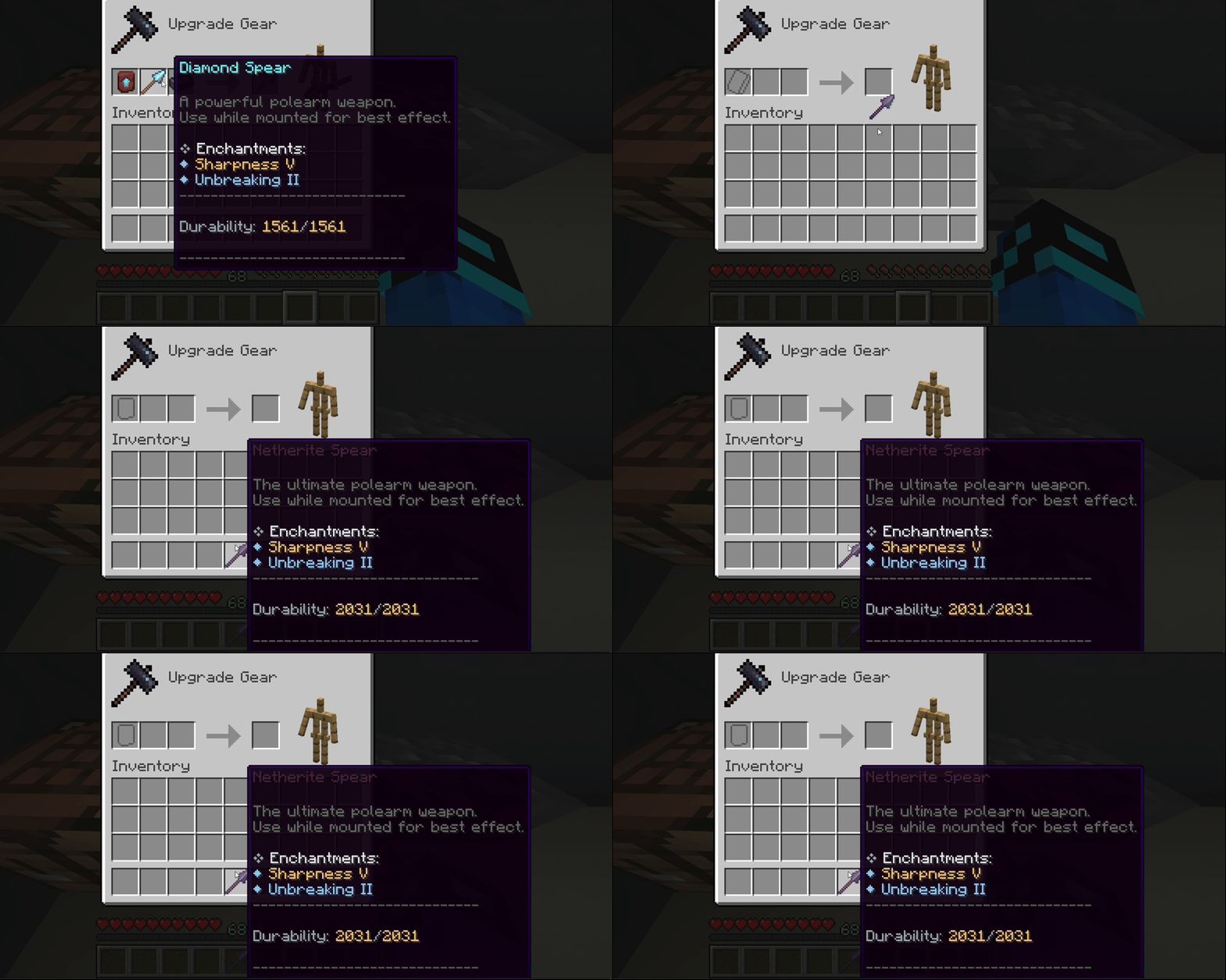
◆ Commands & Permissions
| Command | Description | Permission |
|---|---|---|
/ri reload |
Reloads all configuration files and instantly refreshes items for all online players | refineditems.admin |
◆ Installation
- Download RefinedItems.jar
- Place it in your server's
pluginsfolder - Restart the server
- Edit
plugins/RefinedItems/items.ymlto configure your items - Run
/ri reloadto apply changes!
◆ Configuration:
Config.yml
Spoiler# RefinedItems Main Configuration
# Custom items are located in items.yml
# Set to true to enable debug messages in console
debug: false
# Formatting Configuration
durability-format: "	CA3AFDurability: &#F5C16C%current%	CA3AF/&#F5C16C%max%"
enchantment-formatting:
title-symbol: "	CA3AF❖"
title-text: "&#E5E7EBEnchantments:"
bullet: "]C5FD◆"
normal-level-color: "]C5FD"
max-level-color: "&#F5C16C"
Items.yml
- Only one item is shown as an example
- The actual
items.ymlincludes all vanilla items
# ===============================
# RefinedItems - items.yml
# ===============================
# Each item here replaces the vanilla version when crafted or given.
# All values are fully customizable.
# ===============================
# ENCHANTMENTS CONFIGURATION
# ===============================
# The 'enchantments:' section defines DEFAULT enchantments
# applied ONLY when the item is first created.
# Format:
# enchantments:
# ENCHANTMENT_NAME: LEVEL
# ===============================
# ATTRIBUTES CONFIGURATION
# ===============================
# The 'attributes:' section defines the item's base attribute modifiers.
# These are applied when the item is created and affect player stats.
# Format:
# attributes:
# ATTRIBUTE_NAME: # Replace 'ATTRIBUTE_NAME' with: GENERIC_ATTACK_DAMAGE/GENERIC_MAX_HEALTH etc.
# amount: <value> # How much to add/subtract
# operation: <type> # ADD_NUMBER, ADD_SCALAR, MULTIPLY_SCALAR_1
# slot: <equipment slot> # HAND, HEAD, CHEST, LEGS, FEET
# ═══════════════════════════════════════════════════════════════════════════
# WOODEN TIER
# ═══════════════════════════════════════════════════════════════════════════
wooden_sword:
# The vanilla Minecraft material this item is based on
material: WOODEN_SWORD
# Supports color codes and HEX colors (&#RRGGBB)
# Display name of the item
name: "A594CWooden Sword"
lore:
- ""
- "򢰪A basic starter weapon."
- ""
- "%enchantments%" # %enchantments% is a dynamic placeholder. Shows ALL CURRENT enchantments on the item. Can be edited in config.yml.
- "򇨣━━━━━━━━━━━━━━━━━━━━━━━━━━━━━"
- ""
- "%durability%" # %durability% is a dynamic placeholder. Updates automatically as the item is used or repaired. Can be edited in config.yml.
- ""
- "򇨣━━━━━━━━━━━━━━━━━━━━━━━━━━━━━"
flags:
- HIDE_ATTRIBUTES # Hides attack damage, armor values, etc.
- HIDE_ENCHANTS # Hides vanilla enchantment text. Enchantments can be STILL shown via %enchantments%
Quick facts
- Edition: Minecraft Java
- File type: .jar
- Minecraft versions listed: 1.21, 1.21.1, 1.21.2
- How to install: Install the matching mod loader (Forge, Fabric or NeoForge) for your Minecraft version. → Download the .jar. → Put it in the .minecraft/mods folder and launch that loader profile.
- Where to get it: Opens on Modrinth — not every file is mirrored on our own servers.
Install steps are the general flow for this file type — How to install Minecraft Java mods & modpacks walks through it step by step.
File checked by MCModsHub
- Ships as refined-items-1.0-SNAPSHOT.jar — drop this file into the mods folder
- Download size: 27 KB
- Download link checked 21 Oct 2026 — working
These come from our own check of the pack file, not from the source page.