
🚀 Características Principales
🎯 Crafteo Rápido e Inteligente
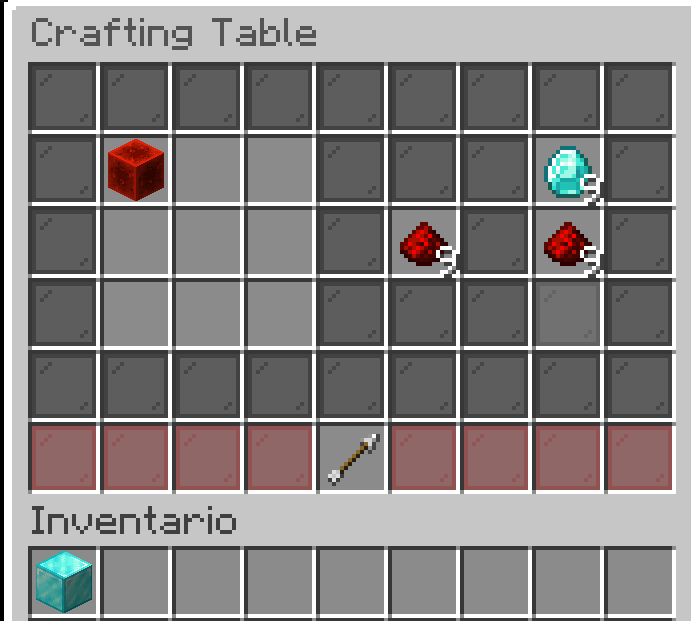
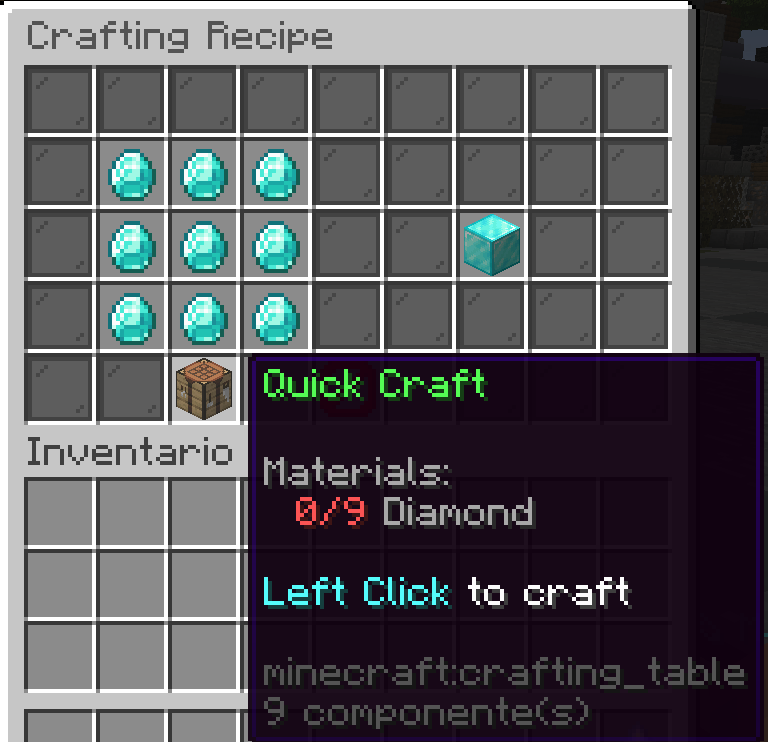
- QuickCraft: Craftea items directamente desde la mesa de crafteo sin necesidad de colocar manualmente los materiales
- Auto-detección: El sistema reconoce automáticamente qué items puedes craftear con los materiales que tienes
- Soporte completo: Funciona con recetas vanilla y custom de Eco
🎨 Interfaz Moderna y Amigable
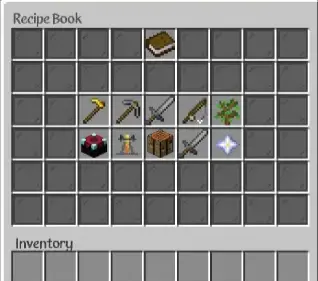
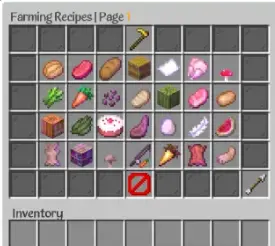
- GUI intuitiva: Interfaz gráfica moderna con navegación fácil
- Categorías organizadas: Los items están perfectamente organizados por categorías
- Búsqueda rápida: Encuentra tus recetas favoritas al instante
⚙️ Configuración Avanzada
- Control total: Habilita/deshabilita mensajes individuales en el chat
- Filtros inteligentes: Configura qué recetas mostrar según tus necesidades
- Personalización: Adapta el plugin a tu servidor con configuraciones detalladas
🔧 Comandos Poderosos
/epiccraft- Abre el menú principal/craft- Accede directamente a la mesa de crafteo avanzada/lookup <item>- Busca recetas específicas- Y mucho más!
📋 Requisitos
- Minecraft: 1.17+
- Servidor: Spigot/Paper/Folia
- Dependencias: Eco plugin
🛠️ Instalación
- Descarga el archivo .jar
- Colócalo en tu carpeta plugins/
- Reinicia el servidor
- Configura los archivos lang.yml y config.yml según tus preferencias
- ¡Disfruta!
🎮 Cómo Usar
- Abre la mesa: Usa
/craftpara acceder a la mesa de crafteo avanzada - Coloca materiales: Pon los items necesarios en la grilla
- Craftea rápido: Los items disponibles aparecerán automáticamente en los slots de QuickCraft
- Haz clic: Un simple clic y tendrás tu item listo
🌟 Ventajas
- ✅ Fácil de usar: Interfaz intuitiva para todos los niveles
- ✅ Compatible: Funciona con cualquier tema de servidor
- ✅ Optimizado: Rendimiento excelente incluso en servidores grandes
- ✅ Actualizado: Soporte para las últimas versiones de Minecraft
EpicCraft - Advanced Recipe System 🛠️⚡
Welcome to EpicCraft! This revolutionary plugin transforms the crafting experience on your Minecraft server. Designed to make players' lives easier with an intuitive and powerful system.
🚀 Main Features
🎯 Smart Quick Crafting
- QuickCraft: Craft items directly from the crafting table without manually placing materials
- Auto-detection: The system automatically recognizes which items you can craft with your available materials
- Full support: Works with vanilla recipes and Eco custom recipes
🎨 Modern and Friendly Interface
- Intuitive GUI: Modern graphical interface with easy navigation
- Organized categories: Items are perfectly organized by categories
- Quick search: Find your favorite recipes instantly
⚙️ Advanced Configuration
- Total control: Enable/disable individual chat messages
- Smart filters: Configure which recipes to show based on your needs
- Customization: Adapt the plugin to your server with detailed configurations
🔧 Powerful Commands
/epiccraft- Opens the main menu/craft- Direct access to the advanced crafting table/lookup <item>- Search for specific recipes- And much more!
📋 Requirements
- Minecraft: 1.17+
- Server: Spigot/Paper/Folia
- Dependencies: Eco plugin
🛠️ Installation
- Download the .jar file
- Place it in your plugins/ folder
- Restart the server
- Configure lang.yml and config.yml files according to your preferences
- Enjoy!
🎮 How to Use
- Open the table: Use
/craftto access the advanced crafting table - Place materials: Put the necessary items in the grid
- Quick craft: Available items will automatically appear in QuickCraft slots
- Click: One simple click and you'll have your item ready
🌟 Advantages
- ✅ Easy to use: Intuitive interface for all levels
- ✅ Compatible: Works with any server theme
- ✅ Optimized: Excellent performance even on large servers
- ✅ Updated: Support for the latest Minecraft versions
Quick facts
- Edition: Minecraft Java
- File type: .jar
- Minecraft versions listed: 1.17, 1.17.1, 1.18
- How to install: Install the matching mod loader (Forge, Fabric or NeoForge) for your Minecraft version. → Download the .jar. → Put it in the .minecraft/mods folder and launch that loader profile.
- Where to get it: Opens on Modrinth — not every file is mirrored on our own servers.
Install steps are the general flow for this file type — How to install Minecraft Java mods & modpacks walks through it step by step.
Verified by MCModsHub
- Ships as EpicCraft-2.0.1.jar — drop this file into the mods folder
- Download size: 119 KB
- Download link checked 11 Sept 2026 — working
These come from our own check of the pack file, not from the source page.