

🧱 xHubBlocks V2
The Ultimate Lobby Practice Plugin
Infinite blocks. Auto-despawn. Database support.



UPDATE COMING SOON!
👋 Overview
xHubBlocks is a lightweight but powerful plugin designed for Hubs and Lobbies. It gives your players an infinite stack of blocks to practice bridging, clutching, or building while waiting in the lobby.
The best part? The blocks disappear automatically after a configurable time, keeping your lobby clean and lag-free.
🔥 What's New in V2?
We have completely rewritten the core to include professional features:
- Persistent Data: Blocks placed statistics are now saved forever.
- Database Support: Built-in support for H2 (local, no setup) and MySQL (for networks).
- Developer API: Hook your own plugins into xHubBlocks.
- High Performance: Powered by HikariCP for database connections.
✨ Features
- ♾️ Infinite Items: Players get a stack of blocks that never runs out.
- ✨ Auto-Despawn: Blocks vanish after X seconds with a satisfying particle effect.
- 🔒 Secure: Prevents players from dropping the block or moving it in their inventory.
- 🎨 Fully Configurable: Customize the material, name, lore, slot, and messages.
- 📊 PlaceholderAPI: Display stats on scoreboards or holograms.
- ⚡ Legacy Support: Works flawlessly from 1.8.8 up to the latest versions.
💾 Database & Storage
xHubBlocks V2 supports two storage types defined in config.yml:
- H2 (Default): Zero configuration required. Stores data in a local file. Perfect for single servers.
- MySQL: Connect to an external database. Ideal for networks or if you want to display stats on a website.
storage:
  type: H2 # Or MYSQL
  mysql:
    host: "localhost"
    port: 3306
    database: "xhubblocks"
    # ...
🏀Images


🚀 Commands & Permissions
The commands are editable.
| Command | Permission | Description |
|---|---|---|
/xhubblocks |
xhubblocks.admin |
View plugin info and help. |
/xhubblocks reload |
xhubblocks.reload |
Reload the configuration file. |
/blocks shop |
editable |
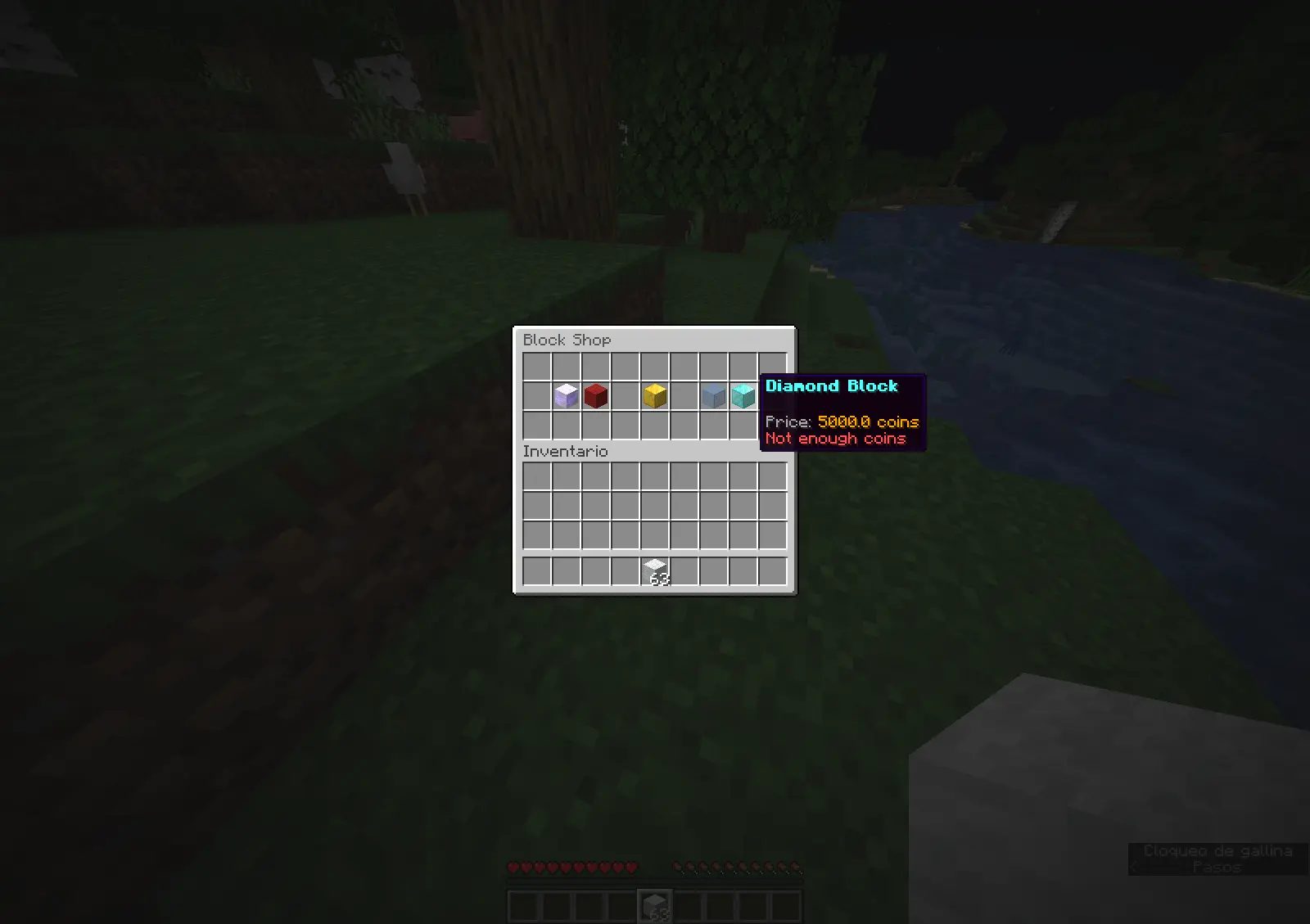
Block store. |
📊 Placeholders
Requires PlaceholderAPI.
%xhubblocks_placed_player%- Total blocks placed by the player (Saved in DB).%xhubblocks_placed_session%- Blocks placed in the current session.%xhubblocks_placed_total%- Total blocks placed by everyone on the server.
👨💻 Developer API
Want to use xHubBlocks stats in your own plugin? It's easy.
1. Get the instance:
if (Bukkit.getPluginManager().getPlugin("xHubBlocks") != null) {
    xHubBlocksAPI api = xHubBlocksAPI.getApi();

    // Get stats
    int total = api.getPlayerTotalPlaced(player.getUniqueId());
}
2. Maven/Gradle: You can add the plugin as a dependency to your project.
📥 Installation
- Download
xHubBlocks.jar. - Drop it into your server's
pluginsfolder. - Restart your server.
- (Optional) Edit
config.ymlto change the block style or database settings. - Enjoy!

Created with ❤️ by xPlugins
- Edition: Minecraft Java
- File type: .jar
- Minecraft versions listed: 1.8.8, 1.8.9, 1.9
- How to install: Install the matching mod loader (Forge, Fabric or NeoForge) for your Minecraft version. → Download the .jar. → Put it in the .minecraft/mods folder and launch that loader profile.
- Where to get it: Opens on Modrinth — not every file is mirrored on our own servers.
Install steps are the general flow for this file type — How to install Minecraft Java mods & modpacks walks through it step by step.
- Ships as xHubBlocks-2.0.1.jar — drop this file into the mods folder
- Download size: 6.8 MB
- Download link checked 12 Sept 2026 — working
These come from our own check of the pack file, not from the source page.