
ModsJava
ColorSpeak+
This plugin lets players insert codes like g/red or g/blue directly into their chat messages to color only specific parts of the text. It gives players…
⬇ Download on Modrinth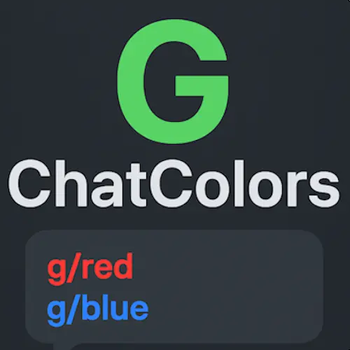


🎨 Farben:
| Code | Farbe |
|---|---|
g/black |
Schwarz |
g/dark_blue |
Dunkelblau |
g/dark_green |
Dunkelgrün |
g/dark_aqua |
Dunkeltürkis |
g/dark_red |
Dunkelrot |
g/dark_purple |
Dunkellila |
g/gold |
Gold |
g/gray |
Grau |
g/dark_gray |
Dunkelgrau |
g/blue |
Hellblau |
g/green |
Hellgrün |
g/aqua |
Cyan |
g/red |
Rot |
g/light_purple |
Pink / Magenta |
g/yellow |
Gelb |
g/white |
Weiß |
✨ Effects:
| Code | Effekt |
|---|---|
g/bold |
Fett |
g/italic |
Kursiv |
g/underline |
Unterstrichen |
g/strikethrough |
Durchgestrichen |
g/obfuscated |
Magische, randomisierte Zeichen |
g/reset |
Setzt alle Farben & Effekte zurück |
Quick facts
- Edition: Minecraft Java
- File type: .jar
- Minecraft versions listed: 1.21.1, 1.21.2, 1.21.3
- How to install: Install the matching mod loader (Forge, Fabric or NeoForge) for your Minecraft version. → Download the .jar. → Put it in the .minecraft/mods folder and launch that loader profile.
- Where to get it: Opens on Modrinth — not every file is mirrored on our own servers.
Install steps are the general flow for this file type — How to install Minecraft Java mods & modpacks walks through it step by step.
Verified by MCModsHub
- Ships as ColorSpeak-1.0-voll-version.jar — drop this file into the mods folder
- Download size: 4 KB
- Download link checked 13 Sept 2026 — working
These come from our own check of the pack file, not from the source page.