AddonsBedrock
What Am I Looking At?
The What Am I Looking At? mod will let you find out all the information about a block, item or mob when you point your cursor at it in Minecraft. Simply…
⬇ Download
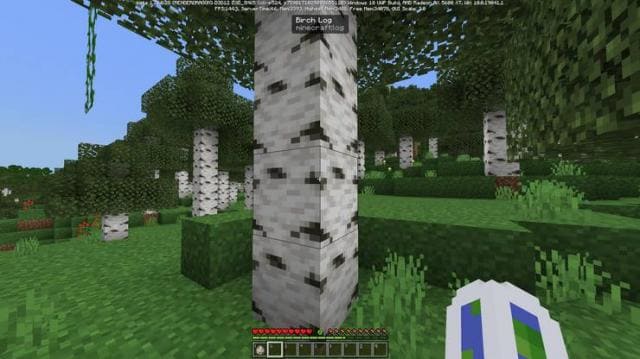
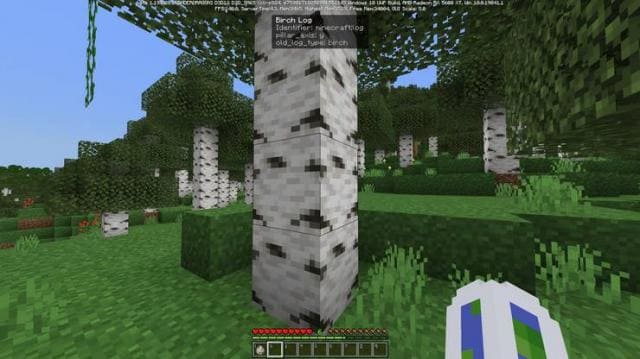
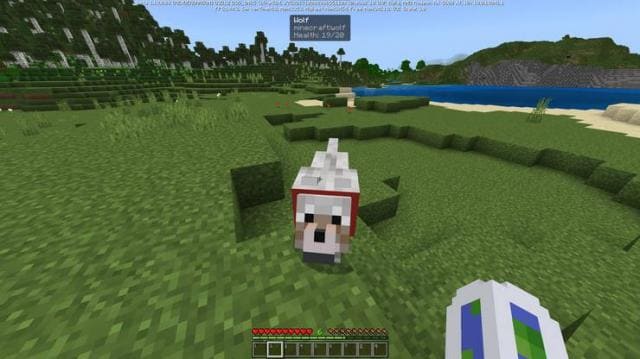
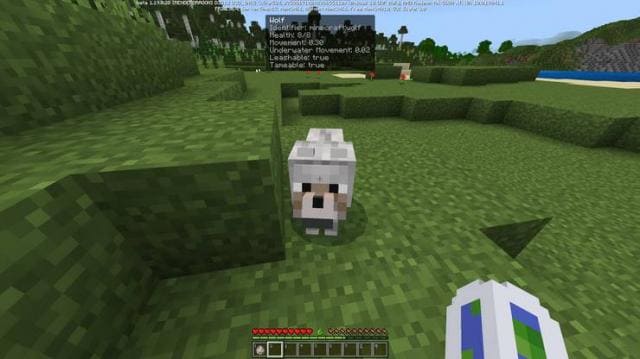

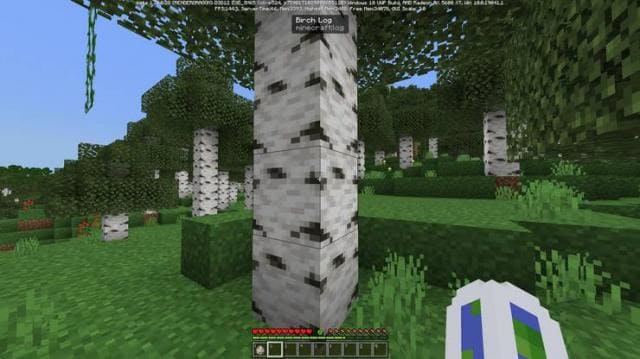
Мод What Am I Looking At? позволит тебе узнать всю информацию о блоке, предмете или мобе при наведении прицела на него в Майнкрафт. Достаточно навести прицел и нажать кнопку приседания, чтобы получить всю необходимую информацию. Это упростит выживание не только новичкам, но и профессиональным игрокам. Ты получишь информацию об идентификаторе, типе, здоровье, скорости и прочих характеристиках. Это крайне удобное и полезное дополнение для всех пользователей.
Без приседанияС приседаниемБез приседанияС приседанием
Без приседания
Не забудь включить Экспериментальные опции в настройках карты
Quick facts
- Edition: Minecraft Bedrock
- File type: .mcpack or .mcaddon
- Minecraft version listed: 1.18.30
- How to install: Download the .mcpack or .mcaddon file. → Open it — Minecraft imports it. → In your world: Behavior Packs → Available → Activate, then the same under Resource Packs.
- Where to get it: In MCModsHub, or directly above on this page.
Install steps are the general flow for this file type — How to install Minecraft Bedrock addons & mods walks through it step by step.
Verified by MCModsHub
- Pack type: .mcaddon — behaviour and resource pack in one file
- Manifest requires Minecraft 1.18.0 or newer
- Complete pack — everything it depends on is inside the file
- Download size: 18 KB
- Download link checked 6 Jul 2026 — working
- Mirrored on our own servers — the download does not depend on the original host
These come from our own check of the pack file, not from the source page.