AddonsBedrock
Map Markers
Maps in Minecraft Bedrock are quite convenient, but you can't make notes on them, mark the location of your house or other places. For such purposes, you…
⬇ Download
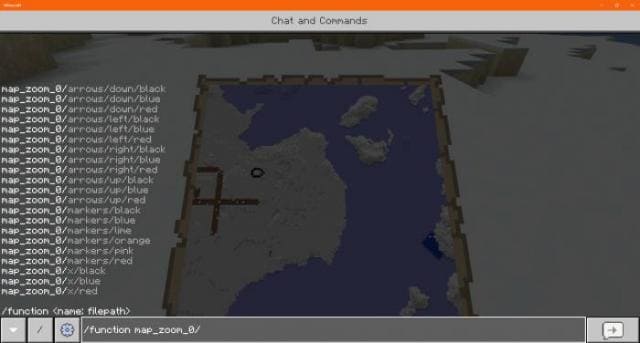
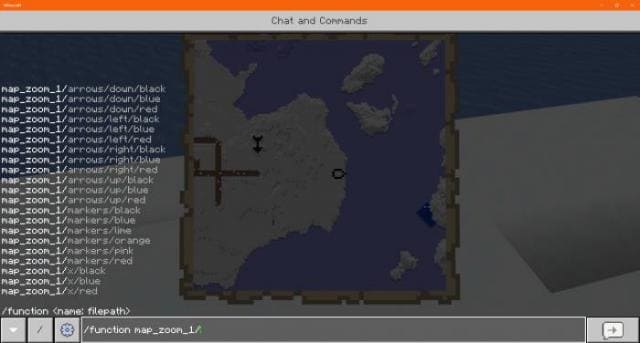


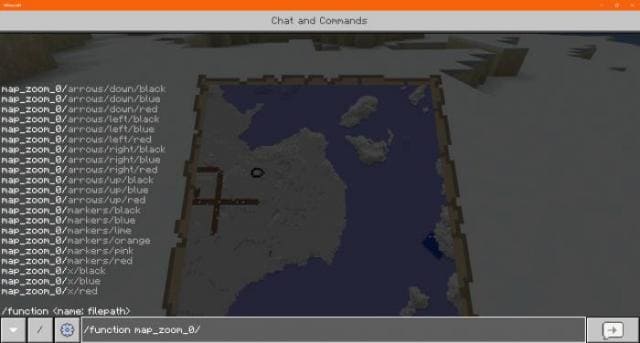
Карты в Minecraft Bedrock довольно удобные, но при этом на них нельзя делать пометки, обозначать местоположение дома или прочие места. Для таких целей можно использовать мод Map Markers. Теперь ты сможешь ставить отметки и маркеры, чтобы точно знать место, где находится твой дом или желаемая локация. Такая функция уже есть в Java версии, но в карманной все еще не доступна.Как это работает?Доступны разные маркеры.
- Создай мир и включи читы
- Скрафти карту
- Встань в точку, где хочешь поставить отметку
- Пропиши команду /function map-zoom-0/, чтобы поставить маркер
Quick facts
- Edition: Minecraft Bedrock
- File type: .mcpack or .mcaddon
- Minecraft versions listed: 1.18, 1.17.30, 1.17.11
- How to install: Download the .mcpack or .mcaddon file. → Open it — Minecraft imports it. → In your world: Behavior Packs → Available → Activate, then the same under Resource Packs.
- Where to get it: In MCModsHub, or directly above on this page.
Install steps are the general flow for this file type — How to install Minecraft Bedrock addons & mods walks through it step by step.
Verified by MCModsHub
- Pack type: .mcaddon — behaviour and resource pack in one file
- Manifest requires Minecraft 1.17.0 or newer
- Complete pack — everything it depends on is inside the file
- Download size: 164 KB
- Download link checked 6 Jul 2026 — working
- Mirrored on our own servers — the download does not depend on the original host
These come from our own check of the pack file, not from the source page.