AddonsBedrock
Vanish Function
Of course, everyone dreamed as a child of becoming invisible. We hope nobody succeeded, otherwise it would be scary. But we know for sure that such a…
⬇ Download


Естественно, каждый мечтал в детстве получить возможность стать невидимым. Надеемся, что никому это не удалось, иначе будет страшно. Зато мы точно знаем, что в Майнкрафт доступна такая функция с модом Vanish Function. Тебе достаточно проделать парочку простых действий для установки и настройки дополнения, а затем стать невидимым.
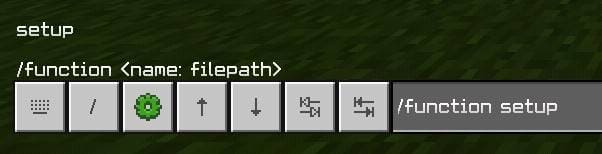
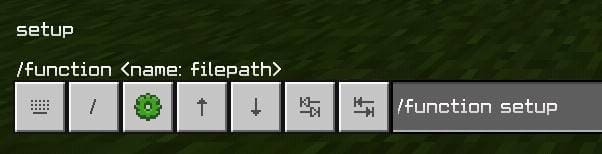
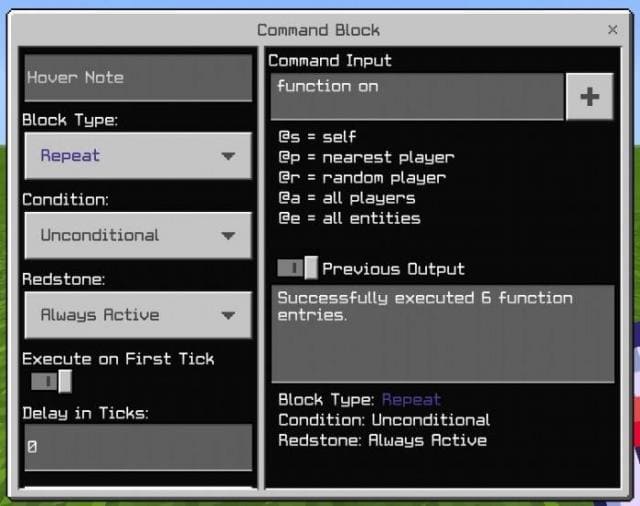
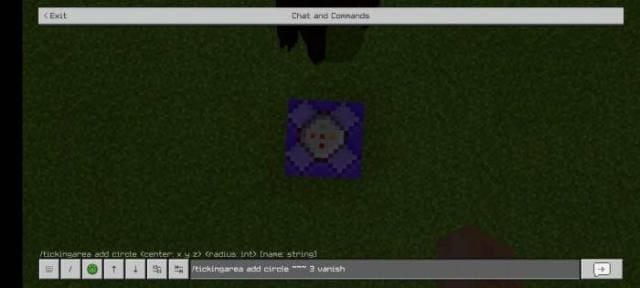
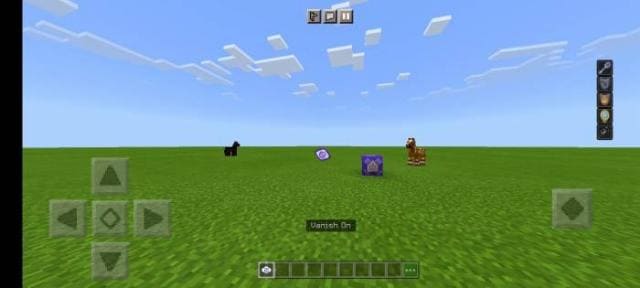
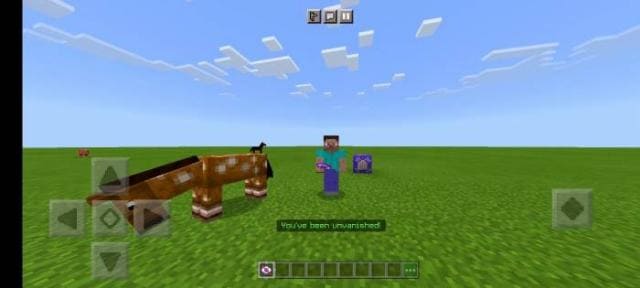
Сразу после входа можно прописать команду /function setup.Установки командный блок, настрой постоянную активность и повторение, а также введи /function on.Затем встань на командный блок и введи /tickingarea add circle ~~~ 3 vanish. Тогда функция будет работать без определенного расстояния от командного блока.Включение невидимостиВыключение невидимостиКоманда для невидимости
Сразу после входа можно прописать команду /function setup.
Quick facts
- Edition: Minecraft Bedrock
- File type: .mcpack or .mcaddon
- Minecraft versions listed: 1.17.11, 1.17, 1.17.0
- How to install: Download the .mcpack or .mcaddon file. → Open it — Minecraft imports it. → In your world: Behavior Packs → Available → Activate, then the same under Resource Packs.
- Where to get it: In MCModsHub, or directly above on this page.
Install steps are the general flow for this file type — How to install Minecraft Bedrock addons & mods walks through it step by step.
Verified by MCModsHub
- Pack type: .mcaddon — behaviour and resource pack in one file
- Complete pack — everything it depends on is inside the file
- Download size: 8 KB
- Download link checked 30 Jun 2026 — working
- Mirrored on our own servers — the download does not depend on the original host
These come from our own check of the pack file, not from the source page.