ModsJava
Epic Fight Better Skill Menu Mod (1.20.1, 1.20) – Simplified Combat Loadout Control
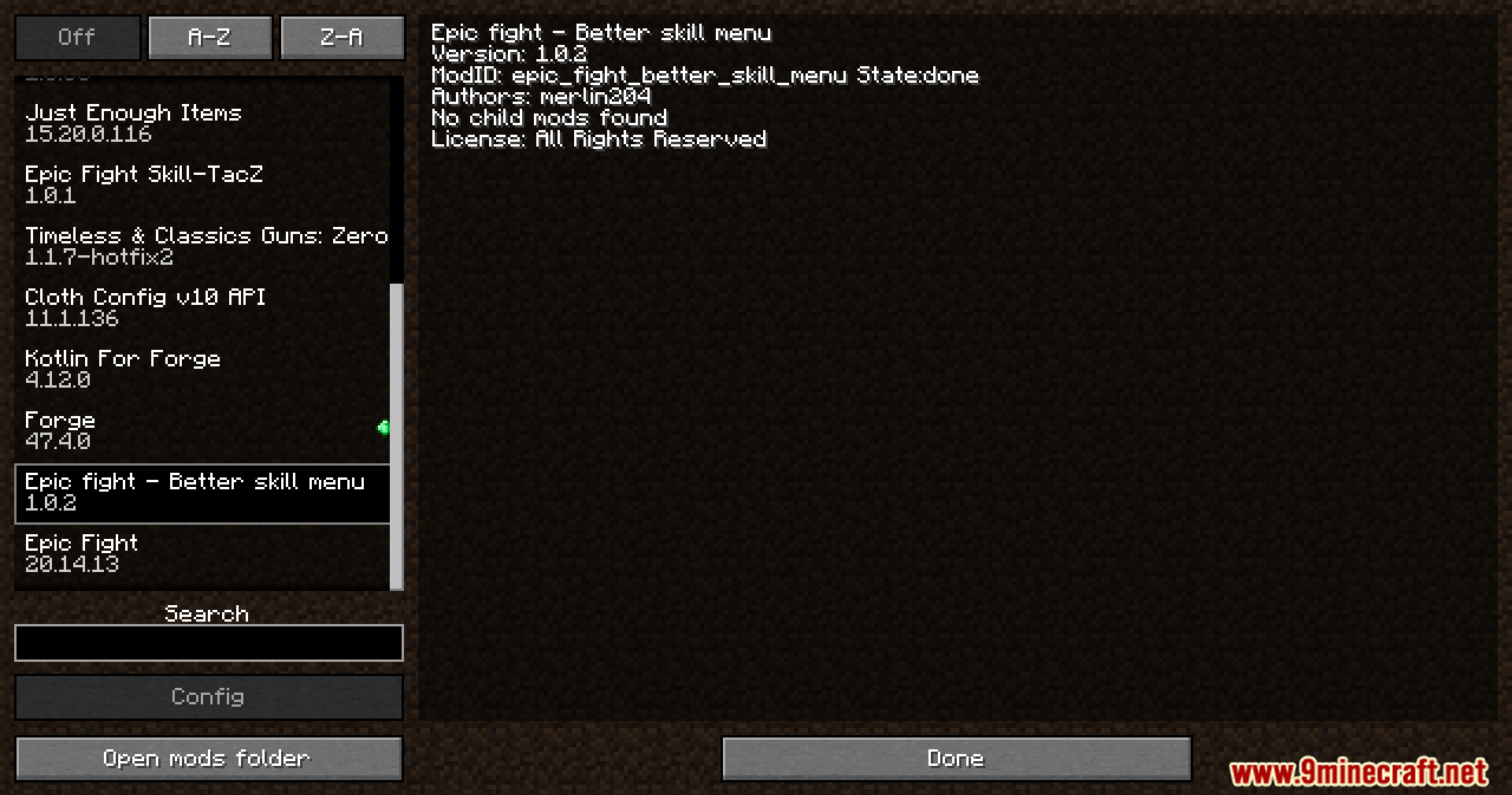
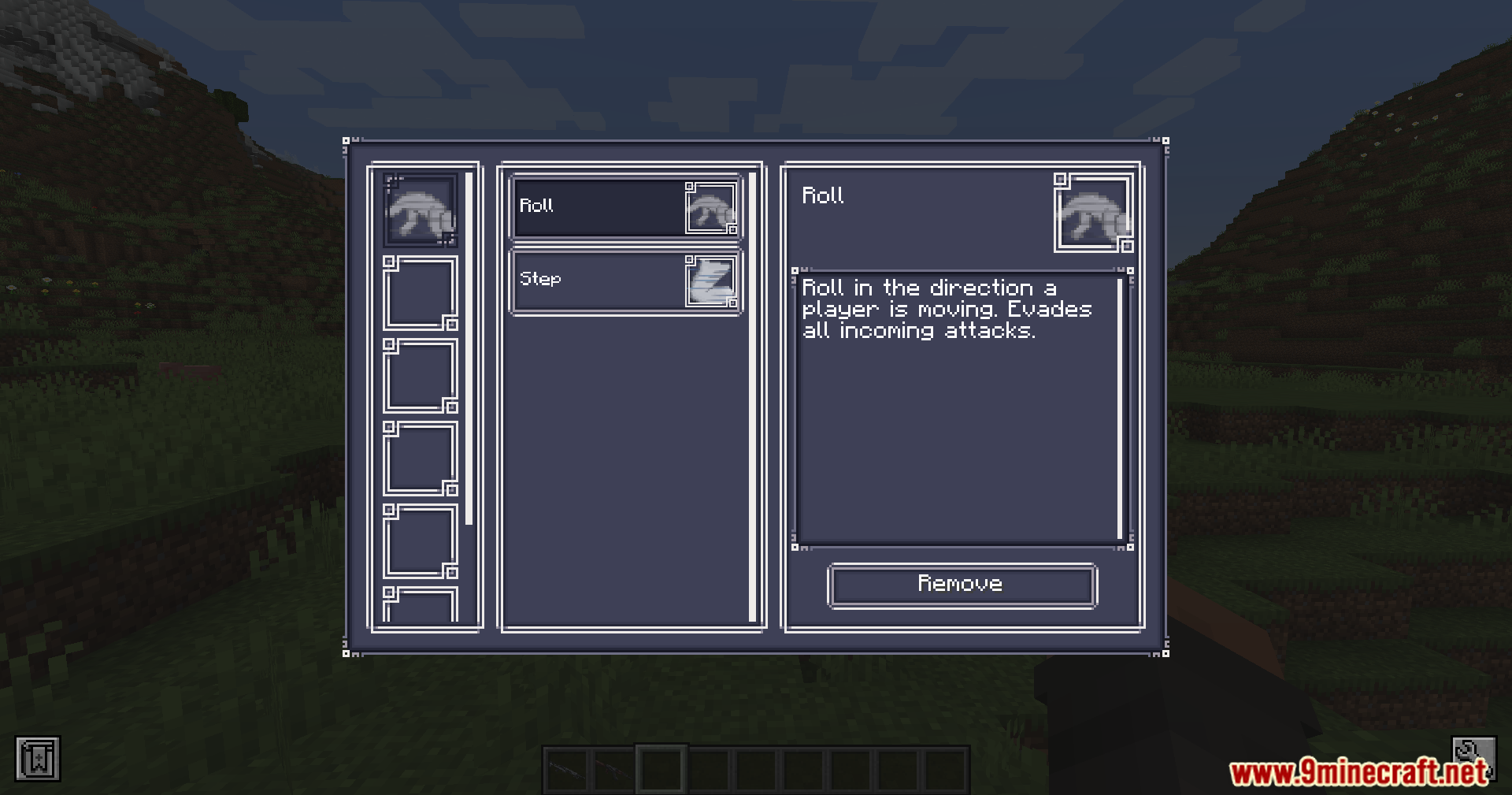
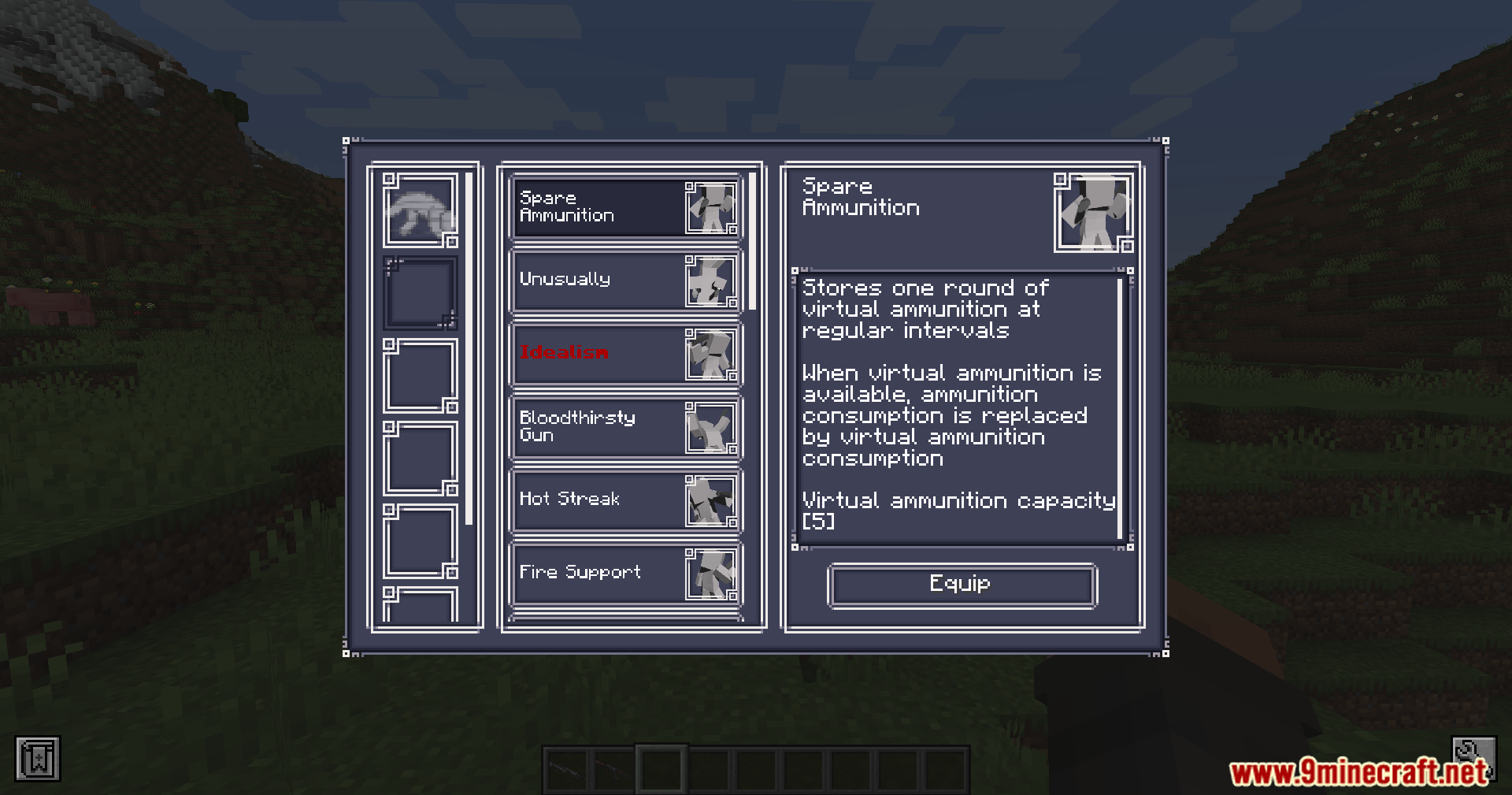
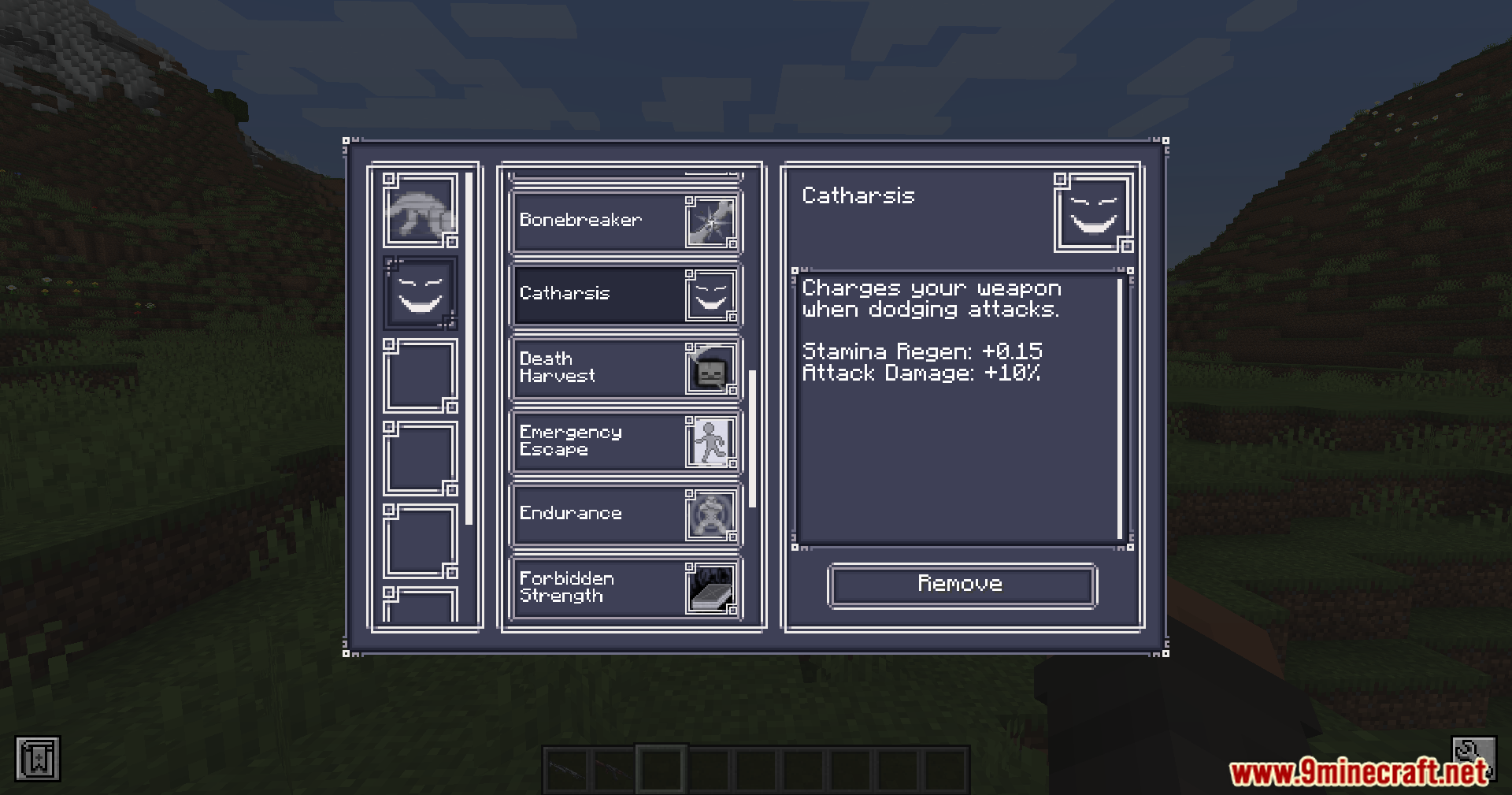
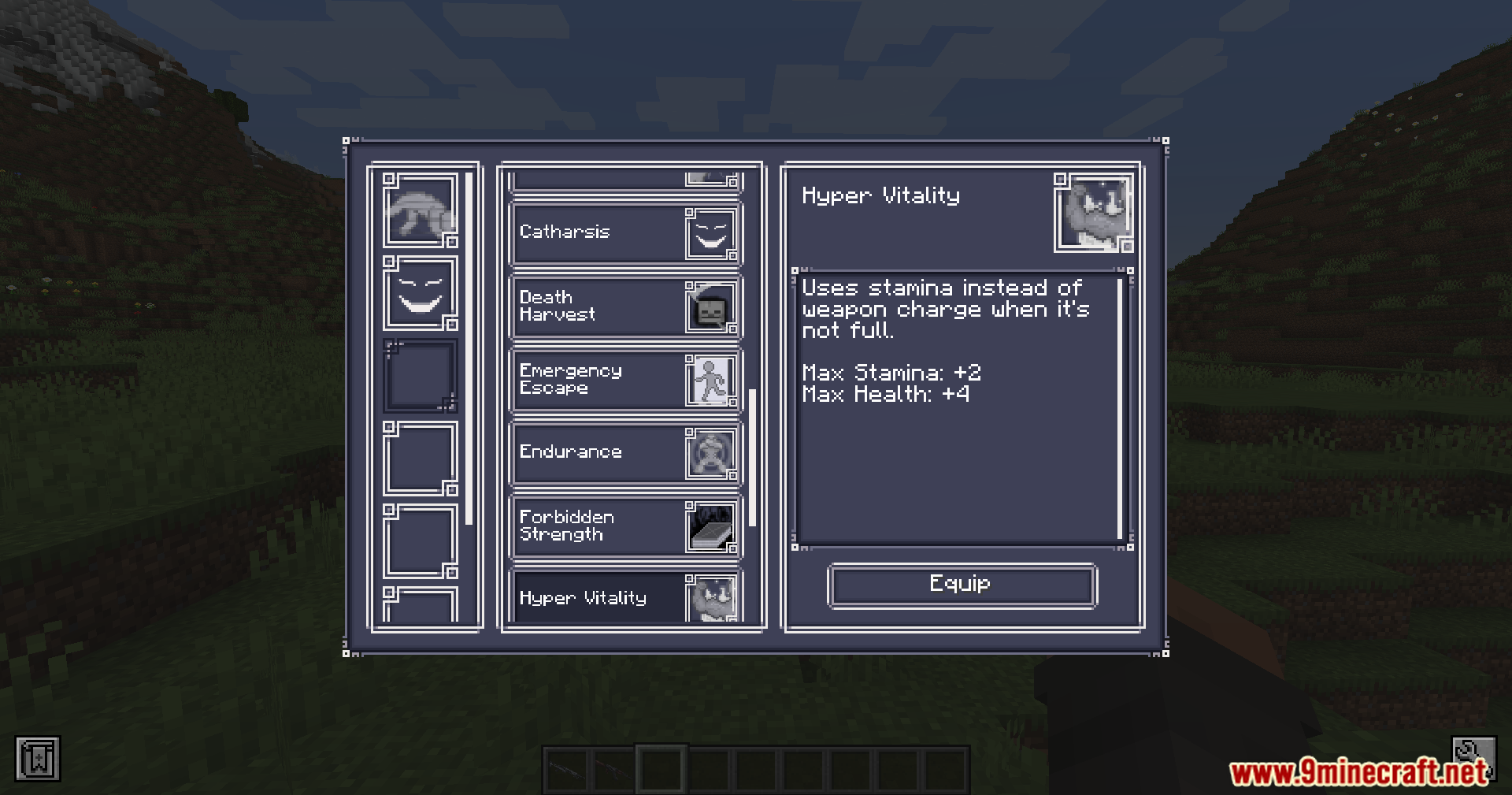
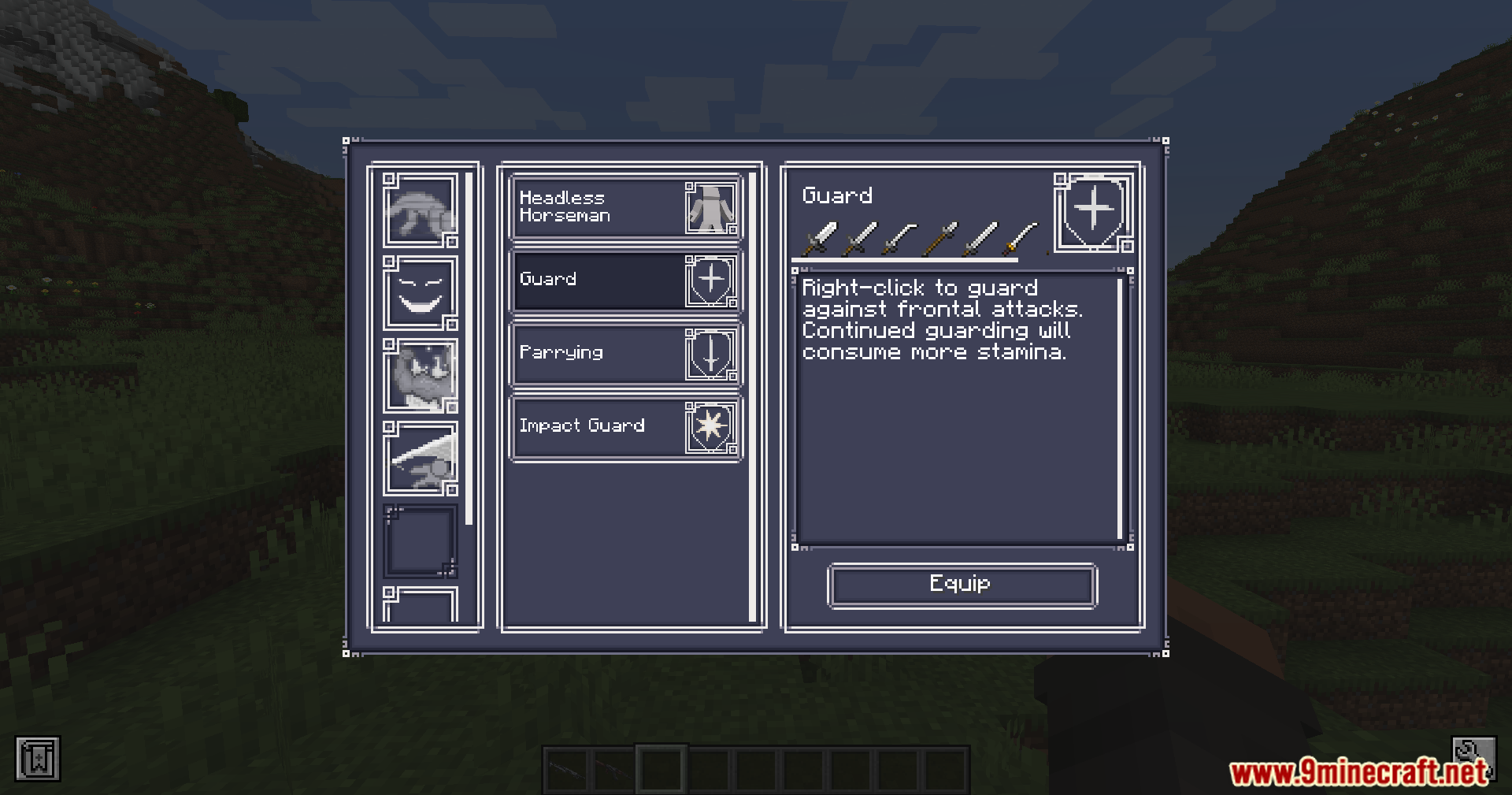
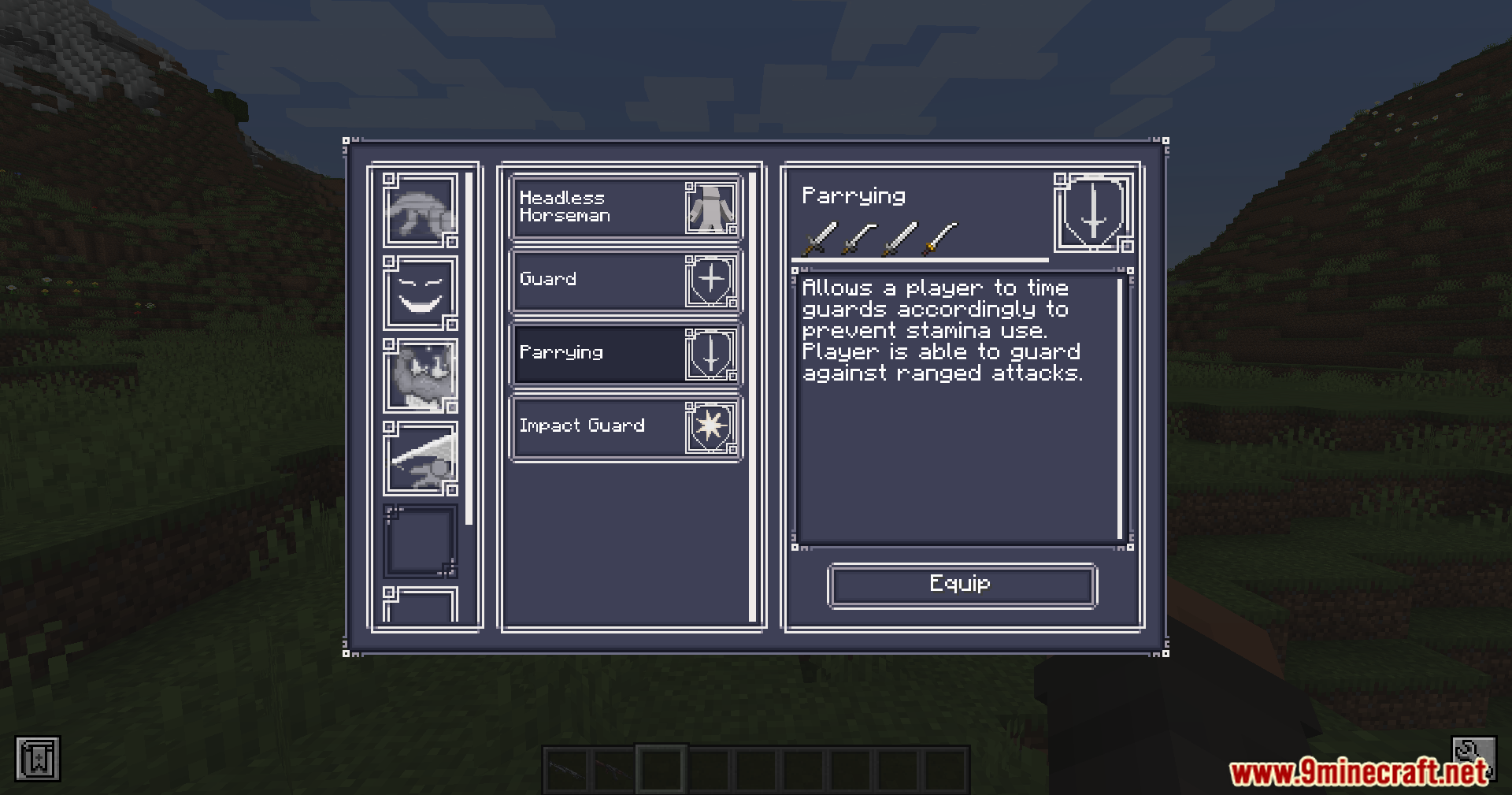
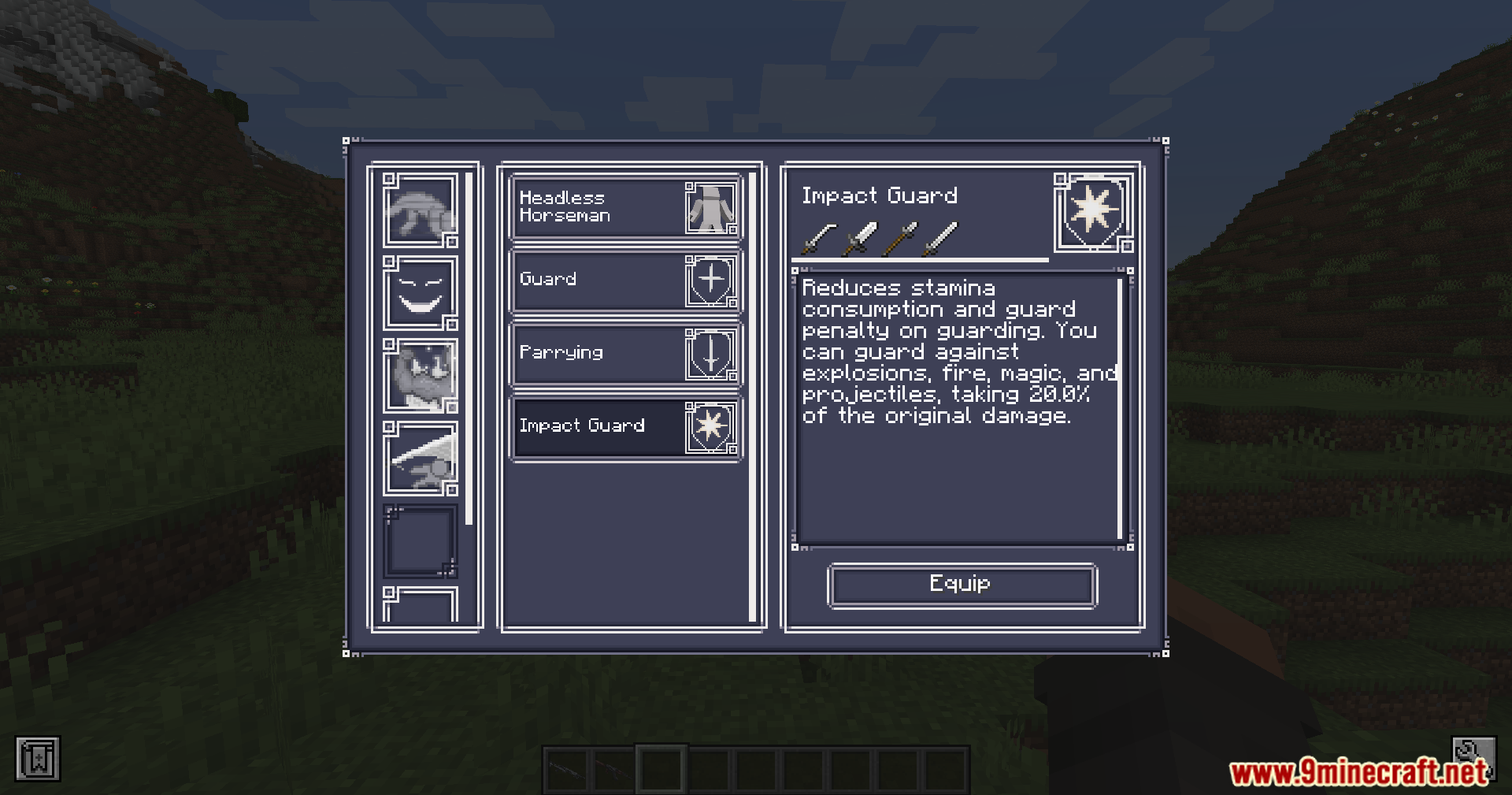
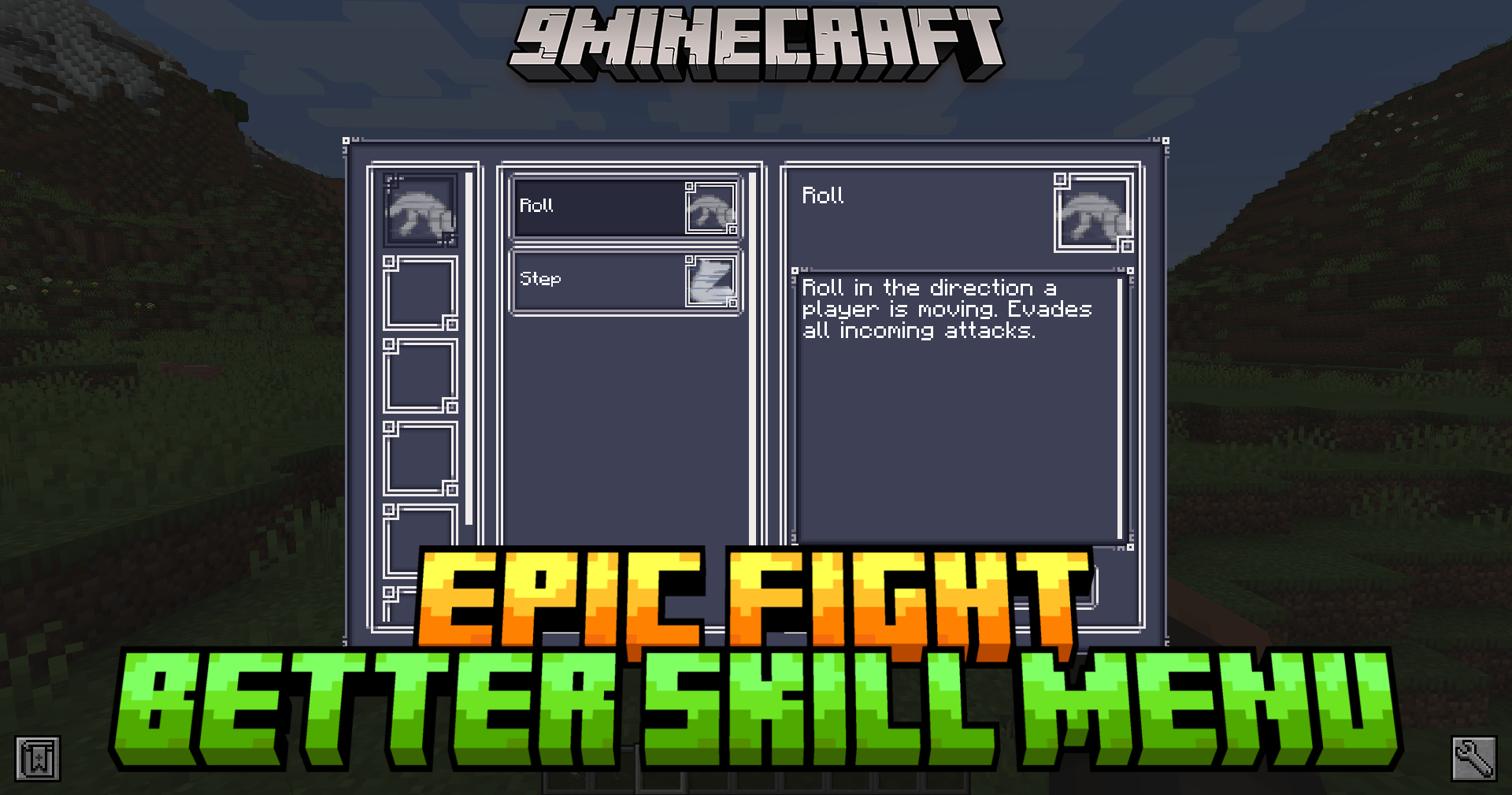
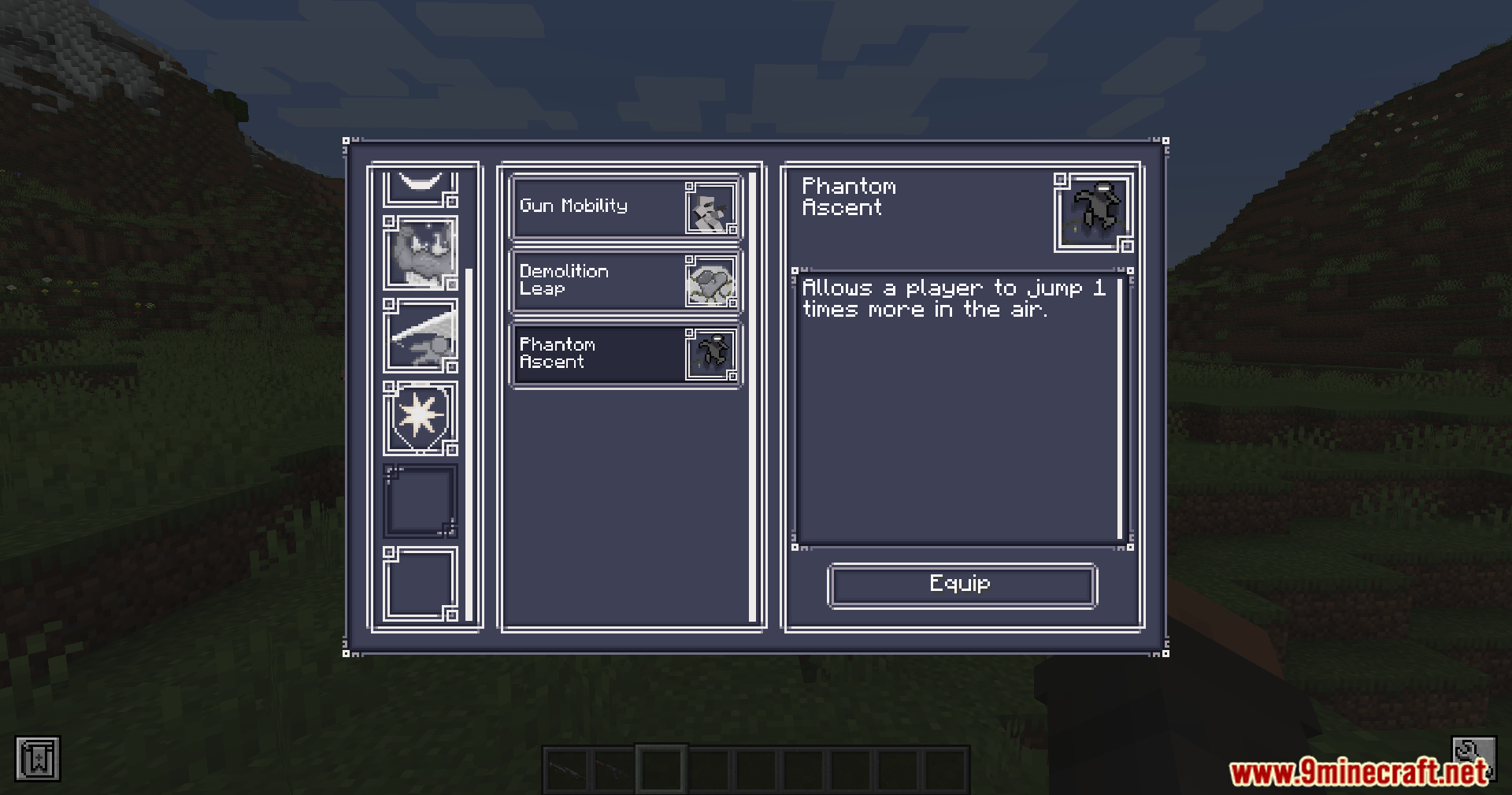
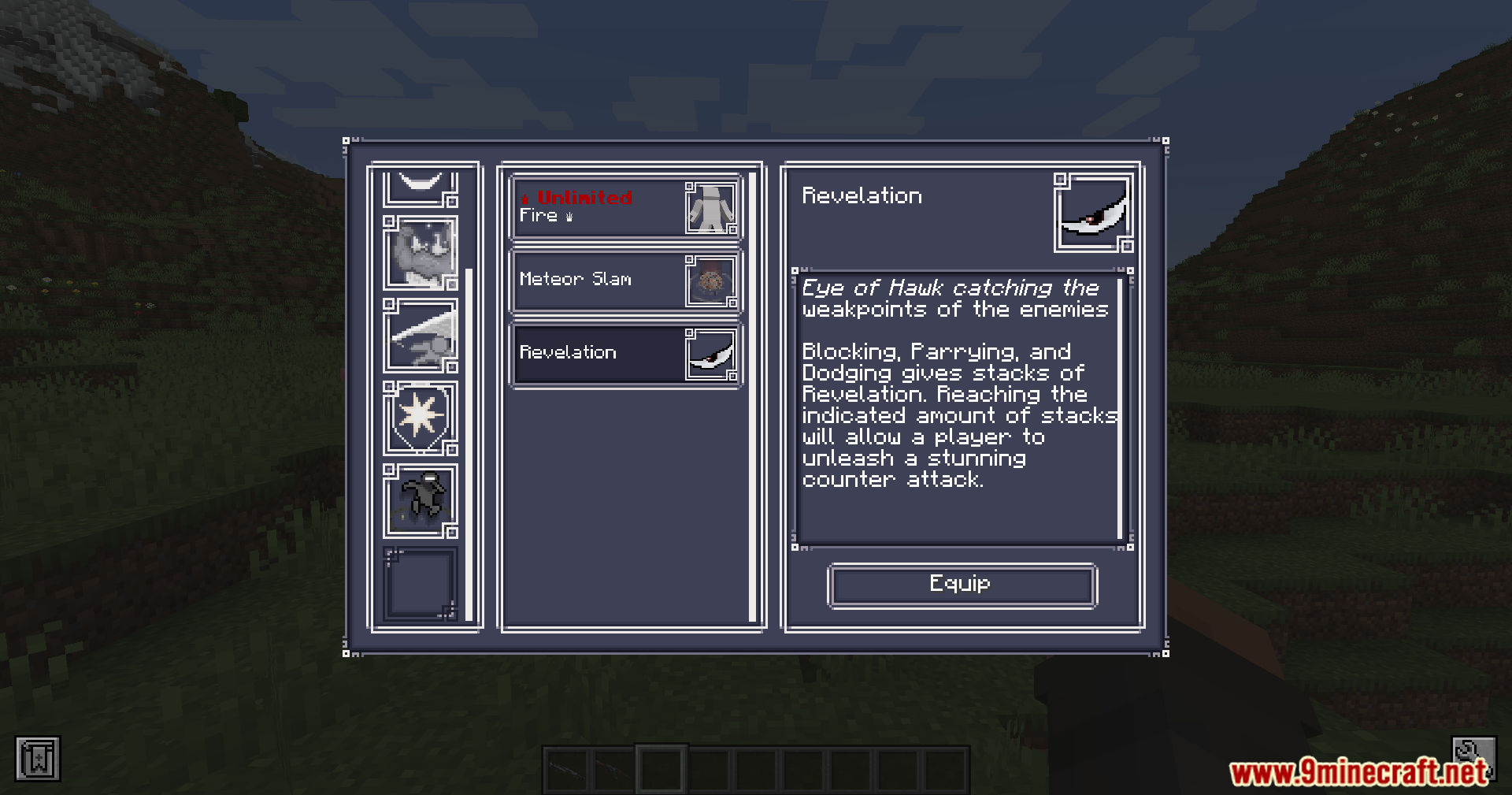
Epic Fight Better Skill Menu Mod redesigns the skill management screen from the Epic Fight mod. It replaces the original book-style interface with a structured panel that displays all equipped skills in a single view. The layout focuses on clarity, allowing quick access to skill information and management without navigating multiple pages.
Features:
- Replaces the default Epic Fight skill menu
- Introduces a panel-based interface instead of book-style UI
- Displays all equipped skills in a single screen
- Supports grid or list view for skills
- Shows skill names and detailed descriptions via tooltips
- Provides instant access to skill information
- Allows equip and unequip via drag-and-drop or click
- Supports direct interaction from skill books
- Focuses on clean and minimal interface design
- Improves clarity and overview of active skills
Screenshots:
Epic Fight Better Skill Menu Mod Download Links
Quick facts
- Edition: Minecraft Java
- File type: .jar
- Minecraft versions listed: 1.20.1, 1.20
- How to install: Install the matching mod loader (Forge, Fabric or NeoForge) for your Minecraft version. → Download the .jar. → Put it in the .minecraft/mods folder and launch that loader profile.
- Where to get it: Opens on the file's original source — not every file is mirrored on our own servers.
Install steps are the general flow for this file type — How to install Minecraft Java mods & modpacks walks through it step by step.
Epic Fight Better Skill Menu Mod (1.20.1, 1.20) – Simplified Combat Loadout Control is a free Minecraft Java mod. Compatible with Minecraft 1.20.1, 1.20. Download it and open it directly in the game.