ModsJava
Tooltip Overhaul Mod (1.21.1, 1.20.1) – Modern Tooltip System
Java mod listed for Minecraft 1.20–1.21. Downloads from the MC Java Mods app on Android.
⬇ Download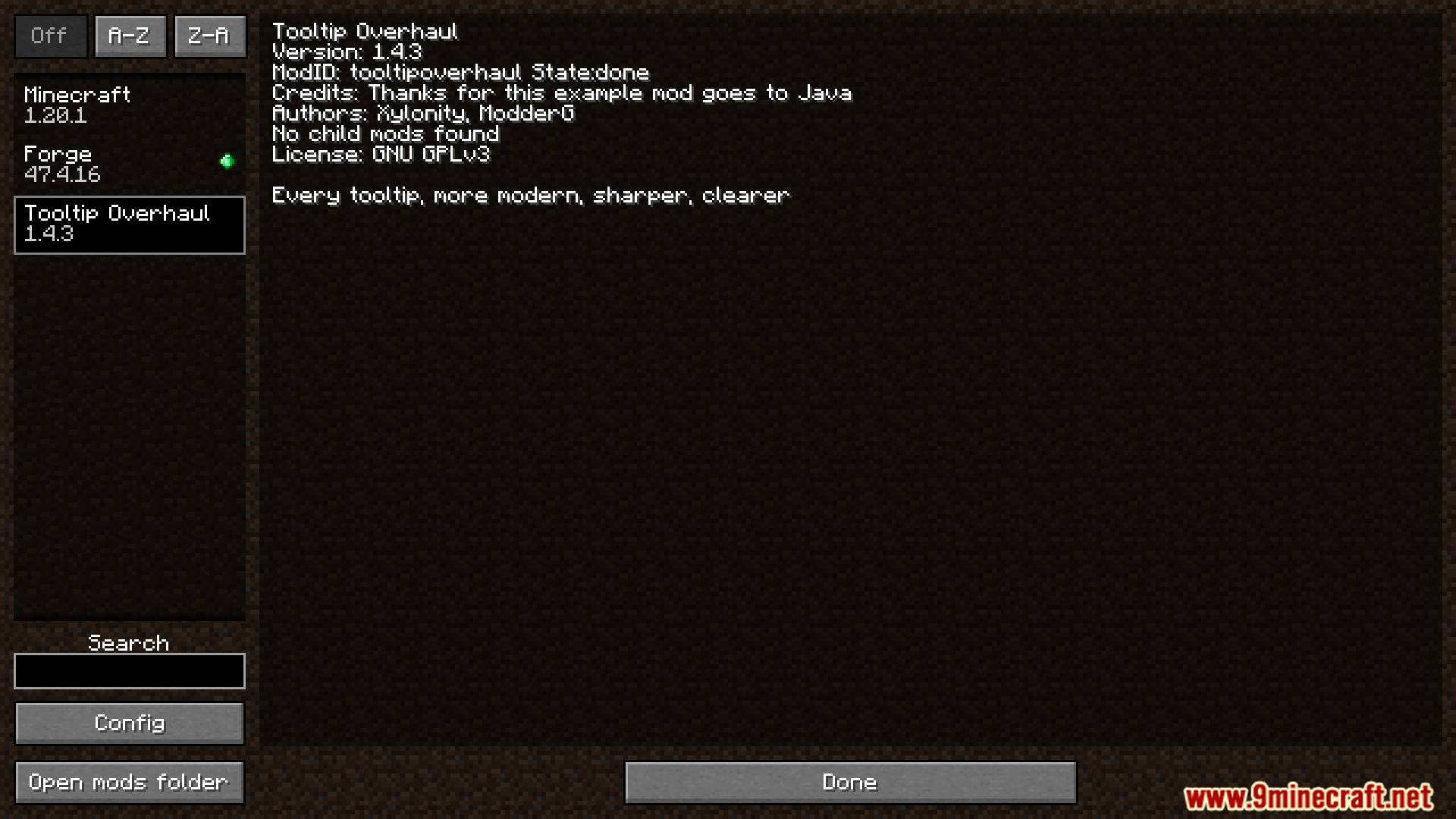
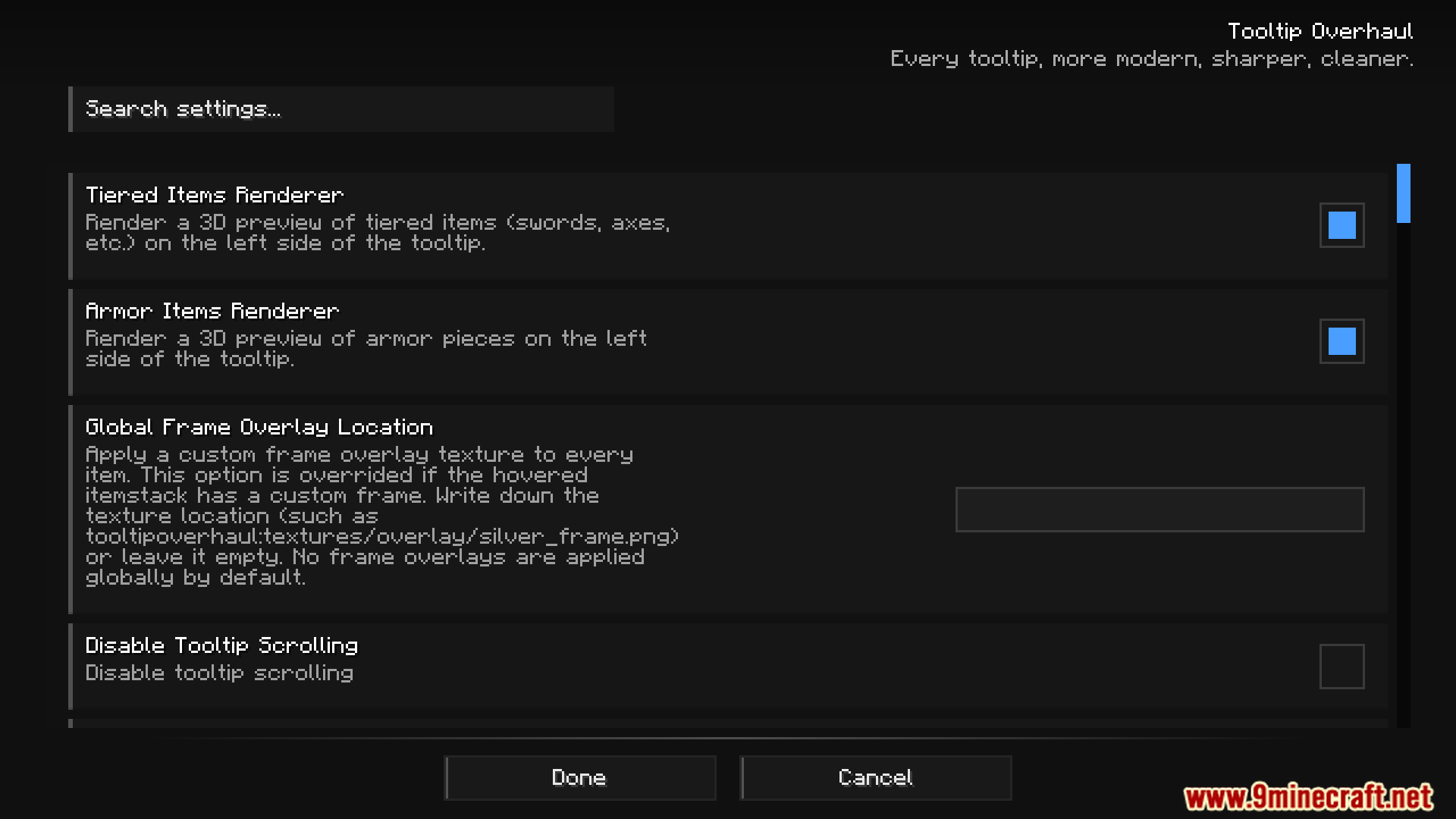
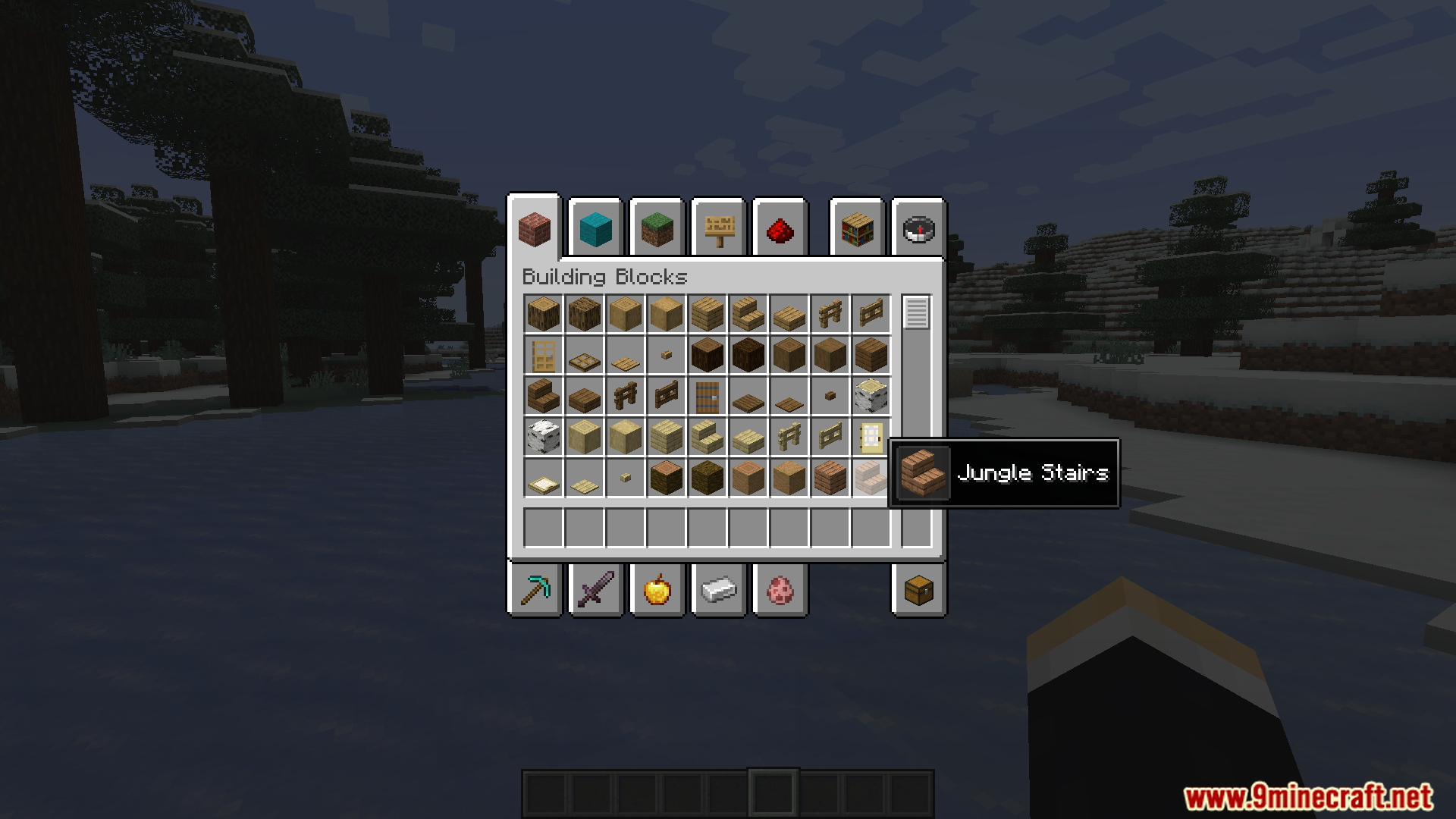
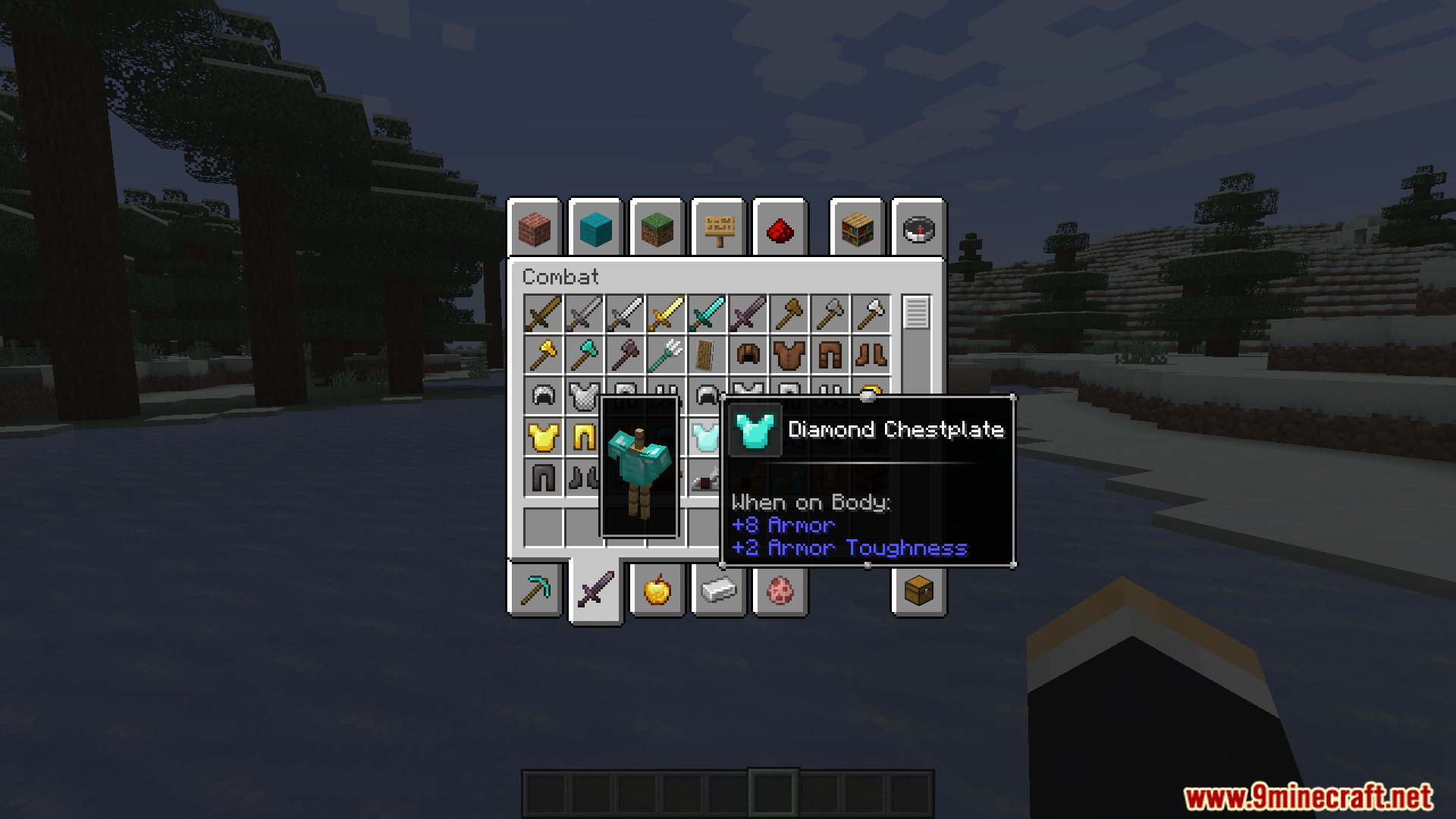
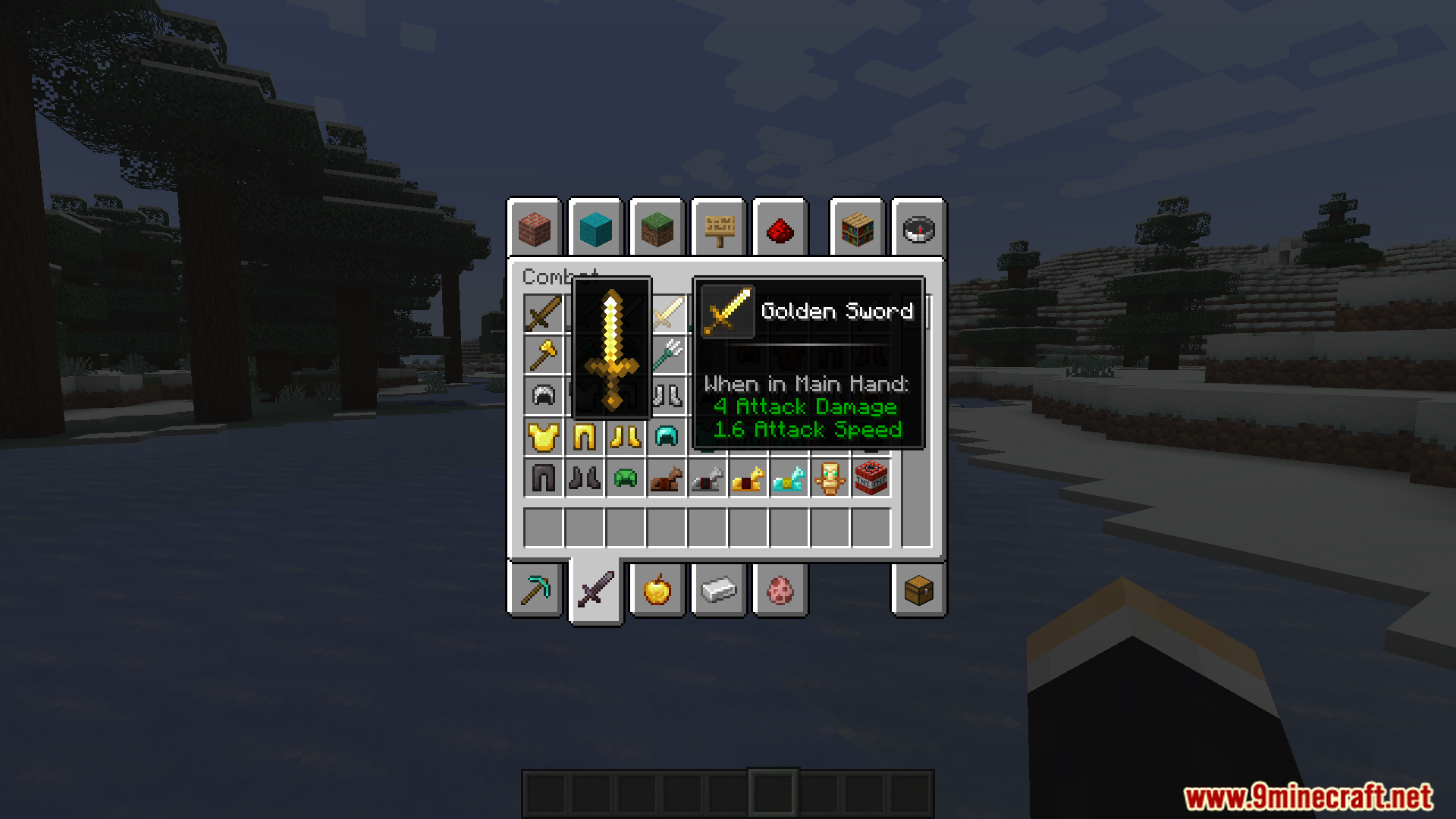
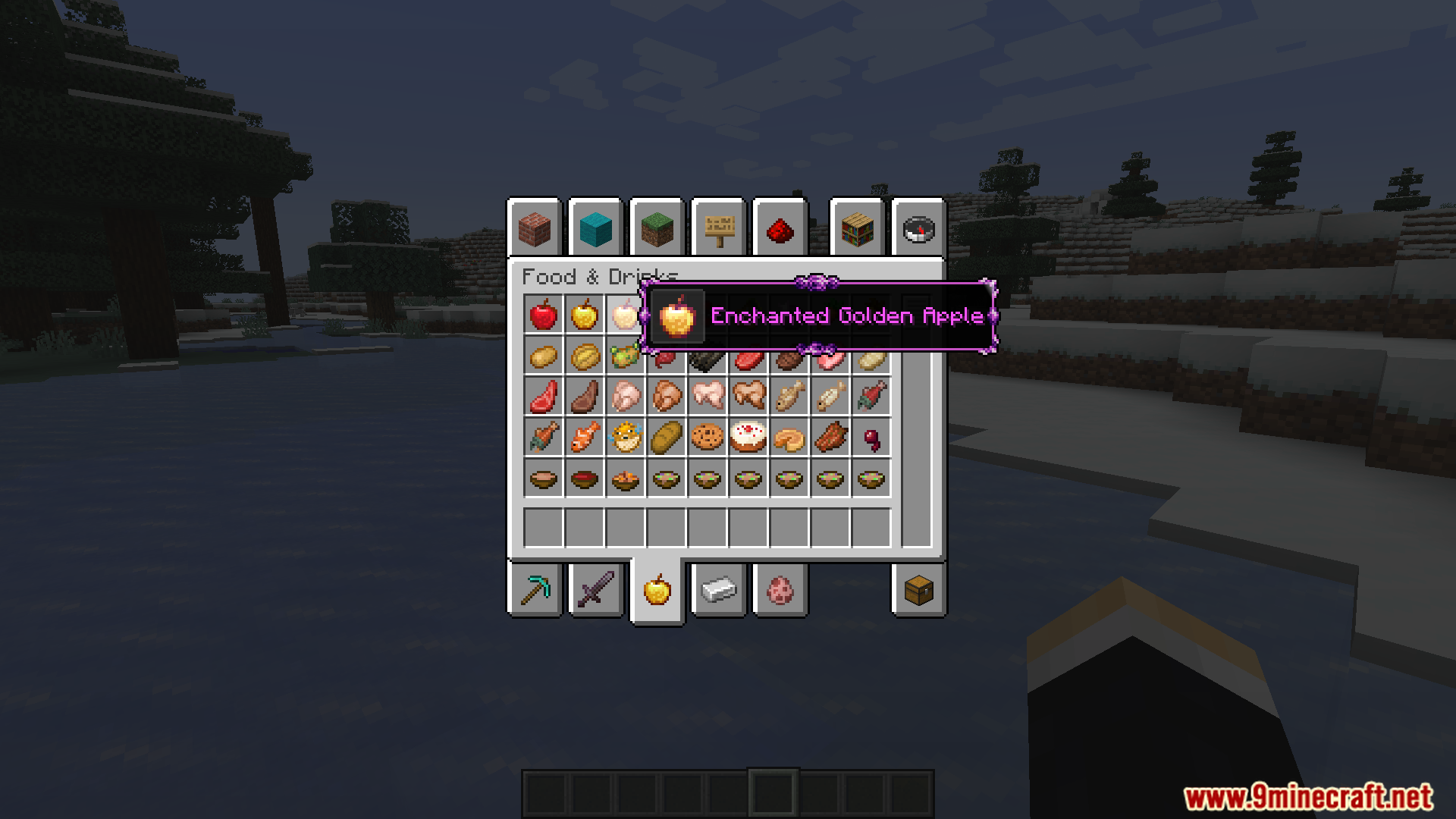
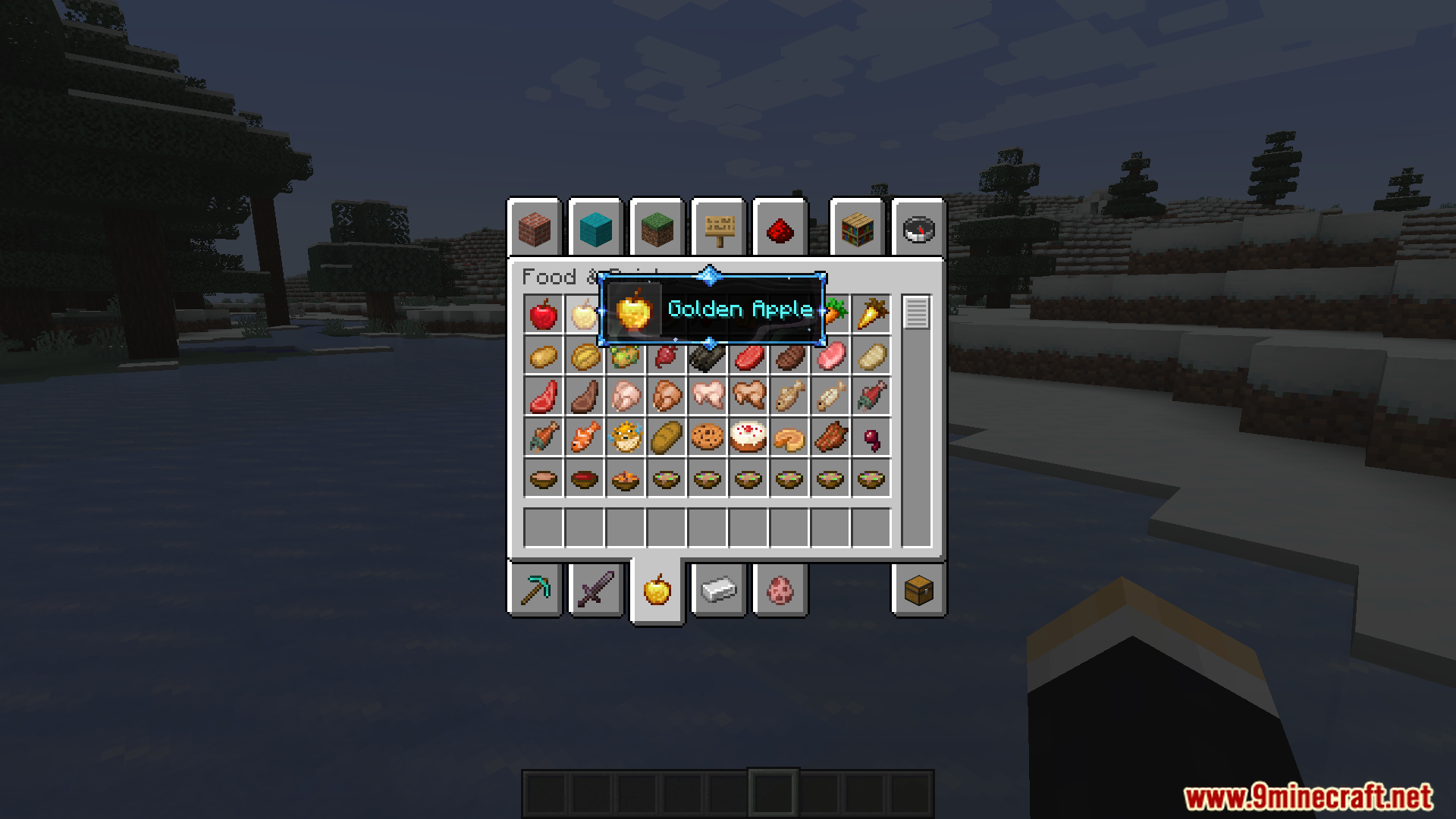
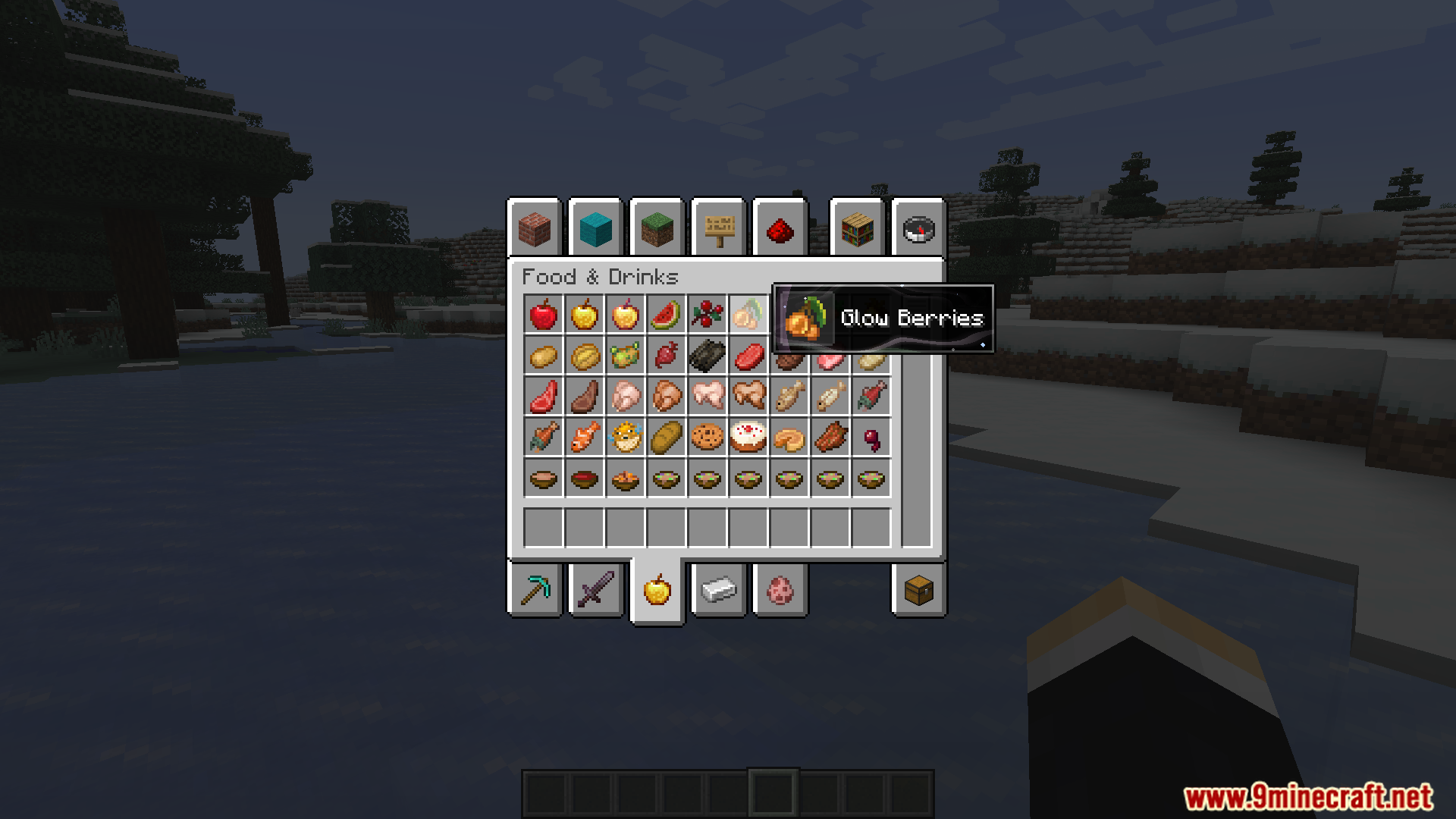
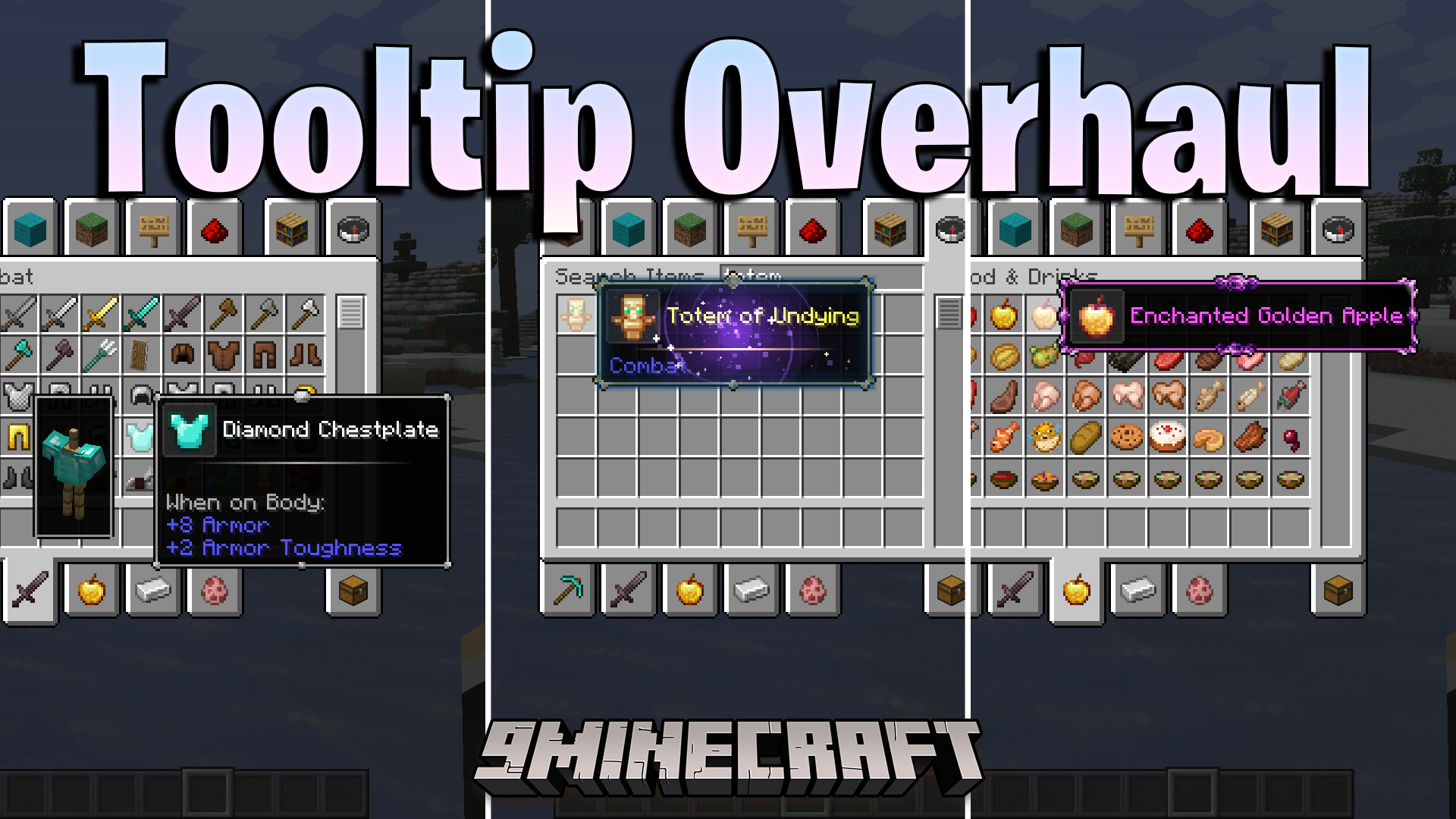
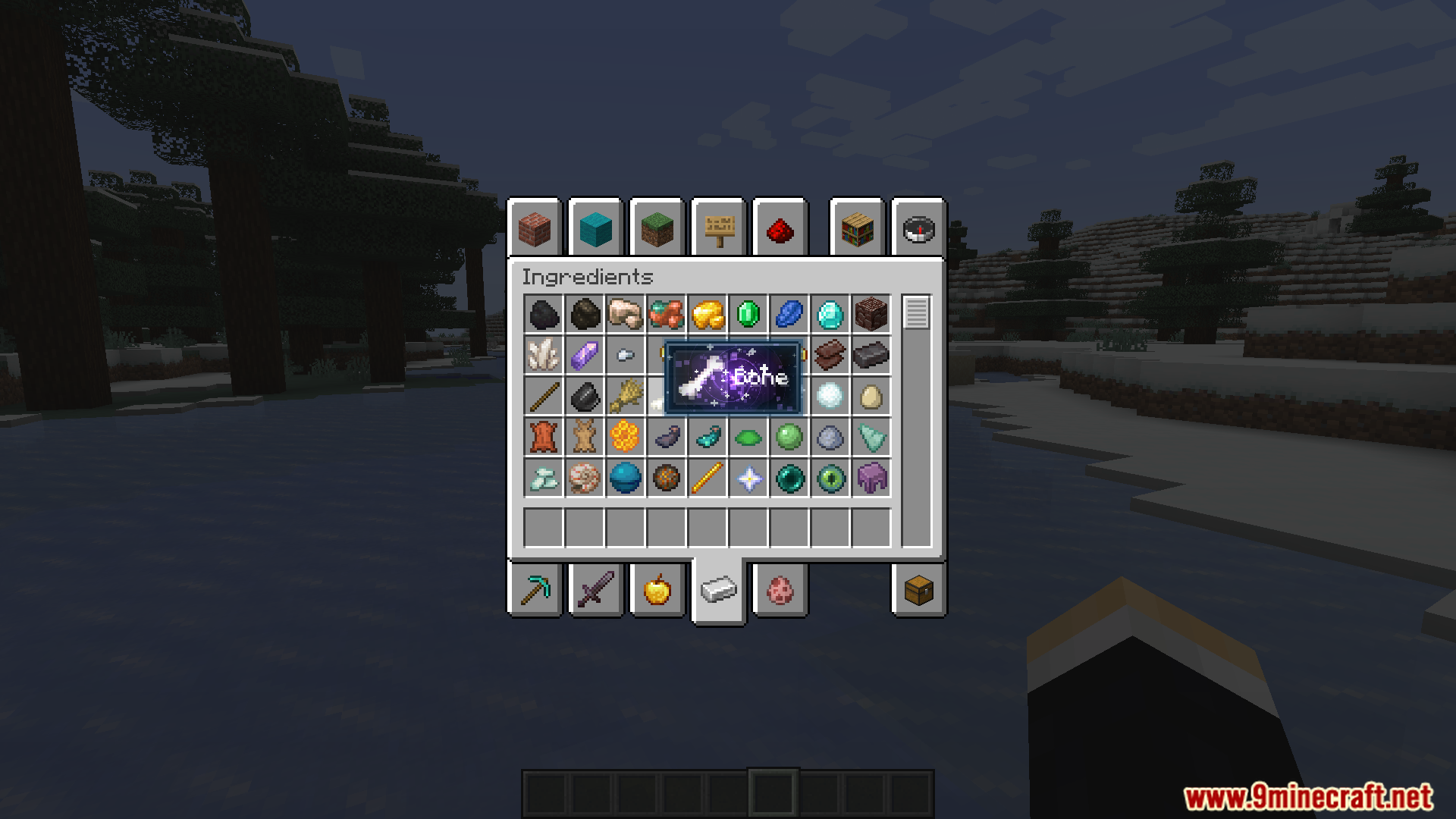
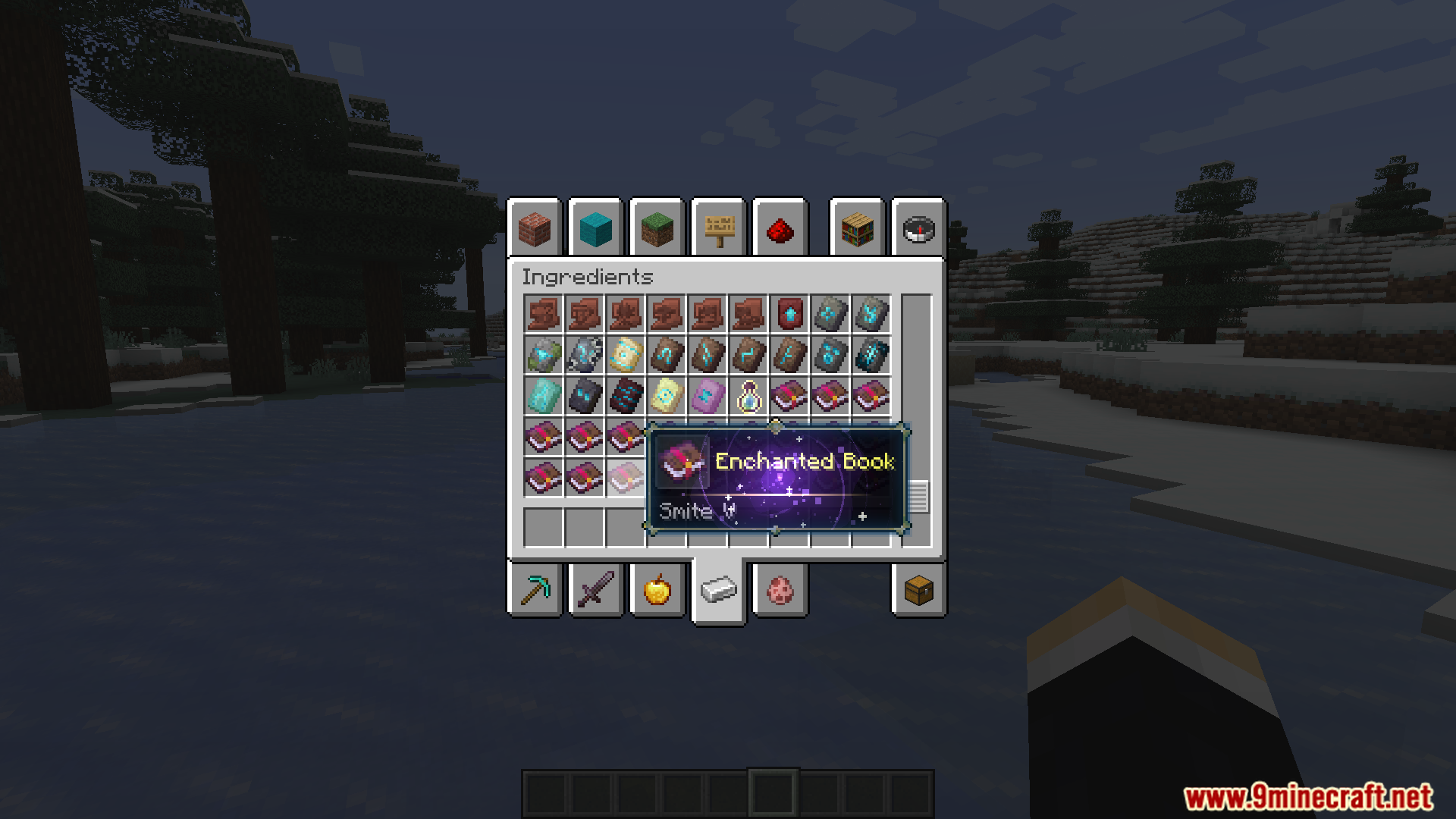
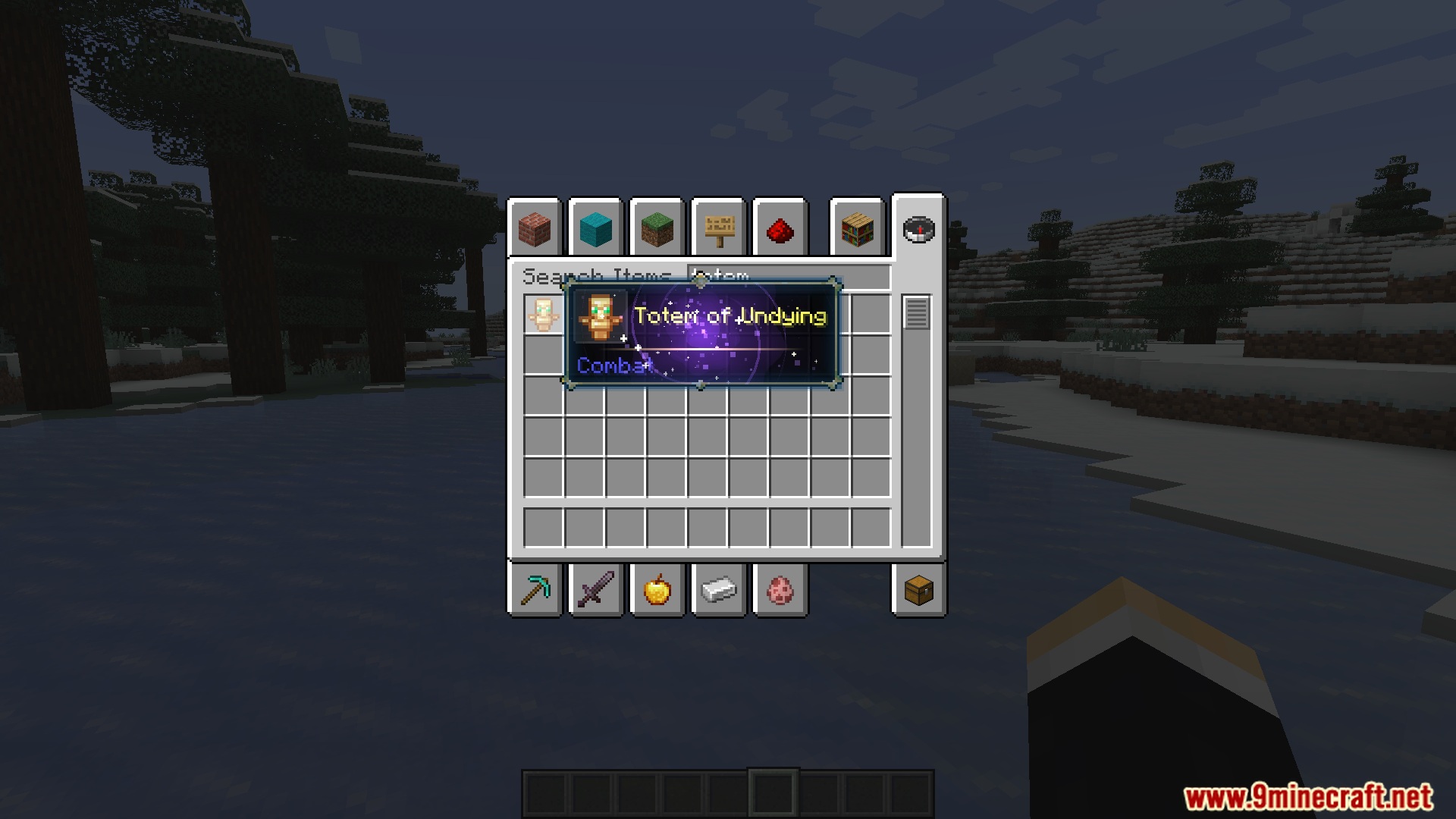
Tooltip Overhaul Mod revamps the vanilla tooltip system, adding scrollable tooltips, text wrapping, equipment comparison, custom frames, 3D item rendering, and extensive customization options. It’s designed to make tooltips clearer, more modern, and highly configurable for both casual players and modpack creators.
Features:
- Scroll through tall tooltips that exceed screen limits.
- Prevents tooltips from stretching too wide.
- Toggleable armor comparison against equipped gear.
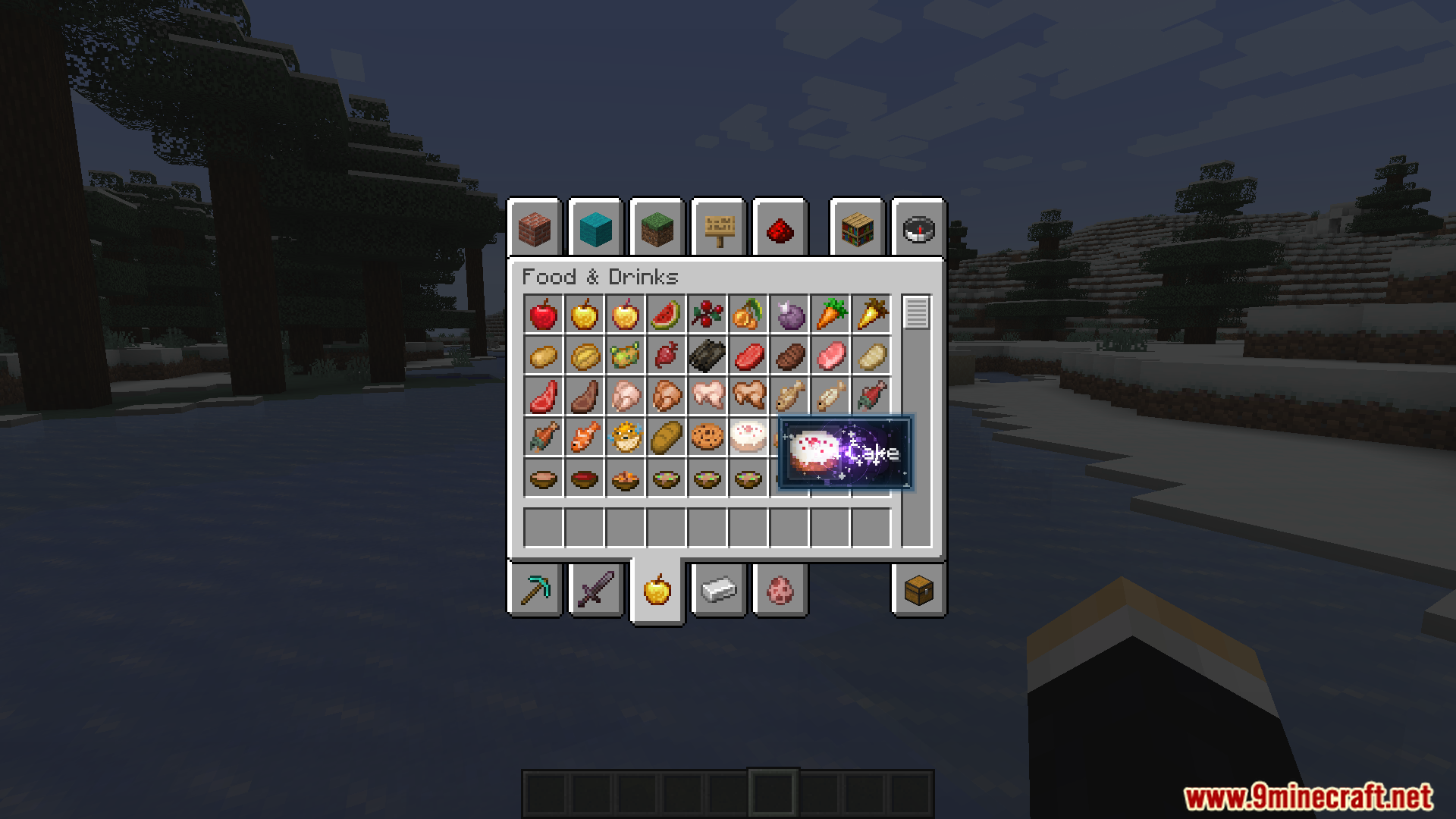
- Animated borders, rarity indicators, and decorative styles.
- Hover over items to see a 3D icon.
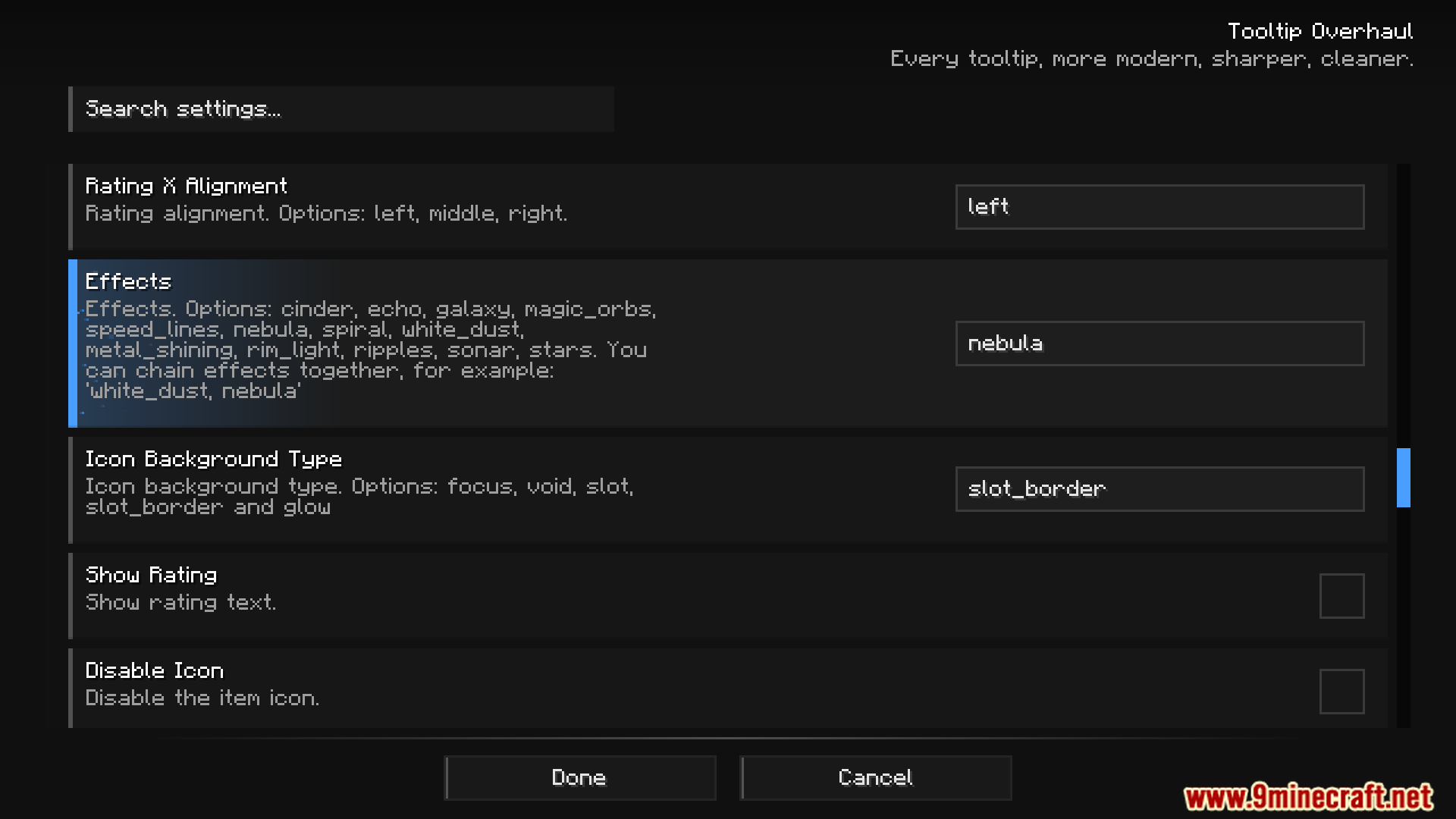
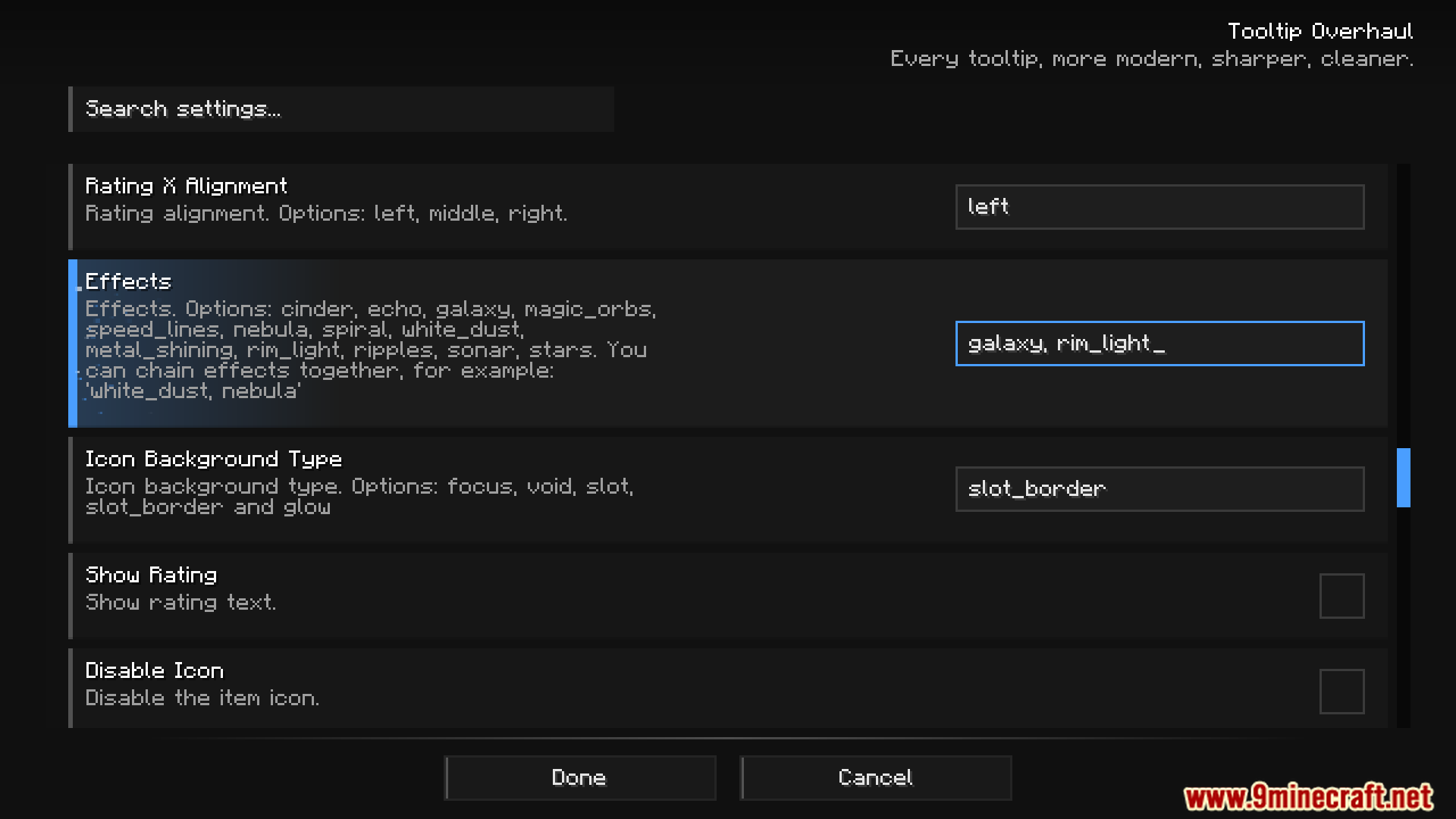
- Add gradients, animations, and visual flair to tooltips.
- Crop, expand, move, and style tooltips freely.
- Adjust settings directly without restarting.
- Create custom frames and styles via resource packs.
Screenshots:
Tooltip Overhaul Mod Download Links
Quick facts
- Edition: Minecraft Java
- File type: .jar
- Minecraft versions listed: 1.21.1, 1.20.1
- How to install: Install the matching mod loader (Forge, Fabric or NeoForge) for your Minecraft version. → Download the .jar. → Put it in the .minecraft/mods folder and launch that loader profile.
- Where to get it: In MC Java Mods, or directly above on this page.
Install steps are the general flow for this file type — How to install Minecraft Java mods & modpacks walks through it step by step.
File checked by MCModsHub
- Downloads as 174807.mcaddon
- Download size: 684 KB
- Download link checked 25 Sept 2026 — working
- Mirrored on our own servers — the download does not depend on the original host
These come from our own check of the pack file, not from the source page.