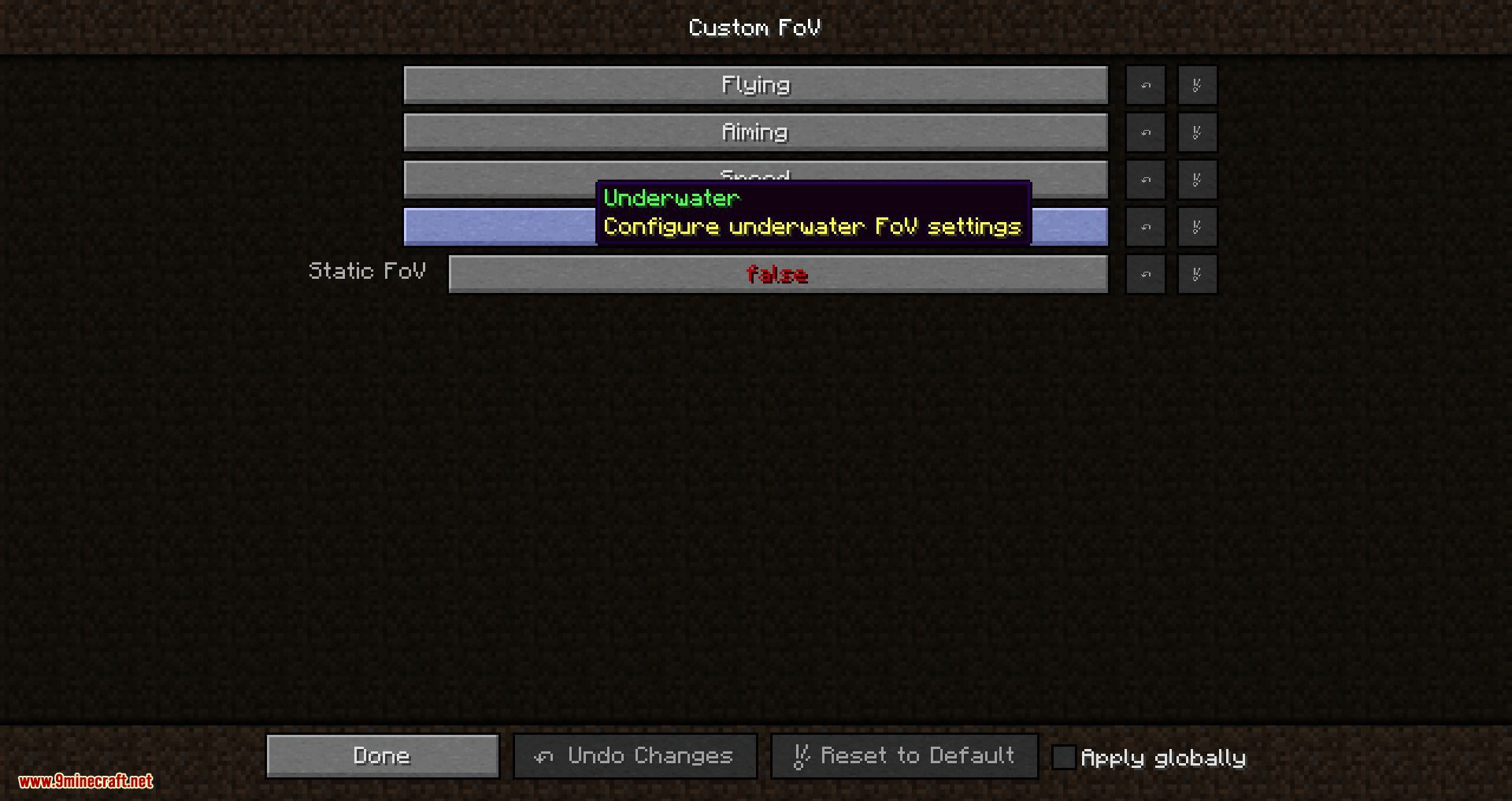
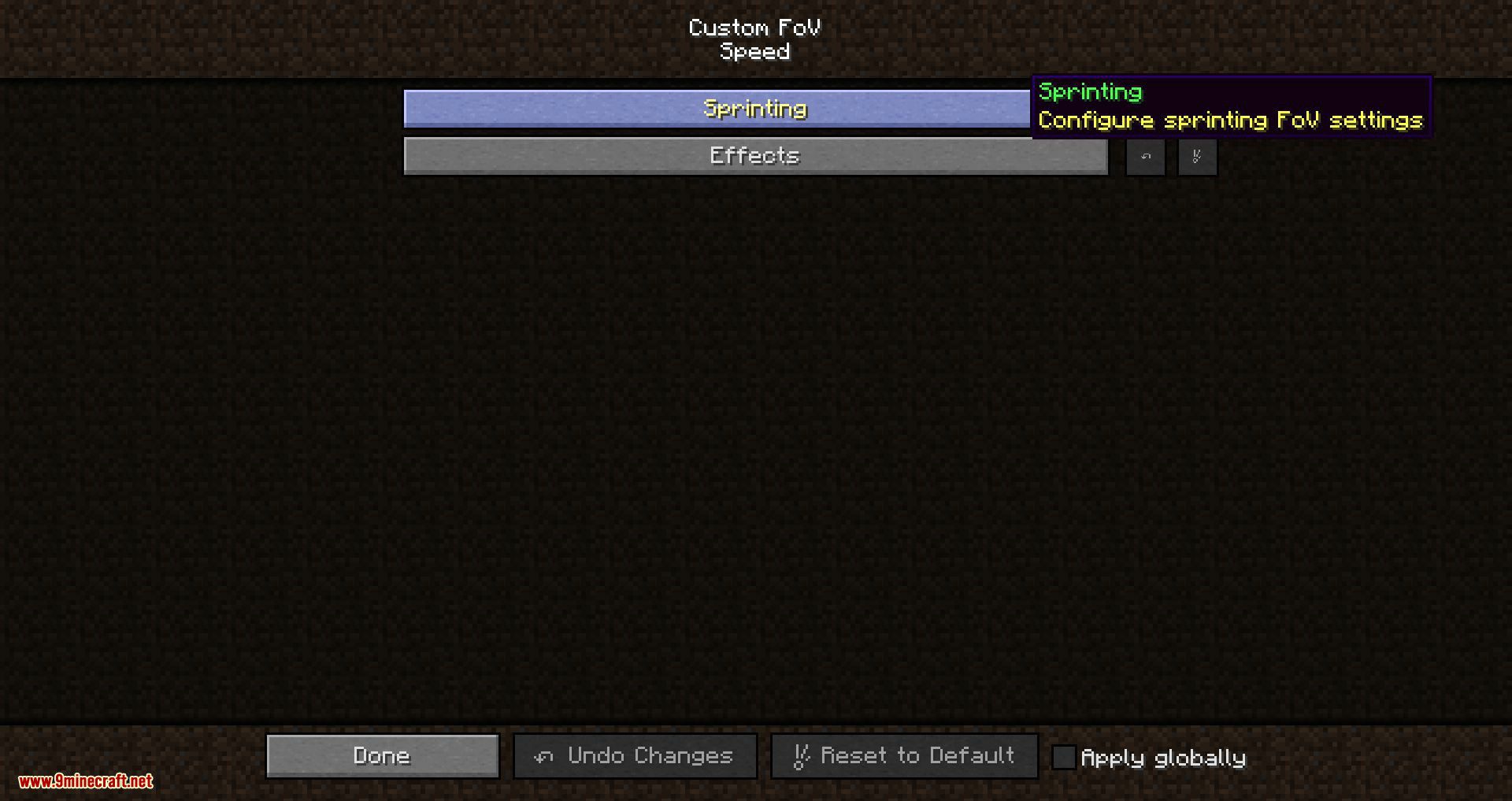
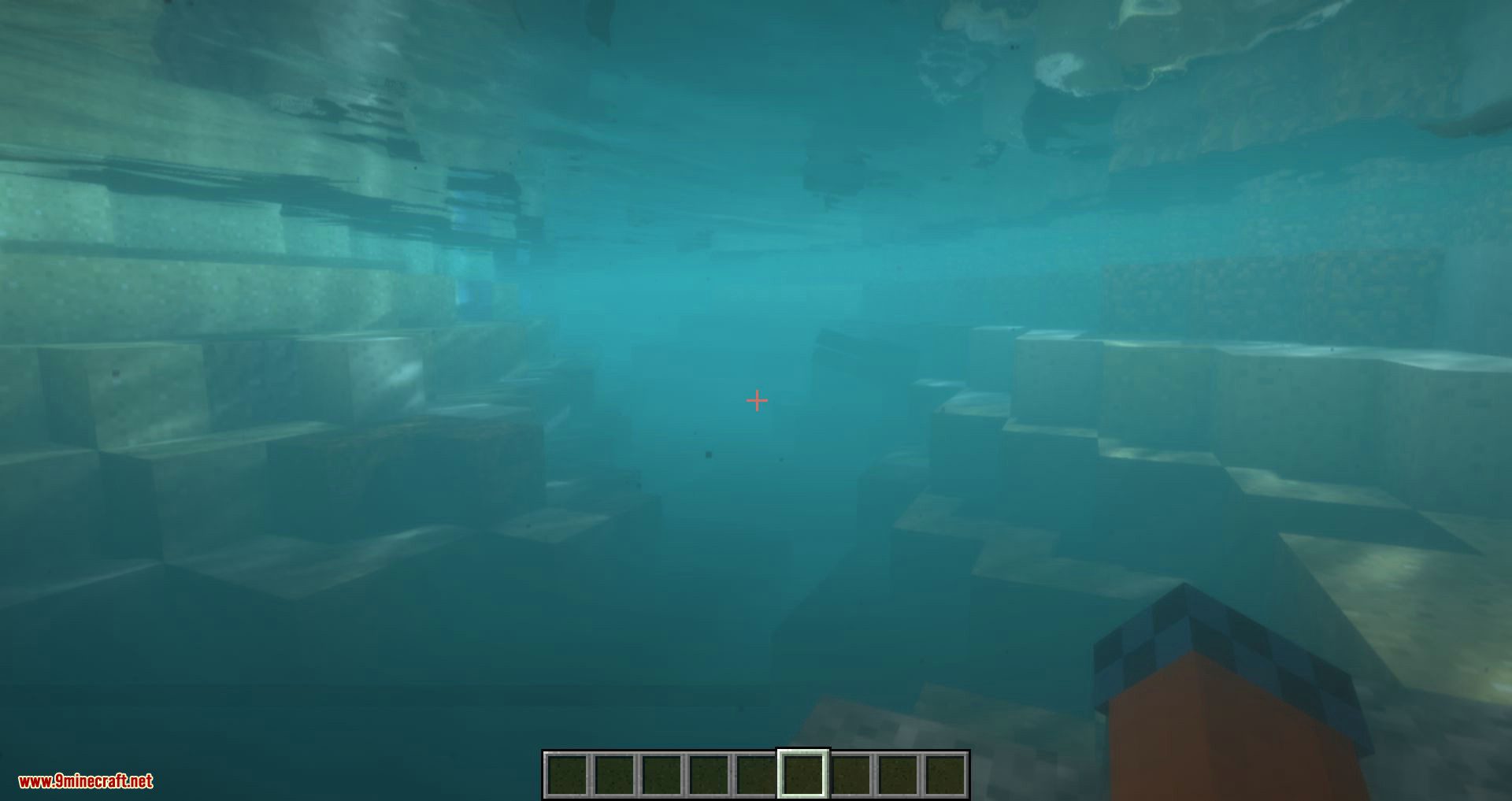
Custom FoV Mod allows players to customize the various field of view settings through the configuration file. This mod is client-side only, so it is not required on the server-side to function. The current settings allow configuration for flying, aiming, underwater, and speed-related field of view changes. The speed-related field of view changes can further be broken down into sprinting and potion effect-related changes.
Features:
- FoV Effect Mode: Allows either all field of view changes, only vanilla field of view changes, only modded field of view changes, or no field of view changes at all.
- FoV Effect Scaling: Allows scaling different field of view changes (speed, sprinting, aiming, flying, submerged) from 0% to 100%. These settings stack with the vanilla “FOV Effects” setting, which controls the scaling for all changes.
Configuration Options:
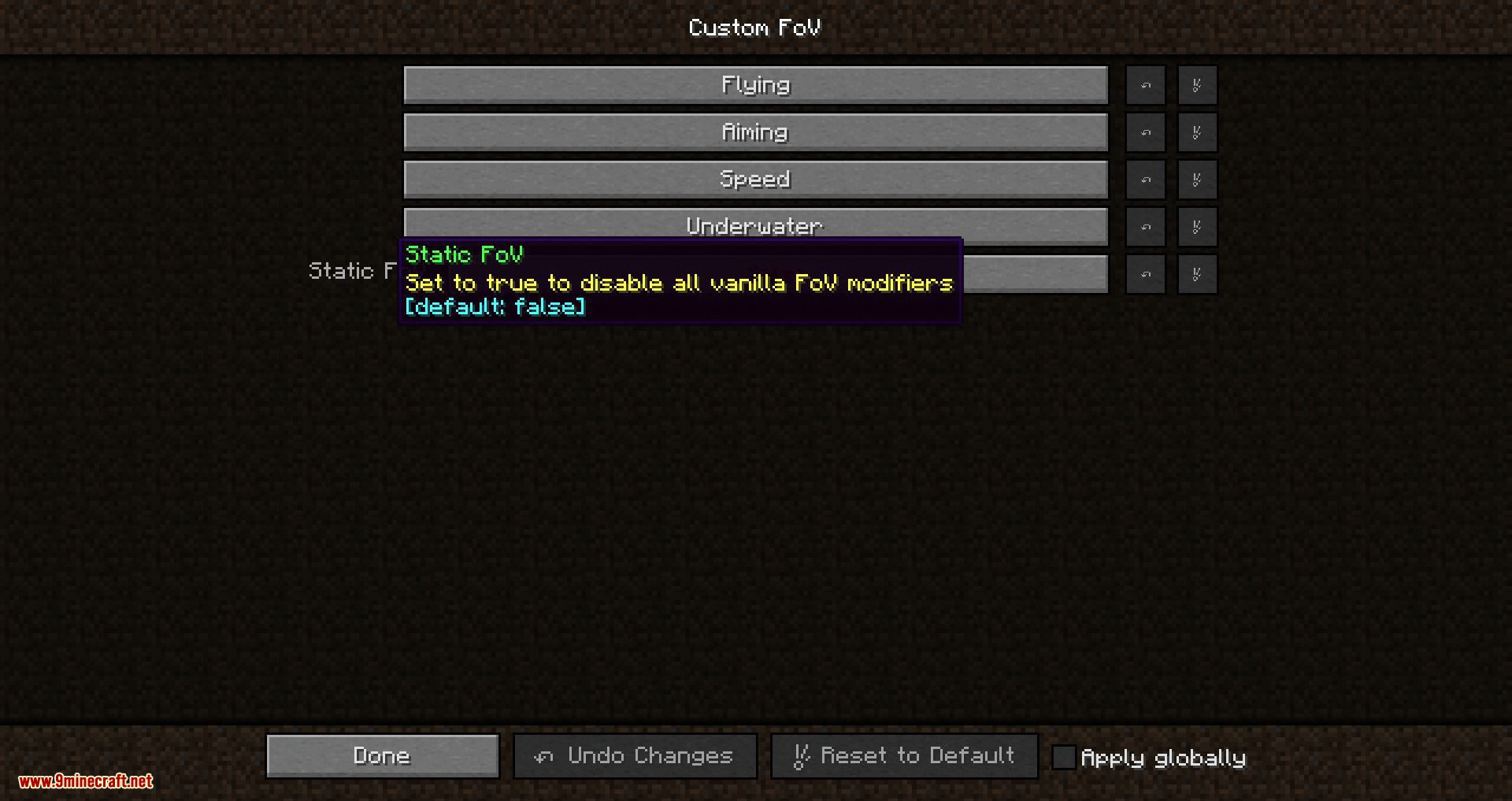
Static FoV:
Disables any and all vanilla field of view changes resulting from flying, aiming, or speed.
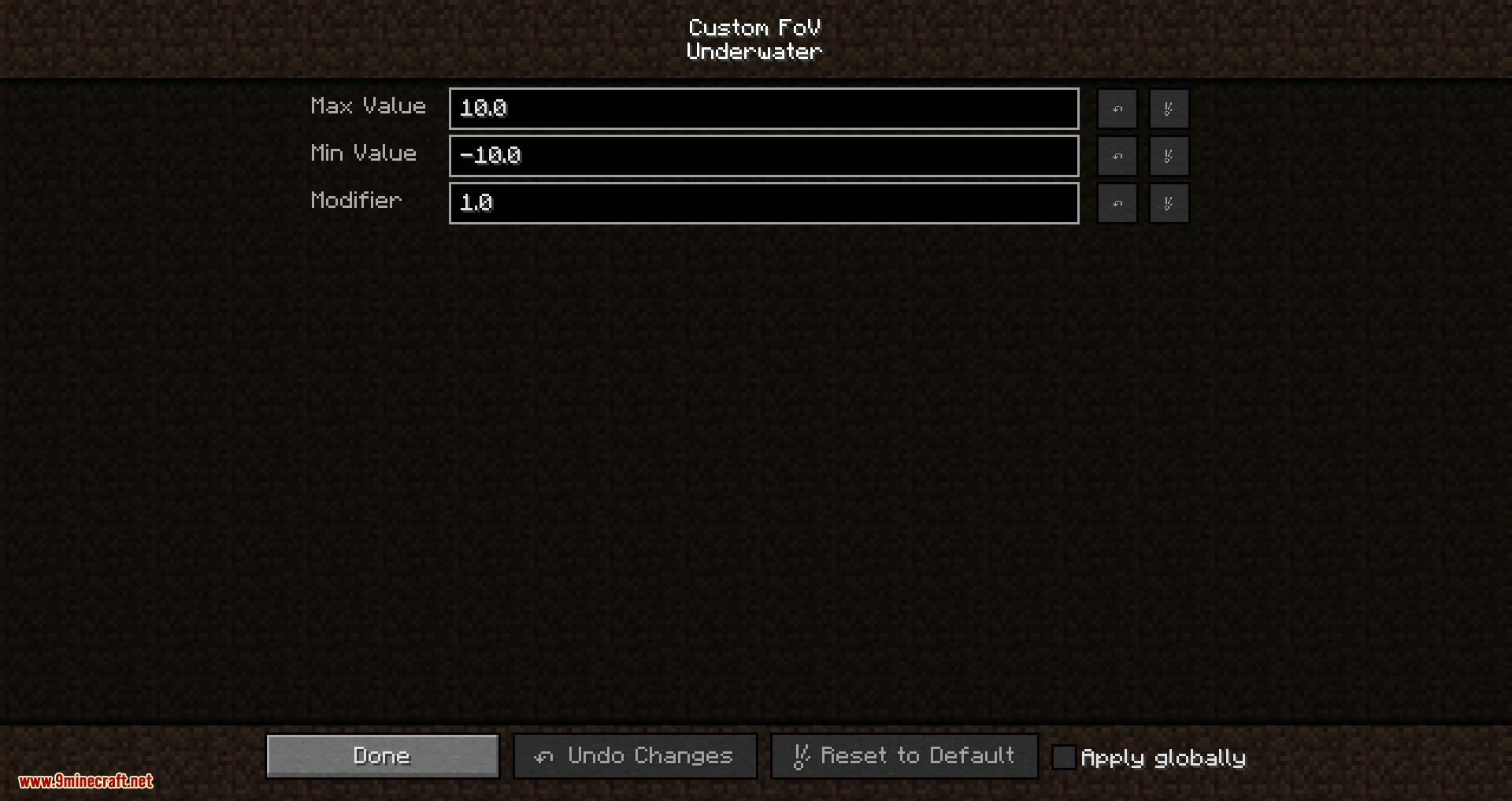
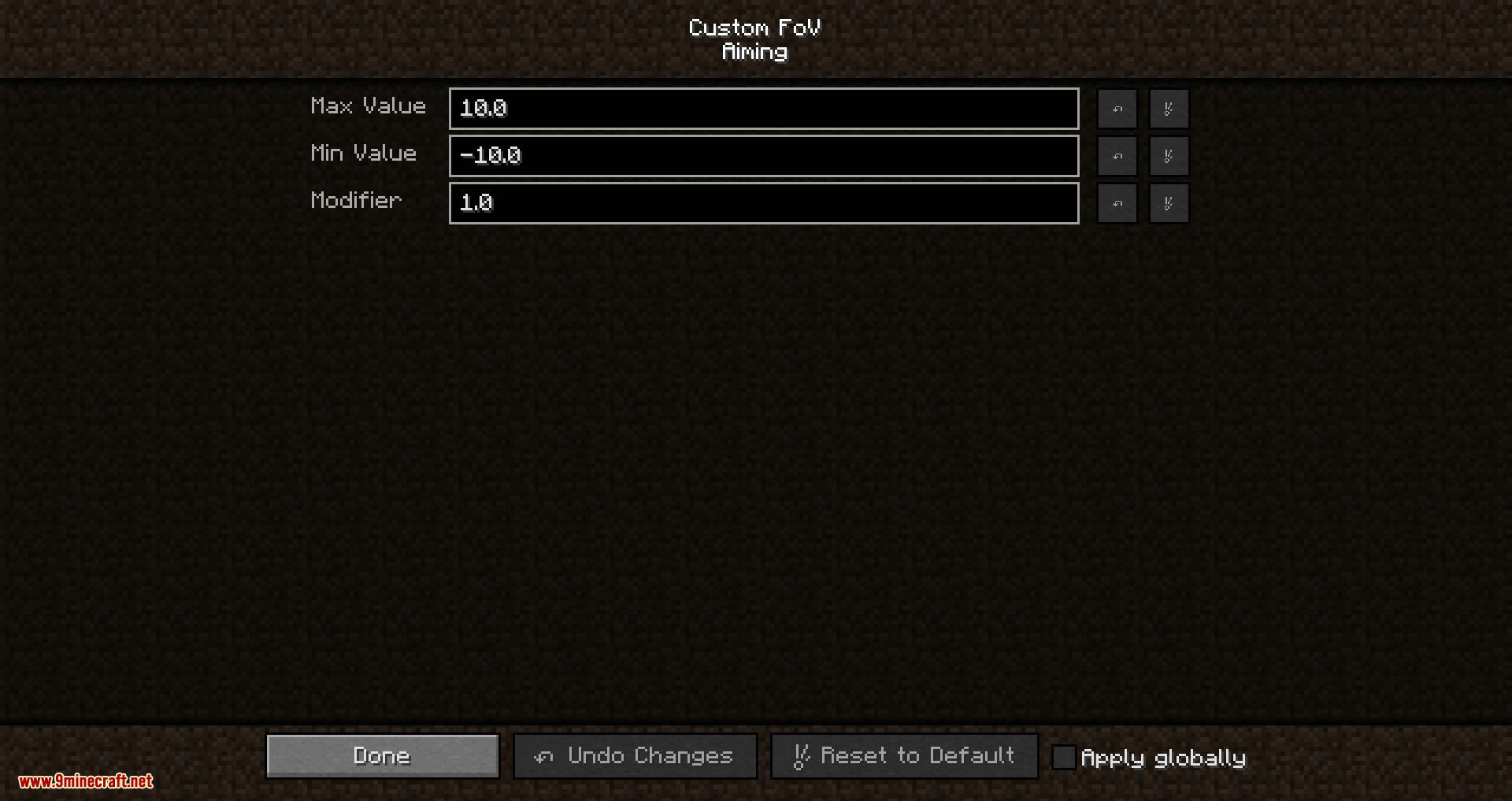
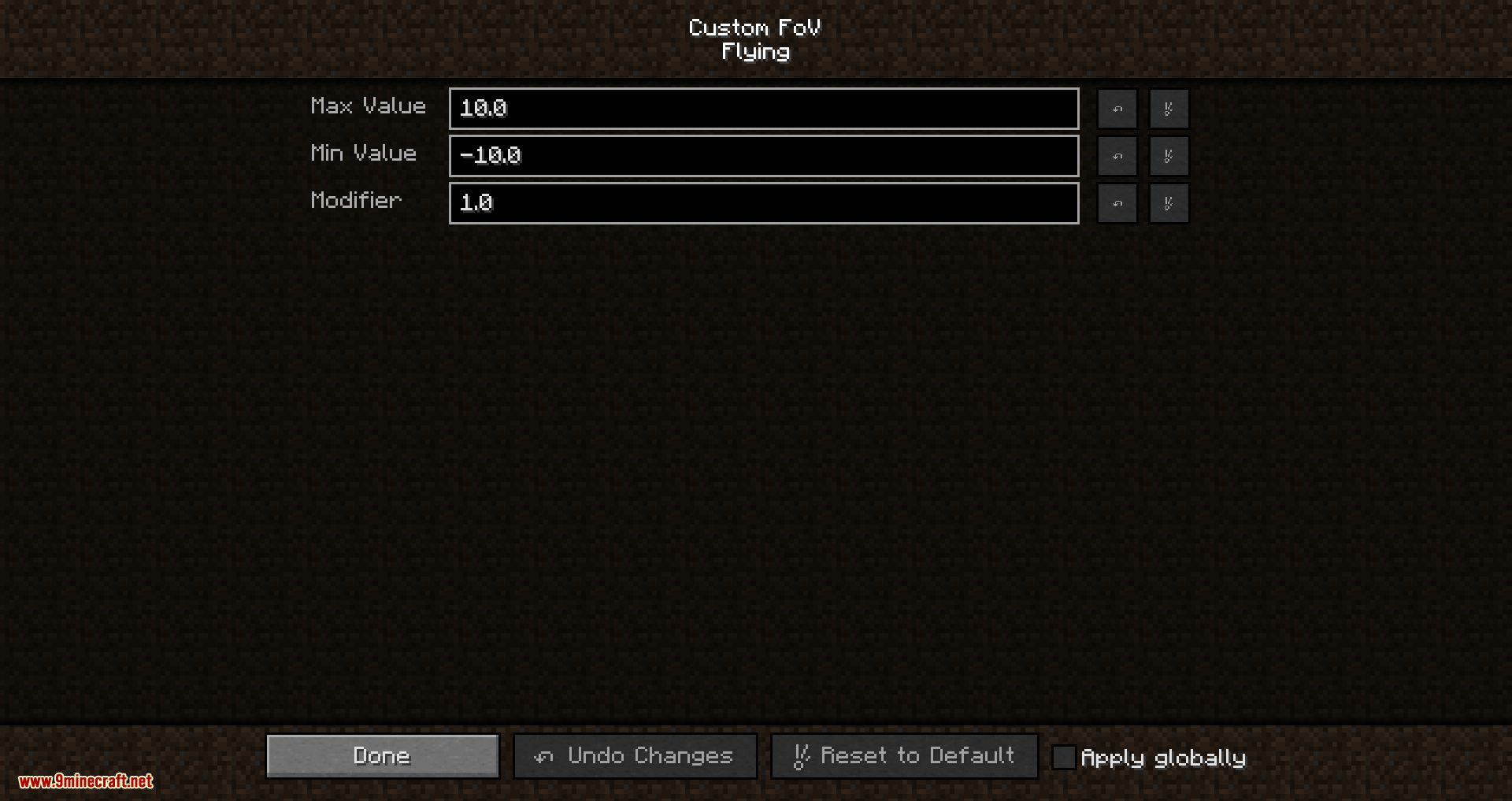
Each of Flying, Aiming, Underwater, and Speed (Sprinting/Effects):
- Modifier – A decimal number to multiply by the original FoV modifier, used to soften or strengthen FoV changes
- Max Value – A decimal number that indicates the maximum FoV value allowed for the FoV modifier.
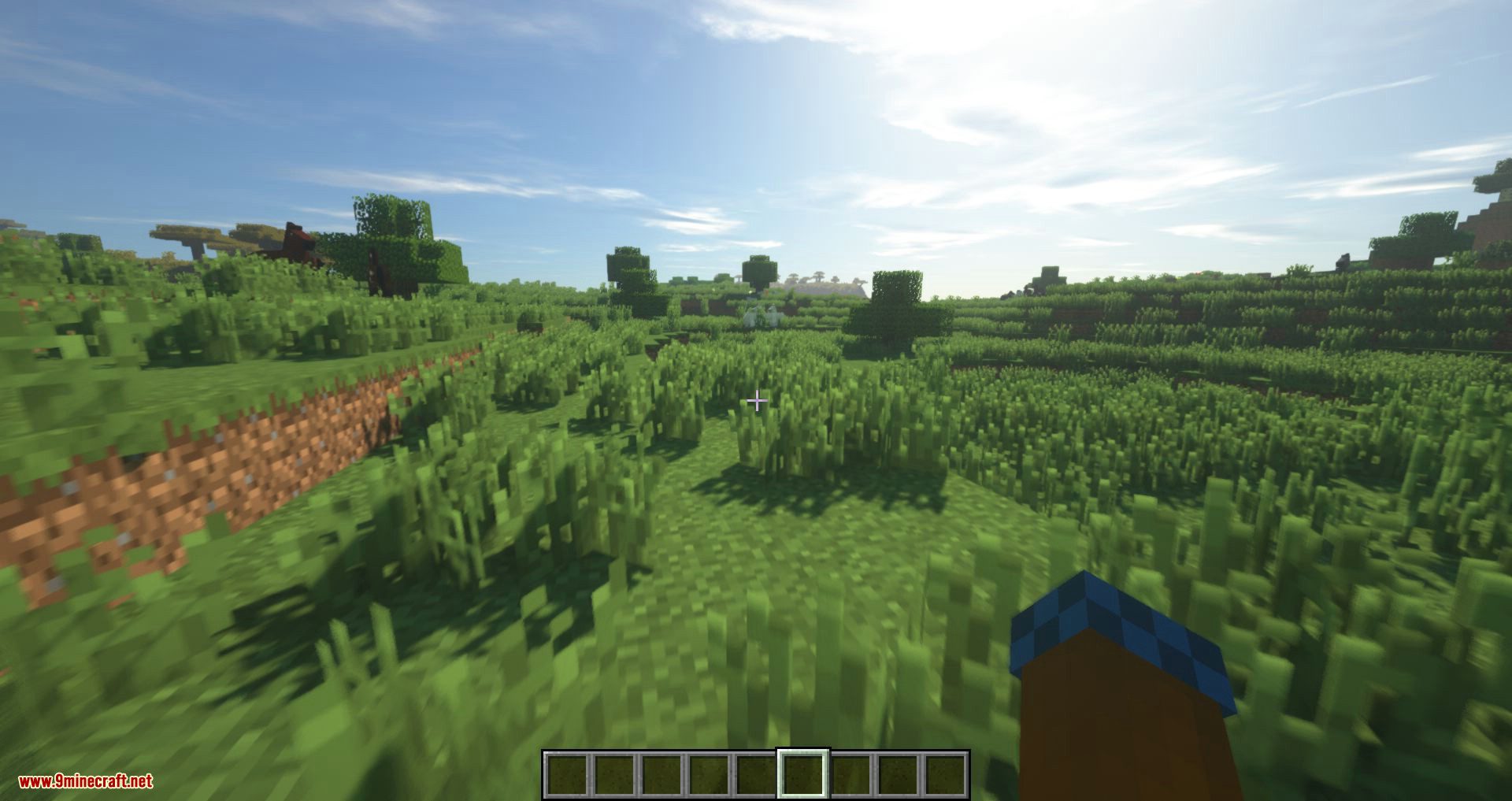
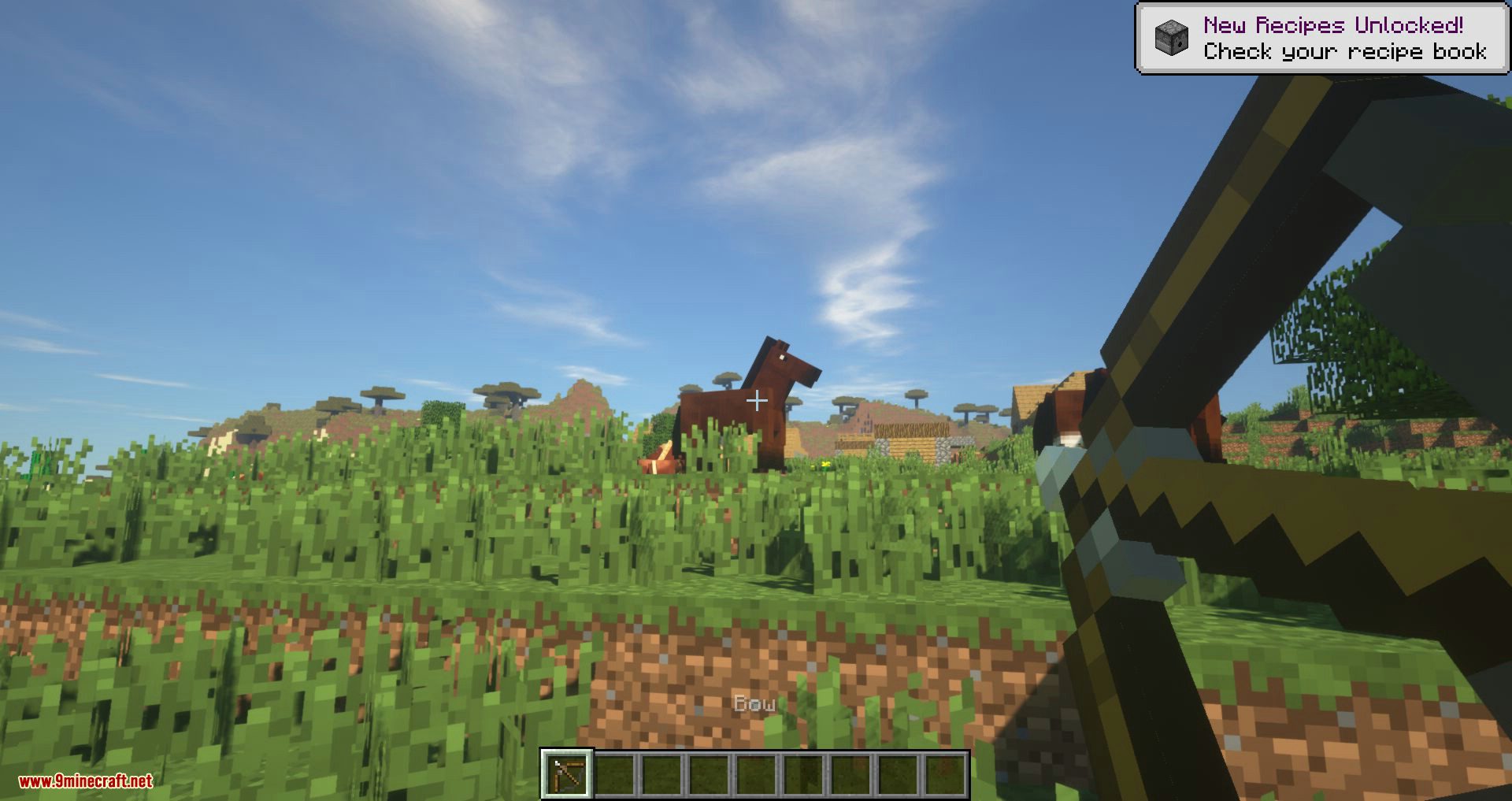
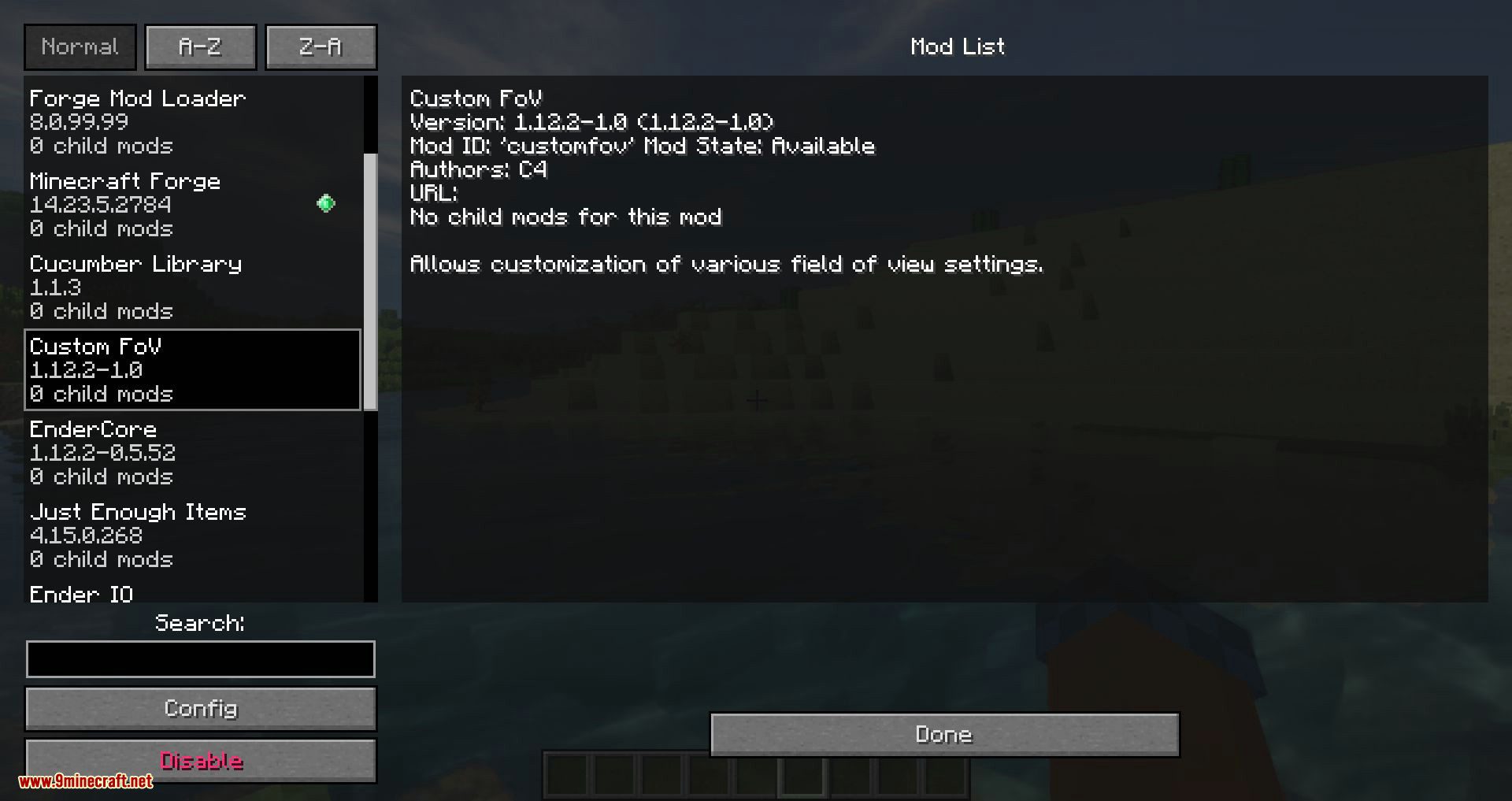
Screenshots:
Custom FoV Mod Download Links
- Edition: Minecraft Java
- File type: .jar
- Minecraft version listed: 1.20.1
- How to install: Install the matching mod loader (Forge, Fabric or NeoForge) for your Minecraft version. → Download the .jar. → Put it in the .minecraft/mods folder and launch that loader profile.
- Where to get it: In MC Java Mods, or directly above on this page.
Install steps are the general flow for this file type — How to install Minecraft Java mods & modpacks walks through it step by step.
Custom FoV Mod (26.3, 1.20.1) – Customization Various Field of View is a free Minecraft Java mod. Compatible with Minecraft 1.20.1. Download it and open it directly in the game.