ModsJava
Friends For Life Mod (1.21.1, 1.20.1) – QoL Pet Control With Collar And Ocarina
Java mod listed for Minecraft 1.20–1.21. Downloads from the MC Java Mods app on Android.
⬇ Download
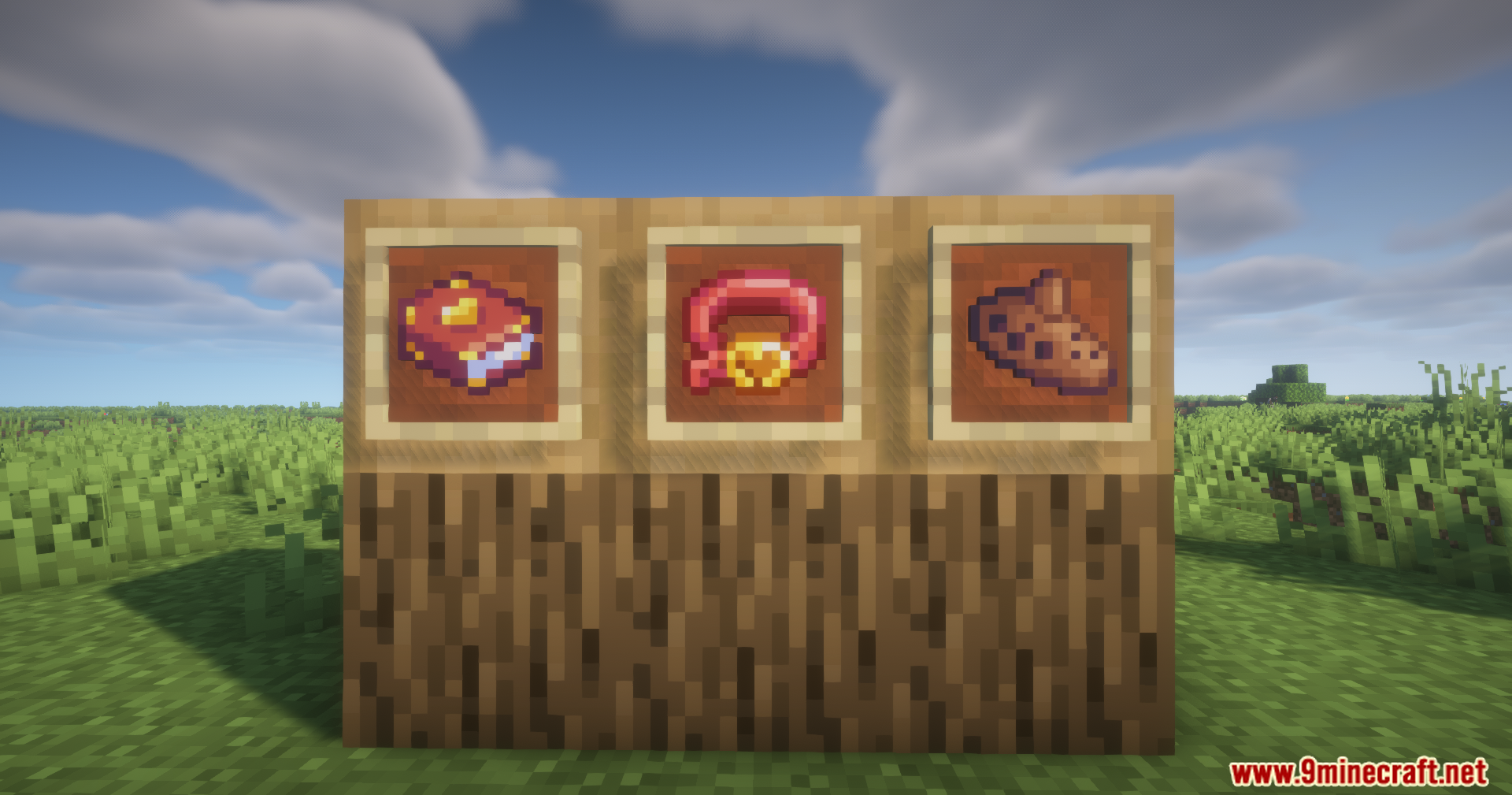
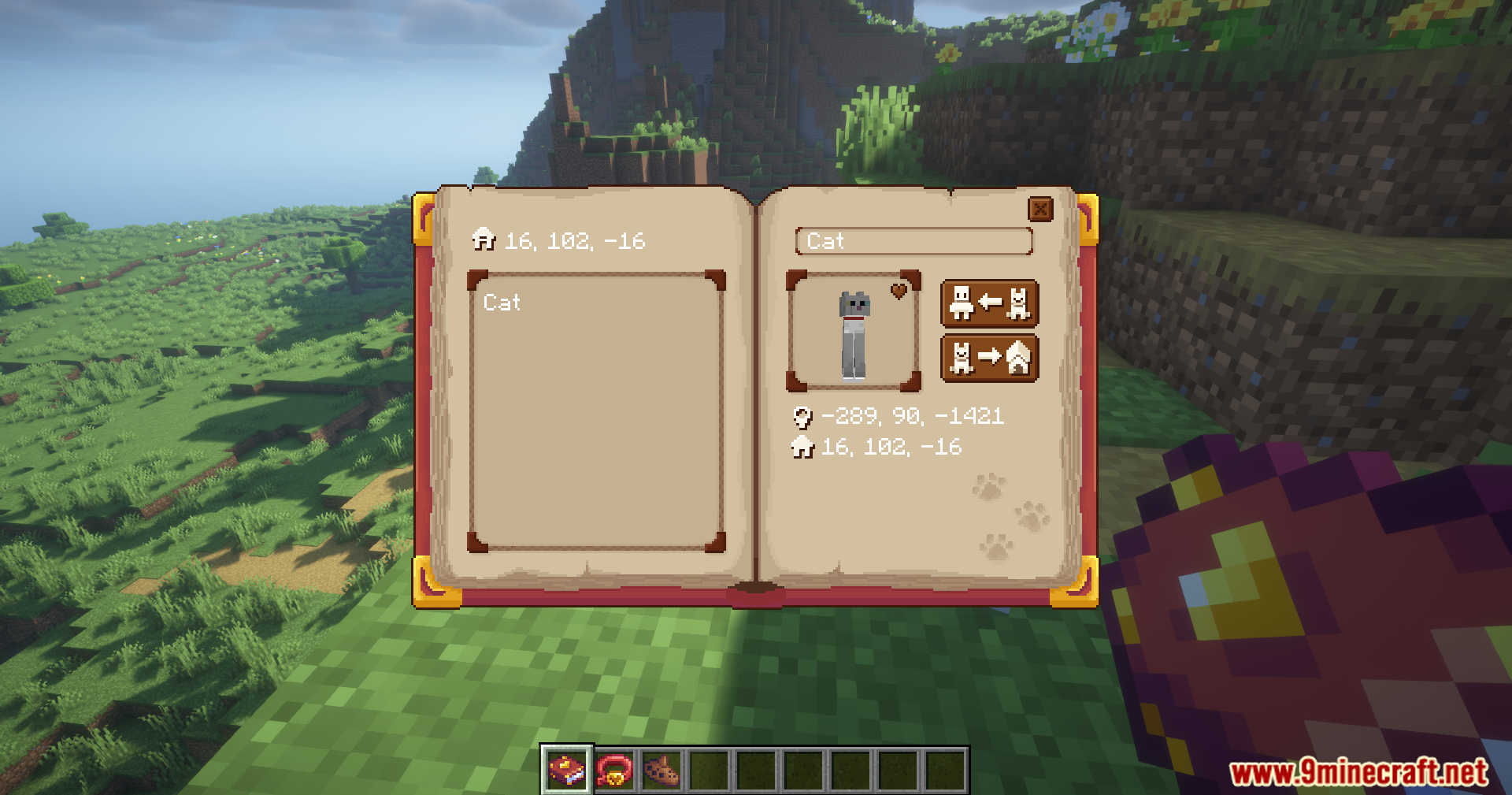
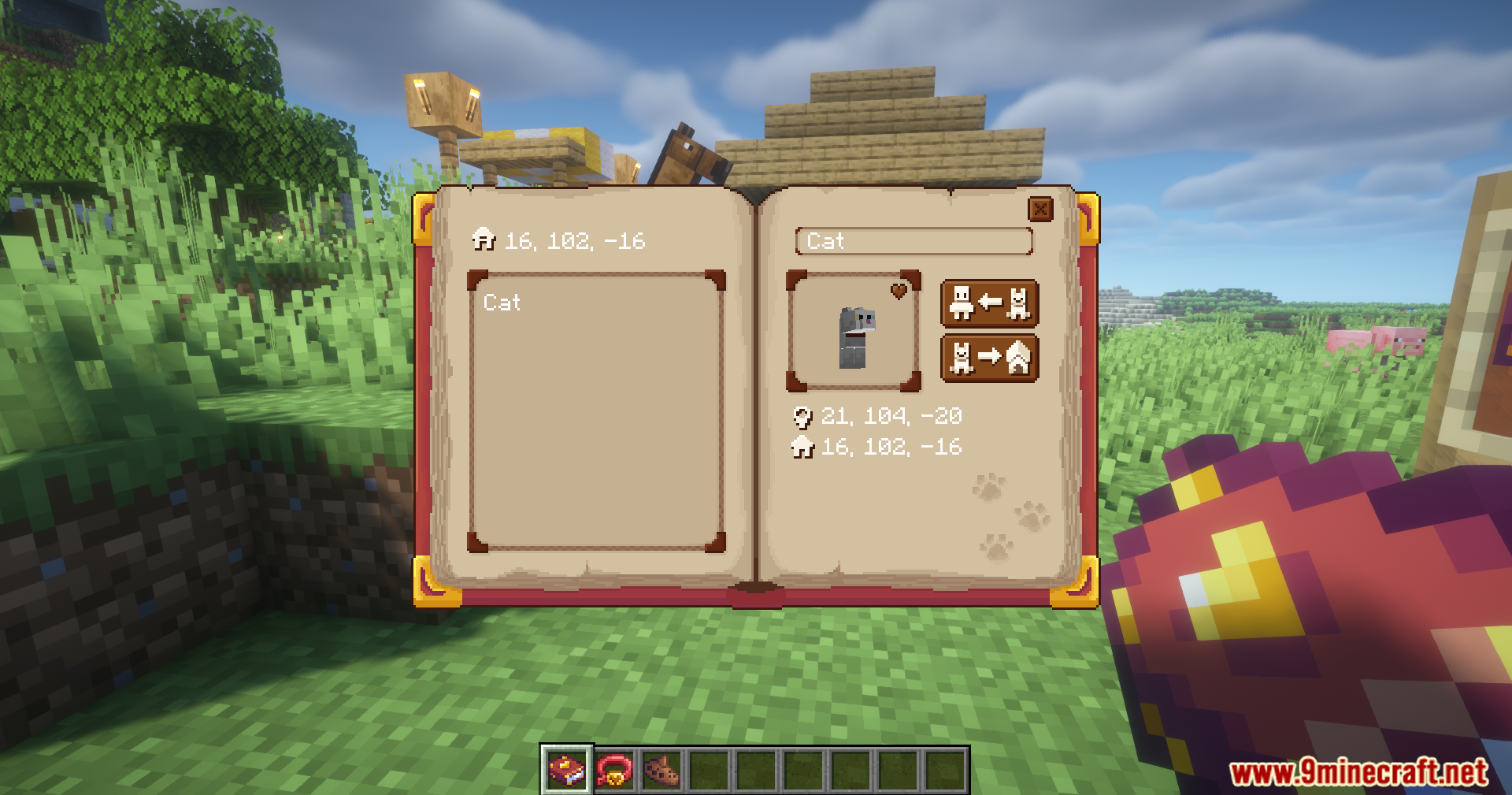
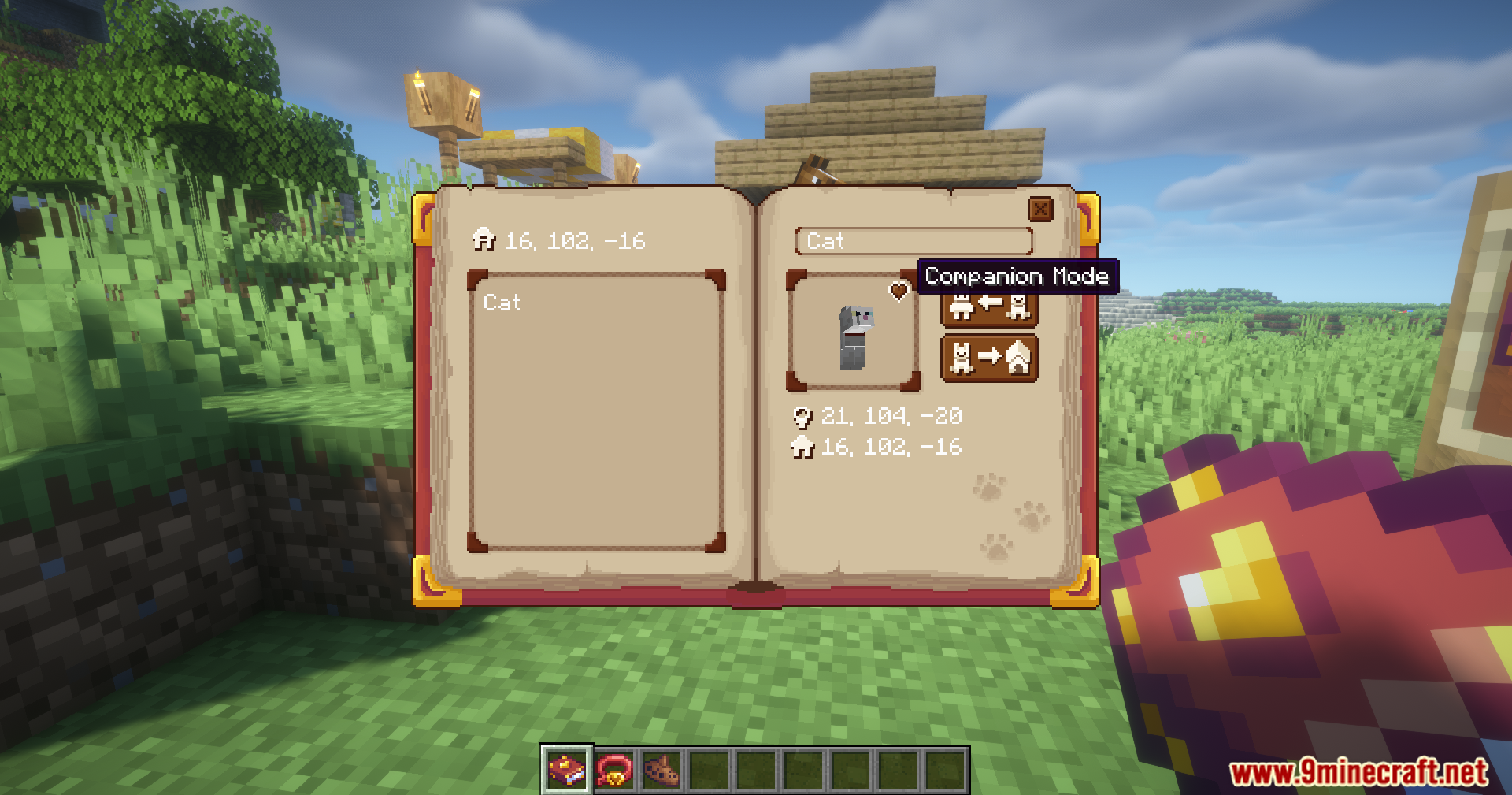
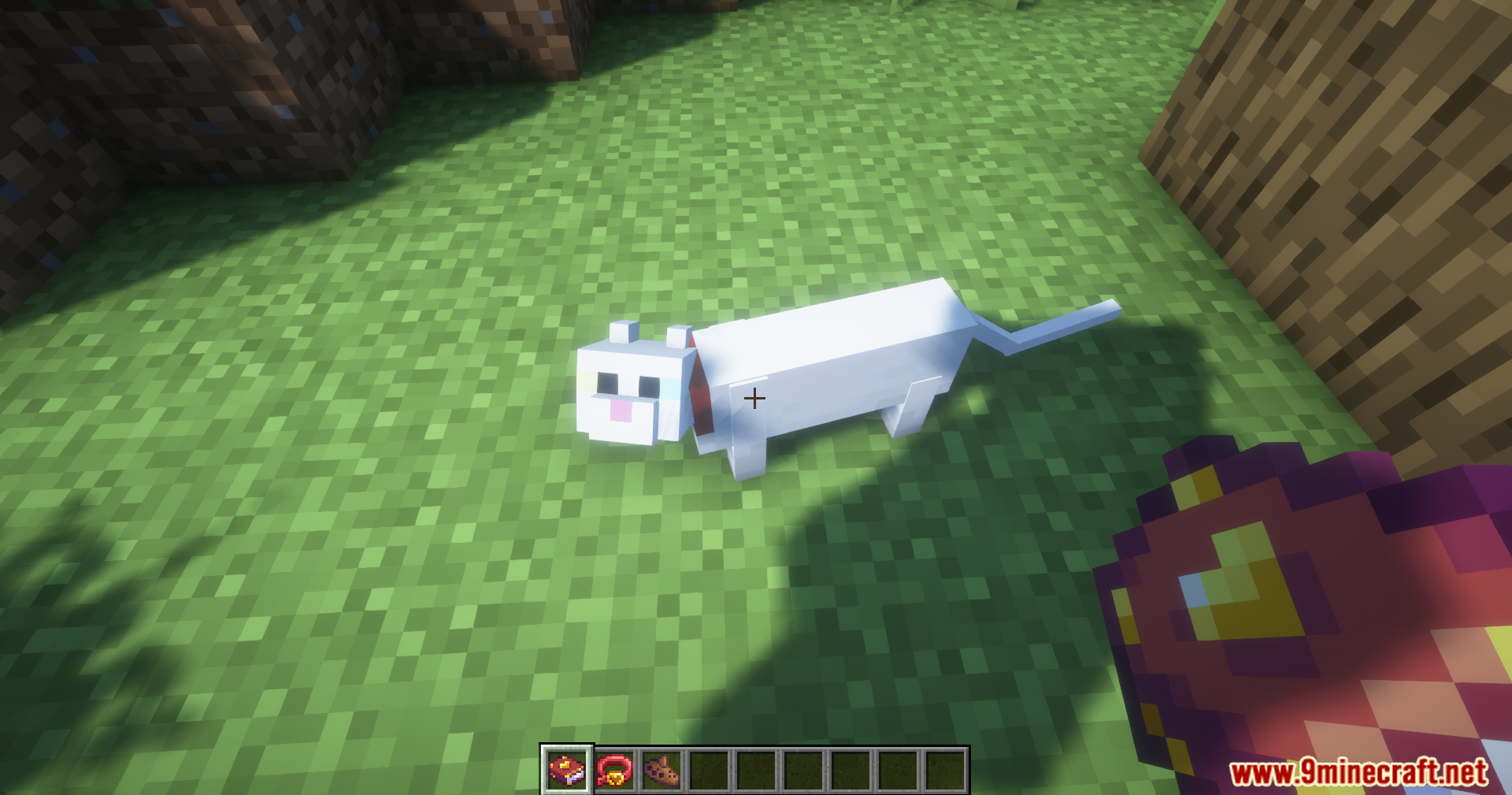
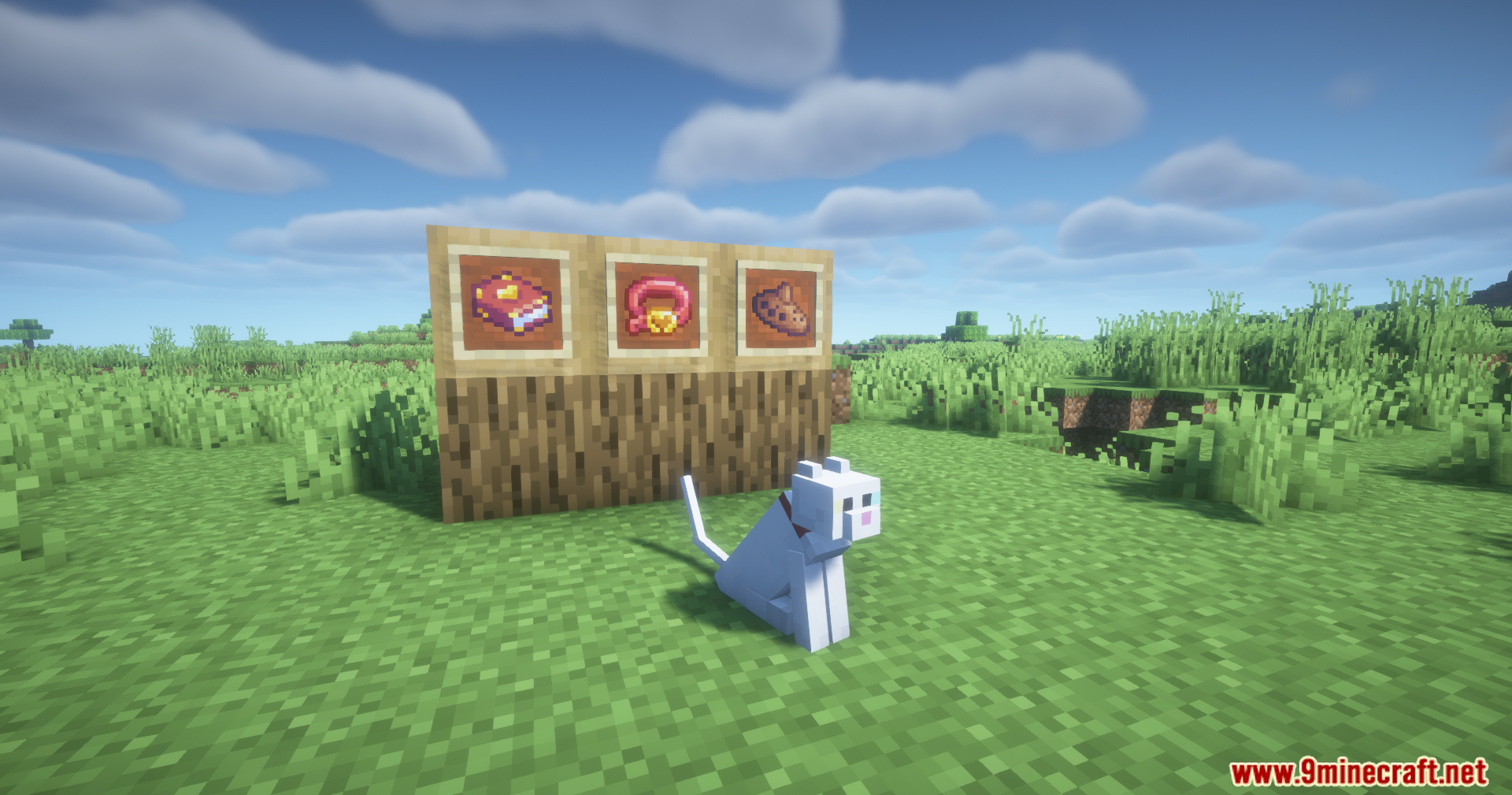
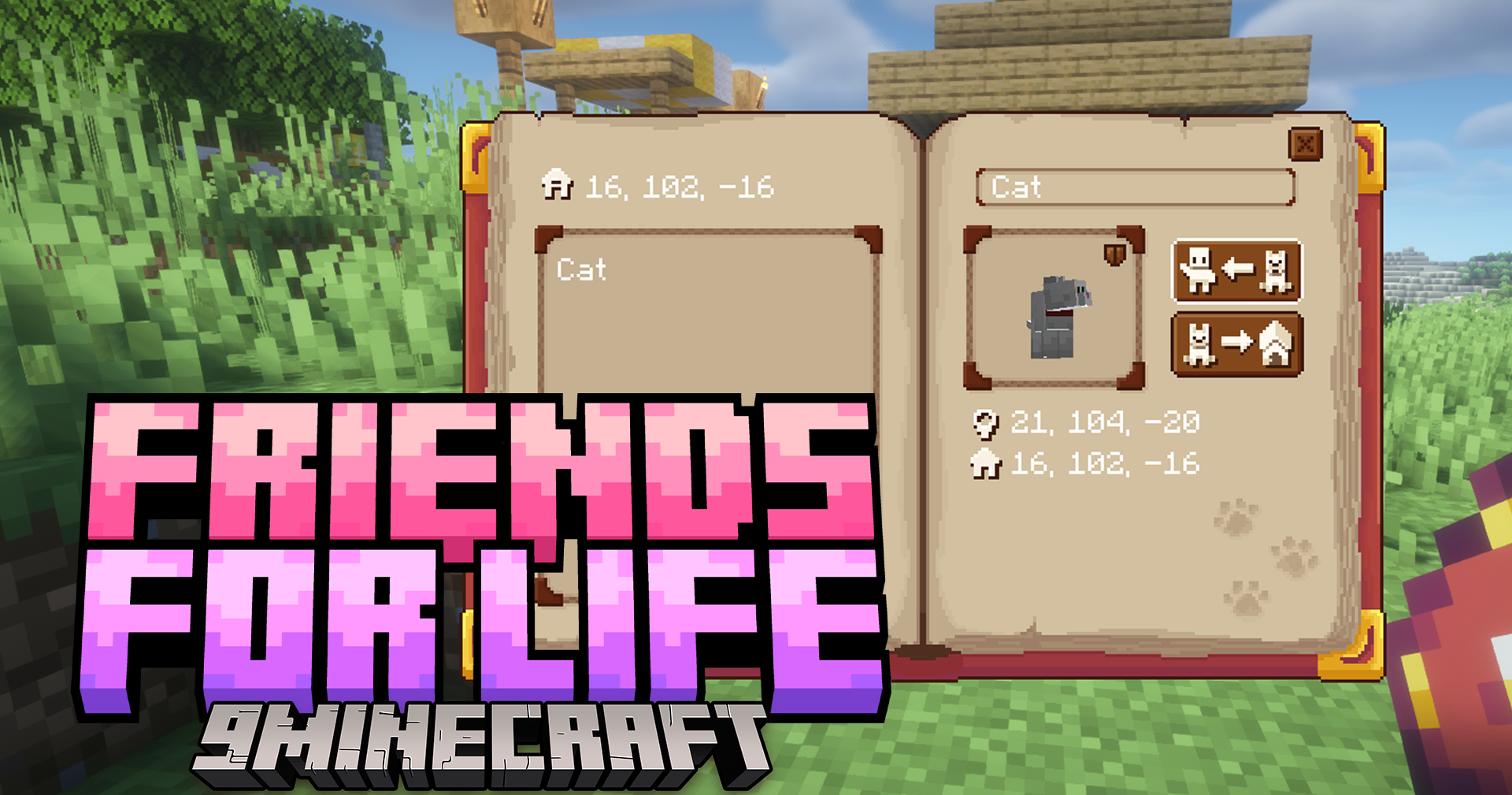
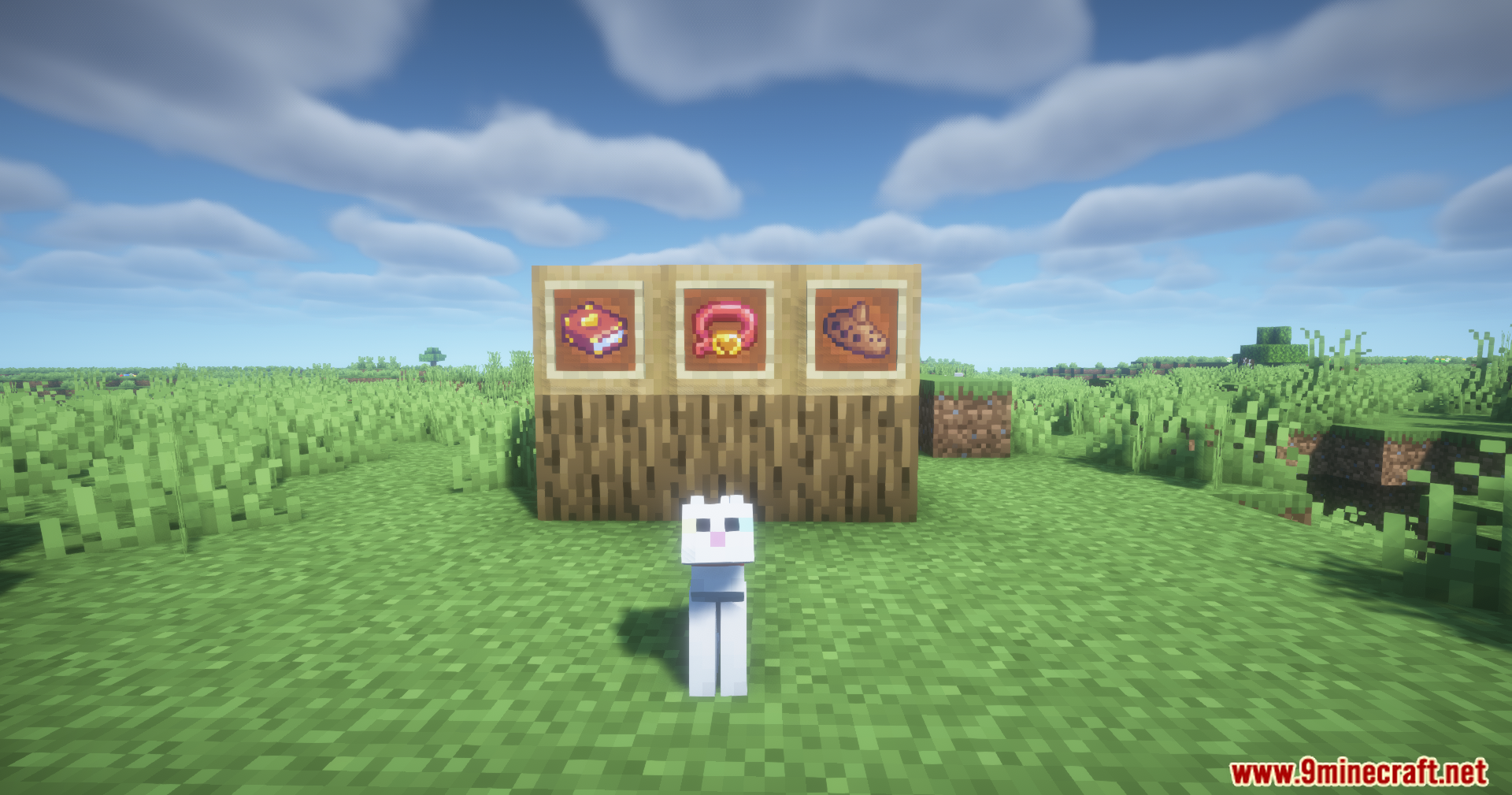
Friends For Life Mod introduces a system built around three items, the Friendship Collar, the Ocarina and the Roster that together allow pets to become invulnerable, gain home points, and be summoned across dimensions.
Features:
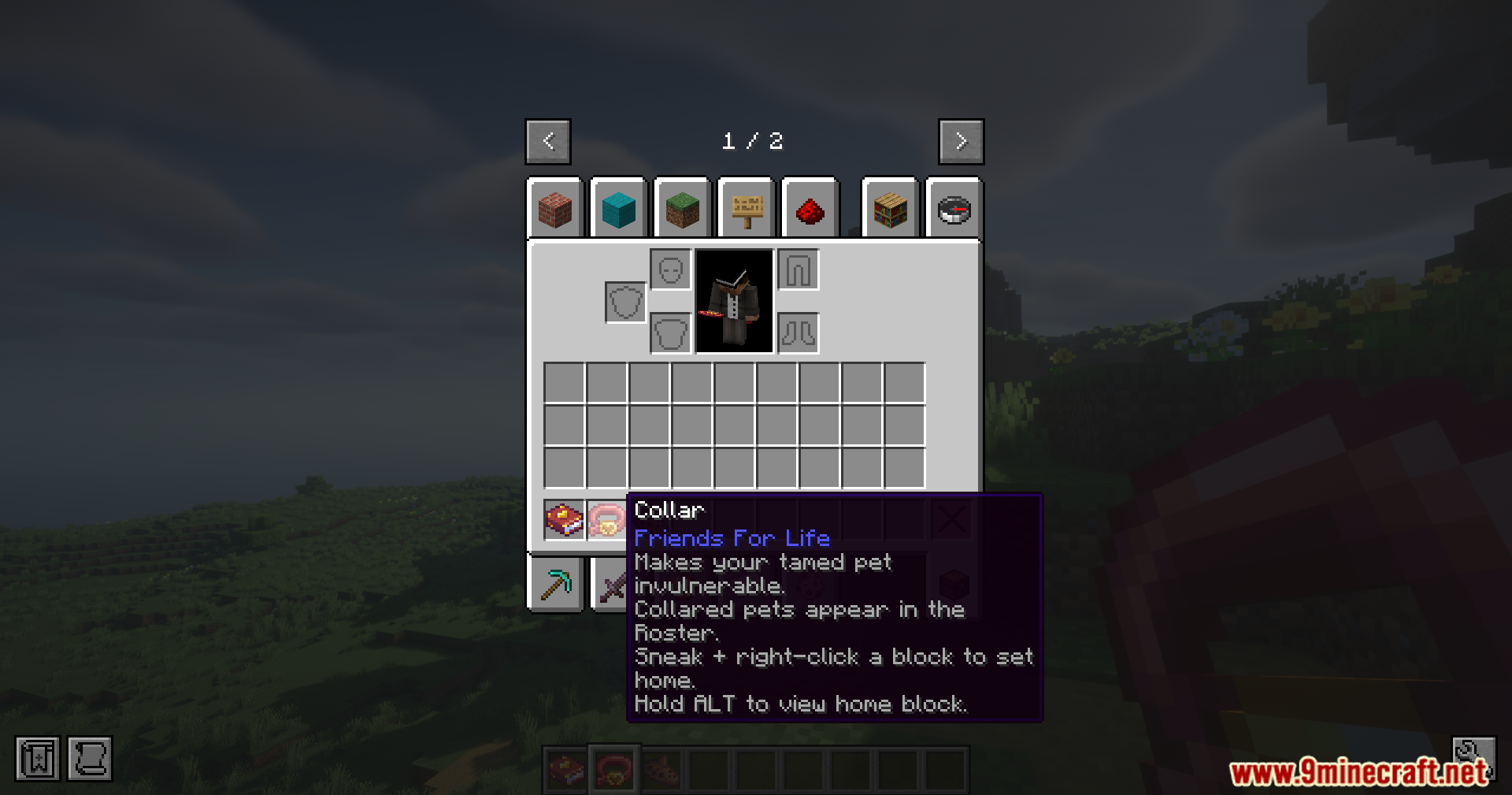
- Adds the Friendship Collar item
- Collar makes a tamed pet invulnerable (except creative/the void)
- Collared pets become “Forever Pets”
- Forever Pets will always respond when called (as stated)
- Sneak + Right-Click with the Collar registers a home point to the targeted block
- Collared pets return to their set home when sent home
- Pets wander around their home location instead of sitting in one spot
- Collared pets are registered in the Roster
- Adds the Ocarina item
- Ocarina can be bound to a Forever Pet via Sneak + Right-Click
- Playing the Ocarina summons the bound Forever Pet to your location
- Summoning works across dimensions
- Sneak + Right-Click with the Ocarina sends the pet home
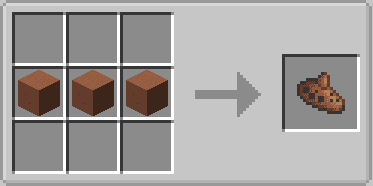
- Ocarina supports 17 different color options using Terracotta blocks
- Adds the Roster item
- Roster lists all Forever Pets
- Roster shows pet stats
- Roster shows current pet location
- Roster shows home location
- Roster can summon pets
- Roster can send pets home
- Roster has a keybind to open (default: P)
- Sneak + Right-Click with the Roster sets a default Home location for all Forever Pets
- If no unique home is set, pets return to the default Home location
- If no Home location is set, pets return to the player’s respawn point
- If no respawn point is set, pets return to world spawn
Screenshots:
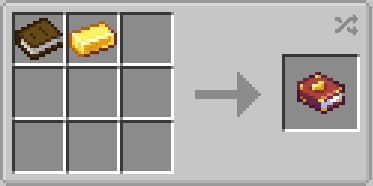
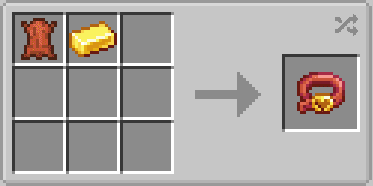
Crafting Recipes:
Friends For Life Mod Download Links
For Minecraft 1.21.1, 1.21
Fabric Version: Download from Server 1 – Download from Server 2
NeoForge Version: Download from Server 1 – Download from Server 2
For Minecraft 1.20.1, 1.20
Fabric Version: Download from Server 1 – Download from Server 2
Quick facts
- Edition: Minecraft Java
- File type: .jar
- Minecraft versions listed: 1.21.1, 1.20.1
- How to install: Install the matching mod loader (Forge, Fabric or NeoForge) for your Minecraft version. → Download the .jar. → Put it in the .minecraft/mods folder and launch that loader profile.
- Where to get it: In MC Java Mods, or directly above on this page.
Install steps are the general flow for this file type — How to install Minecraft Java mods & modpacks walks through it step by step.
File checked by MCModsHub
- Downloads as 174831.mcaddon
- Download size: 259 KB
- Download link checked 25 Jul 2026 — working
- Mirrored on our own servers — the download does not depend on the original host
These come from our own check of the pack file, not from the source page.